
Update Reign safely
How updates arrive, what to do before one, and why a child theme is the difference between a safe update and a lost afternoon.
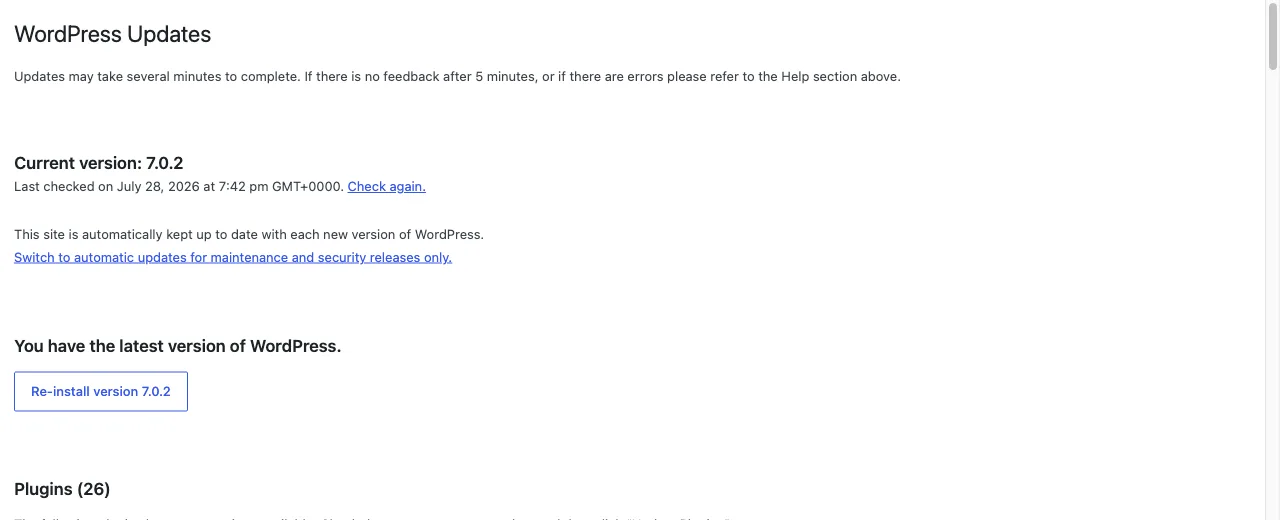
Reign updates through the normal WordPress Updates screen once your licence is active. Without a licence, no update notice appears and you have to upload a new zip by hand.
Before you update
Take a backup. Database and files. Every update guide says this and it is still the step people skip.
Check you are on a child theme, or that you have not edited theme files. This
is the one that actually bites. Any edit made directly to a file inside
reign-theme is overwritten by the update, with no warning and no way back other
than your backup.
Reign Settings > Tools tells you whether a child theme is active, under System status. If it says No and you have customised files, stop and move that work into a child theme first. Tools has a Download child theme button.
Settings are safe. Everything you configured in the Customizer or Reign Settings lives in the database, not in theme files, so updates do not touch it.
Update on staging first if you have one, particularly on a site with add-ons or a community platform.
Update
- Go to Dashboard > Updates, or Appearance > Themes.
- Update Reign.
- Load the front end and check the header, a member screen and a page with your main content type.
If you run Reign add-ons, update them in the same sitting. An add-on built for the previous major version can misbehave against a new one.
After a major update
A major version can add settings that did not exist before, and Reign applies sensible defaults for them. If colours look different after an 8.0 update, Reign Settings > Tools has Re-run 8.0.0 setup, which re-applies the 8.0.0 colour defaults while preserving your saved settings. The screen tells you if the migration already ran.
Updating by hand
If you are not using a licence key:
- Download the current zip from your account.
- Go to Appearance > Themes > Add New > Upload Theme.
- Upload the zip. WordPress asks what to do about the existing copy. Choose to replace it.
You can also upload the unzipped folder over SFTP, replacing
wp-content/themes/reign-theme. Delete the old folder rather than merging into
it, so files removed in the new version do not linger.
Rolling back
If an update causes a problem, install the previous version the same way you would install by hand, using the older zip from your account. Then open a ticket with your System status from Reign Settings > Tools and a description of what broke, so the cause gets fixed rather than avoided.