REIGN
Get Reign

Course community

Build a course community on WordPress - 4 LMS engines

A WordPress course community where students enrol, complete lessons and talk in the feed. Learnomy is the free way in and Reign styles it directly. If you already run LearnDash, LifterLMS or Tutor LMS, keep the engine: each has a matching Reign add-on, and each has its own build guide.

Key takeaways

  • Starting with no LMS: use Learnomy. It is free, it comes from the team that builds Reign, and it needs no add-on for styling.
  • Already running LearnDash, LifterLMS or Tutor LMS: keep it and add the matching Reign add-on. Your course data stays where it is.
  • Whichever engine you use, BuddyNext adds the community around the lessons on the same login.
  • Reign is the one purchase, a flat theme licence with no per-member fee and no share of your sales.

What it looks like on Reign

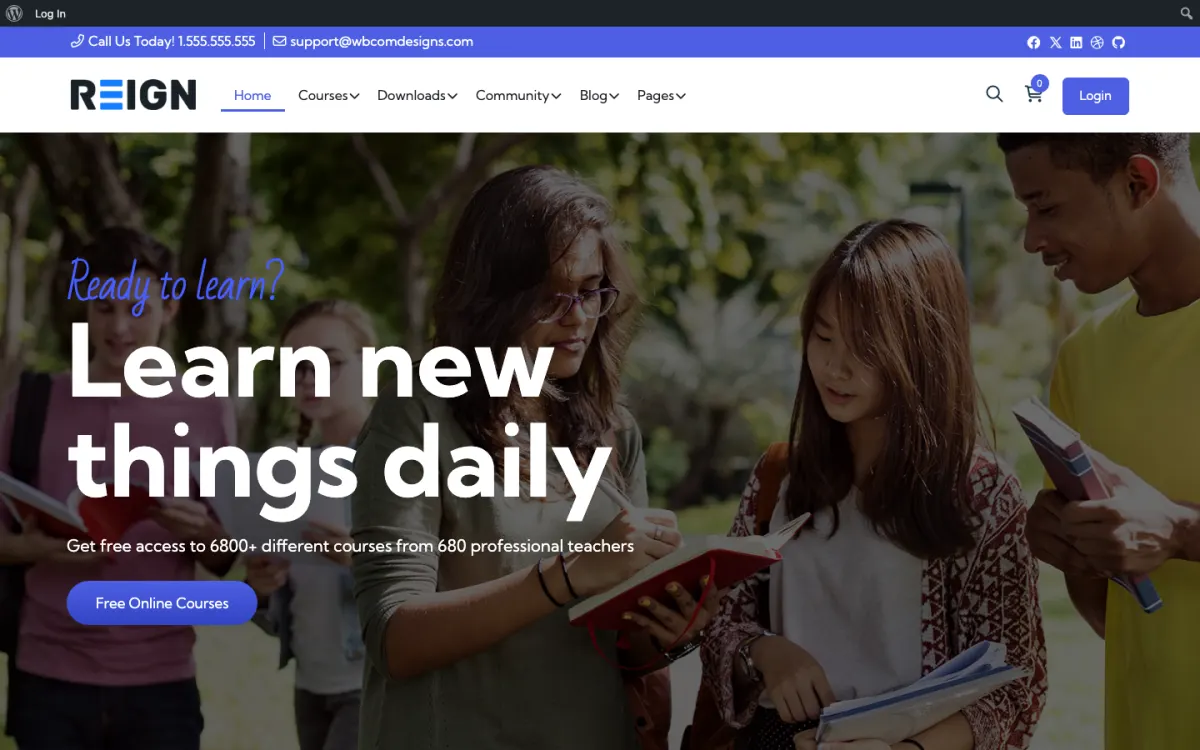
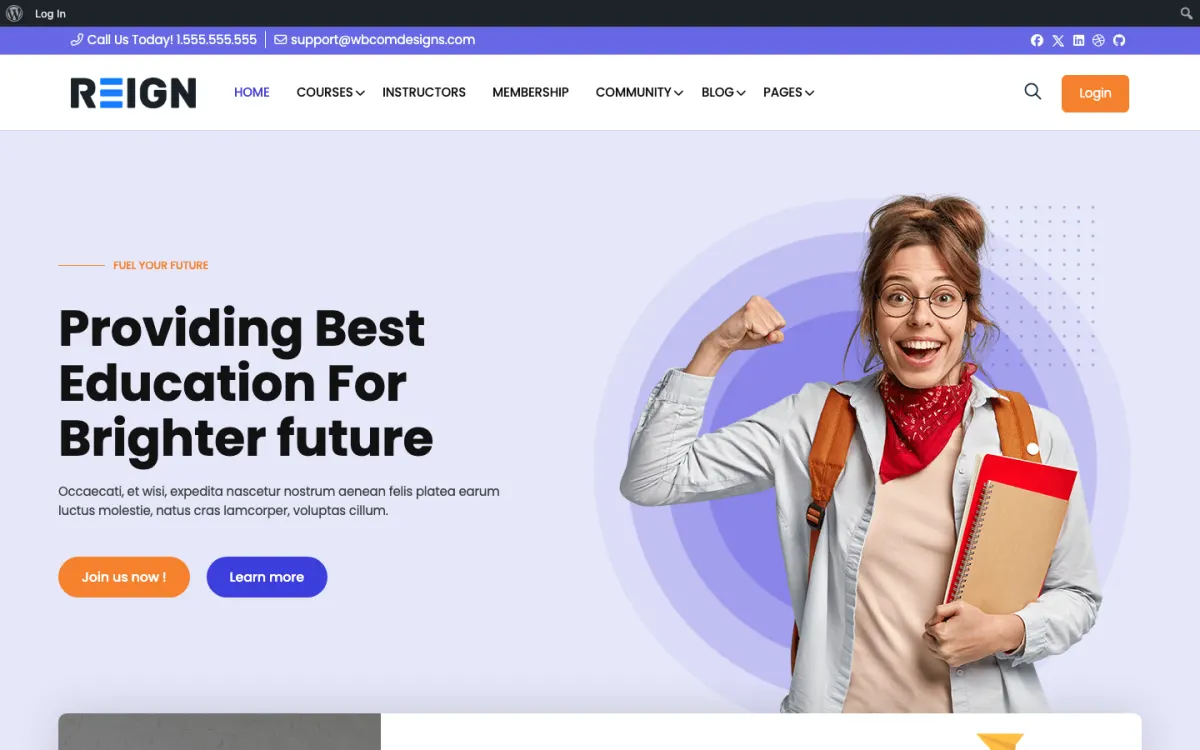
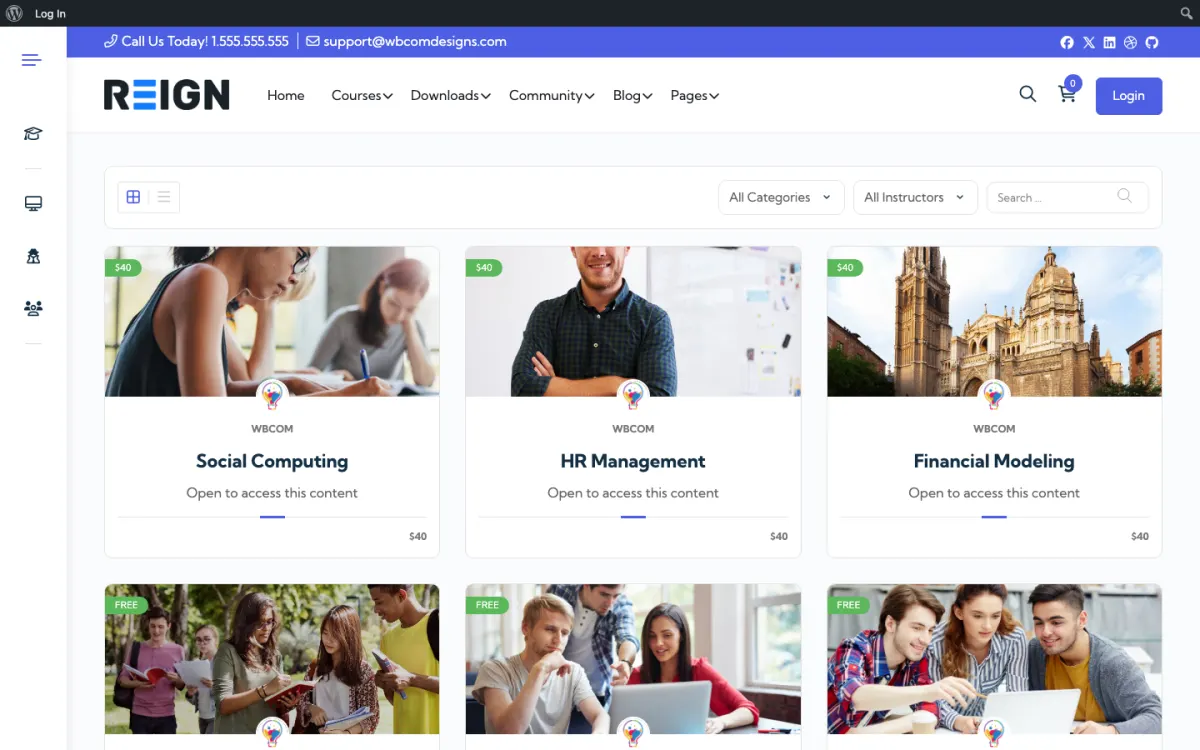
Screens from the live demos, with sample content. Open any of them and click around.

Which LMS should I use for a course community?

Start with the question of whether you already run an LMS. If you do, keep it. Moving a live course catalog costs time and risks student progress, and students gain nothing from it. Reign has a matching add-on for each of the three, so the engine you have is not a reason to rebuild.

If you are starting from nothing, Learnomy is the one to try first. It is ours, it installs free and it covers courses, lessons, quizzes, certificates, Stripe and PayPal checkout, memberships and coupons. Because it shares WordPress accounts with BuddyNext and Jetonomy, a student is the same person in the course, the feed and the Q&A space. Drip content, assignments, grading, cohorts and instructor payouts are in Learnomy Pro for when you need them.

The honest limit is track record. LearnDash, LifterLMS and Tutor LMS have been in use for longer and each has its own add-on ecosystem. If your course depends on a specific add-on from one of them, check it before choosing.

What every course community needs around the lessons

Lessons on their own make a course library. What makes it a community is the conversation around them. BuddyNext adds profiles, a feed, spaces and notifications, so a student can post what they learned and see what others posted. Create one space per course or cohort and students land in a room that matches what they are studying.

Questions need a different tool from the feed. Jetonomy gives you Q&A with accepted answers and voting, so the best reply to a question stays findable. Direct messages work through WPMediaVerse, which also lets students share work as photos and video.

All of this runs on one login, and none of it depends on which LMS you picked. That is the point of the stack: the engine is a choice, the community layer is the same.

How to set up any of the four, step by step

The path is the same for all four. Install Reign, then run the free Reign Demo Installer and import the demo closest to your school. The demos page lists several built on LearnDash, LifterLMS and Tutor LMS, and you can use any of them as a layout and menu starting point. Replace the sample content with your own.

Next, activate your course engine, and if it is a third-party one, the matching Reign add-on. Then activate BuddyNext and create a space per course. Build or import one real course and run a test student through it before you open enrolment. Add Jetonomy for Q&A when students start asking questions.

Each build guide has the engine-specific steps and checks. Read the one for your engine before you start, and read the demos page to pick a layout.

When another build fits better

If your product is a subscription that opens courses and a community, the membership site build is closer. If you sell cohorts with live sessions and one-to-one time, see the coaching platform build. If you only want a community and no courses yet, start with the BuddyNext community build and add Learnomy later on the same login.

For help picking, the start page shows the routes in, and the pricing page explains how the theme and plugin plans are priced.

What the day-to-day looks like once it is running

Whichever engine you pick, the routine around it is the same. The LMS handles enrolment, lessons and progress. You handle the people. Each week, answer the open questions in the Q&A space, clear the report queue in BuddyNext and post one prompt that ties to the current lesson. That is a small amount of work, and it is what makes students feel they joined a school and not a download.

Read the questions as feedback. The lesson that draws the most questions is the one to rewrite or split, and a quiz nobody passes usually points to a lesson that needs another example. Pin the best accepted answers at the top of the course space so new students find them first. Over time these answers become a second layer of course material that you did not have to write twice.

Keep a simple follow-up routine as well. A welcome message on enrolment, a nudge to students who have not opened a lesson and a note when they finish are enough. Use the email or CRM tool you already have. The follow-up is often the difference between a student who completes and one who drifts away.

How the stack grows after the first course

Most course communities add pieces over the first year. Live sessions come first for many: Eventonomy gives event pages, recurring dates, RSVPs and attendee management, and it runs on the same login. Student work comes next: MediaVerse adds photo and video uploads with albums and privacy levels, and switches on direct messages. If you want to reward effort, WB Gamification adds points, badges, levels and leaderboards earned from real activity, and every part of it is free.

Paid upgrades come when a limit starts to hurt. Learnomy Pro adds drip content, assignments, grading, cohorts, subscription management and instructor payouts. BuddyNext Pro adds paid plans, gated spaces, broadcast email, push, analytics and auto and bulk moderation. Jetonomy Pro adds private messaging, polls, email digests, auto-moderation and analytics. Each sells separately, so you upgrade the one that solves today's problem.

The plugins page lists every piece with what is free and what is Pro. Because everything shares WordPress accounts, adding a piece never asks a student to register again.

What students do on a course community, week by week

In the first week a student signs up, lands on their profile and sees two things: the course they joined and the space for their cohort or topic. The lesson page and the discussion sit one click apart, so a question asked after lesson two goes into the space while it is still fresh. That small distance is what keeps people from drifting off to a separate chat group you cannot see or moderate.

In the middle weeks the feed does the work. Students post what they finished, share a screenshot of a project, or ask why a quiz answer was marked wrong. Instructors reply in public, so the next student with the same question finds the answer already there. Jetonomy is the place for questions that deserve a permanent answer: mark the best reply as accepted and it stays at the top of the thread for every later cohort.

At the end of a course the community is what stays. Certificates come from the LMS, but the relationships live in BuddyNext spaces, and graduates can keep posting, help new students and hear about the next course. A course site that keeps its graduates active sells the next course to people who already trust it. Plan for that from the start by keeping an alumni space open after each cohort finishes.

If you want to see the shape before you build, open the course demos on the demos page, then compare the four engine guides above. When you are ready, the pricing page shows the theme licence and any add-on you need for the LMS you keep.

FAQ

Common questions.

Can students talk to each other inside a WordPress course?

Yes, once BuddyNext is added next to your LMS. Students get profiles, a feed and spaces on the same login they use for lessons, so they can post questions, share work and reply to each other without leaving the site. Jetonomy adds a Q&A forum with accepted answers for questions that should stay findable.

What is the best LMS for a WordPress course community?

It depends on whether you already run one. If you do, keep it, since Reign styles LearnDash, LifterLMS and Tutor LMS. If you are starting fresh, Learnomy is free and comes from the team behind the theme.

Does Reign work with LearnDash, LifterLMS and Tutor LMS?

Yes. Each has a matching Reign add-on, and several Reign demos are built on them. The third-party plugins sell their own licences separately.

Can I add a community to my existing LMS?

Yes. Install BuddyNext for profiles, a feed and spaces on the same login as your courses. Your course data does not move.

Do I need WooCommerce to sell courses?

Not with Learnomy. Its free plugin has Stripe and PayPal checkout, memberships and coupons. The other engines have their own payment routes.

How much does a course community cost?

Reign is a flat theme licence with no per-member fee and no share of your sales. Learnomy, BuddyNext and Jetonomy install free. See the pricing page for the add-ons and kits.

One theme, the whole site

See what you can build with Reign, then try it.

Reign is the WordPress theme for building a complete community site: social network, courses, member directory, marketplace and job board on one install. Start with one, add the others when you need them, and keep one login for every member. Open a live demo, or launch a sandbox and get a fresh WordPress site to click through in about a minute.

Add more when you need it

Not sure which setup fits your site?

Tell us what you want members to do on your site. We will tell you which Reign setup, plugins and kit fit, before you buy anything.

What customers say on Trustpilot

I only have positive experience!

I only have positive experience with wbcom. My journey started a lot of years back with the free buddyx theme. during my learning of wordpress and futher websites ideas I found a match with their Reign job mate theme. Always there to help, always open to explore ideas, always kind replyes even if I…

Oskar HanborgSE