
Swift and expert coding!
Swift and expert coding by Kerit to apply a personalised display adjustment on the Reign Theme for a media plugin that was not fully supported at the moment.
Course community · Tutor LMS
If your instructors already work in Tutor LMS, keep it. Install Reign, add the Reign Tutor LMS Addon so courses and the instructor dashboard match the theme, and add BuddyNext for the community around the lessons. Starting without an LMS? Learnomy is the free alternative.
The Reign theme is the only thing you have to buy. See every plugin that installs free, or have us install the whole stack.
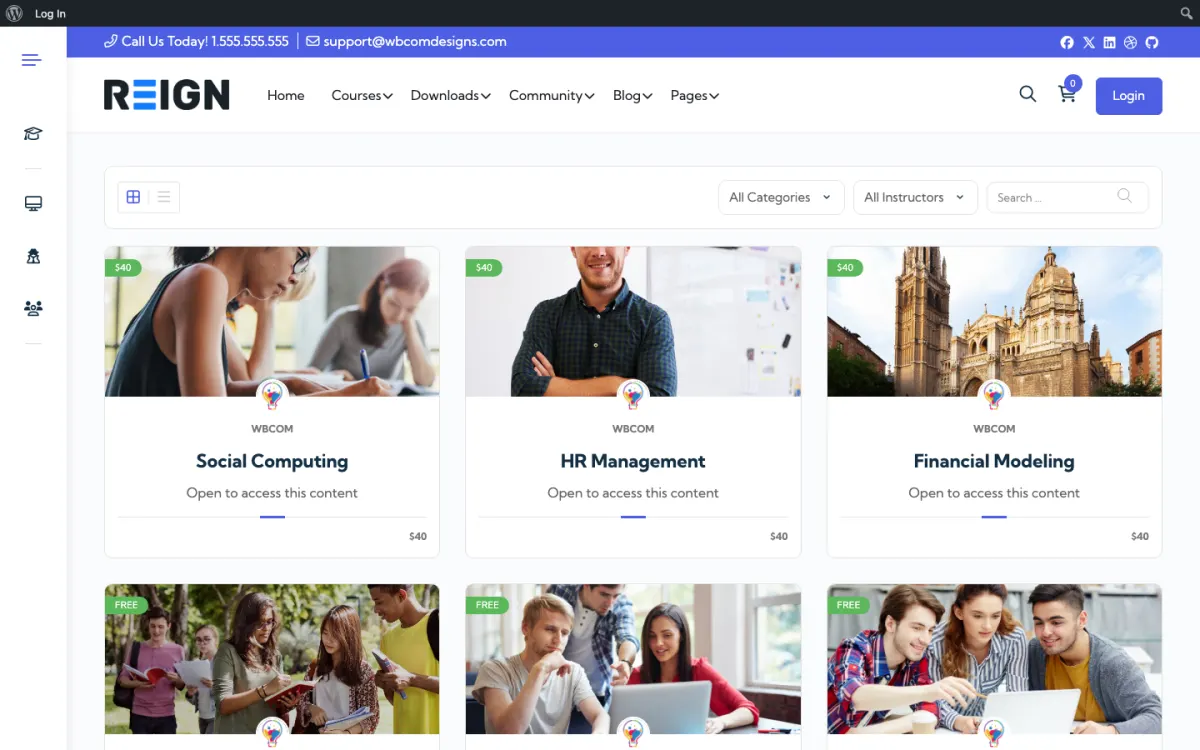
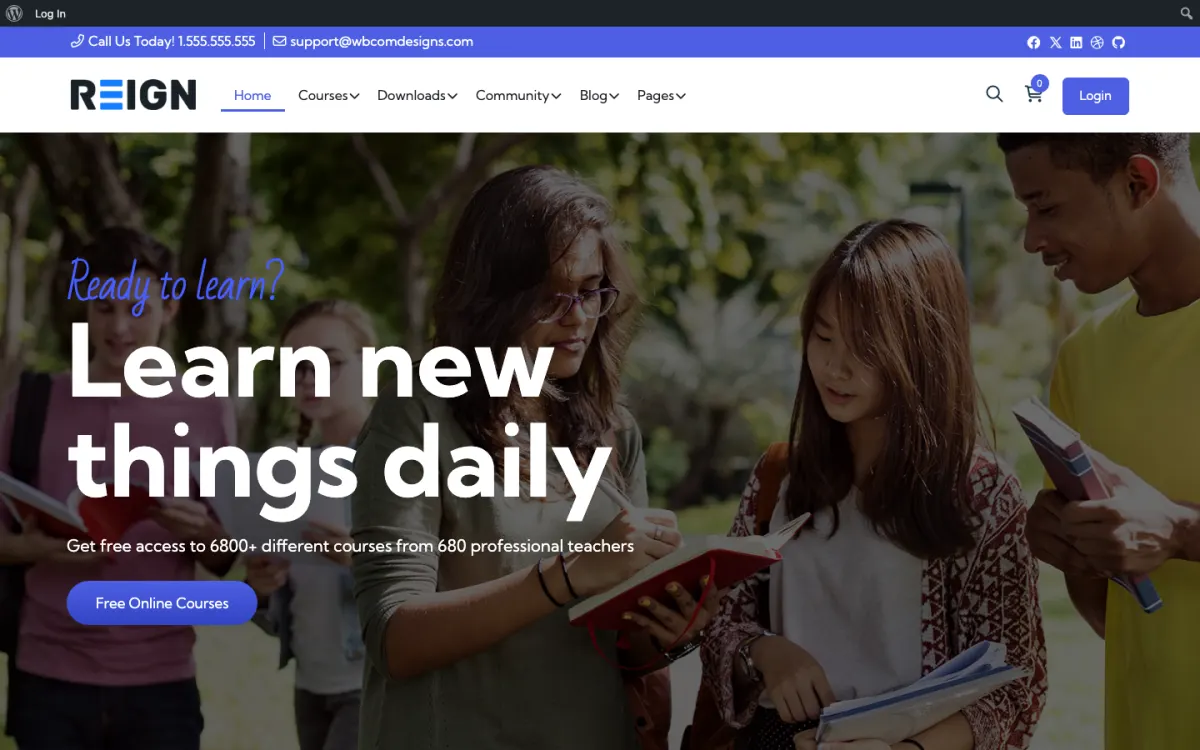
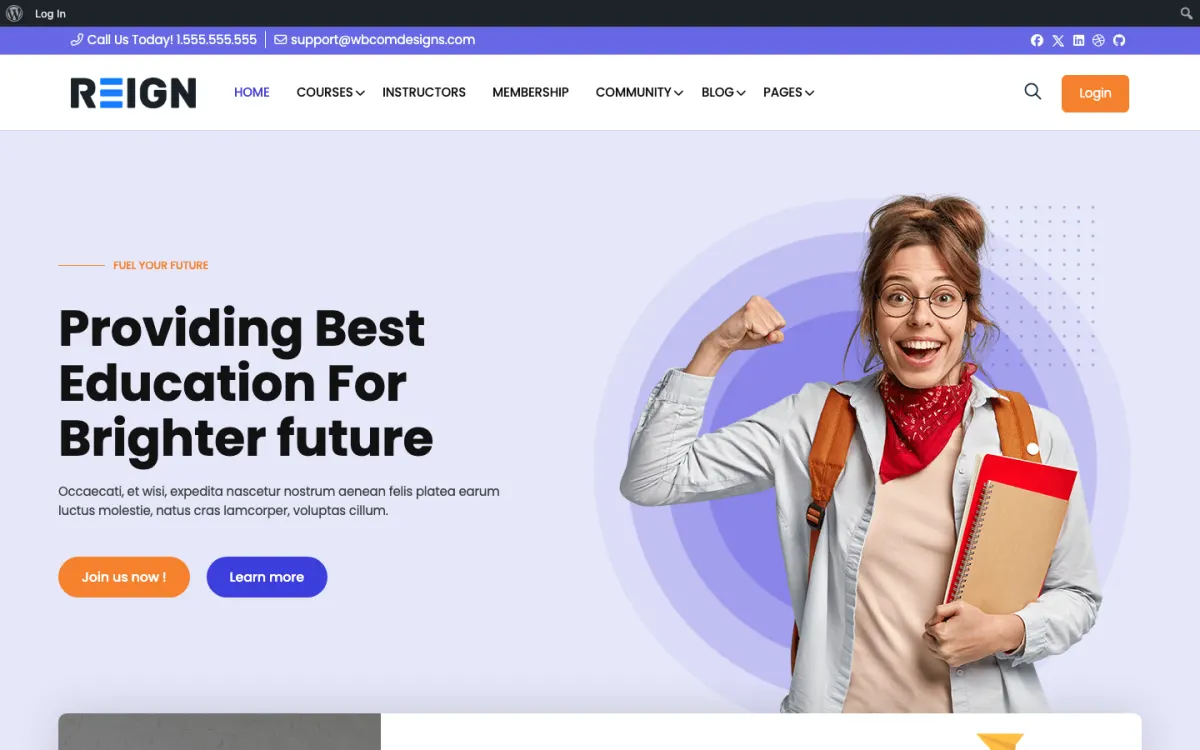
Screens from the live demos, with sample content. Open any of them and click around.
Stack recipe
Buy the theme. Install our plugins free. The third-party engine and its Reign add-on are here for people already running that stack, not a second bill everyone pays.
Build it in 6 steps
Activate Reign and open the free Reign Demo Installer. The demos page lists a Reign Tutor LMS BuddyPress demo and a Tutor LMS plus BuddyBoss Platform demo. Import the closer one for the home page and menus, then replace the sample courses with yours.
Activate the Reign Tutor LMS Addon next to Tutor LMS. It renders courses and instructor dashboards in Reign colour and type tokens. Tutor LMS keeps its own licence, settings and data.
Log in as an instructor and open the dashboard, the course builder and a student list. Instructors spend more time in these screens than students do, so check that they read well and match the rest of the site.
Register as a student, enrol, take a lesson and view the student dashboard. Compare each screen with the theme home page. Check the same path on a phone.
Install BuddyNext and create a space per course. Students and instructors then talk between lessons, with profiles and a feed on the same login. Existing BuddyPress or BuddyBoss sites can stay as they are.
Use the payment route you already have, whether that is Tutor LMS or WooCommerce, and avoid running two. Then set a welcome message, a reminder for students who stall and a completion note through your email tool.
Students see your Tutor LMS courses in the same design as the rest of the community. They enrol, work through lessons and see their dashboard in a layout that matches the home page, the feed and the profiles. Tutor LMS still runs the learning; the addon changes how it looks.
Instructors keep working where they work now. The Reign Tutor LMS Addon styles instructor dashboards as well as the student views, which matters on sites with several instructors, because those instructors are part of what you are selling. Each can also have a BuddyNext profile and a space for their course.
BuddyNext adds the social layer: profiles, a feed, spaces and notifications. Messages run through WPMediaVerse. A student with a question asks it in the course space and an instructor or classmate answers, without leaving your site.
Make a staging copy and activate the addon there. Open each instructor screen and each student screen, and compare them with the theme. If you had CSS overrides from a previous theme, remove the rules the addon now handles so the two do not conflict.
Check the logged-out catalog as a visitor would. Check it again at phone width. Then run a test purchase from a new account through your real payment route, including the confirmation email.
If you have several instructors, ask one of them to try the dashboard and tell you what looks wrong. They notice things you will not.
Add the community first: BuddyNext for profiles, a feed and spaces, then Jetonomy for Q&A where the accepted answer stays findable. Eventonomy suits live office hours with RSVPs, and MediaVerse lets students share work as photos and video.
WB Gamification adds points, badges, levels and leaderboards earned from real activity and is entirely free. It can encourage completion without you awarding anything by hand.
Each plugin installs from Plugins, Add New and uses the same accounts as your courses. Check the plugins page for what each one covers.
This build suits a school or training business with a working Tutor LMS site, especially one where several instructors teach and each wants a presence. Keeping Tutor LMS and restyling it is quicker than moving courses, and students notice nothing except a better-looking site.
If you have no LMS yet, the Learnomy build guide starts with a free plugin. If you run LearnDash or LifterLMS, those guides cover the matching add-ons. If your cohorts include one-to-one time, the coaching platform build may suit better. The Reign TutorLMS Theme kit packages the theme and add-on, and the course community overview compares all four engines.
Tutor LMS keeps running enrolment and lessons. Your added work is the community: answer questions in course spaces, clear the report queue and give instructors a short weekly prompt to post.
Ask instructors to read the questions in their own course space. Those questions are the quickest feedback on where a lesson loses people. Pin common answers at the top.
Cost works as it did: Tutor LMS keeps its own licence from its authors, and Reign is a flat theme licence with no per-member fee and no share of your sales. See the pricing page for the add-on and kit options.
Do not style the student side and forget the instructor side. Instructors are your supply, and if their dashboard looks like a different product they feel like guests in your site. Ask each instructor to spend ten minutes in the dashboard after the addon goes live and tell you what looks off. Their list is usually short and quick to fix.
Do not leave instructors out of the community. A BuddyNext profile gives each instructor a public face, and a space per course gives them a place to answer questions where students already are. If instructors answer only by email, the answer helps one student; in a space it helps every later student too. Ask instructors to check their course space on a set day each week.
Do not run two checkouts. If one course sells through Tutor LMS and another through WooCommerce, your reports split and so do your support emails. Pick one route and move the others over on a quiet week. Finally, keep one person responsible for the look of the site. When several instructors add their own banners and colours, the consistency you gained from the theme fades.
Add these free
Same team builds the theme and the plugins, so these inherit the Reign design instead of needing custom CSS. The ones marked free install at no cost, and upgrades are sold per plugin, so nothing here needs a bundle.
Our own community engine: profiles, activity, spaces, messages (with WPMediaVerse), notifications.
One-click import of 30+ demo sites. Free with Reign theme.
Free utility plugin bundling small enhancements for BP + Reign.
Daily check-ins build streaks + accountability.
Follow members + see their activity in a custom feed.
GIF integration in posts + comments.
Members rate + review groups. Helps surface active spaces.
Events, calendars, and RSVPs for community sites.
See every plugin and what its free version does. Third-party tools such as LearnDash, Dokan, and MemberPress still fit where you already run them, and Reign styles those too.
FAQ
Yes. The Reign Tutor LMS Addon styles courses and instructor dashboards, and there are Reign demos built on Tutor LMS. Tutor LMS sells its own licence separately.
Learnomy starts free, comes from the team that builds the theme and needs no add-on for styling. If you have no courses yet, you can publish a full course and see whether anyone finishes it before spending beyond the theme.
Because your instructors already work in it. Moving them is a cost with no benefit to students, and Reign styles it either way.
Yes. Your Tutor LMS data does not move. The addon changes the styling only, so test on staging first.
Reign is a flat theme licence with no per-member fee and no share of your sales. The Reign Tutor LMS Addon and Tutor LMS licences are sold separately, and the Reign TutorLMS Theme kit packages the theme with the add-on. See the pricing page.
Ship it
Learnomy and the rest of our plugins install free, and the theme styles them out of the box. Building on Tutor LMS instead? The Reign TutorLMS Theme kit ships the theme with the matching Reign add-on.
One theme, the whole site
Reign is the WordPress theme for building a complete community site: social network, courses, member directory, marketplace and job board on one install. Start with one, add the others when you need them, and keep one login for every member. Open a live demo, or launch a sandbox and get a fresh WordPress site to click through in about a minute.
Lessons, quizzes, certificates and memberships, on the same login as the community. Powered by Learnomy.
Profiles, activity feed, spaces, messages and moderation on your own domain. Powered by BuddyNext.
Listings, search, maps and reviews that members can add themselves. Powered by Listora.
Sell services or products from many sellers, with orders, reviews and commissions. Powered by WP Sell Services.
Employers post jobs, members apply, and you run the board from one dashboard. Powered by WP Career Board.
Reign with BuddyPress, ready in one click, or browse every demo by site type.
Add more when you need it
Tell us what you want members to do on your site. We will tell you which Reign setup, plugins and kit fit, before you buy anything.
Swift and expert coding by Kerit to apply a personalised display adjustment on the Reign Theme for a media plugin that was not fully supported at the moment.
I purchased Reign theme from Wbcom Designs, the support team was very helpful and I got the perfect website what I was looking for. Good work Wbcom Designs
WBComDesigns is amazing. The WP plugins and themes are of top notch quality with lots of features and updated very frequently. Supports are very responsive and helpful. I use Reign with TutorLMS, and the experience is surprisingly smooth. The recently launched BuddyNext Pro and MediaShield Pro are…
Love this company. Loved the REIGN product. They were there the entire time helping me set things up; and when things went wrong? They were quick to take action and help find a solution.
I am using the REIGN theme and several plugins from Wbcom Designs on my website. The theme is beautifully designed, and the plugins are user-friendly. Everything works smoothly, and the features are perfect for building professional websites and communities. What impressed me most is their…
I only have positive experience with wbcom. My journey started a lot of years back with the free buddyx theme. during my learning of wordpress and futher websites ideas I found a match with their Reign job mate theme. Always there to help, always open to explore ideas, always kind replyes even if I…
Wbcom Designs are the best and very knowledgeable WordPress Development Service, as I was stuck and didn't know how to resolve the issue. Go for it Guys, without any second thoughts.
Amazing WP themes and Plugins, the support team is also very helpful. I had a wonderful experience with Wbcom Designs team. Highly recommended
we had a wonderful experience with Wbcom Designs team. These guys are great and highly helpful, swiftly responding to our questions and offering answers to our problems. They also did some custom work for us. I'd without a doubt suggest their services to others!
Very helpful, great support. Thank you!