
Love this company
Love this company. Loved the REIGN product. They were there the entire time helping me set things up; and when things went wrong? They were quick to take action and help find a solution.
Multi-vendor marketplace · WP Sell Services
Install Reign, activate WP Sell Services for listings, orders and milestones, add BuddyNext so buyers and sellers have profiles, and import a layout with the free Reign Demo Installer. WP Sell Services is built for marketplaces where people sell time and skill. If your sellers ship physical goods, a WooCommerce vendor engine fits better.
The Reign theme is the only thing you have to buy. See every plugin that installs free, or have us install the whole stack.
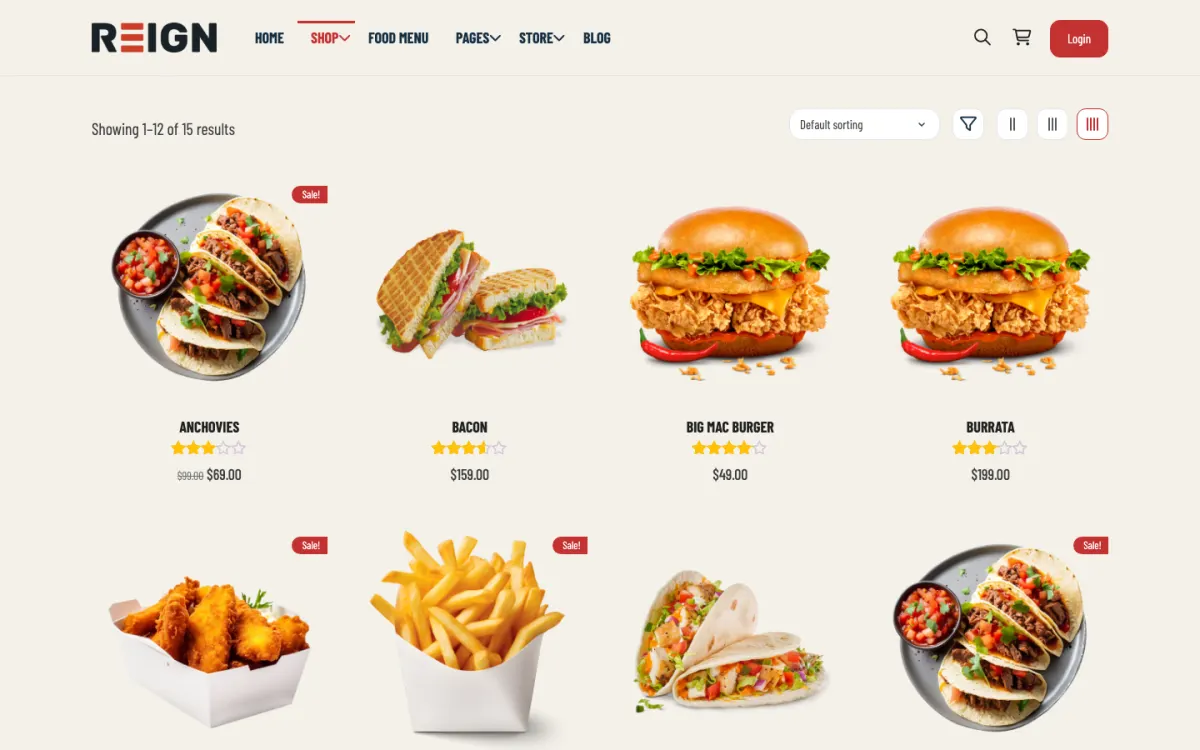
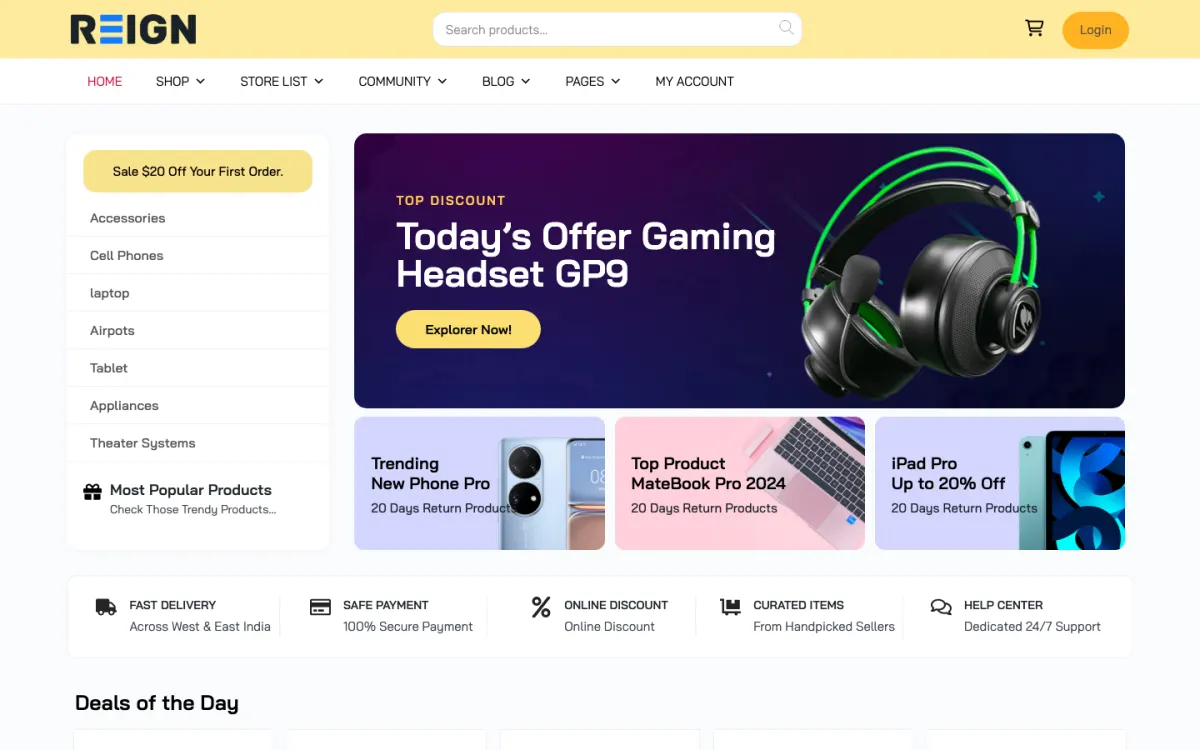
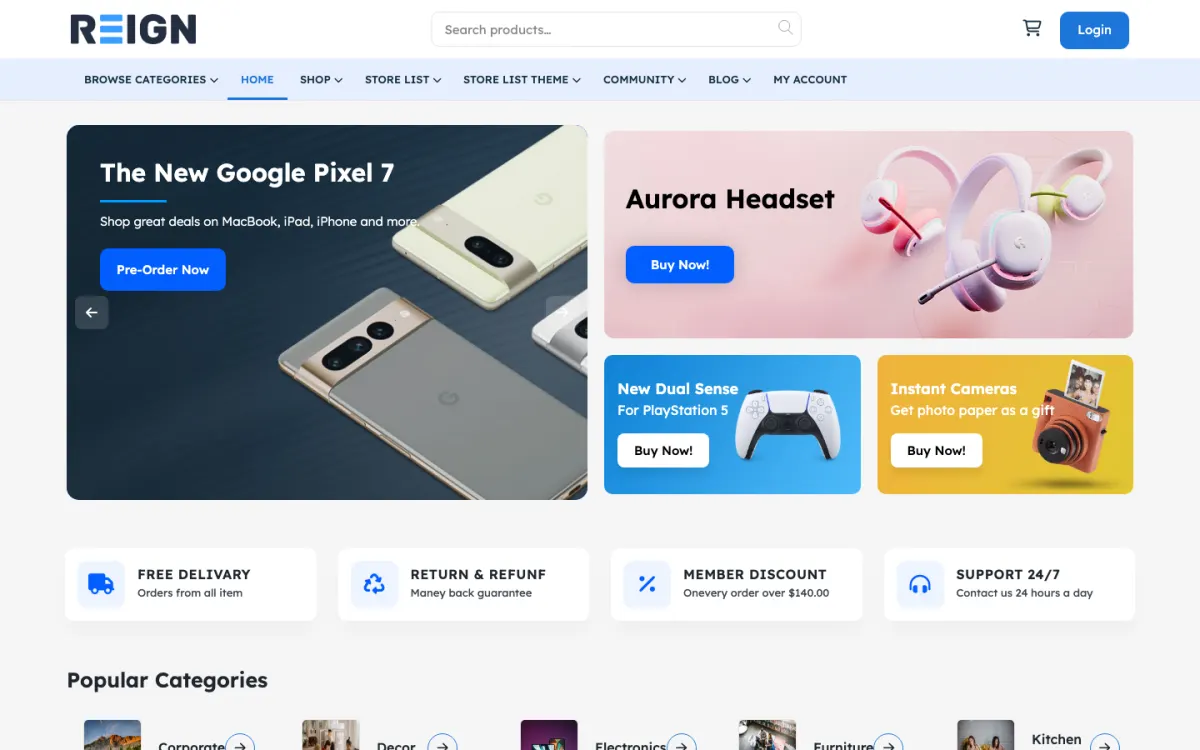
Screens from the live demos, with sample content. Open any of them and click around.
Stack recipe
Buy the theme. Install our plugins free. The third-party engine and its Reign add-on are here for people already running that stack, not a second bill everyone pays.
Build it in 6 steps
Activate Reign and open the free Reign Demo Installer. Choose the marketplace demo closest to what you want on the demos page, import it, and keep its menu and page structure. Those demos are built on WooCommerce vendor engines, so replace any shop-style sample content with your service categories.
Install BuddyNext and set up profile fields that matter on a marketplace, such as a short bio, a portfolio link and a location. A seller with a visible profile and a feed history is easier to trust than a name on a listing. Turn on messages by activating WPMediaVerse if buyers should talk to sellers before ordering.
Install WP Sell Services, then build your service categories before any seller lists a service. Decide whether buyers can post requests and receive proposals, whether sellers can offer fixed-price orders or milestones, and which checkout you will accept: Stripe, PayPal or offline.
WP Sell Services free has a global commission rate and a per-vendor rate, plus withdrawal requests. Set the global rate first and override it only for sellers you have agreed something different with. Tell sellers the rate in writing on your seller sign-up page.
Add two or three sellers yourself, publish their services and run test orders through checkout, a milestone and a review. Then open sign-up. Watching a few real orders end to end shows you where a buyer would get stuck.
Install Jetonomy and create a Questions space. A pre-sales question answered once, in public, saves you answering it in many private threads. Link it from the seller guide and the buyer help page.
A buyer arrives, browses service listings by category and opens a seller profile. If nothing fits, they post a request describing the work, and sellers reply with proposals. Once they agree, the work runs as a fixed-price order or as milestones, and the buyer pays through Stripe, PayPal or offline checkout, whichever you switch on. When the work ends, the buyer leaves a review. If something goes wrong, there is a dispute process in the free plugin.
A seller gets a profile, a way to list services and a dashboard for orders. When they have earned money they can send a withdrawal request, and your commission is taken at the global rate or the rate you set for that seller. You see all of it from the admin side.
BuddyNext sits alongside. Each person has a profile, an activity feed and notifications, and sellers can post updates that buyers follow. Direct messages run on WPMediaVerse, so install that if you want buyers and sellers to talk in the site rather than by email. The effect is a marketplace where a seller has a visible history and a face, which matters more to a buyer than a polished listing.
Order the work as a buyer first. Post a request, receive a proposal, accept it, pay and approve a milestone. Then do it as a seller. The first time through, you will find the wording that needs changing: a category name that is too vague, a field a seller does not understand, a confirmation email that says too little.
Write three short pages before launch. A seller guide that explains the commission, how withdrawals work and what you expect from service descriptions. A buyer guide that explains requests, milestones and disputes. And a plain statement of what the marketplace will not allow. Link all three from the footer and from the seller sign-up.
View the site at phone width, because many buyers will browse listings on a phone. Check that a service page shows the price, the seller and the order button without scrolling through a wall of text.
The first additions are usually about trust and attention. MediaVerse lets sellers show portfolio photos and video in albums, and turns on messages. Eventonomy lets you run a seller workshop or an onboarding call with RSVPs. WB Gamification adds points, badges and leaderboards earned from real activity, which can recognise your best sellers without manual work.
When money starts moving in volume, WP Sell Services Pro is the upgrade. It adds tiered commission rules, Stripe Connect, PayPal Mass Payouts, vendor subscription plans, Razorpay, WooCommerce, cloud storage, analytics and white label. Each is a Pro feature, so you can leave them until a real problem asks for them.
Because everything shares WordPress accounts, adding a piece never means asking a seller to register again. The plugins page lists each one with what is free and what is Pro.
This build suits freelance, coaching, agency and local-service marketplaces: places where the product is somebody's work. It also suits a niche where trust is the hard part, such as a vetted network of specialists, because the profile and feed layer is part of the same install.
If your sellers ship boxes, start somewhere else. Physical goods need shipping, tax and inventory, which WooCommerce handles. Follow the Dokan build guide, the WC Vendors build guide or the WCFM build guide depending on the engine you run. If you are mostly listing places and businesses rather than selling work, the directory build is closer. If you are matching people to jobs, see the job board build.
The daily work is mostly quality control. Review new sellers before they go live, read the reviews that come in and open any dispute quickly. A marketplace earns its reputation in how it handles the one order that went wrong.
Weekly, look at which categories have buyers but few sellers. Those gaps tell you who to recruit next. Post a short update in the main feed about a seller or a finished project. It keeps the community side alive and gives buyers a reason to return when they have no order to place.
Reign is a flat theme licence, so there is no share of your sales going to the theme and no fee that grows with your seller count. Check the pricing page for how the plugin plans are priced. If you want help with the setup, the start page shows the options.
The first is recruiting sellers before you have buyers. Sellers leave quickly when nothing happens. Start with a narrow niche where you can bring buyers yourself, and recruit only as many sellers as those buyers can keep busy.
The second is vague service listings. A listing that says "design services" tells a buyer nothing. Show sellers a good example, require a clear description and a clear price or milestone plan, and remove listings that ignore it. The quality of the first twenty listings sets the standard for every one that follows.
The third is ignoring disputes until they happen. Write down how a dispute works, who decides and how long it takes, and link it from every order page. Buyers and sellers both trust a marketplace that has thought about the bad day. Finally, keep communication on the site. If buyers and sellers move to email in the first message, you lose the record, the reviews and the commission.
Add these free
Same team builds the theme and the plugins, so these inherit the Reign design instead of needing custom CSS. The ones marked free install at no cost, and upgrades are sold per plugin, so nothing here needs a bundle.
Our own community engine: profiles, activity, spaces, messages (with WPMediaVerse), notifications.
One-click import of 30+ demo sites. Free with Reign theme.
Free utility plugin bundling small enhancements for BP + Reign.
Ad management + classifieds marketplace in one plugin.
Daily check-ins build streaks + accountability.
Follow members + see their activity in a custom feed.
GIF integration in posts + comments.
Members rate + review groups. Helps surface active spaces.
See every plugin and what its free version does. Third-party tools such as LearnDash, Dokan, and MemberPress still fit where you already run them, and Reign styles those too.
FAQ
You can run a working marketplace: service listings, seller profiles, buyer requests with proposals, fixed and milestone contracts, reviews, disputes, a global and per-vendor commission rate, withdrawal requests, and Stripe, PayPal and offline checkout. Pro adds tiered commission rules, Stripe Connect, PayPal Mass Payouts, vendor plans and more.
Not for physical products. Dokan, WC Vendors and WCFM sit on WooCommerce and bring shipping, tax and inventory with them. WP Sell Services is for marketplaces where the thing sold is work. Reign styles both paths.
Install Reign, activate WP Sell Services for listings, orders and milestones, and add BuddyNext so every buyer and seller has a profile. Set categories and commission, approve the first sellers by hand, then open sign-up.
Because trust is the conversion problem. BuddyNext gives buyers and sellers profiles and a feed, and Jetonomy gives you a public place to answer the same question once. A seller with a visible history is easier to hire.
You can install both, but you will run two seller dashboards and two payout flows, which confuses sellers. Launch the side that carries most of your volume first and add the other when it is a real business.
Reign is a flat theme licence with no per-member fee and no share of your sales. WP Sell Services and BuddyNext install free. See the pricing page for the Pro plans.
Ship it
WP Sell Services and the rest of our plugins install free, and the theme styles them out of the box. Building on Dokan instead? The StoreMate Dokan kit ships the theme with the matching Reign add-on.
One theme, the whole site
Reign is the WordPress theme for building a complete community site: social network, courses, member directory, marketplace and job board on one install. Start with one, add the others when you need them, and keep one login for every member. Open a live demo, or launch a sandbox and get a fresh WordPress site to click through in about a minute.
Sell services or products from many sellers, with orders, reviews and commissions. Powered by WP Sell Services.
Profiles, activity feed, spaces, messages and moderation on your own domain. Powered by BuddyNext.
Lessons, quizzes, certificates and memberships, on the same login as the community. Powered by Learnomy.
Listings, search, maps and reviews that members can add themselves. Powered by Listora.
Employers post jobs, members apply, and you run the board from one dashboard. Powered by WP Career Board.
Reign with BuddyPress, ready in one click, or browse every demo by site type.
Add more when you need it
Tell us what you want members to do on your site. We will tell you which Reign setup, plugins and kit fit, before you buy anything.
Love this company. Loved the REIGN product. They were there the entire time helping me set things up; and when things went wrong? They were quick to take action and help find a solution.
I am using the REIGN theme and several plugins from Wbcom Designs on my website. The theme is beautifully designed, and the plugins are user-friendly. Everything works smoothly, and the features are perfect for building professional websites and communities. What impressed me most is their…
I only have positive experience with wbcom. My journey started a lot of years back with the free buddyx theme. during my learning of wordpress and futher websites ideas I found a match with their Reign job mate theme. Always there to help, always open to explore ideas, always kind replyes even if I…
Swift and expert coding by Kerit to apply a personalised display adjustment on the Reign Theme for a media plugin that was not fully supported at the moment.
I purchased Reign theme from Wbcom Designs, the support team was very helpful and I got the perfect website what I was looking for. Good work Wbcom Designs
WBComDesigns is amazing. The WP plugins and themes are of top notch quality with lots of features and updated very frequently. Supports are very responsive and helpful. I use Reign with TutorLMS, and the experience is surprisingly smooth. The recently launched BuddyNext Pro and MediaShield Pro are…
Very useful website
This team is always responsive and helpful, providing me with solutions that work and that are without delay. They are an amazing group to work with!
A great company with a great solutions that has helped me a lot and their customer service support is top notch even for free users. They need riducule their customers.
I have found that support for Wbcomdesigns has been very responsive and has gone above and beyond to help resolve any/all issues I run into.