REIGN
Get Reign

Job board · WP Career Board

Build a free WordPress job board with WP Career Board

Install Reign, activate WP Career Board for job listings, employer dashboards and applications, add BuddyNext so employers and candidates have profiles, and import a layout with the free Reign Demo Installer. WP Job Manager is the established alternative if your board already runs on it, and Reign styles that too.

The Reign theme is the only thing you have to buy. See every plugin that installs free, or have us install the whole stack.

Key takeaways

  • WP Career Board free gives you job listings, search and filters, employer dashboards, company profiles, a job form and a fixed-stage application list and board.
  • Resumes, job alerts, paid listings, maps and custom hiring stages are Pro, so you can open a real board before paying for any plugin plan.
  • BuddyNext turns the board into a community: employers and candidates get profiles and a feed.
  • Already on WP Job Manager? Keep your data and let the Reign WP Job Manager Addon restyle it.

What it looks like on Reign

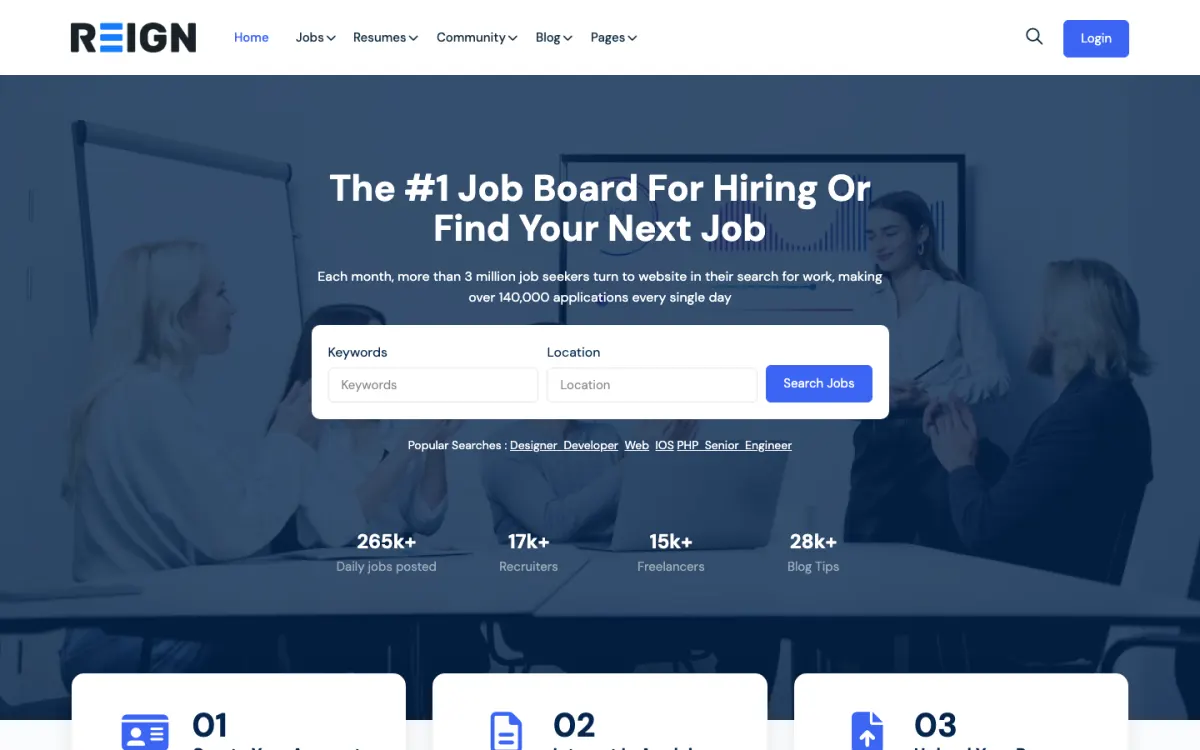
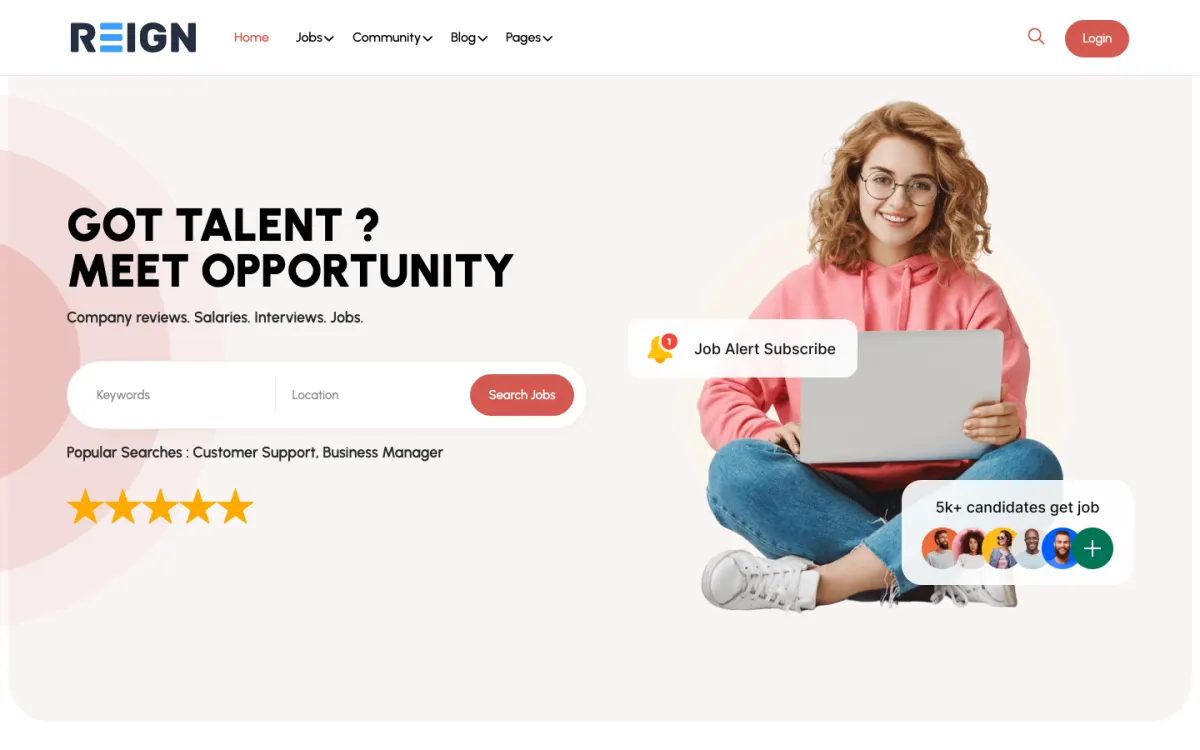
Screens from the live demos, with sample content. Open any of them and click around.

Stack recipe

What you need to assemble.

Buy the theme. Install our plugins free. The third-party engine and its Reign add-on are here for people already running that stack, not a second bill everyone pays.

Build it in 6 steps

From zero to live community.

01

Install Reign and import the job board layout

Activate Reign and run the free Reign Demo Installer. The Reign JobMate demo on the demos page is the closest layout for a job board. Import it for the home page, the menus and the page structure, then replace the sample jobs with your own.

Reign Demo Installer

02

Activate BuddyNext for profiles and the feed

Install BuddyNext and create profile fields that suit both sides: company name and sector for employers, role and location for candidates. Messages work once WPMediaVerse is active. Decide whether the feed is public or only for logged-in members.

BuddyNext with Reign

03

Set up WP Career Board and fix the taxonomy

Install WP Career Board and decide your job categories, job types and locations before the first listing. Renaming a category later changes URLs. Check that the filters match how people in your niche actually search for work.

WP Career Board with Reign

04

Create an employer account and post a test job

Register as an employer, complete the company profile, post a job through the job form and apply to it from a candidate account. Then open the application list and board as the employer. That one loop shows you every screen your users will see.

05

Fill the board before you promote it

An empty board never recovers from its first impression. Add real roles gathered from public sources with permission, and approach employers personally so the first listings are real. Promote the board only when a visitor sees choice.

06

Add a career advice space

Install Jetonomy and create a space for salary, interview and CV questions. Candidates ask the same things all the time, and accepted answers keep the good ones easy to find. This is also what brings people back between job searches.

Jetonomy with Reign

What employers and candidates get from this site

An employer registers, builds a company profile and posts a job from the job form. They see their jobs and the applications on them in an employer dashboard, and they can move applicants through the application list and board. In the free plugin the stages are fixed; custom hiring stages on the board are a Pro feature.

A candidate searches and filters the listings, opens a role and applies. Because BuddyNext is part of the install, the candidate also has a profile, and the employer has a presence in the feed. A job board without that is a list of links people visit once. With it, there is a reason to come back between searches: to follow a company, to ask a question, to see who else is active.

Resumes and resume search are Pro, as are job alerts. If you want employers to search candidates, or want candidates to get an email when a matching job is posted, that is the upgrade to plan for.

What to check before you promote the board

Post three jobs with different types and locations and test every filter. Search for something that does not exist and read the empty result; make sure it tells the user what to try next. Apply as a candidate and confirm the employer sees the application, then confirm the candidate sees something that tells them it went through.

Look at the company profile page as a candidate would. It is often the page that decides whether someone applies, so it should answer what the company does and where it is. Look at everything again at phone width, because job seekers search on phones.

Decide how you will handle bad listings. Write a short posting policy, tell employers what you will remove and say where they can reach you. A job board loses candidates quickly when even one scam gets through.

Adding the next piece later, on the same login

The most common next step is money. WP Career Board Pro adds credits, which is how paid listings work, along with resumes, job alerts, maps, multi-board, custom fields, AI, a job feed and analytics. Turn paid listings on only once the board has traffic worth paying for.

For the community side, Eventonomy suits hiring days and webinars with RSVPs. MediaVerse lets employers show their workplace in photos and video, and it switches on direct messages. WB Gamification can recognise active members with points and badges. The plugins page shows what each one does and what is free.

All of these use the same WordPress accounts as the board, so employers and candidates do not register twice.

Who this build suits, and who should pick another

This build suits a niche board run by an association, a training provider, a recruiter with a specialism or a community that already has members who hire each other. The profile and feed layer matters most where the audience is a defined group.

If your board already runs on WP Job Manager, follow the WP Job Manager build guide instead and keep your data. If you are listing businesses and places rather than roles, the directory build is the better match. If you are placing freelancers on projects, look at the services marketplace build, which has requests, proposals and milestones built in.

Running it day to day

Check new listings and applications daily at first. Remove anything that breaks your posting policy, and write back to employers whose listings are unclear; a good listing gets better applicants. Look at the application board for jobs that have applicants nobody has moved forward, and nudge the employer.

Once a week, post to the feed: a featured employer, a useful article, an answered question. Keep the career advice space active by answering the first few questions yourself. After that members start answering each other.

The theme cost does not depend on how many jobs or members you have. Reign is a flat licence with no per-member fee and no share of your sales. See the pricing page for the plugin plans, and the hosting page if you want to plan for traffic.

Mistakes to avoid when you start a job board

The first is launching with no jobs. Candidates who find an empty list never return, and employers will not pay to post on a board with no visitors. Line up real roles before you announce anything, and approach the first employers by hand.

The second is a vague niche. A board for every job everywhere competes with the biggest sites. A board for one profession, region or community has a reason to exist, and its employers know the audience is theirs. Say who the board is for on the first screen.

The third is ignoring the candidate side. Applications are only half the job. A candidate who gets no reply stops applying, and then employers stop posting. Encourage employers to respond, show candidates where their application stands, and use the community feed to keep both sides engaged. Finally, take down filled and expired roles quickly. A board full of closed jobs teaches visitors that it is not worth checking.

FAQ

Common questions.

What is in the free version of WP Career Board?

Job listings, search and filters, employer dashboards, company profiles, a job form, and an application list and board with fixed stages. Pro adds custom hiring stages, resumes and resume search, job alerts, credits for paid listings, maps, multi-board, custom fields, AI, a job feed and analytics.

Can I run a job board on WordPress for free?

Yes. WP Career Board and BuddyNext install free, so the one purchase is the Reign theme, a flat licence. You need hosting as well.

When should I use WP Job Manager instead?

When you already run it. It is an established job plugin with its own add-ons, and migrating buys you little. The Reign WP Job Manager Addon restyles the archive and single-job pages and leaves your data alone.

How do I charge employers to post a job?

WP Career Board Pro uses credits for paid listings. Wait until the board has candidates and traffic before you switch it on, so employers can see what they are paying for.

Do candidates need an account to apply?

They apply through the board, and BuddyNext gives every member a profile and a feed, which makes an account worth keeping between searches. Resumes and resume search arrive with WP Career Board Pro.

What does the whole thing cost?

Reign is a flat theme licence with no per-member fee and no share of your sales. The plugins install free and each has its own Pro plan. Current figures are on the pricing page.

Ship it

Reign is the only thing you have to buy.

WP Career Board and the rest of our plugins install free, and the theme styles them out of the box. Building on WP Job Manager instead? The JobMate Theme kit ships the theme with the matching Reign add-on.

One theme, the whole site

See what you can build with Reign, then try it.

Reign is the WordPress theme for building a complete community site: social network, courses, member directory, marketplace and job board on one install. Start with one, add the others when you need them, and keep one login for every member. Open a live demo, or launch a sandbox and get a fresh WordPress site to click through in about a minute.

Add more when you need it

Not sure which setup fits your site?

Tell us what you want members to do on your site. We will tell you which Reign setup, plugins and kit fit, before you buy anything.

What customers say on Trustpilot

Excellent Theme, Powerful Plugins and Outstanding Support

I am using the REIGN theme and several plugins from Wbcom Designs on my website. The theme is beautifully designed, and the plugins are user-friendly. Everything works smoothly, and the features are perfect for building professional websites and communities. What impressed me most is their…

S W MalcolmUS