REIGN
Get Reign

Multi-vendor marketplace

Build a Multi-Vendor Marketplace on WordPress

A WordPress marketplace where sellers get their own storefronts inside a community site. WP Sell Services is the free way in for people who sell services. For physical goods, pick Dokan, WC Vendors or WCFM: Reign styles every one of them with a matching add-on and has a build guide for each.

Key takeaways

  • Ask what your sellers sell. Services and custom work: WP Sell Services, free. Physical goods: a WooCommerce vendor engine.
  • Already running Dokan, WC Vendors or WCFM? Keep it and add the matching Reign add-on. Your vendors and orders stay where they are.
  • Whichever engine you use, BuddyNext gives buyers and sellers profiles and a feed, which builds trust.
  • Reign is the one purchase, a flat theme licence with no per-member fee and no share of your sales.

What it looks like on Reign

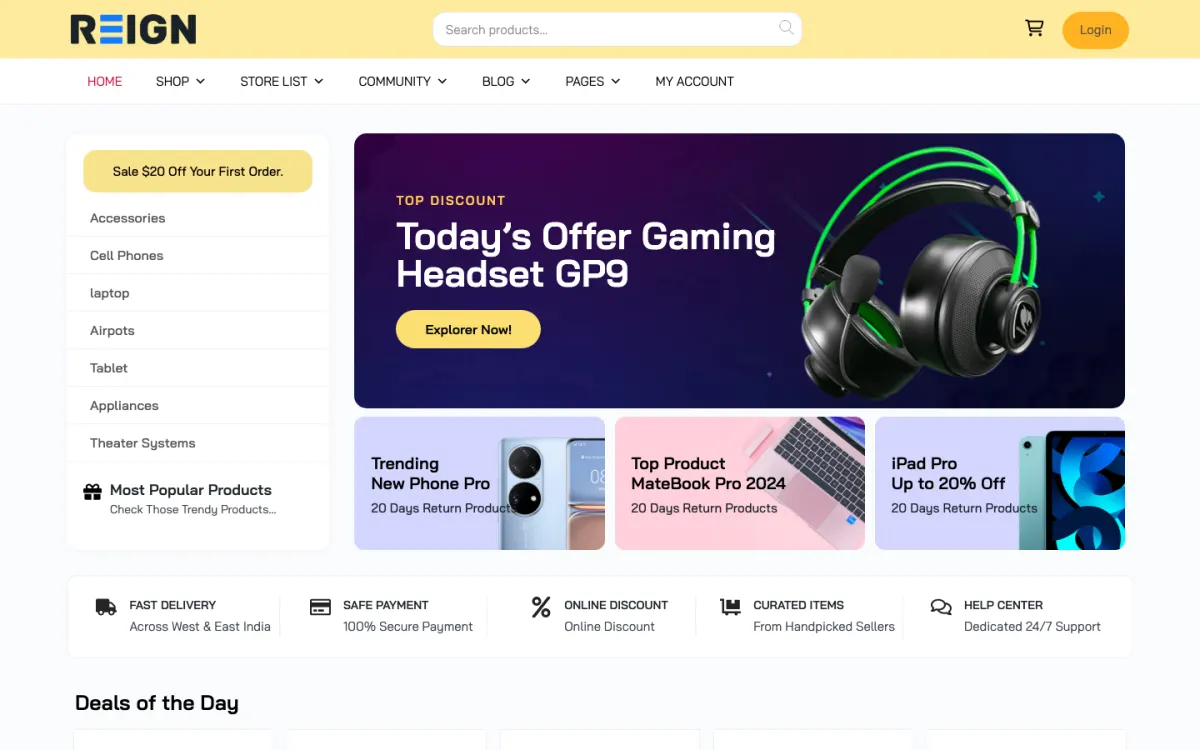
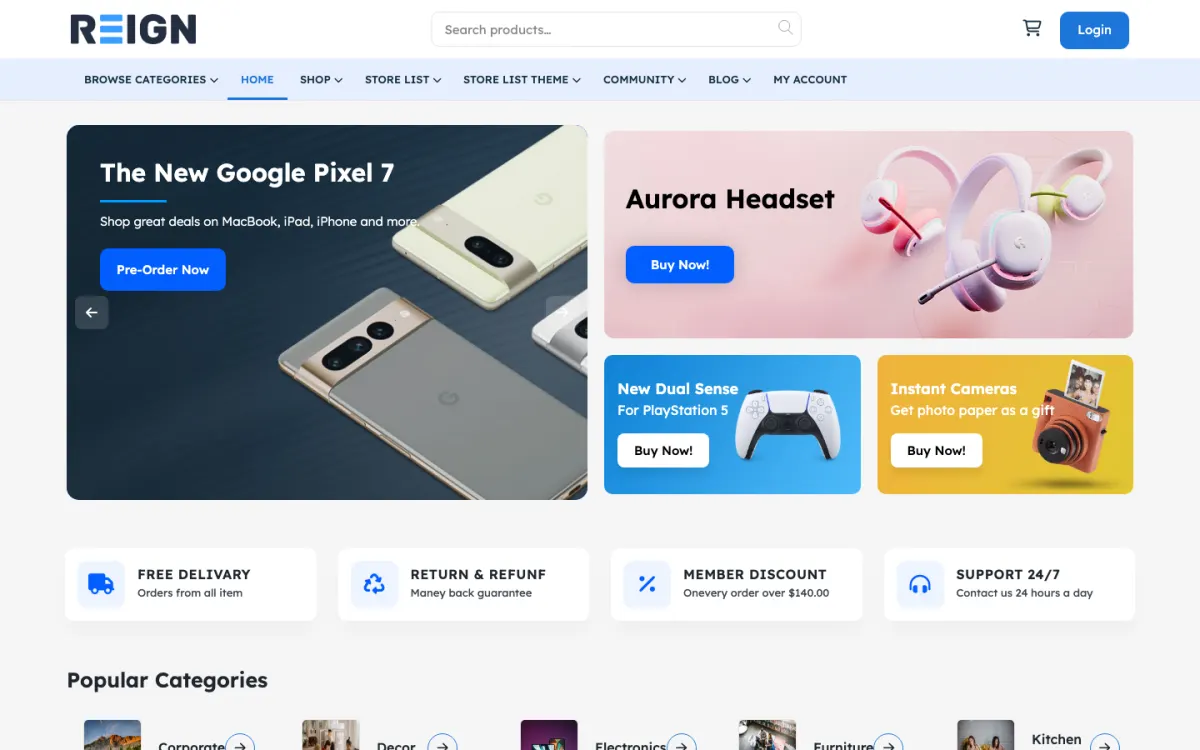
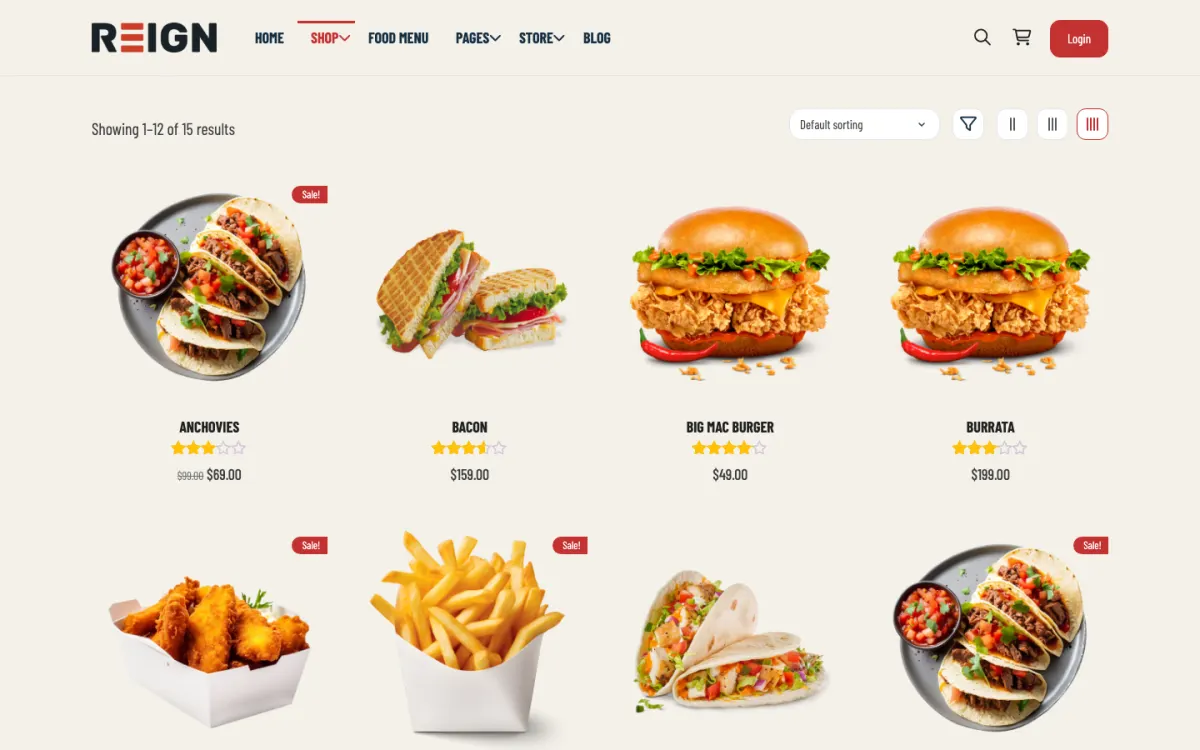
Screens from the live demos, with sample content. Open any of them and click around.

Which marketplace plugin should I use?

The first question is what your sellers sell. If it is services, bookings or work done by a person, WP Sell Services is built for that and installs free. It has service listings, seller profiles, buyer requests with proposals, fixed and milestone contracts, reviews, disputes, a global and per-vendor commission rate, withdrawal requests, and Stripe, PayPal and offline checkout. Physical goods are a different job.

For physical goods you need shipping, tax and inventory, which means WooCommerce and a vendor engine on top. Reign has an add-on and a build guide for Dokan, WC Vendors and WCFM. If you already run one, keep it. Commission rules, vendor sign-up and payouts live in the engine's own settings and the Reign add-on does not change them.

We do not claim one of those three is better than the others. Test whichever you pick with a real seller before recruiting more, because the vendor dashboard is what decides whether sellers keep using a marketplace, and a feature list will not tell you that.

Why a marketplace needs a community layer

Marketplaces live on trust. A buyer deciding whether to order from a stranger looks for signs that the seller is a real person with a history. BuddyNext gives each seller a profile, a feed and a following, and gives buyers a place to ask questions in public. Direct messages work through WPMediaVerse.

Jetonomy adds a support or pre-sales space where a question gets answered once and stays findable. Eventonomy can run seller workshops or launch events with RSVPs. WB Gamification can recognise your best sellers with points and badges earned from real activity. All of these share one set of accounts with the marketplace.

How to set up any of the four, step by step

The path is shared. Install Reign, then run the free Reign Demo Installer and import the demo closest to your marketplace. The demos page lists several built on Dokan, WC Vendors and WCFM. Use the demo for its layout and menus, and replace the sample products or listings with yours.

Then activate your marketplace engine and the matching add-on if it is a third-party one. Activate BuddyNext before you invite sellers. Add a few sellers yourself, place test orders from a buyer account and write a seller guide that states your commission and payout rules in plain words. Open sign-up only after you have watched a few orders go through end to end.

The build guide for each engine has the engine-specific checks.

When another build fits better

If you list businesses and places and do not sell anything, the directory build is closer. If you match people to jobs, see the job board build. If you only want a community now and a marketplace later, start with the BuddyNext community build, since the marketplace plugins install on the same login later.

The pricing page explains how the theme and plugin plans are priced, and the start page shows ways in.

What the day-to-day looks like once it is running

A marketplace runs on a few repeating jobs. Approve new sellers, watch orders for problems and read reviews. The order that went wrong is the one that defines your reputation, so reply quickly when a buyer reports a problem and keep the seller informed. That is true on every engine in this comparison.

Look at your categories each week. Where buyers are searching and few sellers are listing, you have a recruiting target. Where many sellers compete for few buyers, send traffic there or help sellers stand out. Post a short update in the main feed about a seller or a finished project. It gives buyers a reason to return when they have nothing to order, and it gives sellers a reason to keep their pages current.

Put your terms in writing and keep them current. Sellers need to know the commission, the payout schedule and what you expect on delivery. Buyers need to know how disputes and returns work. Out-of-date terms cause more arguments than strict ones.

How the stack grows after launch

Most marketplaces add community pieces first. MediaVerse lets sellers show portfolio or product photos and video in albums, and switches on direct messages. Eventonomy can run seller workshops or launch days with RSVPs. WB Gamification can recognise your most active sellers with points and badges earned from real activity, free of charge. All of them use the same accounts as your marketplace.

Paid upgrades follow volume. WP Sell Services Pro adds tiered commission rules, Stripe Connect, PayPal Mass Payouts, vendor subscription plans, Razorpay, WooCommerce, cloud storage, analytics and white label. BuddyNext Pro adds paid plans, gated spaces, broadcast email, push, analytics and auto and bulk moderation. On the WooCommerce engines, the engine's own paid plans cover its extra features; Reign does not change them.

Check the plugins page for what is free and what is Pro, and the scale page if you expect heavy traffic.

How a marketplace community runs day to day

A marketplace on Reign has two audiences on one login. Sellers need a dashboard to list what they sell, see orders and get paid. Buyers need to browse, check a seller and buy without friction. The community layer serves both: a seller profile with a feed and reviews gives a buyer a reason to trust someone they have never met, and a space for sellers gives your vendors a place to ask how payouts work instead of opening a support ticket each time.

For services and custom work, WP Sell Services covers the core: service listings, seller profiles, orders with Stripe and PayPal checkout, milestones for larger jobs, and commissions. A buyer orders, the seller delivers against milestones, and the commission is taken when the order completes. For physical products, Dokan, WC Vendors and WCFM all run on WooCommerce, and Reign styles each through its own add-on, so the shop, vendor stores and checkout match the rest of the site.

The work that decides whether a marketplace grows is curation. Approve sellers before their first listing goes live, write a short guide on what a good listing looks like, and pin it in the sellers space. Watch the moderation queue for reported listings and reviews. A smaller marketplace with trusted sellers grows faster than a large one buyers learn to be careful in.

Start with the guide that matches what your sellers sell: services and custom work, or one of the product guides above. Then look at a live store on the demos page and check the add-on you need on the pricing page.

FAQ

Common questions.

What is the easiest way to build a multi-vendor marketplace on WordPress?

Pick the engine by what your sellers sell, then add Reign on top. For services and custom work, WP Sell Services installs free and needs no add-on. For physical products, Dokan, WC Vendors and WCFM run on WooCommerce, and Reign styles each through its own add-on. The Demo Installer gives you a starting layout with sample content, so you are not building the pages from scratch.

Can sellers and buyers have profiles and talk on the marketplace?

Yes. BuddyNext adds member profiles, a feed, spaces and notifications on the same login as the shop, so buyers can follow sellers and sellers can post updates. Direct messages work through WPMediaVerse. A private space for sellers is a good place for payout questions, listing tips and announcements from you.

Do I need to know code to run a Reign marketplace?

No. Setup happens in the WordPress dashboard: install the theme and plugins, import a demo, set commissions and payment methods, then approve your first sellers. Custom features beyond what the plugins offer need a developer, and the Wbcom team offers setup and custom work through the services page if you would rather not do it yourself.

What is the best multi-vendor plugin for WordPress?

For services, WP Sell Services is built for the job and installs free. For physical goods, Dokan, WC Vendors and WCFM are the established options on WooCommerce, and Reign styles all three. Keep the one you already run.

Can I run a marketplace without WooCommerce?

Yes, for services. WP Sell Services has its own orders, milestones and Stripe, PayPal and offline checkout. Physical goods need WooCommerce.

Does Reign change my commission or payout settings?

No. Commission and payouts stay in the marketplace engine. Reign changes the styling only.

Can I add a community to a marketplace?

Yes. BuddyNext adds profiles, a feed and spaces on the same login as the marketplace.

How much does a marketplace cost?

Reign is a flat theme licence with no per-member fee and no share of your sales. WP Sell Services and BuddyNext install free. Dokan, WC Vendors and WCFM have their own licences. See the pricing page.

One theme, the whole site

See what you can build with Reign, then try it.

Reign is the WordPress theme for building a complete community site: social network, courses, member directory, marketplace and job board on one install. Start with one, add the others when you need them, and keep one login for every member. Open a live demo, or launch a sandbox and get a fresh WordPress site to click through in about a minute.

Add more when you need it

Not sure which setup fits your site?

Tell us what you want members to do on your site. We will tell you which Reign setup, plugins and kit fit, before you buy anything.

What customers say on Trustpilot

Excellent Theme, Powerful Plugins and Outstanding Support

I am using the REIGN theme and several plugins from Wbcom Designs on my website. The theme is beautifully designed, and the plugins are user-friendly. Everything works smoothly, and the features are perfect for building professional websites and communities. What impressed me most is their…

S W MalcolmUS