
Love this company
Love this company. Loved the REIGN product. They were there the entire time helping me set things up; and when things went wrong? They were quick to take action and help find a solution.
Multi-vendor marketplace · WC Vendors
If your sellers ship physical products and you run WC Vendors, keep it. Install Reign, add the Reign WC Vendors Addon so store pages and vendor lists match the theme, and add BuddyNext for a community around the shop. If your sellers sell services, WP Sell Services is the free alternative.
The Reign theme is the only thing you have to buy. See every plugin that installs free, or have us install the whole stack.
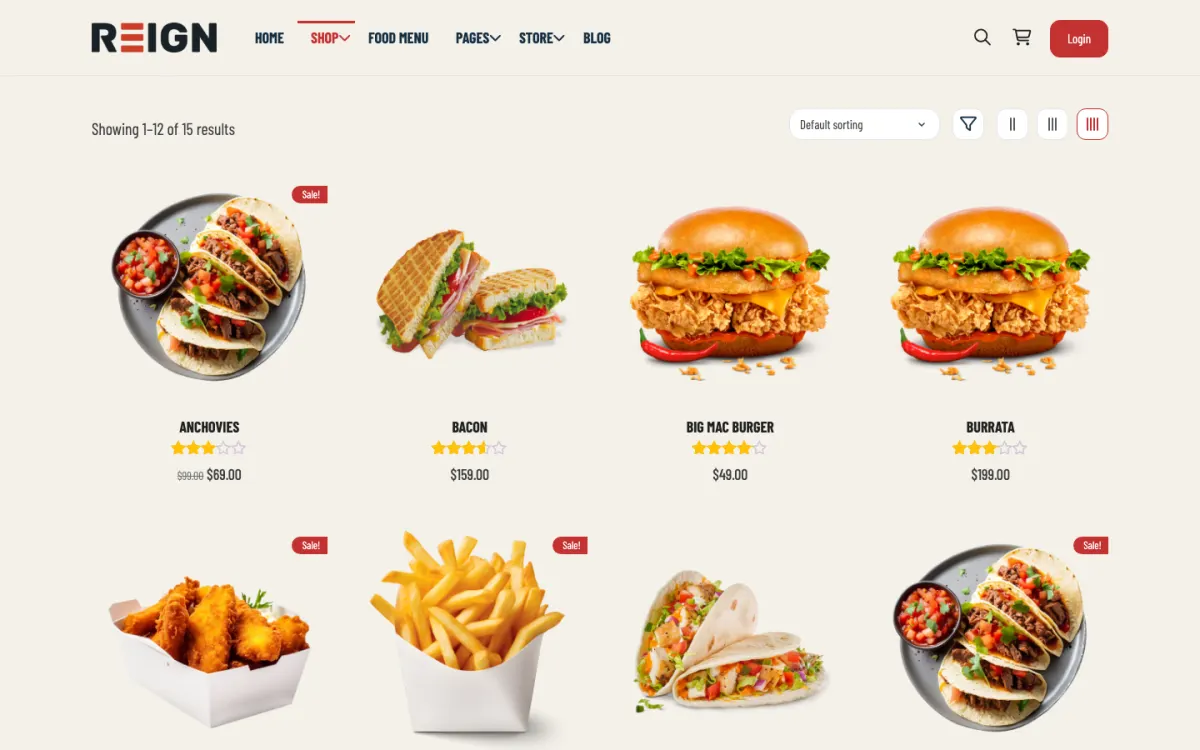
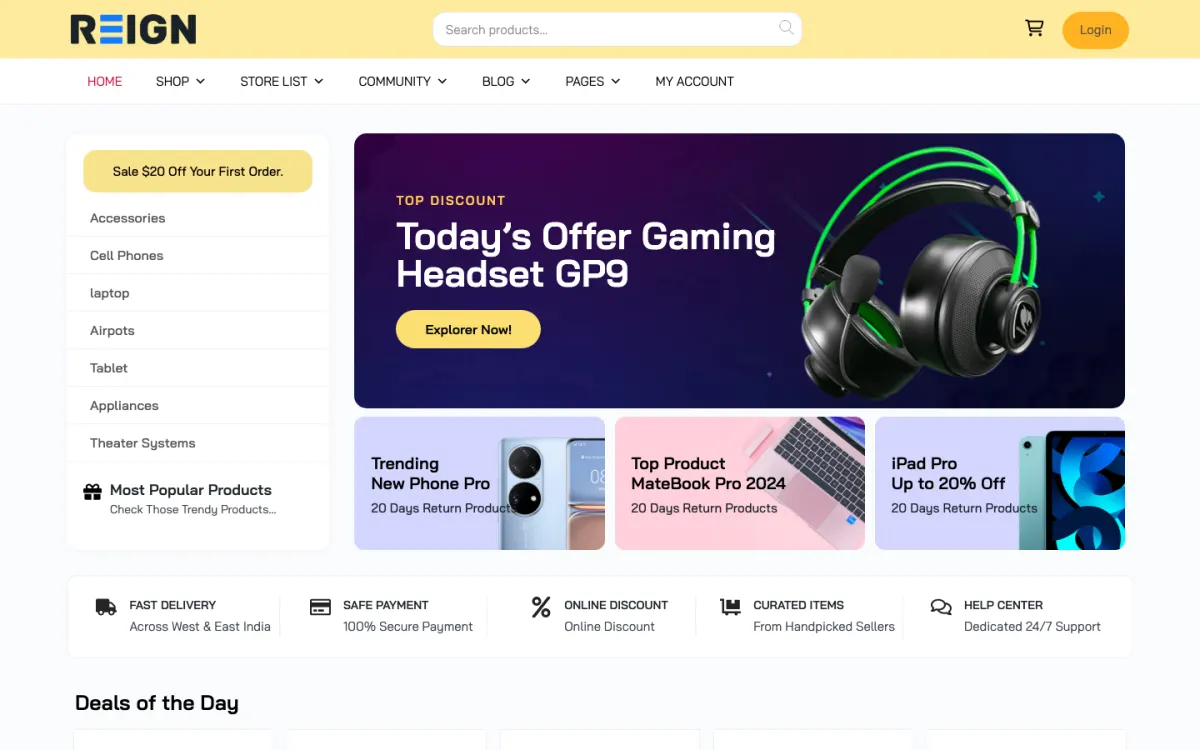
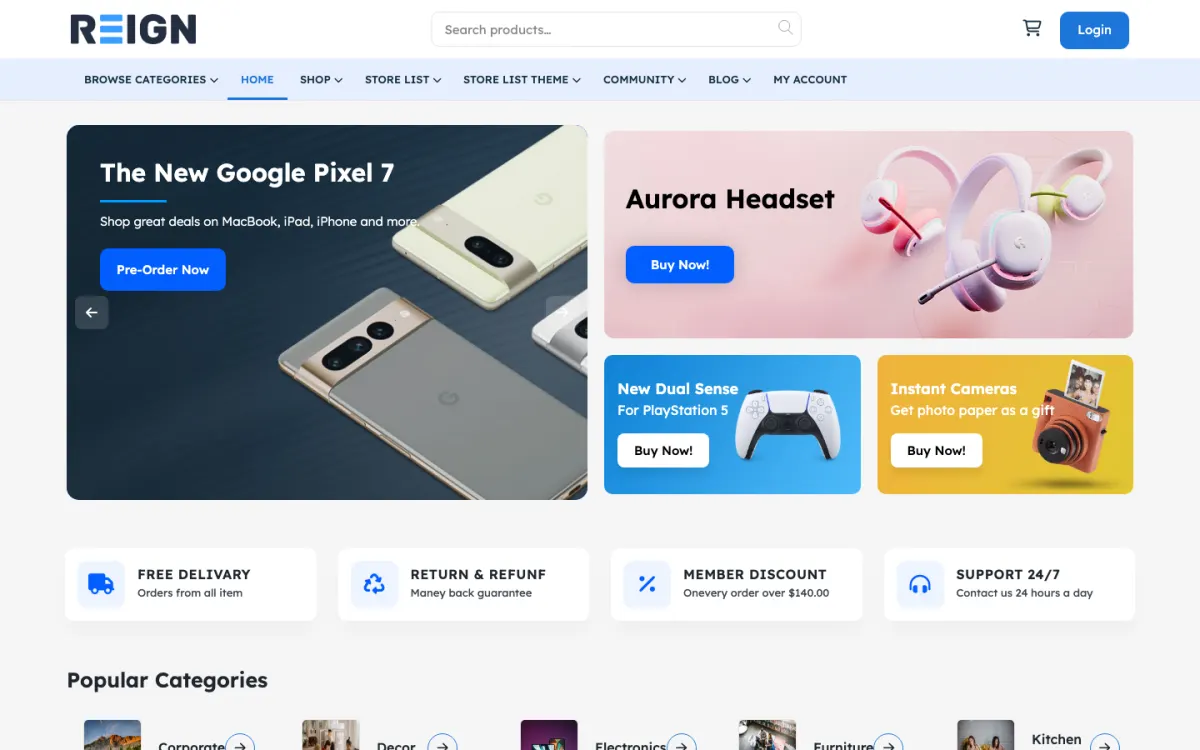
Screens from the live demos, with sample content. Open any of them and click around.
Stack recipe
Buy the theme. Install our plugins free. The third-party engine and its Reign add-on are here for people already running that stack, not a second bill everyone pays.
Build it in 6 steps
Activate Reign and open the free Reign Demo Installer. The demos page lists a Reign WC Vendors BuddyPress demo and a WC Vendors plus BuddyBoss Platform demo. Import the closer one for the home page, menus and shop layout, then replace the sample products with yours.
Install and configure WooCommerce and WC Vendors if they are not already running. Commission, vendor sign-up and payout settings live in WC Vendors, and Reign does not change them. Decide those rules before you recruit.
Activate the Reign WC Vendors Addon. Store pages and vendor lists pick up Reign styling. Open a store page next to the theme home page and check that they look like one site.
Install BuddyNext so vendors and customers are members. Vendors can post updates, customers can follow them and messages work through WPMediaVerse. If you already run BuddyPress or BuddyBoss, keep it.
WC Vendors has a vendor application. Approve the first applicants by hand, list real products and place test orders. Loosen the rules once you have seen how vendors behave.
Explain how to list a product, what the commission is and when payouts arrive. Link it from the application form. A clear guide reduces the number of questions you answer by email.
A shopper browses products from several vendors, opens a store page and checks out through WooCommerce. The Reign WC Vendors Addon styles store pages and vendor lists in the theme's colours and type, so the shop looks like the rest of your community. WooCommerce and WC Vendors handle the shipping, tax and inventory side.
A vendor applies, gets approved and manages products and orders through WC Vendors. They can also be a member of your community at the same time.
BuddyNext supplies the membership layer: a profile, a feed, spaces and notifications. A vendor can share news and a shopper can follow them. For a smaller niche marketplace, that sense of a place, with people you recognise, is often what separates it from a general store.
Apply as a vendor, approve yourself and list a product. Then place an order as a customer and follow it through the vendor screens. Check the confirmation emails on both sides. Repeat on a phone.
Review the commission and payout settings in WC Vendors and make sure what you tell vendors matches what is configured. Write that into the vendor guide.
Check that the store pages and vendor list read well with only one or two vendors, because that is what the first visitors will see. If the marketplace looks sparse, add more products before promoting it.
After the community, MediaVerse is a natural addition: vendors share product photos and video in albums, and it switches on messages. Eventonomy suits launches and live sales with RSVPs. WB Gamification adds points and badges earned from real activity at no cost.
If sellers who offer services join later, WP Sell Services can run alongside, but two seller flows can confuse people. Decide whether a second flow is worth it.
The plugins page lists each plugin and what is free. All use the same WordPress accounts as your shop.
This build suits a smaller, niche marketplace for physical goods, where the person running it wants a lighter set of tools. It is for people who already run WC Vendors or have chosen it.
If your sellers sell their time, use the WP Sell Services build guide, which starts free. If you run Dokan or WCFM, those guides cover the matching add-ons. The StoreMate WC Vendors kit packages the theme and add-on, and the marketplace overview compares all the engines.
Approve applications, watch orders and answer vendor questions. When an order goes wrong, respond quickly and keep both sides informed. The marketplace's reputation is built in those moments.
Post to the feed each week about a vendor or a product, and ask vendors to post their own news. A marketplace with an active feed gives shoppers a reason to return without buying.
WC Vendors keeps its own licence from its authors. Reign is a flat theme licence with no per-member fee and no share of your sales. See the pricing page for add-on and kit options.
A lighter marketplace is a choice, and the main risk is letting it stay quiet. With fewer vendors, each one matters more. Speak to every vendor in the first weeks, ask what slowed them down and fix the one or two things that come up most. A small group that feels looked after will bring in others.
Avoid piling on plugins to match a bigger engine. If you find yourself adding several extensions to get one feature, ask whether that feature is something your vendors asked for. Often it is not. Add pieces when a real vendor or shopper asks, and remove pieces nobody uses.
Avoid vague category pages. In a niche marketplace, the category structure is your main navigation. Name categories the way your shoppers talk, and check them on a phone. Finally, keep the vendor guide current. When you change a rule, change the page that states it, and tell vendors. Out-of-date terms cause more disputes than strict ones.
Add these free
Same team builds the theme and the plugins, so these inherit the Reign design instead of needing custom CSS. The ones marked free install at no cost, and upgrades are sold per plugin, so nothing here needs a bundle.
Our own community engine: profiles, activity, spaces, messages (with WPMediaVerse), notifications.
One-click import of 30+ demo sites. Free with Reign theme.
Free utility plugin bundling small enhancements for BP + Reign.
Ad management + classifieds marketplace in one plugin.
Daily check-ins build streaks + accountability.
Follow members + see their activity in a custom feed.
GIF integration in posts + comments.
Members rate + review groups. Helps surface active spaces.
See every plugin and what its free version does. Third-party tools such as LearnDash, Dokan, and MemberPress still fit where you already run them, and Reign styles those too.
FAQ
Yes. The Reign WC Vendors Addon styles store pages and vendor lists, and two Reign demos are built on WC Vendors. WC Vendors sells its own licence separately.
If you already run one, keep it, since Reign has a matching add-on for each. The marketplace overview and the Dokan build guide help you compare.
Because it is ours, it installs free and Reign styles it directly. If your sellers offer services and not goods, you can open the marketplace on the theme alone.
WC Vendors has a built-in vendor application. Approve the first applicants by hand so you learn how they behave, then loosen the rules.
Reign is a flat theme licence with no per-member fee and no share of your sales. The Reign WC Vendors Addon and the WC Vendors licence are sold separately, and the StoreMate WC Vendors kit packages the theme and add-on. See the pricing page.
Ship it
WP Sell Services and the rest of our plugins install free, and the theme styles them out of the box. Building on WC Vendors instead? The StoreMate WC Vendors kit ships the theme with the matching Reign add-on.
One theme, the whole site
Reign is the WordPress theme for building a complete community site: social network, courses, member directory, marketplace and job board on one install. Start with one, add the others when you need them, and keep one login for every member. Open a live demo, or launch a sandbox and get a fresh WordPress site to click through in about a minute.
Sell services or products from many sellers, with orders, reviews and commissions. Powered by WP Sell Services.
Profiles, activity feed, spaces, messages and moderation on your own domain. Powered by BuddyNext.
Lessons, quizzes, certificates and memberships, on the same login as the community. Powered by Learnomy.
Listings, search, maps and reviews that members can add themselves. Powered by Listora.
Employers post jobs, members apply, and you run the board from one dashboard. Powered by WP Career Board.
Reign with BuddyPress, ready in one click, or browse every demo by site type.
Add more when you need it
Tell us what you want members to do on your site. We will tell you which Reign setup, plugins and kit fit, before you buy anything.
Love this company. Loved the REIGN product. They were there the entire time helping me set things up; and when things went wrong? They were quick to take action and help find a solution.
I am using the REIGN theme and several plugins from Wbcom Designs on my website. The theme is beautifully designed, and the plugins are user-friendly. Everything works smoothly, and the features are perfect for building professional websites and communities. What impressed me most is their…
I only have positive experience with wbcom. My journey started a lot of years back with the free buddyx theme. during my learning of wordpress and futher websites ideas I found a match with their Reign job mate theme. Always there to help, always open to explore ideas, always kind replyes even if I…
Swift and expert coding by Kerit to apply a personalised display adjustment on the Reign Theme for a media plugin that was not fully supported at the moment.
I purchased Reign theme from Wbcom Designs, the support team was very helpful and I got the perfect website what I was looking for. Good work Wbcom Designs
WBComDesigns is amazing. The WP plugins and themes are of top notch quality with lots of features and updated very frequently. Supports are very responsive and helpful. I use Reign with TutorLMS, and the experience is surprisingly smooth. The recently launched BuddyNext Pro and MediaShield Pro are…
Top notch support! I've been frustrated generally by the slow support for most themes and plugins, but they are helpful and quick to reply. Highly recommend!
I was impressed. I have been worked with many Wordpress Plugins over the past 14 years part time. I have learned that if the support is not prompt and effective it is a sign to move on. Tonight, WEBcom has impressed me and I will be hiring them for some more work in the future due to the FREE…
i wanted to build a community website and these guys created the perfect plugins for me. to be honest, i want to buy every single one of their plugins. if i had more money i would.
This company have been great and very supportive.I highly recommend them