REIGN
Get Reign

Multi-vendor marketplace · WCFM

Build a WCFM multi-vendor marketplace on WordPress

If your sellers ship physical products and you run WCFM Marketplace, keep it. Install Reign, add the Reign WCFM Addon so vendor dashboards and store pages match the theme, and add BuddyNext for a community around the shop. If your sellers sell services, WP Sell Services is the free alternative.

The Reign theme is the only thing you have to buy. See every plugin that installs free, or have us install the whole stack.

Key takeaways

  • WCFM runs on WooCommerce and handles physical products with shipping, tax and inventory. Commission rules and vendor settings live in WCFM and Reign does not change them.
  • The Reign WCFM Addon styles the vendor dashboards and store pages in the theme.
  • Two Reign demos are built on WCFM, so you can import a finished layout with the free Reign Demo Installer.
  • Selling services? The WP Sell Services build guide is the free road.

What it looks like on Reign

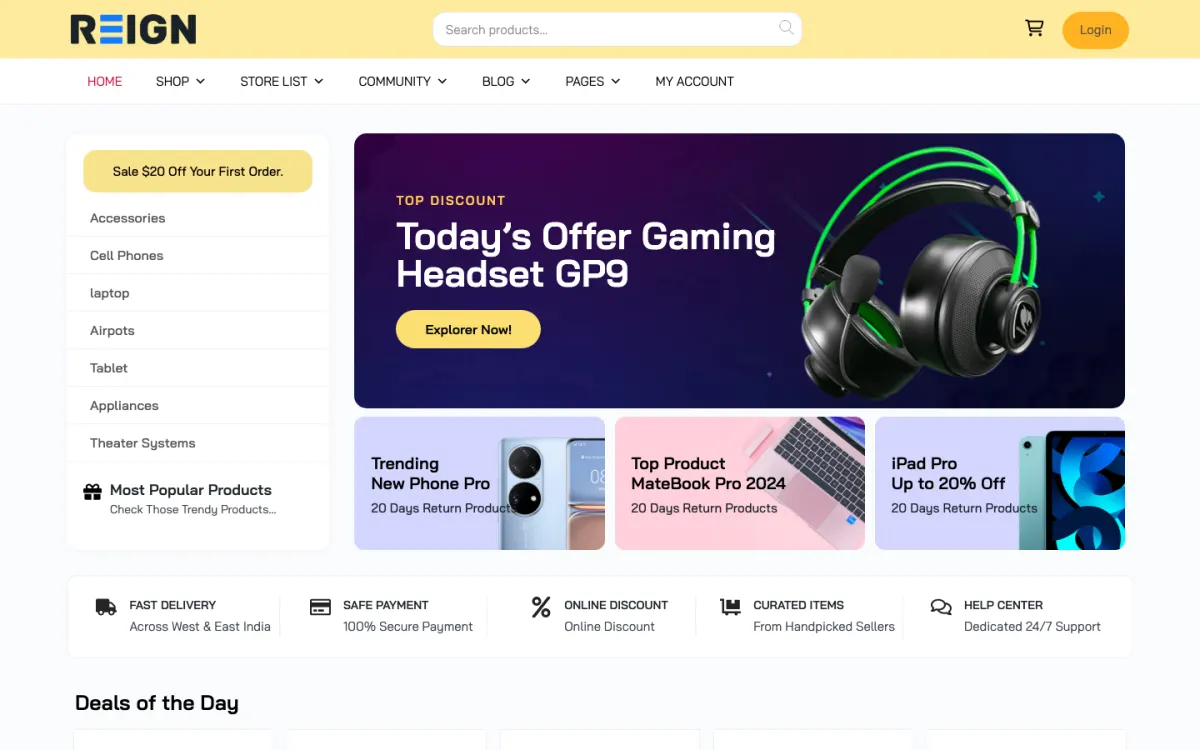
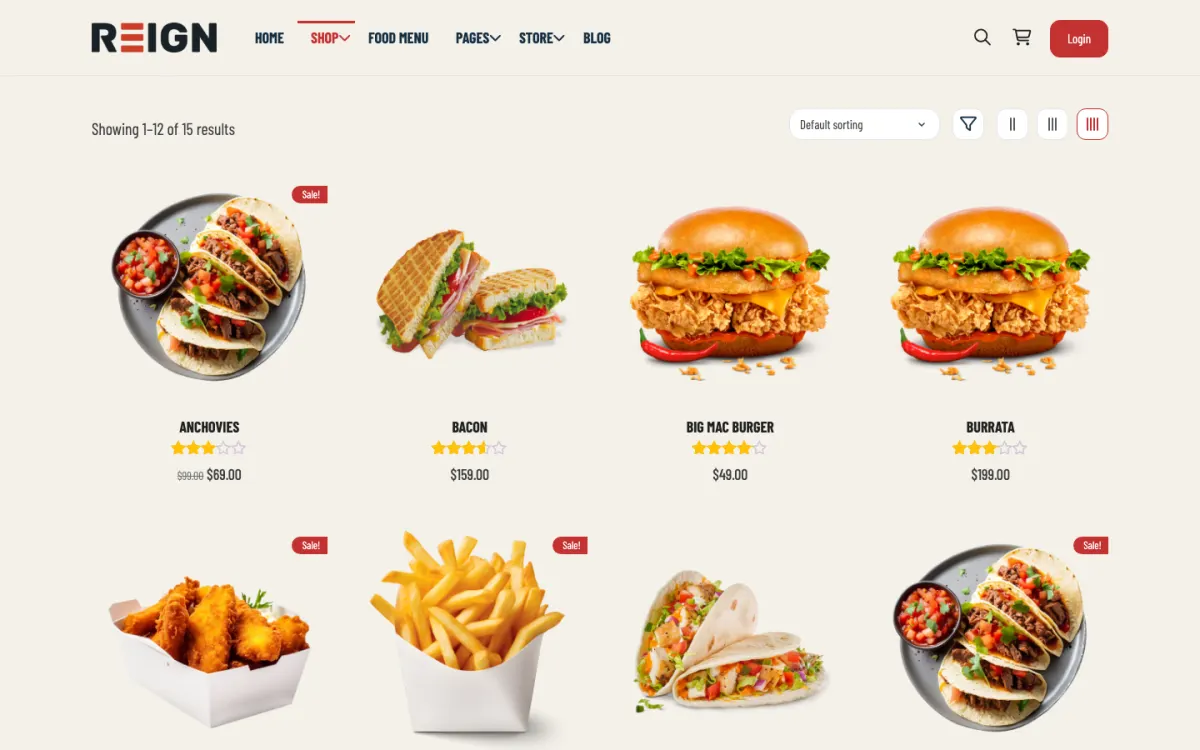
Screens from the live demos, with sample content. Open any of them and click around.

Stack recipe

What you need to assemble.

Buy the theme. Install our plugins free. The third-party engine and its Reign add-on are here for people already running that stack, not a second bill everyone pays.

Build it in 6 steps

From zero to live community.

01

Install Reign and import a WCFM demo

Activate Reign and open the free Reign Demo Installer. The demos page lists a Reign WCFM BuddyPress demo and a WCFM plus BuddyBoss Platform demo. Import the closer one for the home page, menus and shop layout, then replace the sample products with yours.

Reign Demo Installer

02

Set up WooCommerce and WCFM

Install and configure WooCommerce and WCFM Marketplace if they are not already running. Commission rules, currencies and vendor settings are WCFM settings, and Reign does not change them. Settle those before you recruit vendors.

03

Install the Reign WCFM Addon

Activate the Reign WCFM Addon. It renders the vendor dashboards in Reign colour and type tokens. Open a dashboard and a store page next to the theme home page to check they look like one site.

Reign WCFM Addon

04

Add BuddyNext for profiles and a feed

Install BuddyNext so vendors and shoppers are members. Vendors can post news, shoppers can follow them and messages work through WPMediaVerse. Existing BuddyPress or BuddyBoss sites can stay as they are.

BuddyNext with Reign

05

Test with a real vendor and a real order

Ask one vendor to list products and use the dashboard for a day. Place orders from a customer account. Vendors tell you quickly which dashboard screens confuse them.

06

Publish payout and commission terms

Write down the commission rules and payout schedule in plain words and link them from vendor sign-up. The more complex your rules, the more the written explanation matters.

What shoppers and vendors get from this site

A shopper browses products from many vendors, opens a store page and checks out through WooCommerce. The Reign WCFM Addon styles the store pages and the vendor dashboards in the theme's colours and type, so the shop reads as part of your community. Shipping, tax and inventory are handled by WooCommerce and WCFM.

A vendor works in the WCFM dashboard, which the addon styles, so vendors see Reign surfaces. WCFM is the engine to know if your marketplace has complicated commission arrangements, and those rules stay where they are in WCFM's own settings.

BuddyNext adds the membership layer: profiles, a feed, spaces and notifications. Vendors can post news, shoppers can follow vendors, and the marketplace starts to feel like a place.

What to check before you recruit vendors

Place a test order and follow it through the vendor dashboard. Check the commission is calculated the way you intended. If you use more than one currency, test an order in each.

Go through each dashboard tab as a vendor and look for anything that still looks like stock styling or reads badly on a phone. Vendors will use the dashboard daily, so small friction adds up.

Write down your commission and payout rules before vendor number one. A complex model needs a clear plain-language page, or you will answer the same email many times.

Adding the next piece later, on the same login

The community usually comes first, then MediaVerse for product photos and video in albums, which also switches on messages. Eventonomy suits launches and vendor webinars with RSVPs. WB Gamification adds points and badges earned from real activity at no cost.

If some sellers offer services, WP Sell Services can run alongside, but two seller flows can confuse people, so weigh whether it is worth it.

See the plugins page for each plugin and what is free. All of them share the WordPress accounts your shop already uses.

Who this build suits, and who should pick another

This build suits a physical-goods marketplace that already runs WCFM, often because its commission or vendor arrangements are not simple. Keeping WCFM and restyling it is quicker than moving, and the addon leaves your settings alone.

If your sellers sell services, the WP Sell Services build guide starts free and has commission built in. Do not choose a heavier engine to fix a commission problem you do not have yet. If you run Dokan or WC Vendors, those guides cover the matching add-ons. The StoreMate WCFM kit packages the theme and add-on, and the marketplace overview compares the engines.

Running it day to day

Approve vendors, check orders for problems and keep an eye on payouts. Complex commission rules mean more questions from vendors, so keep the explanation page current.

Post a vendor or product highlight to the feed each week. It gives shoppers a reason to come back and gives vendors a reason to keep their stores current.

WCFM keeps its own licence from its authors. Reign is a flat theme licence with no per-member fee and no share of your sales. See the pricing page for add-on and kit options.

Mistakes to avoid when the commission model is complicated

The biggest risk with a flexible commission model is that nobody can explain it. If you can only describe it in a spreadsheet, your vendors cannot understand it either. Before launch, write the rules as three or four examples in plain words: a sale, the commission taken and the payout. Put those on the vendor page and check that a new vendor can follow them without asking you.

Test every rule with a real order. Set up a vendor, a product and a rule, place an order and check that the amounts in the WCFM screens match what you expect. Do this for each exception you plan to offer. A rule you have not tested is a rule you will be correcting by hand later, in front of an unhappy vendor.

If you sell in more than one currency, test the shopper side as well as the vendor side. Check what a shopper sees at checkout and what the vendor sees in their dashboard. Finally, keep the number of exceptions low. Every exception is a question a vendor will ask, and a question you will answer for as long as the marketplace runs.

FAQ

Common questions.

Does Reign work with WCFM?

Yes. The Reign WCFM Addon styles vendor dashboards and store pages, and two Reign demos are built on WCFM. WCFM sells its own licence separately.

Do I need WCFM at all?

Not if you sell services. WP Sell Services is ours, installs free and has listings, seller profiles, orders, milestones and a global and per-vendor commission rate built in. Choose WCFM when you sell physical goods and already know its model fits.

Does the Reign add-on change my WCFM commission settings?

No. Commission, currency and vendor settings stay in WCFM. The addon changes the styling only.

WCFM, Dokan or WC Vendors?

If you already run one, keep it, since Reign has a matching add-on for each. The marketplace overview compares the engines.

What does the WCFM path cost?

Reign is a flat theme licence with no per-member fee and no share of your sales. The Reign WCFM Addon and the WCFM licence are sold separately, and the StoreMate WCFM kit packages the theme and add-on. See the pricing page.

Ship it

Reign is the only thing you have to buy.

WP Sell Services and the rest of our plugins install free, and the theme styles them out of the box. Building on WCFM instead? The StoreMate WCFM kit ships the theme with the matching Reign add-on.

One theme, the whole site

See what you can build with Reign, then try it.

Reign is the WordPress theme for building a complete community site: social network, courses, member directory, marketplace and job board on one install. Start with one, add the others when you need them, and keep one login for every member. Open a live demo, or launch a sandbox and get a fresh WordPress site to click through in about a minute.

Add more when you need it

Not sure which setup fits your site?

Tell us what you want members to do on your site. We will tell you which Reign setup, plugins and kit fit, before you buy anything.

What customers say on Trustpilot

Excellent Theme, Powerful Plugins and Outstanding Support

I am using the REIGN theme and several plugins from Wbcom Designs on my website. The theme is beautifully designed, and the plugins are user-friendly. Everything works smoothly, and the features are perfect for building professional websites and communities. What impressed me most is their…

S W MalcolmUS