REIGN
Get Reign

Coaching platform

Build a 1-to-1 + 1-to-many coaching platform on WordPress

Run each cohort as a Learnomy course, give each its own BuddyNext space for the conversation between sessions, store recordings in MediaVerse, and import a layout with the free Reign Demo Installer. All three install free. Add a booking plugin you like for one-to-one time.

The Reign theme is the only thing you have to buy. See every plugin that installs free, or have us install the whole stack.

Key takeaways

  • Each cohort is a Learnomy course with lessons and quizzes, sold through Stripe or PayPal in the free plugin.
  • Each cohort also gets a BuddyNext space, which is where clients talk between sessions.
  • MediaVerse holds recordings with privacy levels, so content stays with enrolled members.
  • Cohorts, drip content and assignments in Learnomy are Pro. Start with a simpler format on the free plugin and upgrade when you need them.

What it looks like on Reign

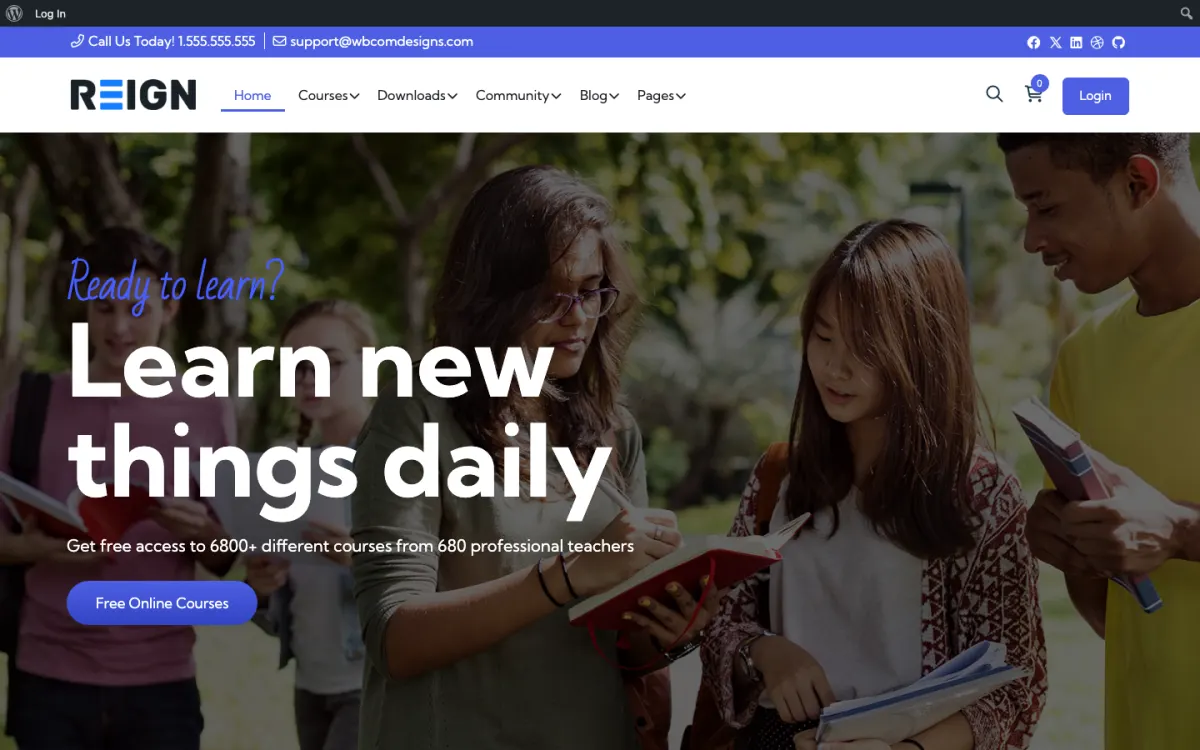
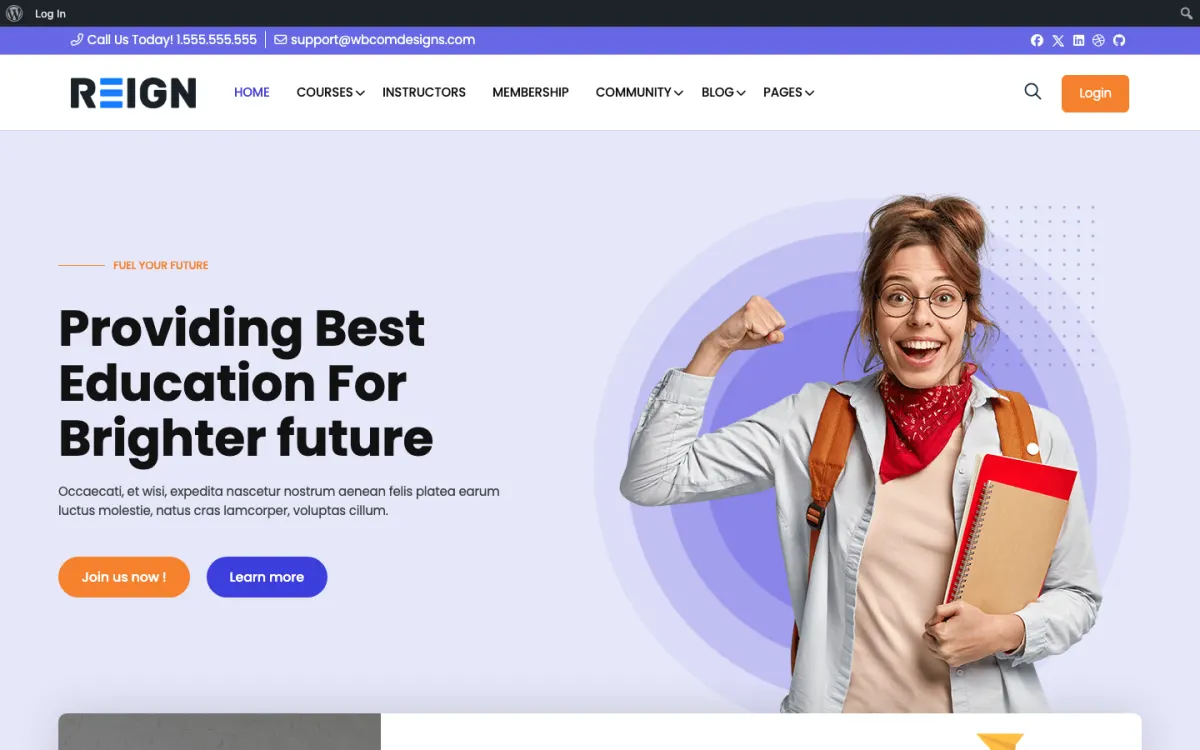
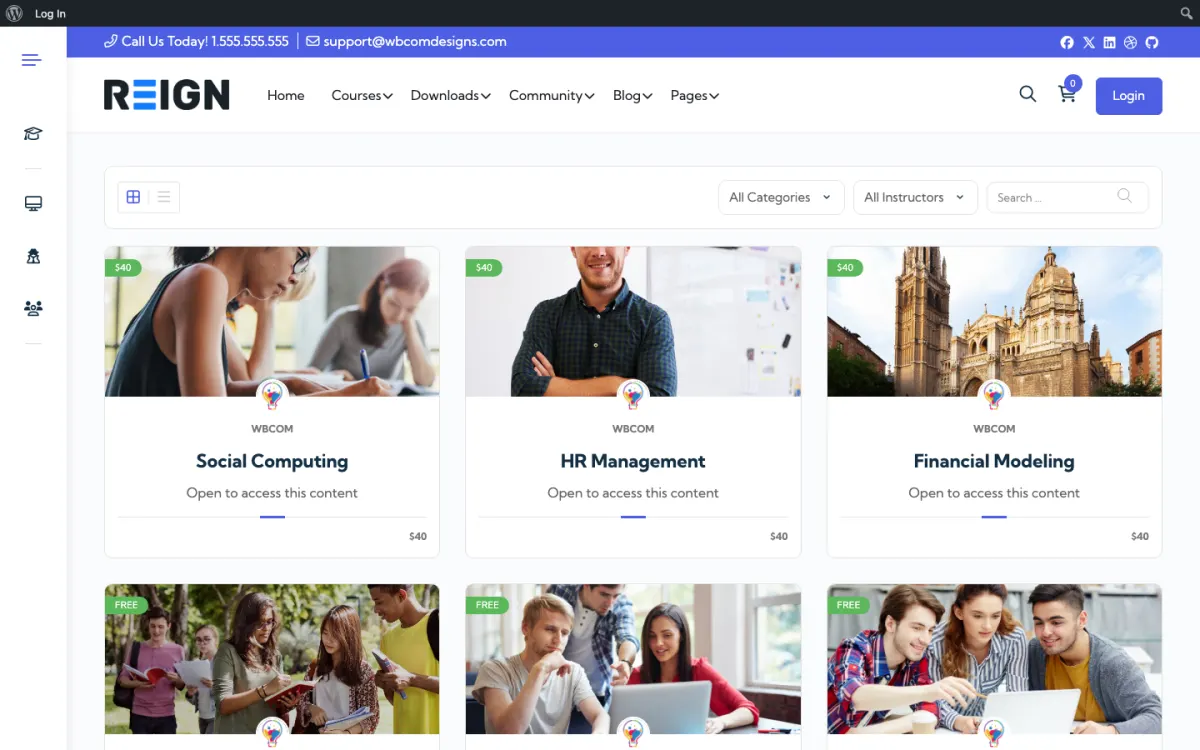
Screens from the live demos, with sample content. Open any of them and click around.

Stack recipe

What you need to assemble.

Buy the theme. Install our plugins free. The third-party engine and its Reign add-on are here for people already running that stack, not a second bill everyone pays.

Build it in 6 steps

From zero to live community.

01

Install Reign and import a learning layout

Activate Reign and open the free Reign Demo Installer. Pick a learning demo from the demos page, import it for the home page and menus, and replace the sample courses with your programmes. Write a clear page that tells a visitor how the programmes differ.

Reign Demo Installer

02

Activate BuddyNext and create a space per cohort

Install BuddyNext and create one space for each cohort. The space is where clients talk between sessions, and it is usually where they feel they are getting their money worth. Create an alumni space for people who finish.

BuddyNext with Reign

03

Build each programme as a Learnomy course

Install Learnomy and create a course per programme, with lessons for the self-paced material and a quiz where a check is useful. Connect Stripe or PayPal for payment. Enrol a test client before you sell the first place.

Learnomy with Reign

04

Store recordings in MediaVerse

Install MediaVerse and set the privacy level so recordings are visible only to the cohort. Post each recording in the cohort space so people find it where they already talk.

MediaVerse with Reign

05

Add booking for one-to-one sessions

Choose a booking plugin you like, such as Amelia or BookingPress, for calendar bookings with coaches. Put the booking link in the client area and in the cohort welcome message. For group sessions, Eventonomy offers event pages with RSVPs.

06

Run one cohort with a small group first

Start with a small group you know. Watch where they get stuck in the course, in the space and in the booking flow. Fix the flow before you sell the next cohort.

What clients get from this platform

A client buys a place in a programme and gets access to a Learnomy course: lessons, quizzes and a certificate at the end. The same login opens their cohort space, where they post, reply and see what their peers are doing. Notifications bring them back when someone responds.

Session recordings live in MediaVerse, shared inside the cohort space with a privacy level that keeps them visible only to enrolled members. A client who missed a call watches the recording where they already talk to the group.

One-to-one time is handled by whichever booking plugin you choose, which sits alongside the rest. The profile, the space and the course stay the same, so the coach and the client always have one place for the conversation.

What to check before you sell the first cohort

Go through the client path as a new client: buy, receive the welcome message, open the course, join the cohort space, find a recording, and book a session. Note every place you were unsure what to do. Those are the places your clients will write to you about.

Test the payment in the provider's test mode and confirm access is granted. Check that a client who has not paid cannot see the cohort space or recordings.

Look at everything at phone width. Many clients will join a call from their laptop and then read the space on their phone.

Adding the next piece later, on the same login

Add Eventonomy for group sessions with event pages, recurring dates and RSVPs. Add Jetonomy for a Q&A space where common questions are answered once. Add WB Gamification for points, badges and leaderboards from real activity, which can reward showing up; it is free.

When you need more structure, Learnomy Pro adds drip content, assignments, grading, cohorts, subscription management and instructor payouts. MediaVerse Pro adds cloud storage, extra layouts, stories, documents and photo challenges. BuddyNext Pro adds paid plans and gated spaces for a paid alumni circle.

Pick the upgrade that fixes a problem you have. The plugins page lists what is free and what is Pro.

Who this build suits, and who should pick another

This build suits a coach, consultant or trainer who runs programmes for groups and wants the conversation, the lessons and the recordings in one place. It is most useful when you have more clients than you can serve one at a time.

If you coach fewer than a handful of clients, a calendar link and a shared document is enough, and you do not need a platform yet. If your product is mostly self-paced lessons, the Learnomy course community build is more direct. If your cohorts already run in Tutor LMS, the Tutor LMS build and its add-on keep them there. If access to everything is by subscription, see the membership site build.

Running it day to day

Before each cohort: open the space, post the schedule and the first prompt. During: run the sessions, post the recording and a short summary, and answer questions in the space. After: keep the space open as an alumni group, with a regular session.

Alumni are often the base of a coaching business. A group that meets regularly keeps clients in touch with you and makes the next programme easier to sell.

Reign is a flat theme licence with no per-member fee and no share of your sales, so the theme cost does not change with the number of cohorts. See the pricing page for plugin plans.

Mistakes to avoid when you move coaching onto a platform

The first mistake is building before you have a method. A platform cannot rescue a programme that is still changing every week. Run one cohort by hand, with a shared document and a call, then build the course around what worked. The lessons you put in Learnomy should be the ones you have already taught more than once.

The second is putting everything in the course. Coaching works because of the live part, and the live part is hard to put in a lesson. Use the course for material that does not change, the space for conversation, and sessions for what only a person can do. When clients ask for more live time, that is a good sign; add an office hours slot before you add more lessons.

The third is losing clients at the end. When a cohort finishes, many coaches let the space go quiet. Keep an alumni space open and run something regular in it, even a short monthly session. Clients who stay connected are the ones who come back for the next programme or recommend you to a friend. Finally, tell clients where each thing lives. A one-page start guide that says course here, conversation there and booking there saves a lot of messages.

FAQ

Common questions.

Can I run a coaching business on WordPress?

Yes. Learnomy runs the programmes, BuddyNext gives each cohort a space, MediaVerse holds recordings, and a booking plugin handles one-to-one time. All three of our plugins install free.

Is this too much for a solo coach?

If you have only a few clients, a calendar link and a shared document are enough. This stack is for coaches who have outgrown that and need one place for lessons, conversation and recordings.

What does Learnomy Pro add for cohorts?

Cohorts, drip content, assignments, grading, subscription management and instructor payouts are Pro. The free plugin sells courses and memberships and covers lessons, quizzes and certificates.

Can I keep my Tutor LMS courses?

Yes. The Reign Tutor LMS Addon styles Tutor LMS courses and instructor dashboards in the theme.

How do I keep recordings private?

MediaVerse free includes privacy levels. Post each recording in the cohort space so it is visible only to enrolled members.

Ship it

Reign is the only thing you have to buy.

Learnomy and the rest of our plugins install free, and the theme styles them out of the box. Building on Tutor LMS instead? The Reign TutorLMS Theme kit ships the theme with the matching Reign add-on.

One theme, the whole site

See what you can build with Reign, then try it.

Reign is the WordPress theme for building a complete community site: social network, courses, member directory, marketplace and job board on one install. Start with one, add the others when you need them, and keep one login for every member. Open a live demo, or launch a sandbox and get a fresh WordPress site to click through in about a minute.

Add more when you need it

Not sure which setup fits your site?

Tell us what you want members to do on your site. We will tell you which Reign setup, plugins and kit fit, before you buy anything.

What customers say on Trustpilot

WBComDesigns is amazing!

WBComDesigns is amazing. The WP plugins and themes are of top notch quality with lots of features and updated very frequently. Supports are very responsive and helpful. I use Reign with TutorLMS, and the experience is surprisingly smooth. The recently launched BuddyNext Pro and MediaShield Pro are…

Hoang PhanVN