
Love this company
Love this company. Loved the REIGN product. They were there the entire time helping me set things up; and when things went wrong? They were quick to take action and help find a solution.
For B2B marketplaces
Treat it as an approval-gated wholesale site: supplier storefronts on WCFM, buyer accounts that need approval before they see prices, quote requests for larger orders and a supplier directory so buyers know who they deal with. Plan the pricing and approval flow before the catalogue. Reign styles the storefronts and dashboards consistently.
B2B operators want a wholesale marketplace with payment terms, bulk pricing tiers and account managers, which a standard shop does not provide out of the box.
Reign + WCFM for a wholesale marketplace where supplier storefronts sit behind an approval gate. WCFM is the engine here, and B2B pricing and invoice terms come from extensions on top; BuddyNext, free to install, adds the buyer-side community if you want one.
Screens from the live demos, with sample content. Open any of them and click around.
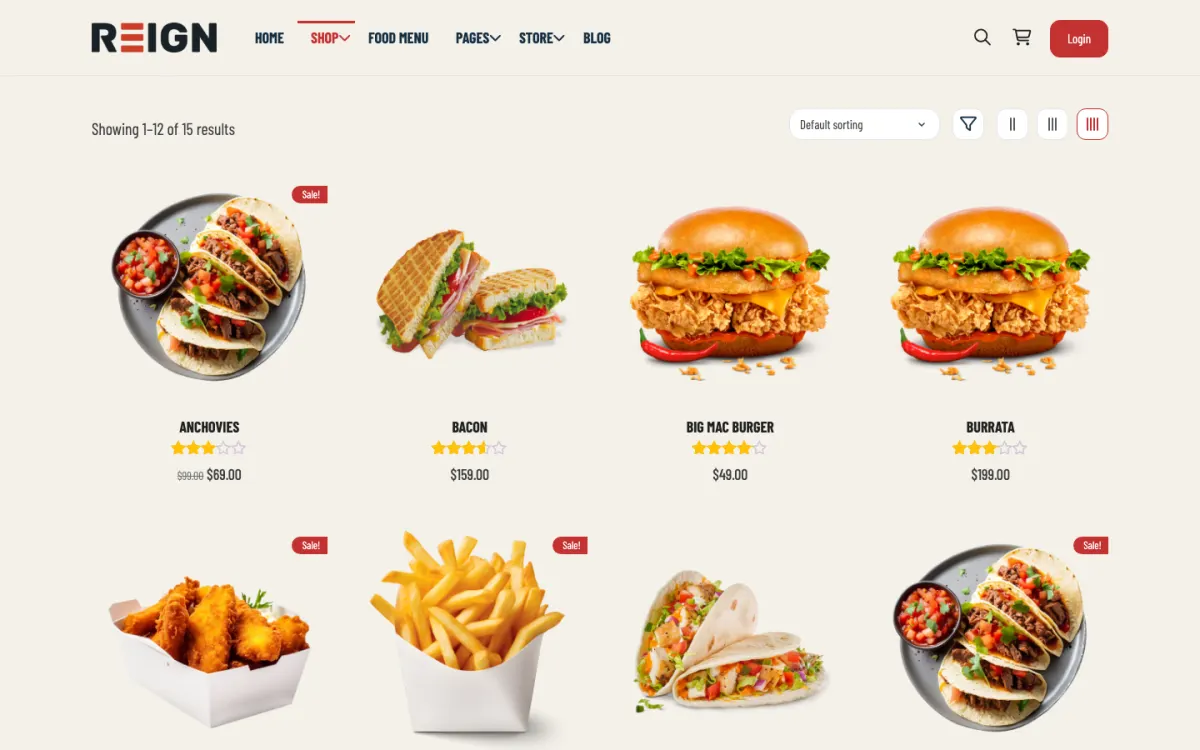
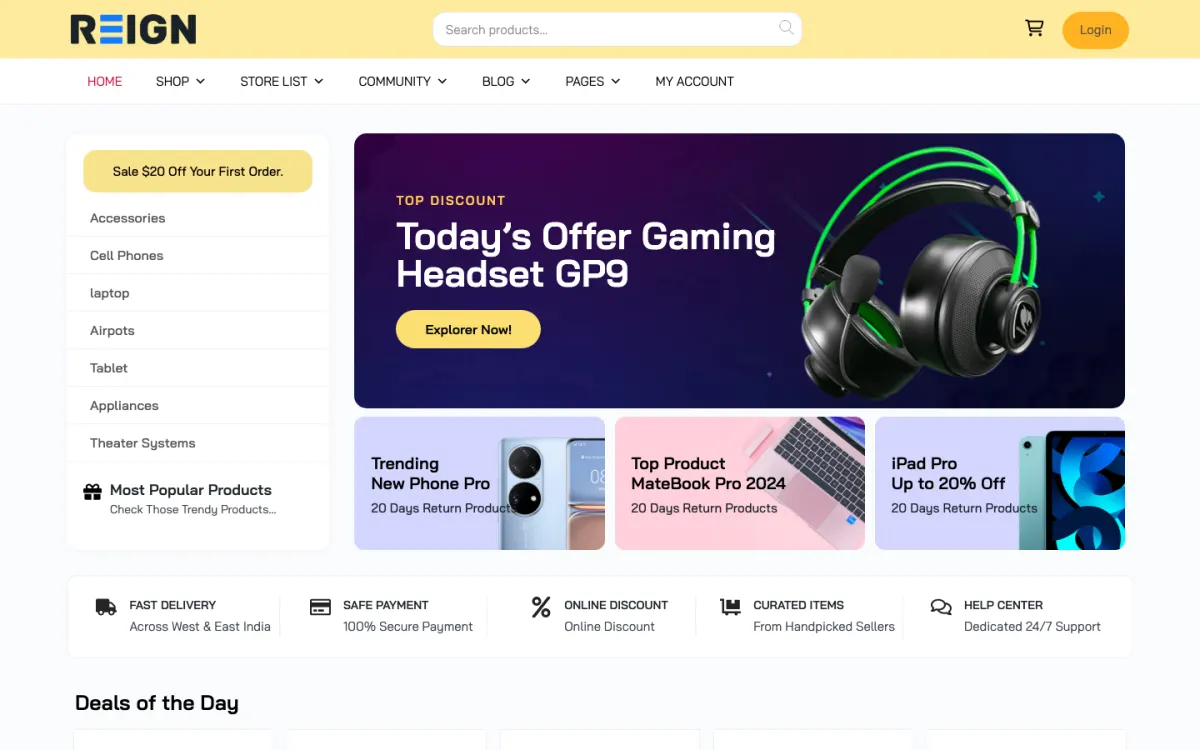

Approved-buyer accounts, so wholesale pricing is not visible to the public.
Pricing tiers and invoice terms through B2B extensions on top of the commerce plugin.
A supplier directory and updates feed so buyers know who they are dealing with.
You launch with supplier storefronts, tiered pricing per account, and a quote or purchase-order flow rather than a consumer checkout. Buyers apply for an account, get approved, and see prices for their tier. The approval gate is the defining feature: a B2B marketplace where anyone can register and see wholesale pricing is not a B2B marketplace.
A buyer applies, gets approved, and places a first small order to test the process. Trust builds slowly and through operations rather than marketing: correct invoices, reliable delivery, a manager who answers. Over months the relationship moves from occasional to scheduled, and the site's job becomes making reordering frictionless rather than making the first sale.
Commission per transaction is common, though usually set lower than on consumer marketplaces because order values are high. Subscription fees for suppliers are the alternative. Net terms and purchase orders usually need an extension, and quote requests often replace the cart entirely for larger orders. Plan the payment flow before the catalogue.
Designing a consumer checkout for business buyers. B2B needs account approval, tiered pricing, quotes and terms, and a cart with a card field is not it. Get the pricing and approval flow right before the catalogue, because a pricing leak between tiers is a commercial problem rather than a bug.
Reign is the WordPress theme for building a complete community site: social network, courses, member directory, marketplace and job board on one install. A B2B marketplace needs the marketplace half and the directory.
WCFM is the engine we point to, with the StoreMate WCFM kit and the WCFM marketplace build guide as the route. Pricing tiers, net terms and quotes come from extensions on top, and you should check each with a real buyer on staging. BuddyNext, free to install, can add a supplier updates feed and a buyer support space if you want one.
Our own services marketplace, WP Sell Services, fits when the product is custom work such as design or engineering, with milestones and commissions. For physical wholesale it is not the right tool. The marketplace picker helps you decide and the plugins page shows the split.
Design the account flow before the catalogue. Everything else depends on who is allowed to see what.
Write down your buyer tiers and what each can see and buy. Include how you verify a business and what happens to those who fail.
Install WordPress with Reign and WCFM, then add the extensions for tiered pricing, quotes and payment terms you need. The start page gives the order.
Build the registration and approval flow. Test that a visitor, a pending buyer and an approved buyer each see exactly what they should.
Onboard three or four suppliers personally and load their catalogues. Decide which ranges are priced and which are quote only.
Run test orders through the full flow, including an invoice on terms. Have someone from your finance side check the records.
Open to a first group of vetted buyers and review each order manually until the process is stable.
A buyer's week is about reordering. They log in, check the usual lines, adjust quantities and place an order against their terms. The site's job is to make repeat orders faster than an email thread. New lines get noticed through a short updates post from the supplier.
A supplier checks incoming orders and quote requests, replies to questions, updates stock and posts about new products or lead times. Suppliers appreciate seeing which buyers are active, since it tells them where to spend effort.
Your week as the operator is approvals, disputes and quality. You check new buyer applications, resolve invoice queries and watch for suppliers whose responses are slow. In B2B, slow replies cost more than anything else.
Growth is slow and relationship-led. Each supplier brings their buyers, each buyer who is satisfied brings peers, and the directory helps people find who to trust. The pace is set by operations rather than marketing.
Add depth before breadth. A marketplace that serves one industry well, with the right pricing rules and categories, is easier to sell than a general one. Specialist categories also give you content to publish that brings search traffic.
Revenue usually combines commission on transactions and fees from suppliers. Order values are high, so the commission is usually set lower than on consumer markets. Choose a structure that suppliers see as fair and test it with a few before publishing.
Vetting is what makes a wholesale marketplace worth joining, and it is also where deals stall. A buyer who waits a week for approval buys elsewhere. The aim is a process that is thorough enough to be meaningful and quick enough to feel professional.
Ask for what you can check. For buyers, a company name, a registration or tax number, a trading address and a contact person are usually enough to start. For suppliers, add proof of the right to sell the goods and the terms they offer. Say exactly what you need in the application.
Set a reply time and keep to it. Promise an answer within a working day or two, and assign one person to the queue. Send a clear message when you approve, explaining what the buyer can now see and how to place a first order.
Use staged access. A newly approved buyer might see prices but have a lower credit limit until their first orders are paid. Terms and limits come from extensions on the commerce plugin, so test each rule with a real account before you rely on it.
Review regularly. Look at buyers who never order and suppliers who never ship, and ask why. Remove accounts that have no purpose, so the marketplace stays a place where serious parties meet.
Designing a consumer checkout for business buyers is the main one. A cart with a card field does not suit buyers who need terms, quotes and purchase orders. Build the flow around how they already buy.
Letting pricing leak between tiers is the second. Test it thoroughly, since a leak is a commercial problem, not just a bug. Test as a logged-out visitor, a pending applicant and each tier.
The third is skipping the human side. Trust in B2B comes from a person who answers, so name an account manager for each supplier group.
If your buyers are large enterprises with procurement systems, check their requirements before you build; some need integrations that go beyond a WordPress site. If you sell consumer products, the handmade page or digital products page fit better.
If you are a single manufacturer selling to your own distributors, a private shop with approved accounts may be enough, with no marketplace at all.
That is custom integration work with outside providers, not something the theme or our plugins do. Scope it with a developer before you promise it to enterprise buyers.
BigCommerce B2B is a hosted product that is quicker to launch. Reign with WCFM is more flexible and self-hosted, so you control the data and the rules. If your buyers are large enterprises with procurement systems, check what they need first.
Yes, through role-based or tiered pricing extensions, so an approved buyer sees their negotiated rate and a visitor sees nothing. This is core to B2B and worth testing thoroughly before launch, because a pricing leak between tiers is a commercial problem, not just a bug.
Through a payment extension that lets approved accounts order against an invoice rather than a card. Combine it with account approval so only vetted buyers get terms. The accounting side stays in your finance system; the site records the order and the terms applied.
Less than a consumer marketplace, but they earn their place for supplier announcements, product updates and a support space. The member directory is often the most used part, because B2B buyers want to know who they are dealing with before they place an order.
Yes, and for larger orders a quote flow usually replaces the cart entirely. Decide which product ranges are priced and which are quoted before you build, because mixing the two badly confuses buyers.
A manual approval step on registration, checking company details against whatever verification your sector expects. It is friction, and it is the friction that makes the pricing model possible.
One theme, the whole site
Reign is the WordPress theme for building a complete community site: social network, courses, member directory, marketplace and job board on one install. Start with one, add the others when you need them, and keep one login for every member. Open a live demo, or launch a sandbox and get a fresh WordPress site to click through in about a minute.
Sell services or products from many sellers, with orders, reviews and commissions. Powered by WP Sell Services.
Profiles, activity feed, spaces, messages and moderation on your own domain. Powered by BuddyNext.
Lessons, quizzes, certificates and memberships, on the same login as the community. Powered by Learnomy.
Listings, search, maps and reviews that members can add themselves. Powered by Listora.
Employers post jobs, members apply, and you run the board from one dashboard. Powered by WP Career Board.
Reign with BuddyPress, ready in one click, or browse every demo by site type.
Add more when you need it
Tell us what you want members to do on your site. We will tell you which Reign setup, plugins and kit fit, before you buy anything.
Love this company. Loved the REIGN product. They were there the entire time helping me set things up; and when things went wrong? They were quick to take action and help find a solution.
I am using the REIGN theme and several plugins from Wbcom Designs on my website. The theme is beautifully designed, and the plugins are user-friendly. Everything works smoothly, and the features are perfect for building professional websites and communities. What impressed me most is their…
I only have positive experience with wbcom. My journey started a lot of years back with the free buddyx theme. during my learning of wordpress and futher websites ideas I found a match with their Reign job mate theme. Always there to help, always open to explore ideas, always kind replyes even if I…
Swift and expert coding by Kerit to apply a personalised display adjustment on the Reign Theme for a media plugin that was not fully supported at the moment.
I purchased Reign theme from Wbcom Designs, the support team was very helpful and I got the perfect website what I was looking for. Good work Wbcom Designs
WBComDesigns is amazing. The WP plugins and themes are of top notch quality with lots of features and updated very frequently. Supports are very responsive and helpful. I use Reign with TutorLMS, and the experience is surprisingly smooth. The recently launched BuddyNext Pro and MediaShield Pro are…
Had a minor issue with displaying information in the Resume Manager. Opened a ticket and had the issue fixed the same day. Great job!
It was really great working with shashank from wbcom designs on my project!
A huge thanks to Wbcom Designs for their unparalleled support and cooperation. Their WordPress expertise truly shines through in their work. Highly appreciated and recommended!
I recently purchased the Buddyx Theme and the support that I have been receiving from WBCom is nothing short of amazing! They truly stand behind their product in every sense!