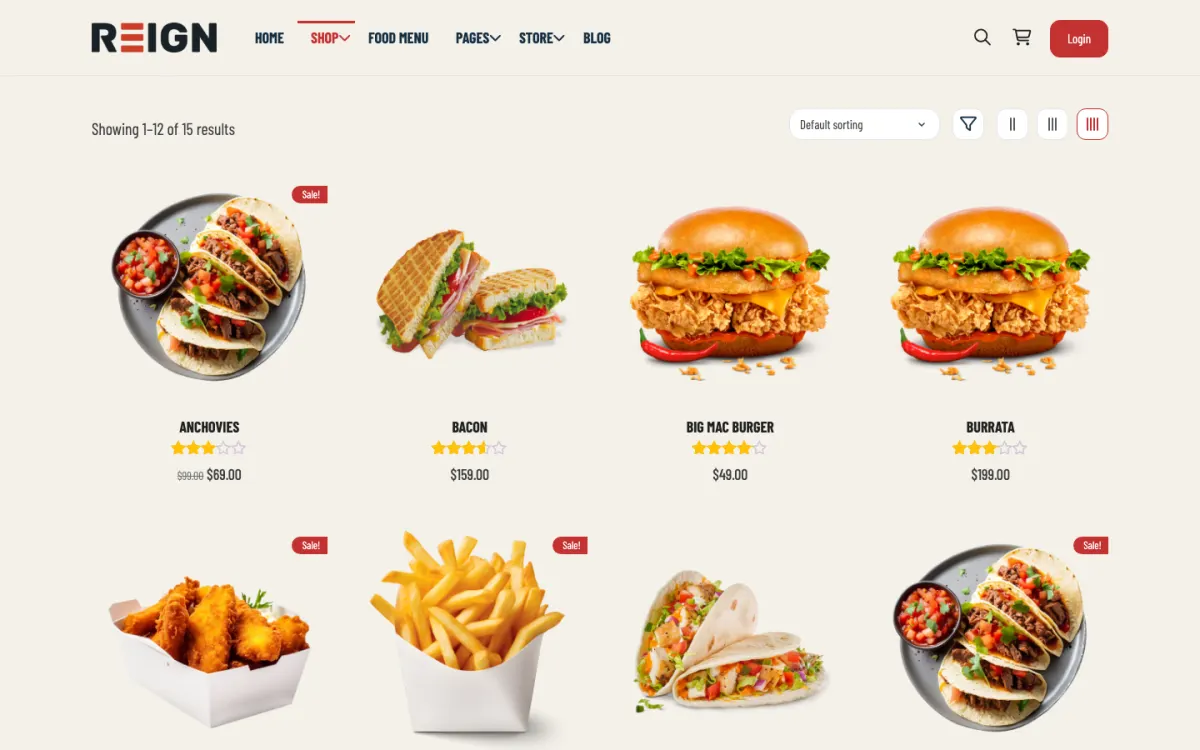
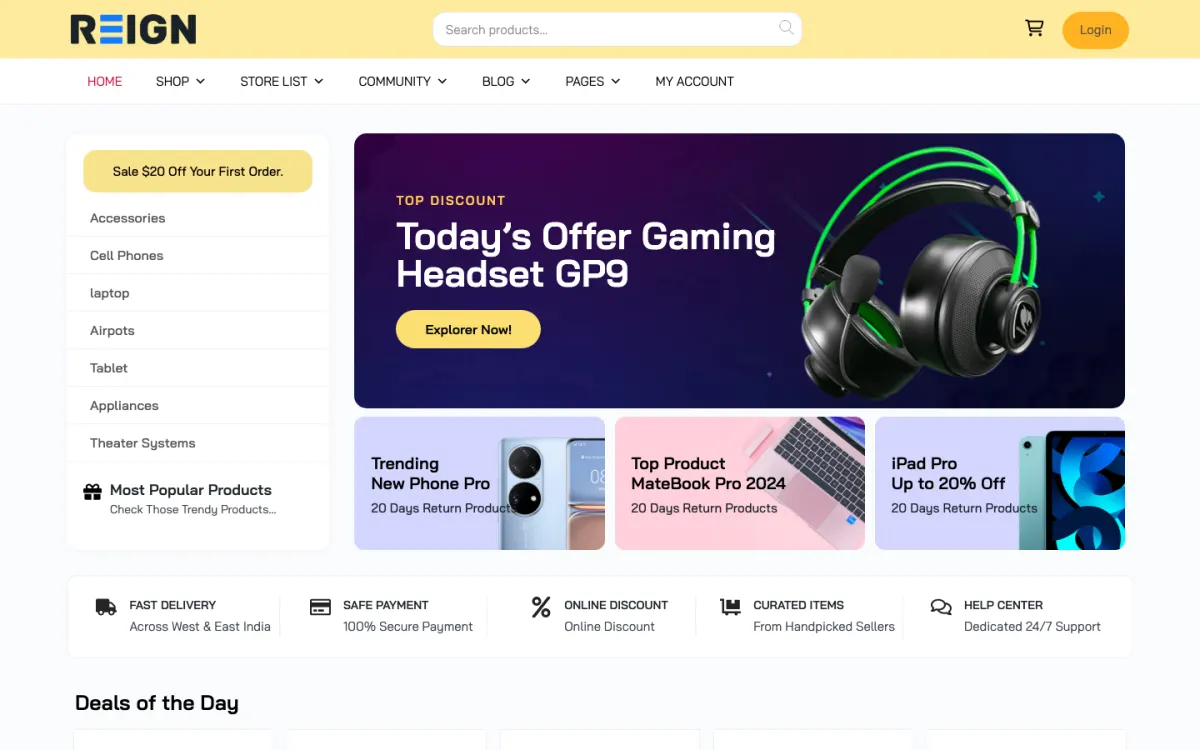
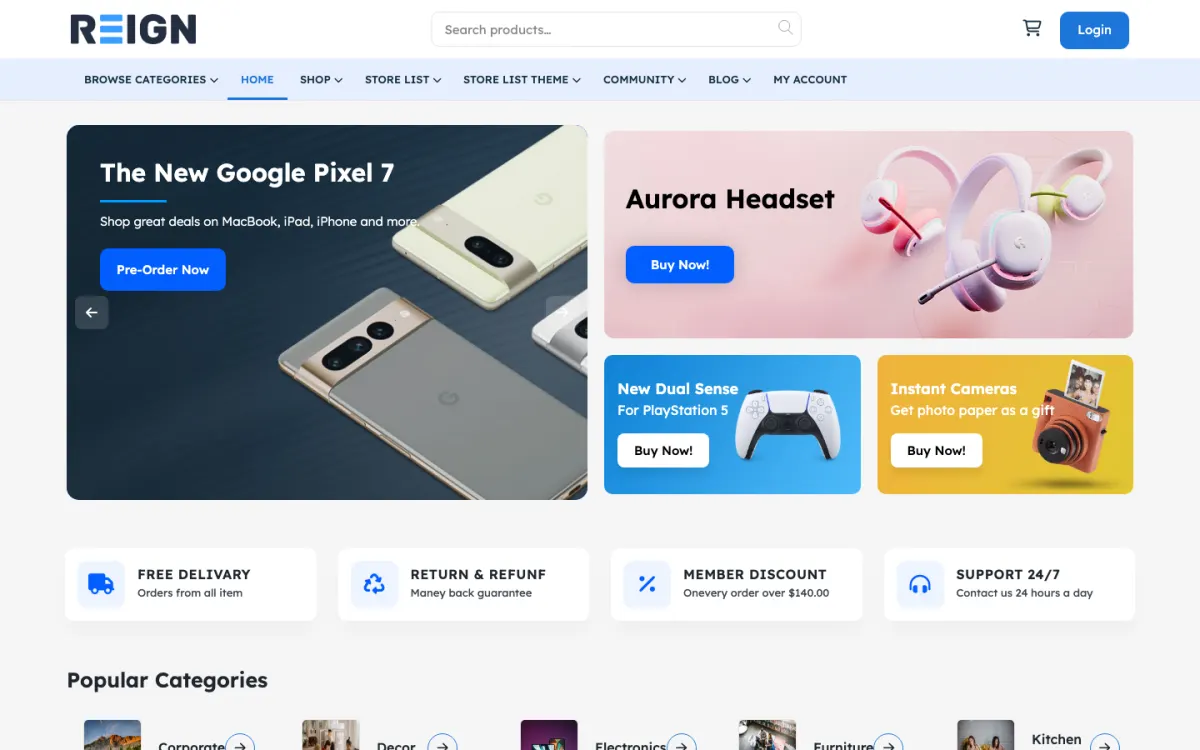
Reign for food delivery marketplaces. Local food delivery marketplace.
Launch in one small area: WCFM for restaurant storefronts, orders and payouts, Listora to map restaurants by neighbourhood and cuisine, and BuddyNext only if you want a local food community. Sign the first restaurants in person and settle delivery before you widen the map. Reign styles the ordering flow, the directory and the dashboards as one site.
Restaurants rely on big delivery apps that take a commission on every order, and local operators want a marketplace where the restaurants keep more.
Reign + WCFM + Listora for a local food delivery marketplace where you set the commission. WCFM runs vendor orders and payouts; Listora, our directory plugin, installs free and maps restaurants by neighborhood.
This is an operations business. The site takes orders and splits payments; drivers, late deliveries and wrong orders are people work.
Delivery zones and delivery windows should be right at launch, because showing someone a restaurant that cannot reach them loses a first-time customer.
Sign the first restaurants personally and train them on the vendor dashboard.
Restaurant onboarding done in person, with menus built in the vendor dashboard.
02
Listora (free to install) lists restaurants on a map and by neighborhood; GeoDirectory does the same job on sites already using it.
03
A commission you set yourself, so restaurants can see why the local option is worth it.
What the site looks like on day one.
You launch with restaurant storefronts, a searchable directory by area and cuisine, and ordering with delivery windows. Each restaurant manages its own menu and orders through a vendor dashboard, customers browse by location, and the commission splits automatically at checkout. The operational reality is that delivery logistics live outside the site, and being clear about that from day one saves a lot of pain.
What a member actually does.
A customer searches by area, finds a restaurant, orders, and comes back if the food and the delivery were both fine. Restaurants adopt it when order volume justifies managing a second system, which means the first ten restaurants are the hard ones and are usually signed in person. Over months the marketplace works if supply and demand grow together, and stalls if either runs ahead.
How this usually makes money.
Commission per order, is the model, handled by the multi-vendor plugin with splits at checkout. Some markets add a monthly fee for featured placement. The honest warning is that this is an operations business more than a software one: the site handles ordering and money, but delivery, disputes and restaurant relationships are people work.
The mistake to avoid.
Underestimating that this is an operations business. The site takes orders and splits money competently; drivers, late deliveries, wrong orders and restaurant relationships are people work that no plugin absorbs. Launch in one small area and solve the operations before widening the map.
Which Reign setup fits a local food marketplace
Reign is the WordPress theme for building a complete community site: social network, courses, member directory, marketplace and job board on one install. A food marketplace combines the marketplace with a directory.
The ordering engine is WCFM, which Reign styles through the StoreMate WCFM kit, with the WCFM marketplace build guide for the steps. Listora supplies the directory: listings, search, maps, member reviews and business claims, all free to install. Its Pro plan adds paid listing plans and verification badges, which can become a featured-placement product later.
BuddyNext, also free, is worth adding if you want local food lovers to talk to each other and follow restaurants. The plugins page has the details, and the business directory build guide covers the directory half.
Launch steps for a food delivery marketplace
Operations come before software. A live marketplace with no drivers and three restaurants is worse than none.
01
Pick one neighbourhood and decide how deliveries will work: restaurants deliver themselves, or you arrange couriers. Write down what happens when something goes wrong.
02
Install WordPress with Reign, WCFM and Listora. The start page lists the order.
03
Sign the first restaurants in person and sit with them while they build their menus in the vendor dashboard.
04
Set delivery zones and order windows. Check an address just outside a zone to be sure the restaurant is hidden.
05
Decide how restaurants receive orders. Email and the dashboard are not enough in a busy kitchen, so agree a tablet or printer alert with each one.
06
Run a closed beta with friends and staff, place real orders and fix everything before you advertise.
What restaurants and customers do week to week
A restaurant's week centres on the Friday rush. They update the menu, mark sold-out items and watch the dashboard for incoming orders. Quieter weekdays are when they add offers or schedule orders for the weekend.
Customers search by area and cuisine, check hours and reviews and order. Regulars reorder from the same few places, so a clear order history and a quick way to repeat an order matter. Reviews build up slowly and become the trust signal for newcomers.
Your week is chasing problems early. Look at late orders, wrong orders and refund requests every day, call the restaurants involved and fix patterns. The marketplaces that last are the ones whose operators answered the phone.
How a local food marketplace grows
Supply and demand have to grow together. Add restaurants in the area where customers already order, and advertise to customers in areas where you have enough restaurants for them to choose from. If either runs ahead, the marketplace feels empty or overloaded.
Featured placement is a natural revenue line once traffic exists. Restaurants that want to appear first in a cuisine or a street can pay for it. Listora Pro's paid listing plans exist for this, but start only when the free listings are earning orders.
Local content brings repeat visits. A weekly post on what is new in the neighbourhood, a list of the best brunch spots from member reviews or a seasonal menu round-up gives people a reason to open the site when they are not hungry yet.
How to onboard a restaurant so it keeps using the marketplace
A restaurant decides within a few busy evenings whether the marketplace helps or hurts. If the first Friday goes badly, with missed orders or a confusing screen, the owner goes back to what they know. Onboarding is the one job where an hour of your time saves a lost partner.
Visit in person. Sit with the owner or manager and build the menu together in the vendor dashboard. Take clear photographs of the best dishes if they do not have them. A menu that looks good on day one makes the restaurant proud to share the link.
Agree how orders arrive. Ask what the kitchen will actually see on a busy night, and set up a tablet, a printer or an alert that suits them. Test with a real order before opening, and stay near the phone for the first evening.
Set realistic windows. Agree preparation times, last order times and the radius they can serve. It is better to open with limited hours that the kitchen can meet than with generous ones it cannot.
Check in the next week. Ask what went wrong and fix the first two things. Restaurants forgive a rough start when they see someone responding, and they leave when nobody does.
Mistakes specific to food marketplaces
Underestimating operations is the main one. No plugin absorbs a driver who is late or a kitchen that forgot a side. Launch small, solve the people problems, then widen the map.
Promising live delivery tracking is another. Tracking is a separate service. If you cannot provide it, do not advertise it, and tell customers how they will be kept informed.
A third is neglecting the first ten restaurants. They are the hard ones, they teach you what the dashboard lacks and their experience decides whether others follow.
When a different setup fits better
If you only want to list restaurants and link to their own ordering, a directory alone is far simpler. See the restaurant directory page. If you want a wholesale market for food suppliers, the B2B marketplace page covers the approval and pricing issues.
If you cannot run delivery operations, partner with an existing service rather than building one.
Food delivery marketplace-specific questions.
How do I handle delivery logistics?
Outside the site. Either restaurants deliver themselves, or you pair the marketplace with a courier arrangement of your own. The marketplace handles orders and payments.
What about a mobile app?
Start with the mobile-friendly site, since customers can order from a phone browser. A native app is a separate project you can take on once the orders justify it.
Does this handle delivery logistics?
No, and no WordPress plugin genuinely does. The site takes orders, splits payment and notifies the restaurant. Drivers, routing and tracking are either the restaurant's problem or a separate service you integrate. Be clear about that before you promise customers live tracking.
How do restaurants manage their menus?
Through the vendor dashboard the multi-vendor plugin provides, where they add items, set availability and see orders. Train your first few restaurants personally; the dashboard is the thing that decides whether they keep using it after the first busy Friday.
Can I set delivery zones?
Yes, through shipping zones or a delivery-area extension, so customers only see restaurants that deliver to them. Get this right at launch, because showing somebody a restaurant that cannot reach them is the fastest way to lose a first-time customer.
How do restaurants receive orders?
By email and on the dashboard, and for a busy kitchen that is not enough on its own. Most operations end up adding a printer or a tablet with an alert. Solve that with your first restaurants rather than assuming the dashboard is sufficient.
Can customers schedule orders?
Yes, with delivery windows, and it smooths kitchen load considerably. Restaurants generally welcome it more than customers do, so lead with it when you are recruiting them.
Reign is the WordPress theme for building a complete community site: social network, courses, member directory,
marketplace and job board on one install. Start with one, add the others when you need them, and keep one login
for every member. Open a live demo, or launch a sandbox and get a fresh WordPress site to click through in about a minute.
Marketplace
Sell services or products from many sellers, with orders, reviews and commissions. Powered by WP Sell Services.
Excellent Theme, Powerful Plugins and Outstanding Support
I am using the REIGN theme and several plugins from Wbcom Designs on my website. The theme is beautifully designed, and the plugins are user-friendly. Everything works smoothly, and the features are perfect for building professional websites and communities. What impressed me most is their…
S W Malcolm · US ·
I only have positive experience!
I only have positive experience with wbcom. My journey started a lot of years back with the free buddyx theme. during my learning of wordpress and futher websites ideas I found a match with their Reign job mate theme. Always there to help, always open to explore ideas, always kind replyes even if I…
Oskar Hanborg · SE ·
Swift and expert coding!
Swift and expert coding by Kerit to apply a personalised display adjustment on the Reign Theme for a media plugin that was not fully supported at the moment.
Russell · GB ·
Perfect themes
I purchased Reign theme from Wbcom Designs, the support team was very helpful and I got the perfect website what I was looking for. Good work Wbcom Designs
Monika Singh · IN ·
WBComDesigns is amazing!
WBComDesigns is amazing. The WP plugins and themes are of top notch quality with lots of features and updated very frequently. Supports are very responsive and helpful. I use Reign with TutorLMS, and the experience is surprisingly smooth. The recently launched BuddyNext Pro and MediaShield Pro are…
Hoang Phan · VN ·
Love this company
Love this company. Loved the REIGN product. They were there the entire time helping me set things up; and when things went wrong? They were quick to take action and help find a solution.
Fable Fortitude · CA ·
Excellent plugins and awesome service
Excellent plugins and awesome service. Very quick to respond to questions.
Jonathan · GB ·
Exceptional service by Wbcom Designs
Exceptional service by Wbcom Designs, their WordPress Development expertise is commendable. Grateful for their insightful solutions and prompt assistance.
Needhi Singh · IN ·
Recently worked with Wbcom Designs and…
Recently worked with Wbcom Designs and I was impressed with their services. They have the expertise to deliver a perfect website for my business. And one more thing the team at Wbcom Designs was very helpful they understand my every small requirement.
Kanchan Verma · IN ·
Best WordPress Development Service
Wbcom Designs are the best and very knowledgeable WordPress Development Service, as I was stuck and didn't know how to resolve the issue. Go for it Guys, without any second thoughts.