REIGN
Get Reign

Course community · LearnDash

Build a LearnDash course community on WordPress with Reign

If your courses already run on LearnDash, keep them. Install Reign, add the Reign LearnDash Addon so the catalog, course pages and focus mode match the theme, and add BuddyNext for the community around the lessons. Starting without an LMS? Learnomy is the free alternative from our team.

The Reign theme is the only thing you have to buy. See every plugin that installs free, or have us install the whole stack.

Key takeaways

  • Your LearnDash courses, content and student data stay where they are. Only the styling layer changes.
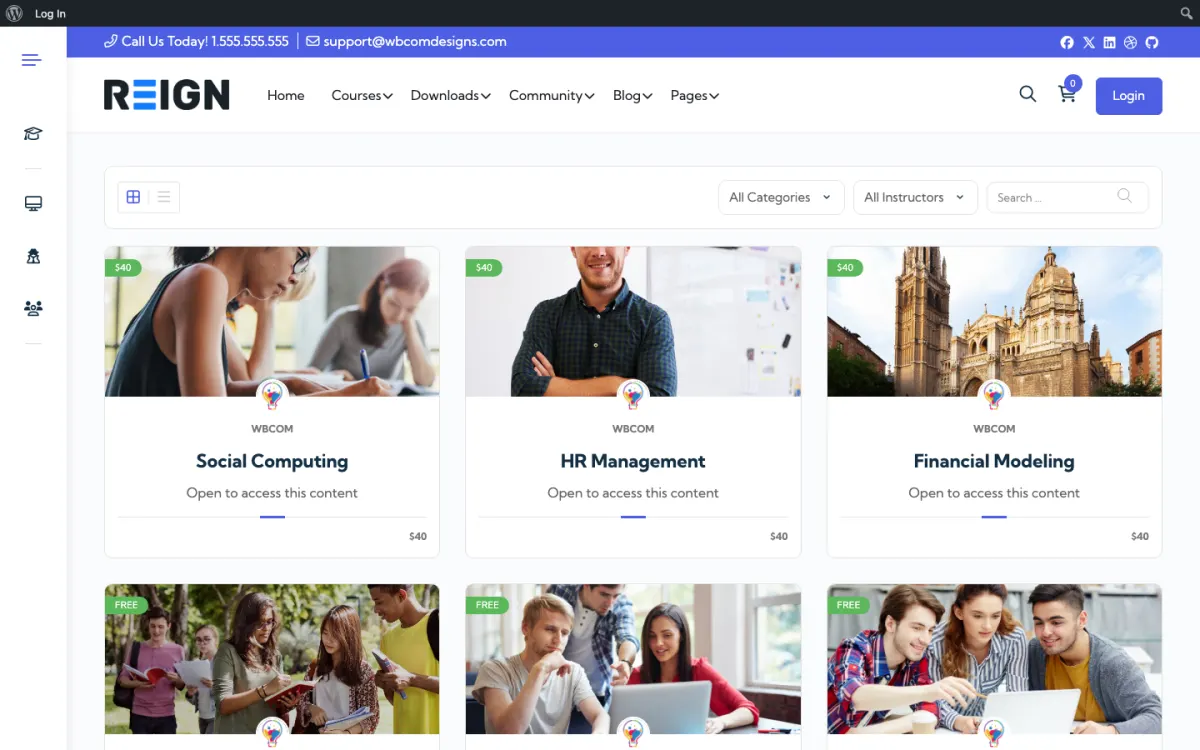
  • The Reign LearnDash Addon styles the catalog, single-course pages and focus mode in the same colours and type as the rest of the theme.
  • Four Reign demos are built on LearnDash, so you can import a finished school layout with the free Reign Demo Installer.
  • No LMS yet? The Learnomy build guide is the free road, from the team that builds the theme.

What it looks like on Reign

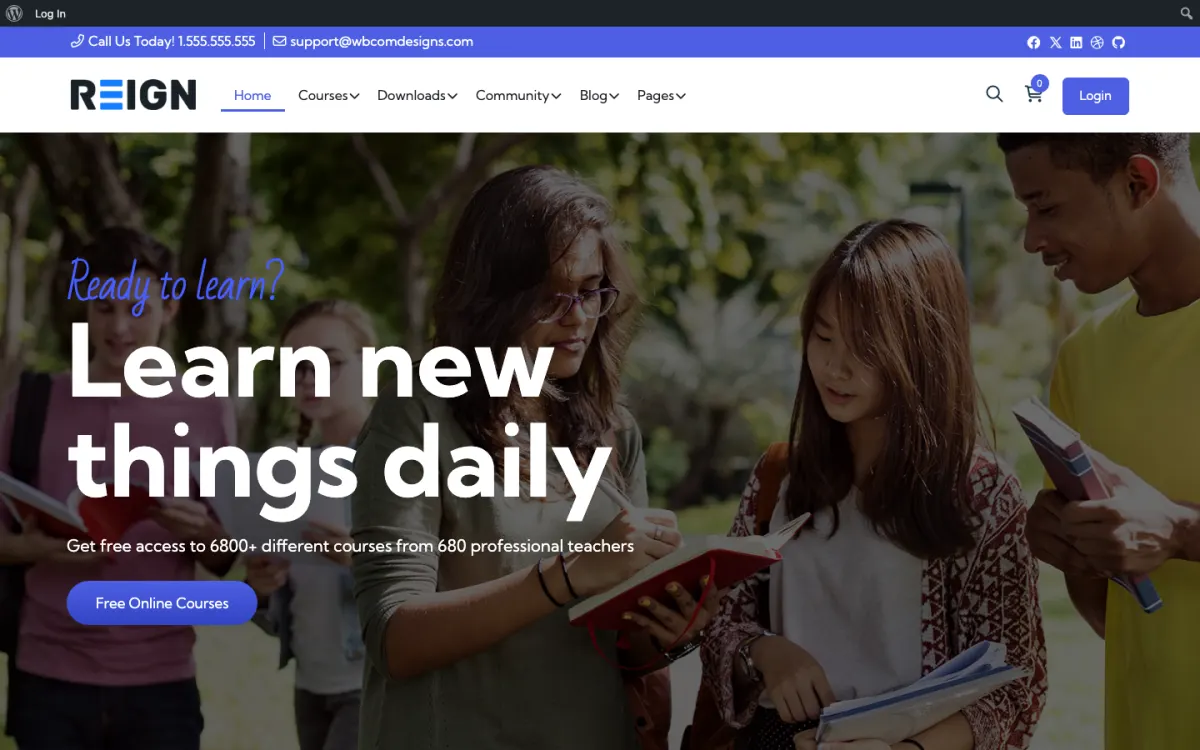
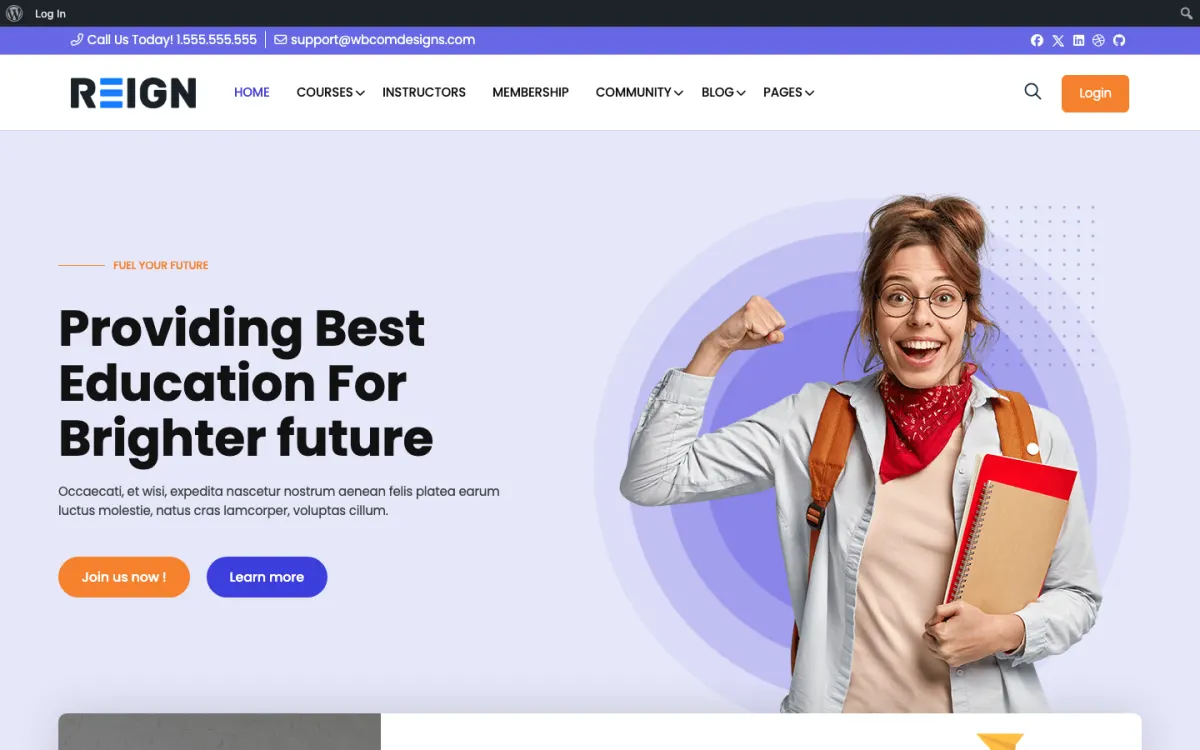
Screens from the live demos, with sample content. Open any of them and click around.

Stack recipe

What you need to assemble.

Buy the theme. Install our plugins free. The third-party engine and its Reign add-on are here for people already running that stack, not a second bill everyone pays.

Build it in 6 steps

From zero to live community.

01

Install Reign and pick a LearnDash demo

Activate Reign and open the free Reign Demo Installer. The demos page lists four built on LearnDash: Education, Online Teaching, Social Learning and Beginners School. Import the one closest to your school, then replace the sample courses with yours or point its menus at your real catalog.

Reign Demo Installer

02

Install the Reign LearnDash Addon

Upload and activate the Reign LearnDash Addon alongside LearnDash. It applies Reign typography and colour tokens to the course catalog, single-course pages and focus mode. LearnDash keeps its own licence and settings, which this addon does not touch.

Reign LearnDash Addon

03

Check every LearnDash screen a student sees

Open the catalog, a course, a lesson in focus mode, a quiz and the student dashboard on your staging site. Compare them with a page in the theme, such as the home page. If you came from a heavily customised theme, old CSS overrides may need removing.

04

Add BuddyNext for the community

Install BuddyNext for profiles, a feed and spaces, and create a space for each course or cohort. Students then talk between lessons on the same login as the course. If you already run BuddyPress or BuddyBoss, keep it; Reign styles those too.

BuddyNext with Reign

05

Decide where payments are taken

LearnDash, WooCommerce or another checkout you already use can take payment. Pick one path and test a purchase from a clean account. Having two payment routes for one course is the quickest way to confuse both students and your own reports.

06

Set up follow-up emails

Connect your email or CRM tool so a student who enrols gets a welcome and a nudge if they stall. The follow-up is often the difference between a student who finishes and one who drifts away. Keep it to a few messages that each ask for one action.

What students get from this site

Students see your LearnDash catalog and course pages in the same design as the rest of the community. They enrol and work through lessons in focus mode, which the Reign LearnDash Addon styles with the theme's colour tokens. Nothing about how LearnDash works changes. What changes is that the course no longer looks like a different site from the rest.

Around the course sits the community. With BuddyNext, a student has a profile, a feed, spaces and notifications. A space per course gives them somewhere to talk between lessons, and messages work through WPMediaVerse. The result is a student who can ask a question where they are learning and see classmates' answers.

Because your LearnDash data does not move, existing students keep their progress. Test on staging first so you can see what the styling layer changes before they do.

What to check on staging before going live

Copy the live site to a staging site and activate the addon there. Go through the full student path: catalog, course page, enrolment, a lesson in focus mode, a quiz, completion. Compare each screen with the theme. Look for text that is hard to read, buttons that look different from the rest of the site and elements that overlap on a small screen.

Check at phone width as well, because students often read lessons on a phone. If you used custom CSS in an earlier theme, remove what the addon now handles, so the two do not fight.

Finally, check what happens for a logged-out visitor. The catalog is a sales page, so it should make a clear case for joining.

Adding the next piece later, on the same login

The community layer is the usual first addition: BuddyNext for profiles and a feed, and Jetonomy for Q&A where the accepted answer stays findable. After that, Eventonomy suits live sessions with RSVPs, and MediaVerse lets students share work as photos and video.

WB Gamification, which is free, can add points, badges and leaderboards earned from member activity to encourage completion. It works from real activity, so it needs no manual awarding.

Each of these installs from Plugins, Add New, and none of them touches your LearnDash data. The plugins page shows what each one does.

Who this build suits, and who should pick another

This build suits a school, a training company or an academy with a working LearnDash site and a student base. Moving a live course catalog is risky and rarely gives students anything, so the sensible step is to change the styling and add the community.

If you have no LMS yet, the Learnomy build guide lets you start with courses, lessons, quizzes, certificates and checkout in a free plugin. If you run LifterLMS or Tutor LMS, those guides cover the matching add-ons. If you want a pre-built bundle, the LearnMate LearnDash kit packages the theme and add-on together. The course community overview compares all four engines.

Running it day to day

Your daily routine stays the same as before: LearnDash manages enrolment and progress. What is new is the community around it. Spend a little time each day answering questions in the course spaces and clearing the report queue.

Use the questions as feedback on the course. Lessons that generate the most questions are candidates for rewriting. Pin common answers at the top of each course space.

Costs are the same shape as before: LearnDash keeps its own licence from its authors, and Reign is a flat theme licence with no per-member fee and no share of your sales. The pricing page lists the add-on and kit options so you can compare buying separately with the kit.

Mistakes to avoid when restyling a live LearnDash site

The most common mistake is working on the live site. A course site has students inside it every day, and a styling change that hides a button or breaks a quiz page is felt at once. Work on staging, run through the whole student path, and only then repeat the change live, outside your busiest hours.

The second mistake is stacking fixes. If a screen looks wrong, resist adding a custom CSS rule on top before you know why. Check whether an old rule from a previous theme is causing it, or whether a LearnDash setting is changing the template. Remove old rules first and add new ones last. Keep a short note of every custom rule you add and the screen it fixes, so whoever maintains the site in a year can tell what each rule is for.

The third is adding the community without telling students. If BuddyNext spaces appear overnight with nothing said, students will not find them. Send one email that explains where to ask questions now, pin a welcome post in each course space, and add a link to the space from the course page. The community only works if people know it is there.

FAQ

Common questions.

Does Reign work with LearnDash?

Yes. The Reign LearnDash Addon styles the catalog, single-course pages and focus mode, and four Reign demos are built on LearnDash. LearnDash sells its own licence separately.

Does Reign support LearnDash focus mode?

Yes. The Reign LearnDash Addon styles focus mode in the same colour tokens as the rest of the theme.

Can I keep my existing LearnDash courses?

Yes. Your LearnDash data stays exactly where it is and only the styling layer changes. Test on staging first, since custom CSS from an earlier theme may need adjusting.

Why would I pick Learnomy over LearnDash?

Learnomy starts free, comes from the same team as the theme and needs no add-on for styling. LearnDash is an established LMS, and if you already run it there is little reason to move. The Learnomy build guide is for new course sites.

How much does this cost?

Reign is a flat theme licence with no per-member fee and no share of your sales. The Reign LearnDash Addon is sold separately, and LearnDash has its own licence. The LearnMate LearnDash kit packages the theme and add-on. See the pricing page for current figures.

Ship it

Reign is the only thing you have to buy.

Learnomy and the rest of our plugins install free, and the theme styles them out of the box. Building on LearnDash instead? The LearnMate LearnDash kit ships the theme with the matching Reign add-on.

One theme, the whole site

See what you can build with Reign, then try it.

Reign is the WordPress theme for building a complete community site: social network, courses, member directory, marketplace and job board on one install. Start with one, add the others when you need them, and keep one login for every member. Open a live demo, or launch a sandbox and get a fresh WordPress site to click through in about a minute.

Add more when you need it

Not sure which setup fits your site?

Tell us what you want members to do on your site. We will tell you which Reign setup, plugins and kit fit, before you buy anything.

What customers say on Trustpilot

Excellent Theme, Powerful Plugins and Outstanding Support

I am using the REIGN theme and several plugins from Wbcom Designs on my website. The theme is beautifully designed, and the plugins are user-friendly. Everything works smoothly, and the features are perfect for building professional websites and communities. What impressed me most is their…

S W MalcolmUS