
Perfect themes
I purchased Reign theme from Wbcom Designs, the support team was very helpful and I got the perfect website what I was looking for. Good work Wbcom Designs
How long it takes: Driven by how fast patrons re-subscribe; plan to run both for months
To move from Patreon to your own website, export your patrons from the Relationship Manager, rebuild your tiers as membership plans on Reign, and invite patrons to re-subscribe while Patreon stays live. You own your email list, you pay no platform cut on top of card processing, and you can add a community or courses that Patreon does not offer.
Leaving Patreon does not mean settling for less. Reign is one theme for the whole site: a community, courses, a member directory, a marketplace or a job board, alone or together, on one login. It is a flat theme licence with no per-member fee and no share of your sales (see pricing), and it is the only thing you have to buy. BuddyNext runs members and spaces, Learnomy the courses, Jetonomy the forums and Q&A, MediaVerse the member media. 11 of our plugins install free, each with a Pro plan for when one part starts earning. No monthly platform fee replaces the one you are leaving.
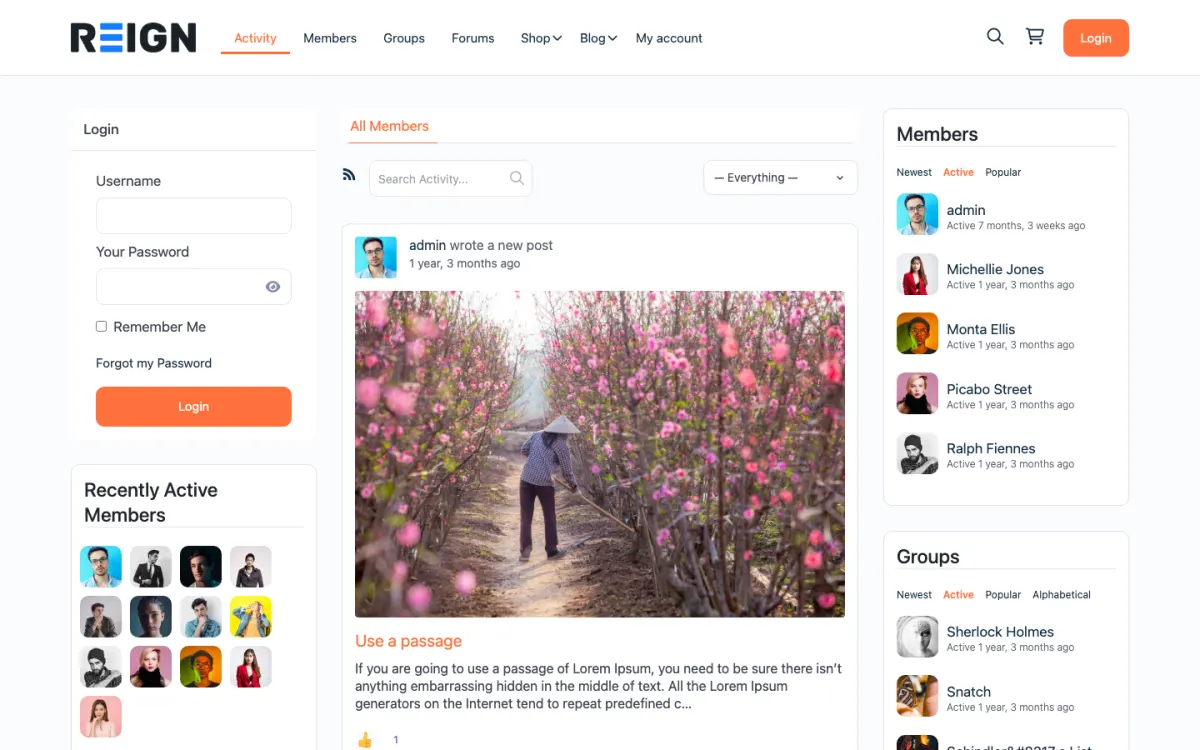
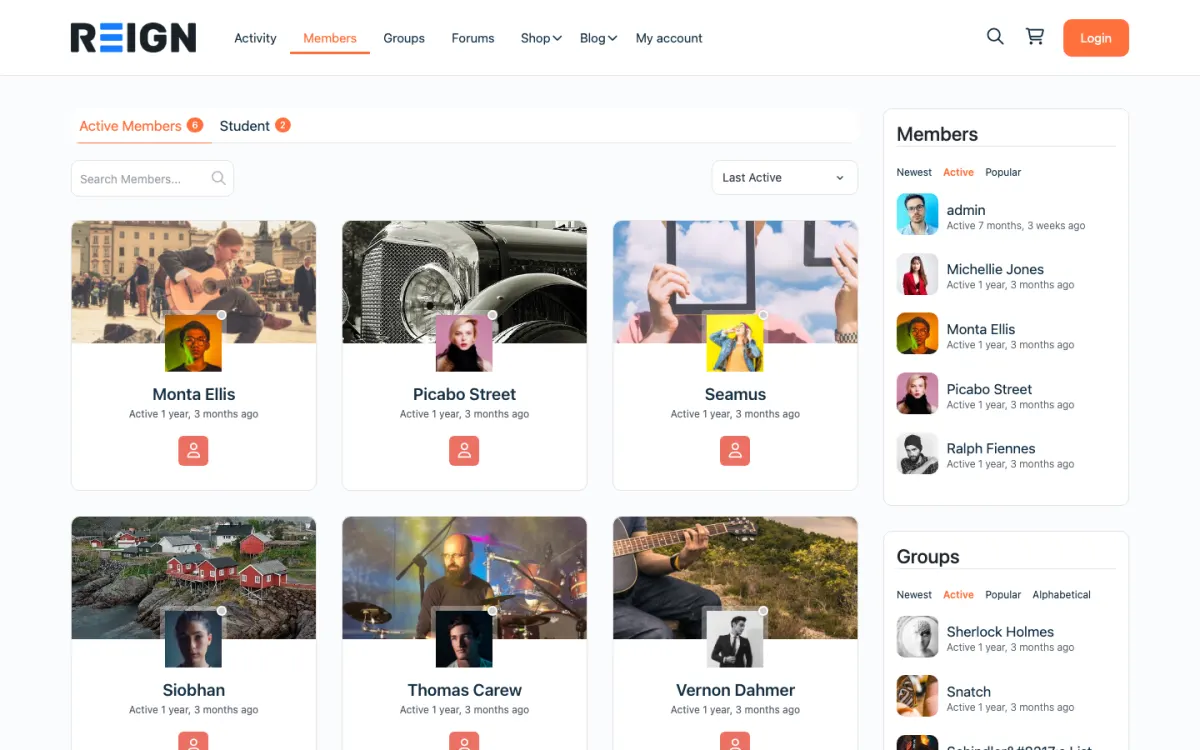
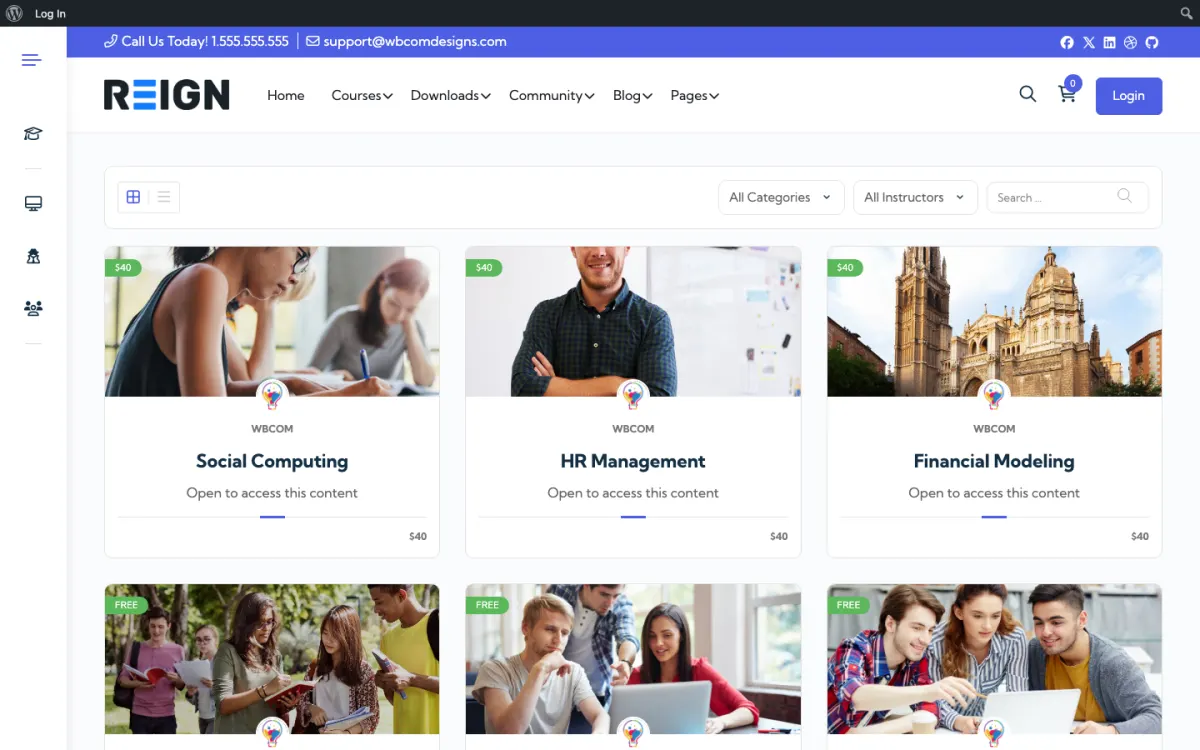
Screens from the live demos, with sample content. Open any of them and click around.
In the Relationship Manager, filter your members and download the list with emails, tiers and pledge amounts.
The theme plus BuddyNext for the community, free to install. Import a starting layout with the free Reign Demo Installer. Add Learnomy if you sell courses.
For each Patreon tier, create a matching membership plan with the same price and benefits, and gate the matching content.
Subscriptions do not move from Patreon, so patrons re-subscribe on your site. A first month free or a founding-member perk helps.
Email patrons well ahead: they get something new on the site, and more of what they pay reaches you.
Keep Patreon open until new pledges stop and most active patrons have moved, then close it.
A patron who clicks your invitation sees a new site, a new sign-up and a request for card details. Each of those is a point where they can stop. Your briefing needs to answer one question quickly: what do I get that I do not have now?
Lead with that. A course, an archive that is easier to search, a community space or early access to a new release gives them something to move for. Then explain the practical parts in two lines: they sign up with the link, they choose the matching tier, and they cancel the Patreon pledge when they are ready.
Keep the tone personal. A patron supports you, and the move is something you do together, not an instruction. A short note in your own words does better than a polished announcement.
Keep Patreon open while you build. Create your tiers on the new site with the same names and benefits, gate the matching content, and test the checkout with your own card. Invite a few trusted patrons first and ask what confused them.
Then invite everyone, tier by tier if that suits you. Do not turn Patreon off. Income drops on the day you do, and recovers only as people re-subscribe. Watch the numbers each week: how many have moved, how many pledges are still active, and how many new ones are arriving on Patreon.
Close the Patreon tier when new pledges have stopped and most active patrons have moved. If a few remain, write to them personally. The cut-over is a decision based on those numbers, not on the calendar.
The first gain is that the relationship is yours. You hold the email list, you choose how to use it and you set the pricing and the benefits. Card processing is paid to your payment provider, and there is no platform cut on top of it.
The second is what you can offer. Patreon carries posts and tiers. On your site, a tier can open a Learnomy course, a gated BuddyNext space, forum access in Jetonomy, photo and video through MediaVerse, or events in Eventonomy. Messages work through WPMediaVerse. Patrons become members who can talk to each other.
Reign is a flat theme licence with no per-member fee and no share of your sales. See the pricing page for how the plugins are priced.
On Patreon, comments are light. On a community site, you will have members talking to each other, and that needs a plan. Members report posts and you review them in the BuddyNext moderation queue, which is free. Auto and bulk moderation are Pro.
Decide which tiers can post and which can only read. Some creators let every paying member post in a general space and keep higher tiers for private spaces. Write a short code of conduct and pin it. Because patrons have a personal link with you, a clear and friendly tone matters.
Patreon handles discovery, payments and tax in one place, and it already has a habit with your patrons. If you want no site to run and your patrons are happy, staying is a good decision. A site means hosting, updates and payment support.
The move fits when you want a community, courses or an archive that you control, and when a platform cut matters to you. Run it gradually and compare. The membership site build guide shows the setup, and the guide to building an online community covers the wider choices.
Export your patron list first, before anything else changes. Then build the thing that will make people move: a course, an archive, a community space that does not exist on Patreon. Asking patrons to re-enter card details for exactly what they already have is asking them to do work for nothing, and most will not.
Process one real subscription end to end with your own card and refund it, because payments are the part that must be correct. Confirm the welcome email arrives and that the new member lands somewhere worth being rather than an empty dashboard. Then track how many patrons have moved each week, since that number decides when it is safe to close the Patreon tier.
Closing Patreon before enough patrons have moved. Subscriptions cannot transfer, so income drops the day you switch off and only recovers as people re-subscribe one at a time. Run both for months, move tiers gradually, and let the numbers rather than a chosen date tell you when the Patreon page has stopped earning.
No, if you plan the switch. Open the new tiers on your site, tell patrons the date their Patreon pledge should end, and give them the link to join on your site before that date. Run both until most patrons have moved, then close the Patreon tiers.
Yes. Set up the same tiers as BuddyNext Pro paid plans with gated spaces, or as Learnomy memberships if courses are part of what patrons pay for. Each tier opens the spaces, posts or lessons you choose. Keep the names your patrons already know so the move feels familiar.
Export your patrons from the Relationship Manager, rebuild your tiers as membership plans on Reign, then email patrons an invite to re-subscribe while Patreon stays open. Most creators run both for a few months.
Yes. Creators can filter and download their members, with emails, from the Relationship Manager.
Your own WordPress site with Reign, BuddyNext for the community and paid plans, and Learnomy if you sell courses. You pay card processing and no platform cut on every pledge.
Yes. They sign up on your site and choose the matching plan. Keep the form short and show them what is waiting.
Yes, and you keep more of it, because there is no platform fee on top of card processing. Some creators pass part of that back as a lower price to encourage the move.
That is normal. Run both, let the Patreon tier decline naturally, and close it when it stops earning enough to be worth it.
One theme, the whole site
Reign is the WordPress theme for building a complete community site: social network, courses, member directory, marketplace and job board on one install. Start with one, add the others when you need them, and keep one login for every member. Open a live demo, or launch a sandbox and get a fresh WordPress site to click through in about a minute.
Profiles, activity feed, spaces, messages and moderation on your own domain. Powered by BuddyNext.
Lessons, quizzes, certificates and memberships, on the same login as the community. Powered by Learnomy.
Listings, search, maps and reviews that members can add themselves. Powered by Listora.
Sell services or products from many sellers, with orders, reviews and commissions. Powered by WP Sell Services.
Employers post jobs, members apply, and you run the board from one dashboard. Powered by WP Career Board.
Reign with BuddyPress, ready in one click, or browse every demo by site type.
Add more when you need it
Tell us how big your community is and what you run on Patreon today. The team that builds Reign replies with what moves, what to rebuild and how long it takes, before you buy anything.
Our team can take the steps on this page off your hands: members brought across, billing set up on Stripe and welcome emails ready to send.
I purchased Reign theme from Wbcom Designs, the support team was very helpful and I got the perfect website what I was looking for. Good work Wbcom Designs
WBComDesigns is amazing. The WP plugins and themes are of top notch quality with lots of features and updated very frequently. Supports are very responsive and helpful. I use Reign with TutorLMS, and the experience is surprisingly smooth. The recently launched BuddyNext Pro and MediaShield Pro are…
Love this company. Loved the REIGN product. They were there the entire time helping me set things up; and when things went wrong? They were quick to take action and help find a solution.
I am using the REIGN theme and several plugins from Wbcom Designs on my website. The theme is beautifully designed, and the plugins are user-friendly. Everything works smoothly, and the features are perfect for building professional websites and communities. What impressed me most is their…
I only have positive experience with wbcom. My journey started a lot of years back with the free buddyx theme. during my learning of wordpress and futher websites ideas I found a match with their Reign job mate theme. Always there to help, always open to explore ideas, always kind replyes even if I…
Swift and expert coding by Kerit to apply a personalised display adjustment on the Reign Theme for a media plugin that was not fully supported at the moment.
Excellent service from Kerit Piplani and his team. Quick and efficient with my websites. I look forward to lots more business with them.
Support is helping me with set up. Multisite Theme and PLugin working as expected. We are continuing with WBcom Thank You to the team
I am really glad to have known BuddyX Pro Team led by Mr.Varun Dubey. I had a challenge of mobile responsiveness and after I brought the issue to their attention, they were able to address it promptly. They also made a follow-up on my experience after resolving the issue. I highly recommend WBcom…
Its response rate and working very well I appreciate and am very happy to work with this webmaster.