
Love this company
Love this company. Loved the REIGN product. They were there the entire time helping me set things up; and when things went wrong? They were quick to take action and help find a solution.
For SaaS companies
Put support where search can find it: a public Jetonomy forum with accepted answers, docs on the same domain, a BuddyNext space for customers who want to talk to each other and a public roadmap customers vote on. Measure ticket deflection, not member count. Reign gives docs, forum and roadmap one design and one login.
SaaS companies run a helpdesk, a forum, a docs tool and a chat community, so customers have no single login and the company has no clear view of engagement.
Reign + BuddyNext + Jetonomy for a unified customer community: forums, docs, tutorials and roadmap voting. All three of our plugins install free; bbPress is the alternative for teams already on it.
Customer forums, Q&A with accepted answers, and a public roadmap, free to install. You buy the Reign theme; BuddyNext, Jetonomy and Product Roadmap are ours and install free.
Screens from the live demos, with sample content. Open any of them and click around.
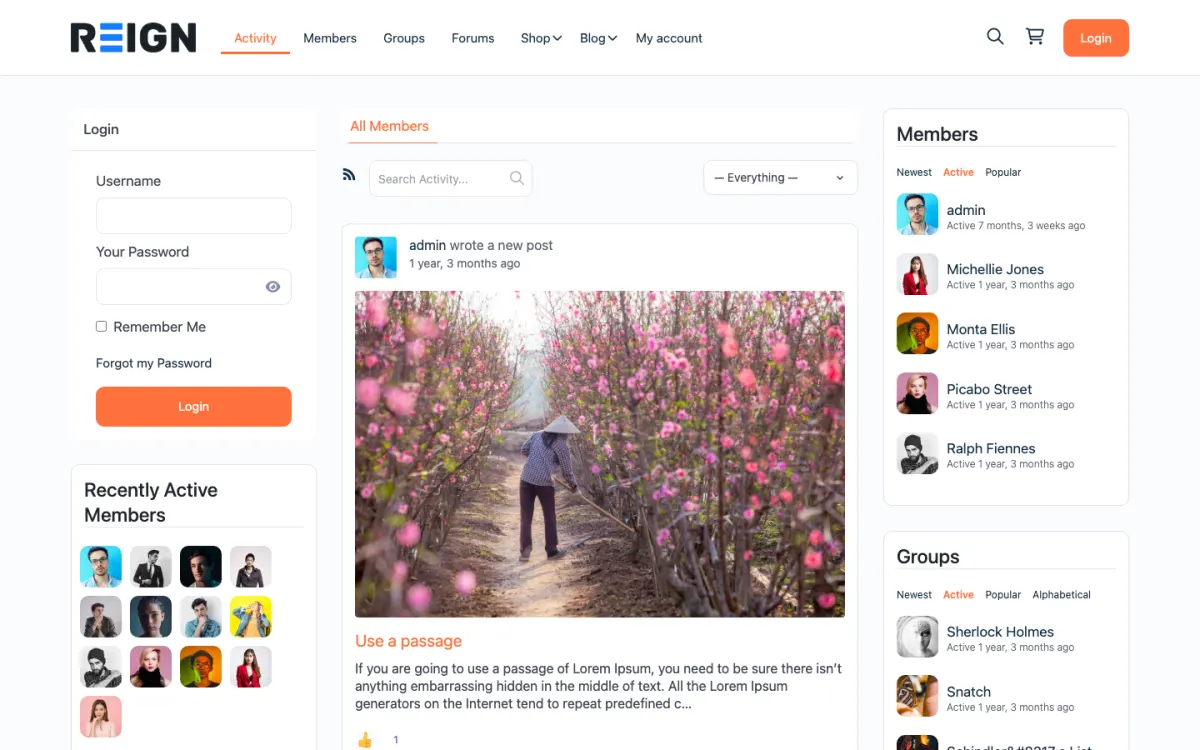
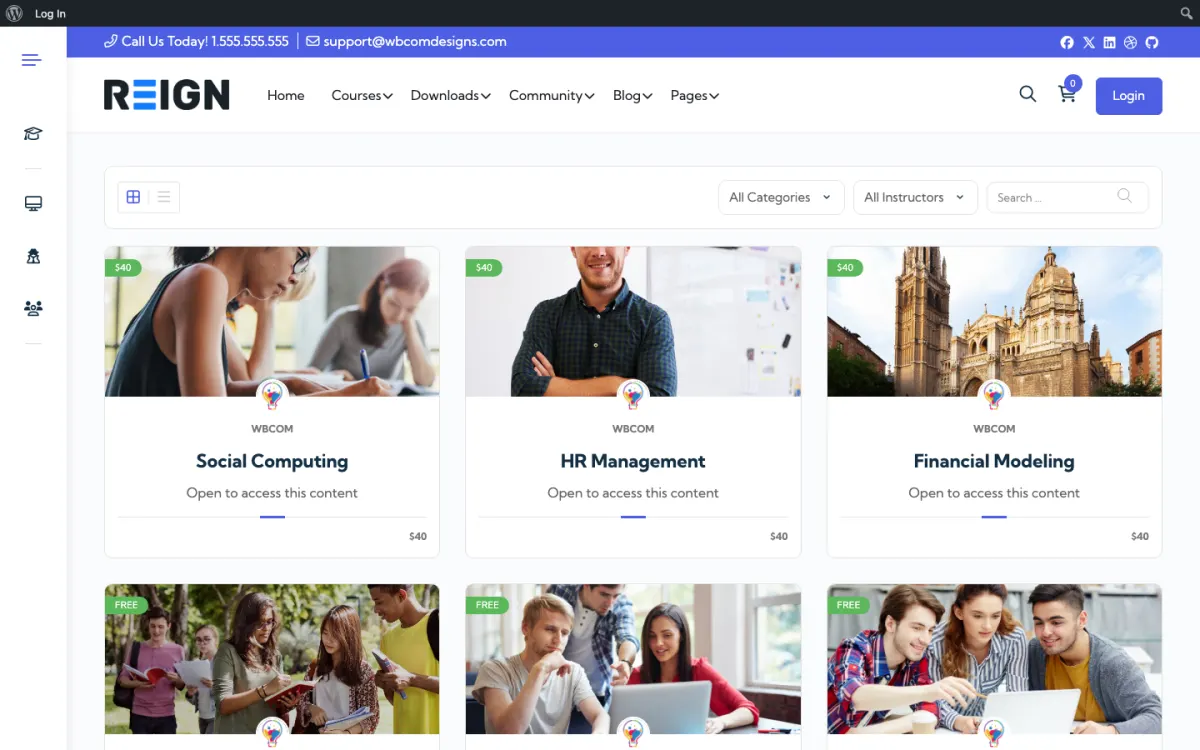
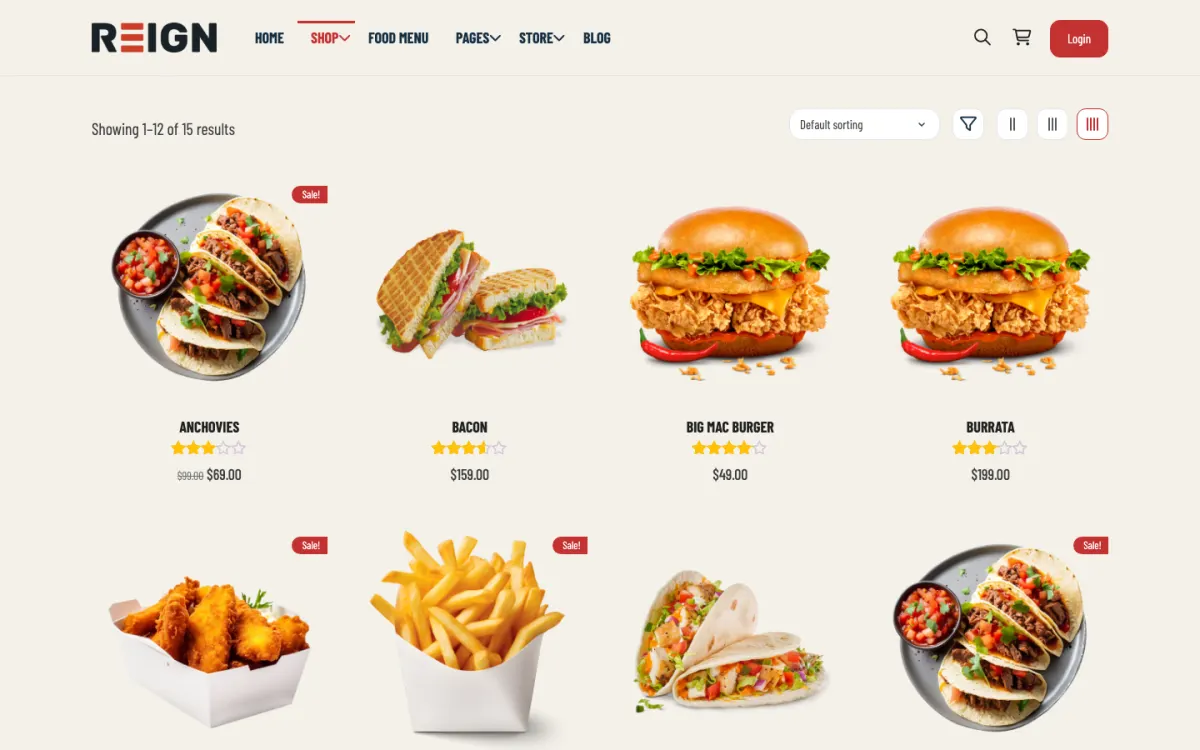
Free public docs alongside customer-only forums, using BuddyNext Pro gated spaces.
A public roadmap via our Product Roadmap plugin, free to install with voting, statuses and a changelog; multiple roadmaps and analytics are its Pro upgrade.
Customers sign in once if your app and the community share a login plugin.
You launch with a customer community, public documentation, a forum for questions and a roadmap members can vote on. Support questions become indexed pages, docs sit alongside discussion, and the roadmap gives customers somewhere to put feature requests other than your inbox. For a SaaS the immediate win is deflection: the same question answered once, publicly, permanently.
A customer hits a problem, searches, and finds an answer written months ago for somebody else. If they do not find it they ask, and the answer becomes the next person's search result. Power users start answering before you do, which is the point at which the community begins paying for itself. The roadmap turns complaints into votes, which is a better conversation.
The community is usually not a revenue line, it is a cost line that reduces another: fewer support tickets, better retention, and content that brings in trials. Where revenue appears it is a premium support tier or a certification course. The business case is normally deflection and organic traffic rather than subscriptions.
Making the community private. A members-only support forum moves tickets rather than deflecting them, because the answer helps one customer instead of every future one who searches. Public answers compound; private ones do not.
Reign is the WordPress theme for building a complete community site: social network, courses, member directory, marketplace and job board on one install. A SaaS company uses the forum, the community and the roadmap.
Jetonomy supplies spaces, threaded discussions, Q and A with accepted answers, voting, reputation and a moderation queue, all free. Its Pro plan adds private messaging, polls, email digests, auto-moderation and analytics. Our Product Roadmap plugin gives you a public roadmap with voting, suggestions, comments, custom statuses and a changelog for free, and Pro adds multiple roadmaps, extra layouts and a feedback widget. BuddyNext adds customer profiles and notifications, with gated spaces in its Pro plan for customer-only areas.
The BuddyPress Community Bundle kit is the packaged route for a BuddyPress stack, and the private community build guide covers access control. The forum picker helps you compare forum options, and the plugins page shows the split.
Plan for deflection from day one. Every answer should be easy to find and easy to link.
Install WordPress with Reign, Jetonomy and the Product Roadmap plugin. The start page lists the order.
Create spaces that match your product areas and a Getting started space. Write the top twenty questions from your support inbox as seeded threads with accepted answers.
Add your docs to the same domain with a search box that covers docs and forum together.
Open the public roadmap with your real planned items and a few statuses. Invite customers to vote and suggest, and reply to every suggestion, even to say no.
Agree who answers: support as part of their existing work, with a few hours a week set aside at the start.
Link to the forum from the places where customers get stuck, such as the app help menu, the support email footer and the onboarding sequence.
A customer hits a problem, searches and finds an answer written months ago for someone else. If they do not find one, they ask a question in the space. Within a day the thread has a reply, and once accepted it becomes the next person's search result.
Power users start answering before you do. Recognise them with reputation and badges, and make them known to the team. They also vote on the roadmap, so you can see which features matter most to those who use the product daily.
Your team's week includes a short community check: unanswered threads, new suggestions, anything that suggests a bug and a note for the product team. Close the loop by moving roadmap items through statuses and posting changelog entries as things ship.
The community grows through usefulness, not promotion. As the answer set grows, more searches land on your forum, and more customers solve problems without raising a ticket. That inflow also brings in prospects who see an active product.
Roadmap transparency builds trust. Customers who can see what you are working on, what you decided against and why, tend to stay. Say no publicly and explain it; people accept that far better than silence.
Premium support tiers or a certification course are possible revenue lines later. For most companies, the business case is retention and organic traffic rather than direct subscriptions.
A public roadmap helps only if customers believe it. A board of requests nobody answers is worse than none, because it shows customers that asking is pointless. The discipline is to keep it current and to be honest when the answer is no.
Use the statuses to tell the truth. Product Roadmap supports custom statuses, so you can mark ideas as under review, planned, in progress, shipped or not planned. Move items when the facts change, and write a sentence about why. A status that is never updated tells customers you are not looking.
Reply to every suggestion. A short note that thanks the author, says whether it fits the direction and explains the reasoning is enough. Merge duplicates and point to the combined item so votes are not split.
Close the loop on shipped work. Use the changelog to announce what shipped and link back to the original request. Customers who asked for something and see it delivered become your advocates.
Be clear that votes inform you, not decide for you. Say what else guides priorities, such as security, reliability and the direction of the product, so nobody feels misled when a popular request waits.
Making the community private is the main one. A members-only support forum moves tickets rather than deflecting them, because the answer helps one customer instead of every future one who searches.
Leaving unanswered threads is the second. A community that nobody from the company answers reads as abandoned within a month. Budget the time.
Third, do not measure success by member count. Five hundred members and no searchable answers is doing nothing for the business. Track deflection and traffic to answer pages.
If you want a pure forum with deep moderation features and nothing else, a dedicated forum product may suit you better than a WordPress community. If your project is open source rather than commercial, see the open source community page.
If you only need a help centre with articles and no discussion, a documentation site is simpler.
Discourse is the better standalone forum. Jetonomy plus Reign wins when forums, docs and courses have to share one login and one design. If a pure forum is all you need, use Discourse.
Over time, and only if the answers are public and findable. A private community moves tickets rather than deflecting them. The compounding comes from search: the answer you write today is deflecting tickets in two years, which is not true of anything in your helpdesk.
Same site, different sections. Docs are authoritative and written by you; the forum is where the edge cases live. Keeping them on one domain means one search box and one place customers learn to look, which is worth more than tidy separation.
A public roadmap with voting, so requests become visible and comparable instead of arriving one at a time in support. It also lets you say no publicly and explain why, which customers accept far better than silence.
Support, usually, as part of their existing work rather than a new role. Budget a few hours a week at the start. A community nobody from the company answers in reads as abandoned within a month.
Ticket deflection and organic traffic to answer pages, not member count. A community with five hundred members and no searchable answers is doing nothing for the business.
BuddyNext, Jetonomy and Product Roadmap cost nothing to install, and each has its own Pro plan for later. Running the third-party stack instead? The BuddyPress Community Bundle kit is the packaged route. Or have the Wbcom team set either one up for you.
One theme, the whole site
Reign is the WordPress theme for building a complete community site: social network, courses, member directory, marketplace and job board on one install. Start with one, add the others when you need them, and keep one login for every member. Open a live demo, or launch a sandbox and get a fresh WordPress site to click through in about a minute.
Profiles, activity feed, spaces, messages and moderation on your own domain. Powered by BuddyNext.
Lessons, quizzes, certificates and memberships, on the same login as the community. Powered by Learnomy.
Listings, search, maps and reviews that members can add themselves. Powered by Listora.
Sell services or products from many sellers, with orders, reviews and commissions. Powered by WP Sell Services.
Employers post jobs, members apply, and you run the board from one dashboard. Powered by WP Career Board.
Reign with BuddyPress, ready in one click, or browse every demo by site type.
Add more when you need it
Tell us what you want members to do on your site. We will tell you which Reign setup, plugins and kit fit, before you buy anything.
Love this company. Loved the REIGN product. They were there the entire time helping me set things up; and when things went wrong? They were quick to take action and help find a solution.
I am using the REIGN theme and several plugins from Wbcom Designs on my website. The theme is beautifully designed, and the plugins are user-friendly. Everything works smoothly, and the features are perfect for building professional websites and communities. What impressed me most is their…
I only have positive experience with wbcom. My journey started a lot of years back with the free buddyx theme. during my learning of wordpress and futher websites ideas I found a match with their Reign job mate theme. Always there to help, always open to explore ideas, always kind replyes even if I…
Swift and expert coding by Kerit to apply a personalised display adjustment on the Reign Theme for a media plugin that was not fully supported at the moment.
I purchased Reign theme from Wbcom Designs, the support team was very helpful and I got the perfect website what I was looking for. Good work Wbcom Designs
WBComDesigns is amazing. The WP plugins and themes are of top notch quality with lots of features and updated very frequently. Supports are very responsive and helpful. I use Reign with TutorLMS, and the experience is surprisingly smooth. The recently launched BuddyNext Pro and MediaShield Pro are…
Top notch support! I've been frustrated generally by the slow support for most themes and plugins, but they are helpful and quick to reply. Highly recommend!
I was impressed. I have been worked with many Wordpress Plugins over the past 14 years part time. I have learned that if the support is not prompt and effective it is a sign to move on. Tonight, WEBcom has impressed me and I will be hiring them for some more work in the future due to the FREE…
i wanted to build a community website and these guys created the perfect plugins for me. to be honest, i want to buy every single one of their plugins. if i had more money i would.
This company have been great and very supportive.I highly recommend them