
Perfect themes
I purchased Reign theme from Wbcom Designs, the support team was very helpful and I got the perfect website what I was looking for. Good work Wbcom Designs
For real estate agents / brokerages
Make the agent's listing dashboard faster than the portal, because agents use whichever tool is quicker. Listora handles property listings, agent profiles, map and filter search and an enquiry form per listing, BuddyNext adds a buyer community if you want one, and an IDX plugin brings the MLS feed. Reign gives the listings a clean, photo-led layout.
Brokerages use IDX feeds behind a basic homepage, so listings get stale, agents have no profiles and there is no community angle.
Reign + Listora + an IDX integration for a brokerage site with agent profiles, a buyer community and featured listings. Listora installs free; GeoDirectory is the alternative. The MLS feed still comes from an IDX plugin.
Agent profiles, property listings and the buyer community, free to install. You buy the Reign theme; Listora and BuddyNext are ours and install free.
Screens from the live demos, with sample content. Open any of them and click around.
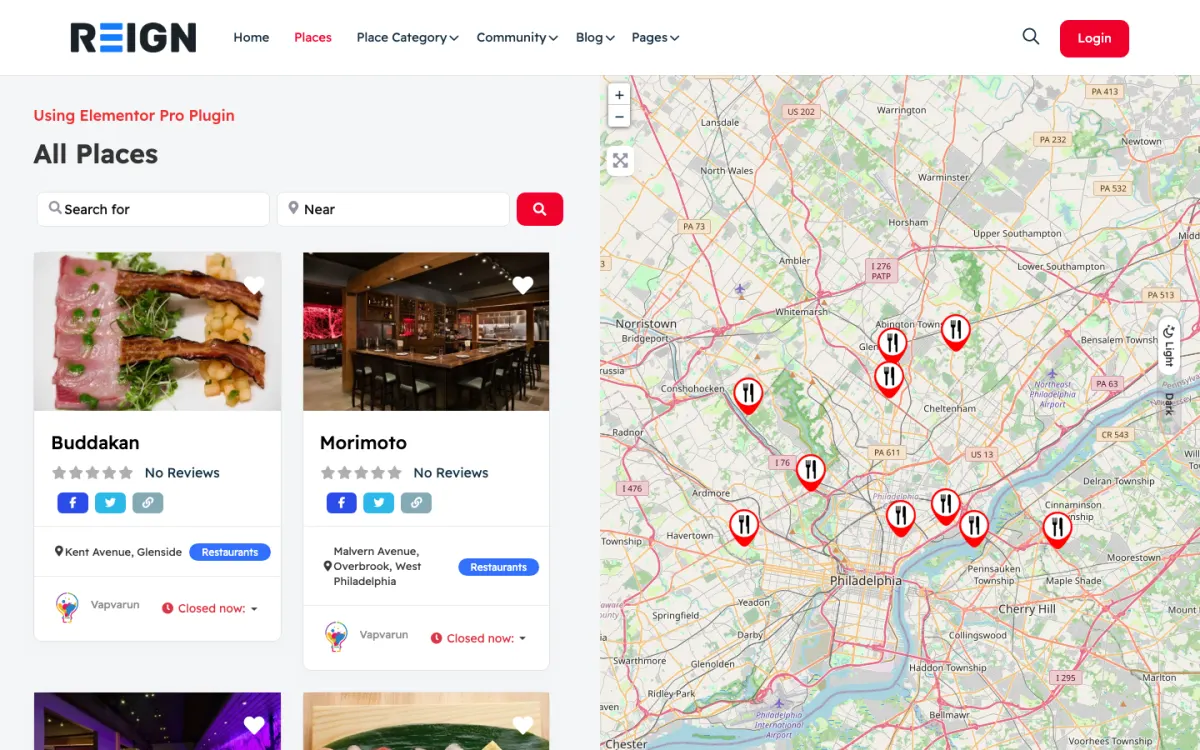
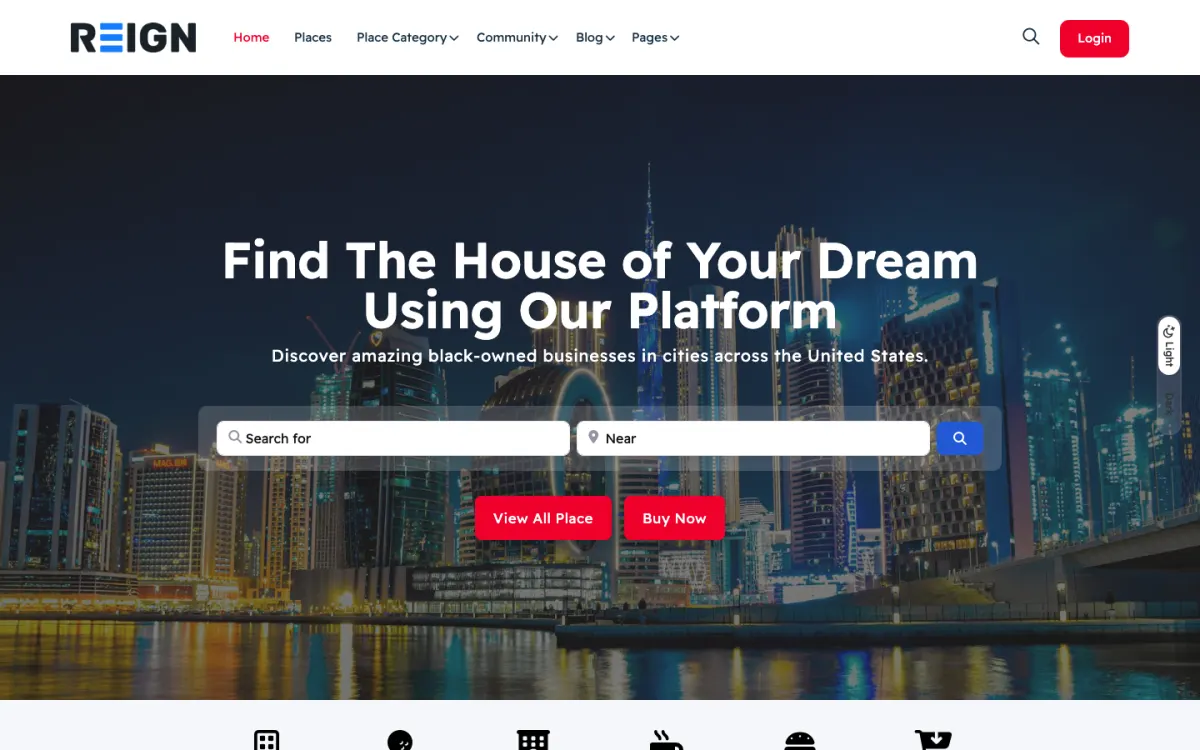
Agent profiles with reviews.
A live MLS feed through a separate IDX plugin.
Buyer and renter community on BuddyNext: market questions and neighborhood discussion.
You launch with property listings, agent profiles, map and filter search, and enquiry forms per listing. Agents manage their own listings through a dashboard, buyers search by area and criteria, and the agent directory is what distinguishes a brokerage site from a portal. Listings carry galleries, because property sells on photographs.
A buyer searches by area, saves several properties, and enquires on one or two. The cycle is long and buyers return repeatedly to the same listings, so saved searches and alerts do more for engagement than anything else. Agents use it when adding a listing is faster than the portal, which means the dashboard is the thing to get right.
Brokerage sites usually are not direct revenue; they generate leads that convert to commission. Where the site earns directly it is agent subscriptions in a multi-agent model, or featured listing placement. The honest measure is enquiries per listing rather than page views, and that is what justifies the build internally.
Making the listing dashboard slower than the portal. Agents will use whichever tool is faster, and a site with stale listings is worse than no site at all. Time an agent adding a property before launch and cut every field that is not doing work.
Reign is the WordPress theme for building a complete community site: social network, courses, member directory, marketplace and job board on one install. A brokerage uses the directory half, with the member directory doing the work of the agent profiles.
Listora is our directory plugin. The free version includes listings, search, Leaflet maps, member submissions, reviews, claims and a contact form on each listing that saves enquiries as leads you read in your dashboard. Pro adds Google Maps, paid listing plans and lead counts in analytics. BuddyNext supplies agent profiles and, if you want, a community for investors or first-time buyers.
On GeoDirectory, the Reign GeoDirectory kit is the packaged route and the business directory build guide covers the structure. The IDX or MLS feed comes from a separate plugin. The plugins page shows the free and Pro split, and Reign is a flat theme licence.
Your agents decide whether the site is alive, so test their experience first.
Install WordPress with Reign and Listora. The start page lists the order.
Design the listing form with an agent. Time how long it takes to add a property with photos, and remove fields until it is under a few minutes.
Create agent profiles with a photo, areas covered, specialities and contact route, so a buyer can choose a person as well as a property.
Connect the IDX feed if you use one and check how the plugin's pages look inside Reign on staging.
Set up the enquiry form so the agent and the office both receive the message, and test it.
Retire stale listings before launch, and agree who updates status changes and how fast.
A buyer searches by area and price on the weekend, saves several properties and enquires on one or two. Over the following weeks they return to the same listings, looking for price changes and status updates, and any alert you send does more than most content.
An agent adds a new listing on Monday, changes a price on Wednesday and marks a property under offer on Friday. They also reply to enquiries and share the listing page. The faster the dashboard, the more they keep it current, which is what buyers notice.
Your week as the brokerage owner is data quality: spot-checking listings, nudging agents with out-of-date entries and reading the enquiries to see which listings convert. Enquiries per listing is the honest measure, not page views.
A brokerage site grows through local expertise. Neighbourhood guides, school and transport notes and market commentary written by the agents who know the area bring in buyers searching for that area and show that you know it.
The agent directory is a long-term asset. Strong profiles with reviews and a history of sold properties turn the site into a place people search for a person, not just a house. Reviews from past clients are a significant trust signal.
Sold listings should stay, marked as sold, because they accumulate search traffic and show activity. Remove them from active results but keep the history.
A brokerage site exists to start conversations. An enquiry that waits a day for a reply is usually lost, because the buyer has contacted three agencies and the first to answer wins the viewing. The site should help your team answer fast and with the right information.
Route each enquiry to a named person. The Listora contact form saves each message as a lead you can read in your dashboard, so check it several times a day and pass each one to the listing agent. Agree an internal rule for reply time and check it. A short, friendly reply that asks one question beats a long brochure.
Make the listing answer the common questions. Show the price, size, tenure, council or tax details and what is included in the sale. Each unanswered question is an enquiry you will have to handle by hand, and each answered one is time saved.
Use saved searches to follow up. A buyer who saved a search for a two-bedroom flat in a particular area has told you exactly what they want. Contact them when a matching property arrives. Keep the message about the property rather than about your agency.
Review the leads weekly. Which listings produce the most enquiries? Which agents reply fastest? Where do enquiries come from? These are practical questions with practical answers, and they guide what you photograph, price and promote.
Making the listing dashboard slower than the portal is the main one. Agents will use whichever tool is faster, and stale listings erode trust quickly.
Trying to replace the portals is the second. They bring reach you cannot match. Use the site for the listings, branding and enquiries you want to control.
Third, do not build a public forum unless you have an audience for it. For a brokerage, agent profiles matter more than discussion.
If your goal is a community of investors rather than a listings site, see the real estate investors page. If you are a neighbourhood association, the neighbourhood groups page fits better.
If you are a solo agent with a handful of listings, a simple site with a listings page may be enough.
That depends on your MLS and your brokerage. IDX plugins draw their own pages, so check how the one you choose looks inside Reign on staging before you commit.
It complements it. Portals bring reach you cannot match; your own site owns the relationship, the branding and the enquiry. Most brokerages run both and use the site for the listings and content they want to control.
Through a front-end dashboard with galleries, attributes and status. Make it fast, because an agent who finds the site slower than the portal will simply stop using it, and a directory with stale listings is worse than none.
For a brokerage, the agent directory and profiles matter most; a public forum usually does not. Where community earns its place is investor or landlord groups, which is a different niche and a different site.
Yes, and saved searches with alerts are what bring buyers back through a long purchase cycle. It is worth building early, because property search is repetitive and the alert is what keeps you in front of them.
Mark them sold and keep the page, because sold listings accumulate search traffic and demonstrate activity. Remove them from active search results but do not delete the history.
Listora and BuddyNext cost nothing to install, and each has its own Pro plan for later. Running the third-party stack instead? The Reign GeoDirectory kit is the packaged route. Or have the Wbcom team set either one up for you.
One theme, the whole site
Reign is the WordPress theme for building a complete community site: social network, courses, member directory, marketplace and job board on one install. Start with one, add the others when you need them, and keep one login for every member. Open a live demo, or launch a sandbox and get a fresh WordPress site to click through in about a minute.
Listings, search, maps and reviews that members can add themselves. Powered by Listora.
Profiles, activity feed, spaces, messages and moderation on your own domain. Powered by BuddyNext.
Lessons, quizzes, certificates and memberships, on the same login as the community. Powered by Learnomy.
Sell services or products from many sellers, with orders, reviews and commissions. Powered by WP Sell Services.
Employers post jobs, members apply, and you run the board from one dashboard. Powered by WP Career Board.
Reign with BuddyPress, ready in one click, or browse every demo by site type.
Add more when you need it
Tell us what you want members to do on your site. We will tell you which Reign setup, plugins and kit fit, before you buy anything.
I purchased Reign theme from Wbcom Designs, the support team was very helpful and I got the perfect website what I was looking for. Good work Wbcom Designs
WBComDesigns is amazing. The WP plugins and themes are of top notch quality with lots of features and updated very frequently. Supports are very responsive and helpful. I use Reign with TutorLMS, and the experience is surprisingly smooth. The recently launched BuddyNext Pro and MediaShield Pro are…
Love this company. Loved the REIGN product. They were there the entire time helping me set things up; and when things went wrong? They were quick to take action and help find a solution.
I am using the REIGN theme and several plugins from Wbcom Designs on my website. The theme is beautifully designed, and the plugins are user-friendly. Everything works smoothly, and the features are perfect for building professional websites and communities. What impressed me most is their…
I only have positive experience with wbcom. My journey started a lot of years back with the free buddyx theme. during my learning of wordpress and futher websites ideas I found a match with their Reign job mate theme. Always there to help, always open to explore ideas, always kind replyes even if I…
Swift and expert coding by Kerit to apply a personalised display adjustment on the Reign Theme for a media plugin that was not fully supported at the moment.
Camila Scot of Wbcom was helpful. I got a super prompt help with my BuddyX Theme. Although I am a free version user, I got irst attention. I am satisfied. I will eventually buy the lifetime version once we fully deploy it and we are sure it meets our need.
I've used several of their plugins. Occasionally support was needed but they were quite prompt in their support and solved the issue.
A plugin made a conflict and they fixed it immediately, great plugins anf great support.
They provided me great advice on how to achieve the best display and function for my blog.