
Love this company
Love this company. Loved the REIGN product. They were there the entire time helping me set things up; and when things went wrong? They were quick to take action and help find a solution.
For photographers
Deliver galleries on your own domain: public galleries as the portfolio, private client galleries per shoot with MediaVerse privacy levels, a booking enquiry route and an optional education area built with Learnomy. Get image sizes, lazy loading and a CDN right at setup, because clients open galleries on a phone first. Reign gives the work a clean frame.
Wedding and portrait photographers deliver galleries through a separate service, invoice elsewhere and email everything, which is hard to scale and brings no recurring revenue.
Reign + MediaVerse + BuddyNext for client galleries, a photography education community and a members area for repeat clients. MediaVerse installs free with privacy levels, and Learnomy sells tutorials with Stripe or PayPal.
Galleries, the community feed and tutorial courses, free to install. You buy the Reign theme; MediaVerse, BuddyNext and Learnomy are ours and install free.
Screens from the live demos, with sample content. Open any of them and click around.
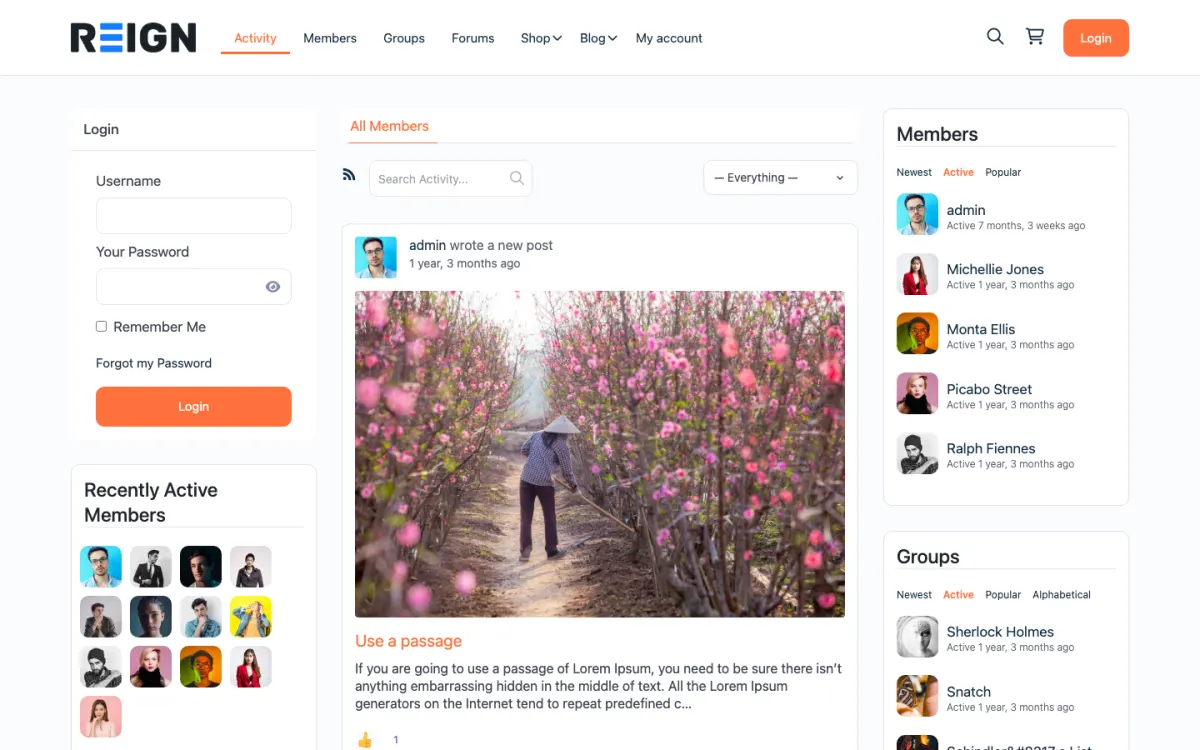
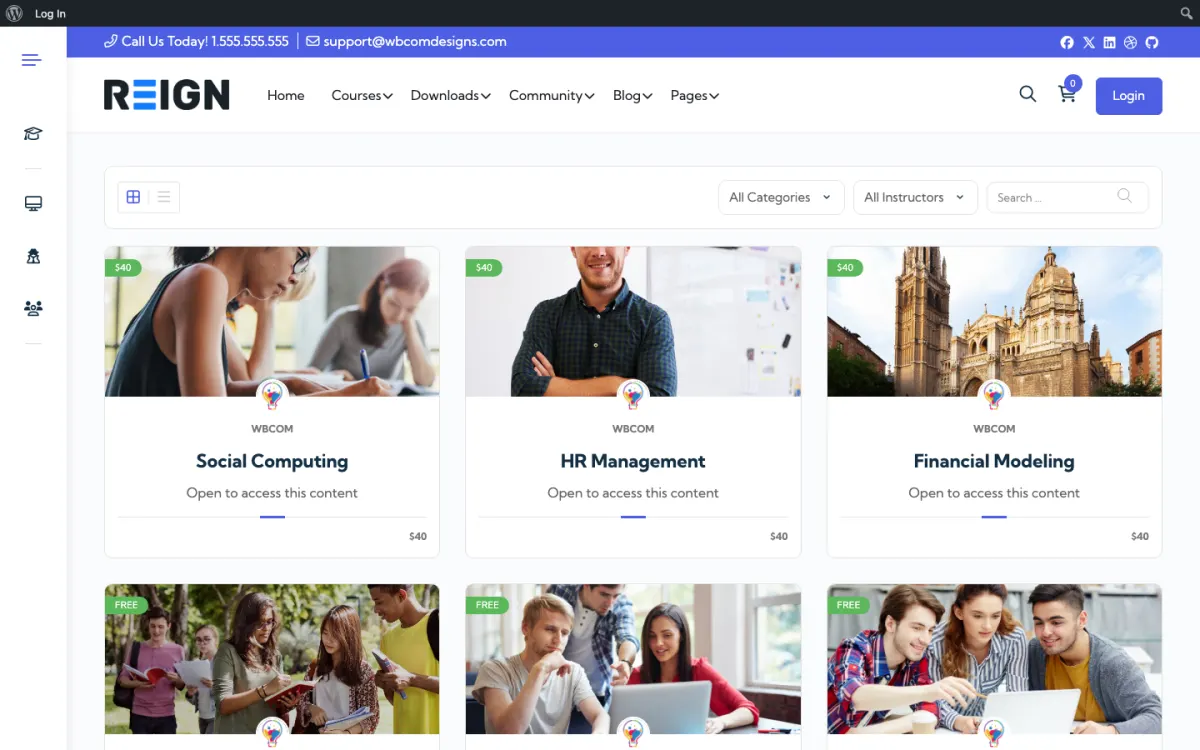
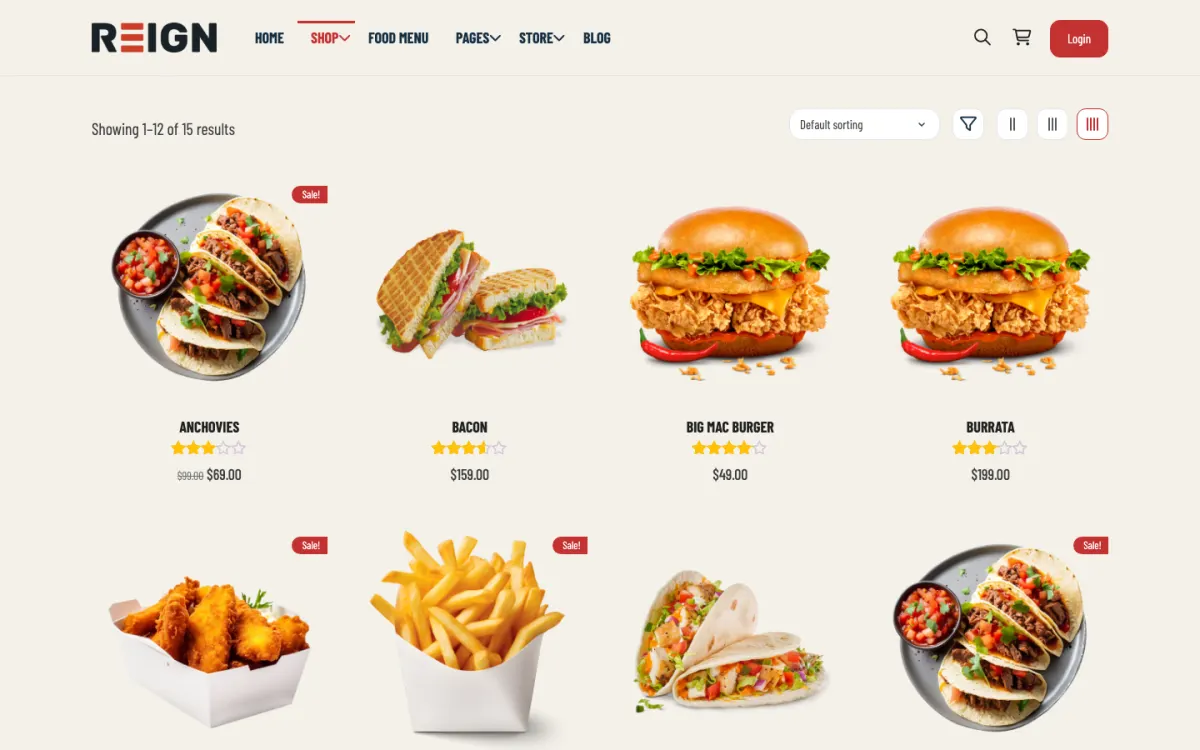
Private client galleries via MediaVerse, free to install, using its privacy levels.
A photography education area: tutorials and masterclasses as Learnomy courses.
Recurring income from a membership that combines gallery access and education.
You launch with galleries, a client portal for delivery and proofing, and a booking enquiry flow. Public galleries are the portfolio; client galleries are gated per shoot. Delivery happens on your own domain rather than a third-party gallery service, which keeps the branding and the client relationship with you.
A client finds you through a gallery or a referral, enquires, books. After the shoot they log in to proof and download, and that portal visit is often the last good impression the business makes, so it is worth getting right. Past clients return for the next occasion, and the public galleries keep working as a portfolio in the meantime.
Shoots are the revenue and the site supports them; where it earns directly it is print sales or digital downloads through a commerce plugin, and sometimes courses for other photographers, which is a common second income. Replacing a paid gallery-delivery subscription is a real saving for a working photographer.
Serving full-size images. A gallery of unoptimised photographs is the slowest page most photographers ever publish, and clients open it on a phone first. Correct sizes, lazy loading and a CDN are setup work, not optimisation to do later.
Reign is the WordPress theme for building a complete community site: social network, courses, member directory, marketplace and job board on one install. A photographer uses the media, the community and sometimes the courses.
MediaVerse is our media plugin. It handles member photo and video uploads with albums, privacy levels, reporting and AI moderation, free, with cloud storage and extra layouts in Pro. BuddyNext adds a community for repeat clients or for photographers who join to learn. Learnomy hosts tutorials or masterclasses as courses with Stripe or PayPal checkout.
On BuddyPress, the BuddyPress Community Bundle kit is the packaged route, and the membership site build guide explains gated areas. The plugins page has the free and Pro split, and Reign is a flat theme licence, so there is no per-gallery or per-client fee.
Settle performance first. A slow gallery undermines everything else.
Install WordPress with Reign and MediaVerse on hosting with room for images. The hosting guide covers what to ask for.
Set image sizes, lazy loading and a CDN before you upload a single gallery. Export web-sized images rather than originals.
Build your public portfolio galleries by type of work, with a short caption on each. Keep the best twenty, not the best two hundred.
Create a client gallery template with downloads enabled and an expiry period, and test on a phone with a real client.
Add an enquiry form with the questions you ask every client, so the first reply can be a quote and not another question.
If you want an education area, record one tutorial as a pilot and invite a few photographers to try it before launching more.
A prospective client lands on a gallery from a referral or a search, browses the portfolio for a style they like and sends an enquiry. A booked client waits, then gets an email with a link to their private gallery.
After the shoot a client opens the gallery on their phone, favourites images and downloads. They share the link with family. That visit is often the last good impression the business makes, so it is worth getting right.
Your week is a loop of shoot, edit, publish and reply. Because delivery is on your own domain, you can add a note, offer prints and remind clients before the gallery expires. Past clients return for the next occasion when the experience was good.
Referrals drive most photography work, and a good gallery experience produces them. Make sharing easy and give clients a polished landing page they will be proud to show.
A second income comes from education. Tutorials, presets or masterclasses sold to other photographers use the same site and a lot of the same media. A community for those learners also becomes a source of referrals and collaborations.
Print sales and digital downloads add a third line, and work best when options sit inside the gallery. Fulfilment is yours to arrange in-house or through a lab.
Delivery is the moment a client judges the whole job. They have waited for weeks, they open the link on a phone and they decide in seconds whether the experience feels worth recommending. A little care here repays itself in referrals.
Make the first screen a pleasure. Open on a strong image, show the name of the shoot and give one clear action, such as view the gallery. Avoid asking clients to create an account if you can, since a password reset is the worst way to start. If you use a private link, tell clients to keep it safe.
Help them choose. If your setup allows it, let a couple mark the photographs they love, or ask them to reply with the numbers of their favourites. For print sales, put the options beside the images so a client who loves a photograph can order it without searching.
Handle downloads thoughtfully. Provide web sizes for sharing and high resolution for printing, and explain the difference in one sentence. Test the download on a phone and on a slow connection, because large downloads that fail are the most common support message.
Close the loop. A day after delivery, send a short, warm message that asks how they found the gallery and mentions the expiry date. Clients who feel looked after leave reviews and recommend you, which is how a photography business grows.
Serving full-size images is the main one. A gallery of unoptimised photographs is slow, and clients open it on a phone first.
Unlimited gallery storage forever is the second. It becomes a hosting problem. Set an expiry and offer extensions.
Third, do not copy another photographer's site. Choose a layout that shows your work in its best light and remove anything that competes with the images.
If you shoot a high volume of events and need proofing with approvals and orders at scale, a dedicated gallery and sales service may be smoother. If you list your services alongside other creatives, see the wedding vendor directory page.
If you only need a portfolio and a contact form, a lighter site than a community platform will do.
No native bridge. Export from PixieSet and import to MediaVerse, or run MediaVerse on its own for new galleries.
Yes, through a gated gallery per shoot with downloads enabled, optionally expiring after an agreed window. Test on mobile, because clients overwhelmingly open a gallery on a phone first and a download flow that fails there generates support messages.
They can if images are served at full size. Use proper sizes, lazy loading and a CDN, which together handle most of it. This is the single biggest performance issue on a photography site and it is entirely solvable at setup.
It removes a subscription and keeps clients on your domain, which matters for branding and for repeat work. A dedicated service may be slicker at proofing specifically. The trade is control and cost against a little convenience.
Set an expiry, usually a few months, and offer extensions. Unlimited storage of every shoot forever becomes a hosting problem, and an expiry date is also a gentle prompt for clients to download and order prints.
Yes, with a commerce plugin, and it works best when the print options sit inside the gallery rather than on a separate shop page. Fulfilment is yours to arrange, whether in-house or through a lab.
MediaVerse, BuddyNext and Learnomy cost nothing to install, and each has its own Pro plan for later. Running the third-party stack instead? The BuddyPress Community Bundle kit is the packaged route. Or have the Wbcom team set either one up for you.
One theme, the whole site
Reign is the WordPress theme for building a complete community site: social network, courses, member directory, marketplace and job board on one install. Start with one, add the others when you need them, and keep one login for every member. Open a live demo, or launch a sandbox and get a fresh WordPress site to click through in about a minute.
Profiles, activity feed, spaces, messages and moderation on your own domain. Powered by BuddyNext.
Lessons, quizzes, certificates and memberships, on the same login as the community. Powered by Learnomy.
Listings, search, maps and reviews that members can add themselves. Powered by Listora.
Sell services or products from many sellers, with orders, reviews and commissions. Powered by WP Sell Services.
Employers post jobs, members apply, and you run the board from one dashboard. Powered by WP Career Board.
Reign with BuddyPress, ready in one click, or browse every demo by site type.
Add more when you need it
Tell us what you want members to do on your site. We will tell you which Reign setup, plugins and kit fit, before you buy anything.
Love this company. Loved the REIGN product. They were there the entire time helping me set things up; and when things went wrong? They were quick to take action and help find a solution.
I am using the REIGN theme and several plugins from Wbcom Designs on my website. The theme is beautifully designed, and the plugins are user-friendly. Everything works smoothly, and the features are perfect for building professional websites and communities. What impressed me most is their…
I only have positive experience with wbcom. My journey started a lot of years back with the free buddyx theme. during my learning of wordpress and futher websites ideas I found a match with their Reign job mate theme. Always there to help, always open to explore ideas, always kind replyes even if I…
Swift and expert coding by Kerit to apply a personalised display adjustment on the Reign Theme for a media plugin that was not fully supported at the moment.
I purchased Reign theme from Wbcom Designs, the support team was very helpful and I got the perfect website what I was looking for. Good work Wbcom Designs
WBComDesigns is amazing. The WP plugins and themes are of top notch quality with lots of features and updated very frequently. Supports are very responsive and helpful. I use Reign with TutorLMS, and the experience is surprisingly smooth. The recently launched BuddyNext Pro and MediaShield Pro are…
Great support; the issue was resolved perfectly well.
Fantastic 6 star support. I wanted to setup a membersite and tried many solutions. I contacted Wbcom for BuddyX and tried the theme with Buddypress. I am not a webdesigner or a coder, but had a requirement that was not standaard. I contacted WBcom and Pallavi helped me from start to finish with…
Great way of support! Thanks a lot! Direct responding, open for questions and very fast to the right solution!
Fast Respond & Troubleshooting With technical insight