
Swift and expert coding!
Swift and expert coding by Kerit to apply a personalised display adjustment on the Reign Theme for a media plugin that was not fully supported at the moment.
For online tutors
Turn your tutoring into a small library plus a question space: worksheets and past papers become Learnomy lessons, the questions students email you become Jetonomy threads other students can find, and one-to-one sessions stay on your calendar. You answer once instead of every time. Reign gives the whole site a tidy, school-friendly look.
Tutors deliver lessons over Zoom and shared documents and charge by the hour, so income stops growing when the hours run out, there is no library of repeat content and every session is reinvented.
Reign + Learnomy builds a self-paced course library, live group Q&A and one-to-one booking. Learnomy installs free and sells memberships, so recurring income can start from the first student. LearnDash is the alternative for tutors already invested in it.
Course library, student feed and a Q&A space, free to install. You buy the Reign theme; Learnomy, BuddyNext and Jetonomy are ours and install free.
Screens from the live demos, with sample content. Open any of them and click around.
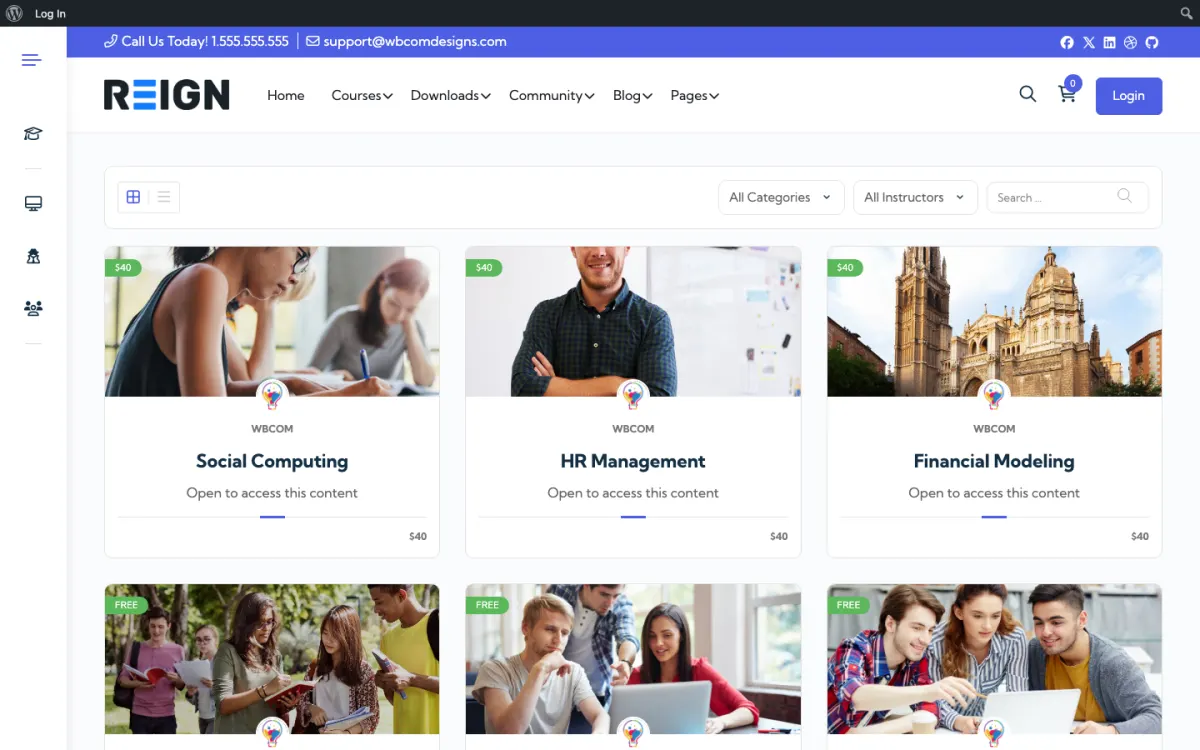
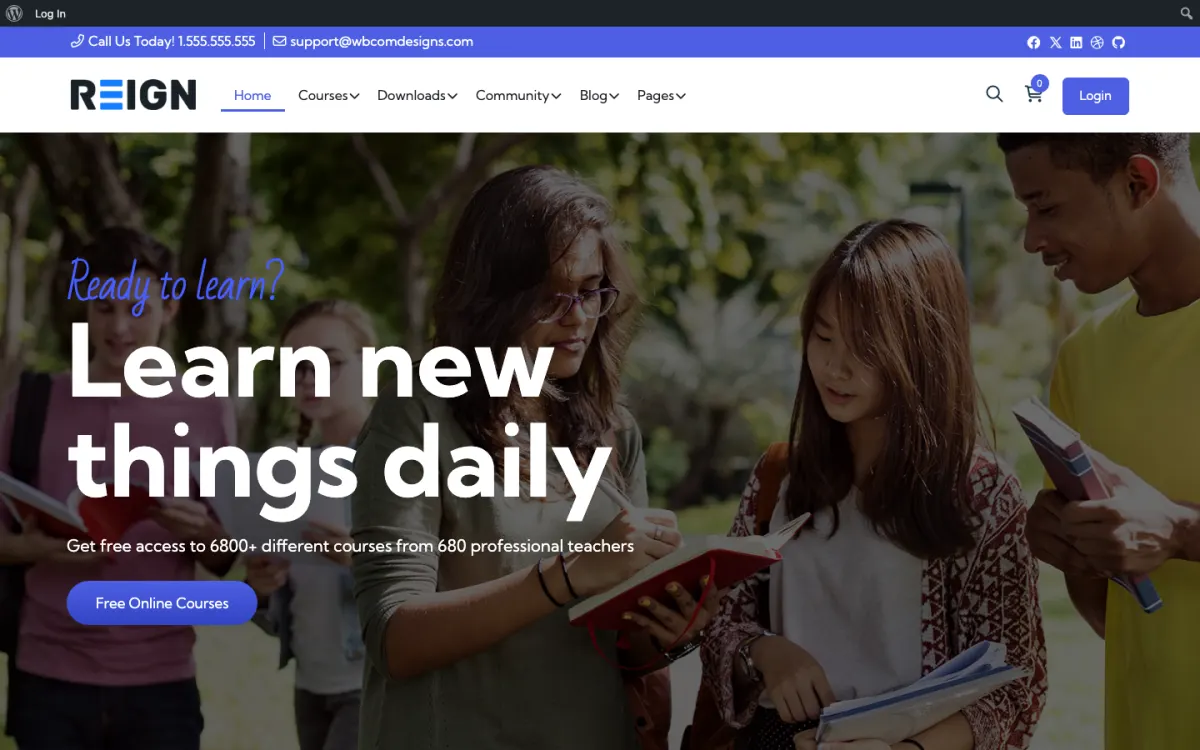
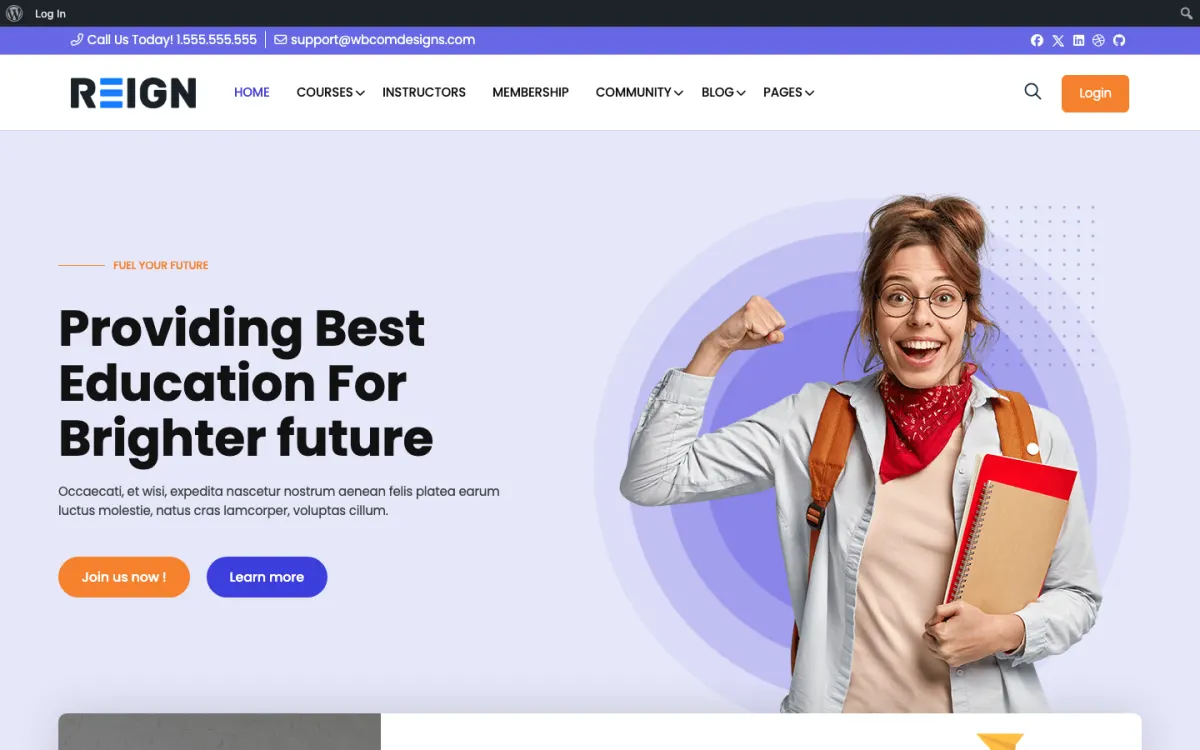
A self-paced course library that earns without tying up one-to-one hours.
Group Q&A kept for future students, so the archive grows over time.
One-to-one sessions sold through WP Sell Services (free to install), or a booking plugin such as Amelia when you need availability rules.
Launch day gives you courses holding your material, a booking calendar for sessions, and a space where students ask questions between lessons. Worksheets are downloads, past papers are lessons, and the questions students email you become posts other students can find. For a tutor the immediate gain is the second one: you answer once instead of repeatedly.
A student books a first session, gets access to the relevant material, and initially treats the site as a place to download things. The change comes when they ask a question in the space and get an answer, from you or another student. Through an exam term the regulars are in there weekly, and the archive of answered questions becomes the resource that sells the next intake.
Tutors typically charge per session through a booking plugin and add a monthly membership for material and the question space, which monetises the students who cannot afford one-to-one time. Group courses sell as one-off purchases. The membership tier is what lets a tutoring business grow past the number of hours in a week.
Using the site only as a file cabinet. Downloads alone do not keep students returning, and a tutor who never opens the question space is running a Dropbox folder with extra steps. The archive of answered questions is the asset; it only accumulates if somebody answers in public.
Reign is the WordPress theme for building a complete community site: social network, courses, member directory, marketplace and job board on one install. A tutor mostly needs courses and Q&A.
Learnomy holds courses, lessons, quizzes and certificates, and sells access with Stripe or PayPal checkout and memberships. Jetonomy supplies the Q&A: students ask in a space, you or another student answers, and the best answer is marked accepted. BuddyNext adds profiles and a feed if you want a class community around it. One-to-one sessions can be sold with WP Sell Services, which installs free, or booked through a scheduling plugin if you need availability rules.
If you already run LearnDash, the LearnMate LearnDash kit is the packaged route and the course community build guide walks through it. The plugins page shows free versus Pro, and the theme itself is a flat licence with no per-student fee.
Start with the subject and level where you already get the most repeat questions. That is where the archive will pay back soonest.
Install WordPress and Reign, then Learnomy and Jetonomy. The start page gives the order.
Turn your best worksheets and past-paper walk-throughs into lessons, grouped by topic and exam board or syllabus.
Create a question space per subject in Jetonomy and write a short guide on how to ask a good question, including attaching a photo of the working.
Decide your membership: material only, material plus questions, or material plus a monthly group session. Set it up in Learnomy with checkout.
Move your next ten emailed questions into the space, answering each one publicly with the student's permission.
Tell current students where the answers live and ask them to check there first. Watch what they ask and write the lesson that is missing.
A student in exam term might visit three times a week. They open the unit they are revising, attempt the quiz, then get stuck on a question and post it in the space with a photo of their working. Another student sometimes answers before you do, and you confirm or correct.
Between sessions, students use the site as a reference. They search for a topic, find the thread where you explained it last month and save themselves a message. Over a term the regulars build a habit of checking the archive first, which is the behaviour that scales your time.
Your week is a mix of teaching, replying and cleaning. You mark answers as accepted, merge duplicates, link threads to lessons and note which topics keep generating questions. Those topics are your next lessons.
A tutor's income is capped by hours, so growth means selling something that does not need your hours. Group courses, a revision membership and recorded walk-throughs each serve many students for the cost of preparing them once. The question space makes the membership worth paying for because answers get better as the archive fills.
Search brings new students. A thread titled with a real question and a clear answer can rank for that question, and parents often find tutors this way. Write thread titles the way a student would type them.
If you want to grow beyond yourself, invite a few trusted tutors to answer in specific subjects and recognise them in the space. WP Sell Services lets other tutors list their own sessions if you want to run a small marketplace, though that is a bigger commitment and worth doing only after the library works.
Using the site only as a file cabinet is the usual one. Downloads alone do not bring students back, and a tutor who never opens the question space is running a shared folder with extra steps. Answer in public from week one.
Another is mixing up scheduling and access. Booking one-to-one time and gaining access to recorded material are separate jobs. Keep them separate so a student can have one without the other.
Last, be careful with younger students. Decide who can see what, whether parents get their own login and how you handle recordings that include a child. Write it down and tell parents before the first session.
If you teach only live and have no material, a booking page and a video link will do. Add the library once you notice yourself repeating the same explanations. If you teach a language, the language teachers page has a conversation-first structure that fits better than a Q&A archive.
If you want a marketplace of many tutors from day one, start from the services marketplace path instead, because that changes the commission, onboarding and vetting you need.
Outschool is a marketplace that can bring you your first students, but the platform holds the relationship. On Reign you bring students in through search, referrals and an email list, and you keep the relationship. Plenty of tutors use both.
Yes. The Learnomy student dashboard shows progress, scores and certificates, and with BuddyNext Pro the member profile shows Learning and Certifications panels. The Reign LearnDash Addon does the same for LearnDash sites.
Embed the meeting link in a Learnomy lesson or an Eventonomy event, then upload the recording back to the lesson afterwards.
Yes, with a separate role or membership level that sees progress and scheduling but not the student's question history. Decide this early, because retrofitting parent access onto a site built only for students means revisiting every permission you set.
A booking plugin handles availability and takes payment at the time of booking, while the membership plugin covers the recurring material access. They are separate jobs and it is cleaner to keep them separate rather than forcing one plugin to do both.
Yes, as a course or individual purchases, and it is a sensible way to earn from work already done. Be clear with students about what is recorded before you record it, particularly with younger students where parental consent matters.
Group courses and the question space absorb demand that one-to-one hours cannot. Most tutors find the membership tier becomes their exam-term income, because it serves students who would otherwise be turned away.
Learnomy, BuddyNext and Jetonomy cost nothing to install, and each has its own Pro plan for later. Running the third-party stack instead? The LearnMate LearnDash kit is the packaged route. Or have the Wbcom team set either one up for you.
One theme, the whole site
Reign is the WordPress theme for building a complete community site: social network, courses, member directory, marketplace and job board on one install. Start with one, add the others when you need them, and keep one login for every member. Open a live demo, or launch a sandbox and get a fresh WordPress site to click through in about a minute.
Lessons, quizzes, certificates and memberships, on the same login as the community. Powered by Learnomy.
Profiles, activity feed, spaces, messages and moderation on your own domain. Powered by BuddyNext.
Listings, search, maps and reviews that members can add themselves. Powered by Listora.
Sell services or products from many sellers, with orders, reviews and commissions. Powered by WP Sell Services.
Employers post jobs, members apply, and you run the board from one dashboard. Powered by WP Career Board.
Reign with BuddyPress, ready in one click, or browse every demo by site type.
Add more when you need it
Tell us what you want members to do on your site. We will tell you which Reign setup, plugins and kit fit, before you buy anything.
Swift and expert coding by Kerit to apply a personalised display adjustment on the Reign Theme for a media plugin that was not fully supported at the moment.
I purchased Reign theme from Wbcom Designs, the support team was very helpful and I got the perfect website what I was looking for. Good work Wbcom Designs
WBComDesigns is amazing. The WP plugins and themes are of top notch quality with lots of features and updated very frequently. Supports are very responsive and helpful. I use Reign with TutorLMS, and the experience is surprisingly smooth. The recently launched BuddyNext Pro and MediaShield Pro are…
Love this company. Loved the REIGN product. They were there the entire time helping me set things up; and when things went wrong? They were quick to take action and help find a solution.
I am using the REIGN theme and several plugins from Wbcom Designs on my website. The theme is beautifully designed, and the plugins are user-friendly. Everything works smoothly, and the features are perfect for building professional websites and communities. What impressed me most is their…
I only have positive experience with wbcom. My journey started a lot of years back with the free buddyx theme. during my learning of wordpress and futher websites ideas I found a match with their Reign job mate theme. Always there to help, always open to explore ideas, always kind replyes even if I…
Had a minor issue with displaying information in the Resume Manager. Opened a ticket and had the issue fixed the same day. Great job!
It was really great working with shashank from wbcom designs on my project!
A huge thanks to Wbcom Designs for their unparalleled support and cooperation. Their WordPress expertise truly shines through in their work. Highly appreciated and recommended!
I recently purchased the Buddyx Theme and the support that I have been receiving from WBCom is nothing short of amazing! They truly stand behind their product in every sense!