
Swift and expert coding!
Swift and expert coding by Kerit to apply a personalised display adjustment on the Reign Theme for a media plugin that was not fully supported at the moment.
For music teachers
Make recordings the centre of the site: lessons and technique videos in a Learnomy course, a practice space where students post clips with MediaVerse, and a booking route for private lessons. A student posts thirty seconds of playing, you and other students respond, and progress becomes visible. Reign handles the look.
Music teachers run private Zoom lessons, email exercise PDFs and chase practice with text reminders, which is hard to scale and lets students plateau between lessons.
Reign + Learnomy + MediaVerse hosts a video lesson library, practice tracking and a student showcase community. All three of those plugins install free. LifterLMS is the swap for teachers already running it.
Lesson videos, student uploads and the showcase feed, free to install. You buy the Reign theme; Learnomy, MediaVerse and BuddyNext are ours and install free.
Screens from the live demos, with sample content. Open any of them and click around.
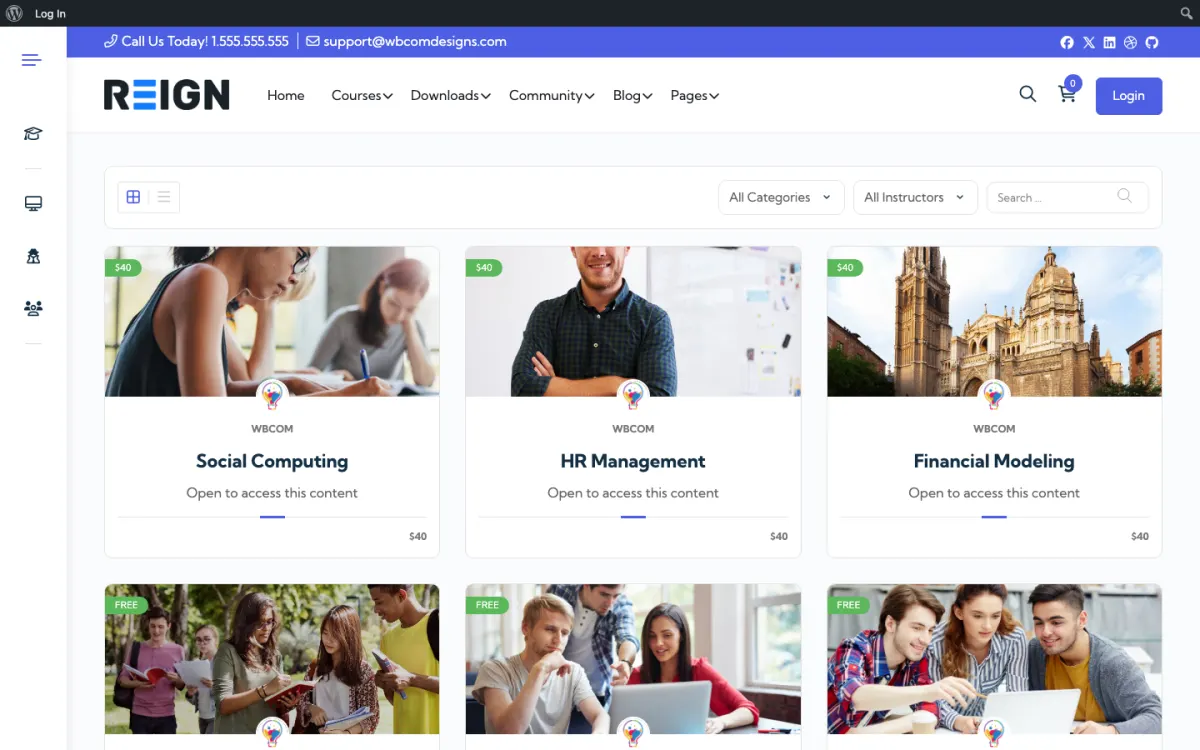
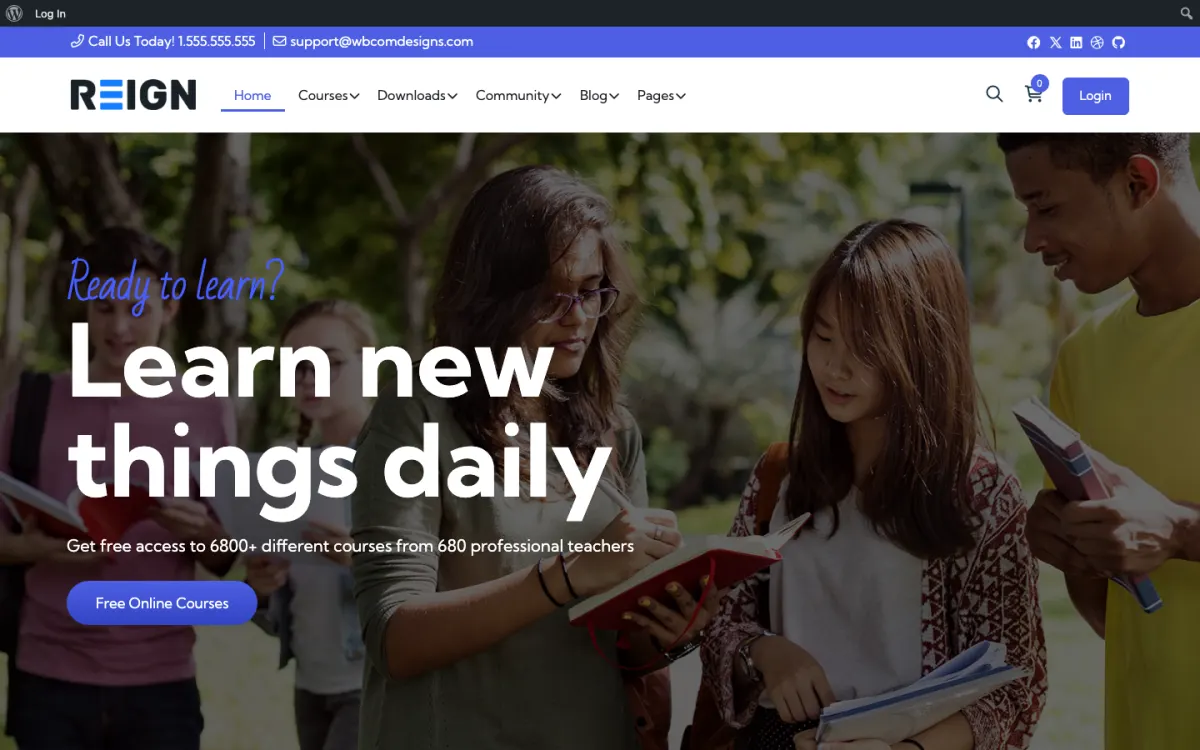
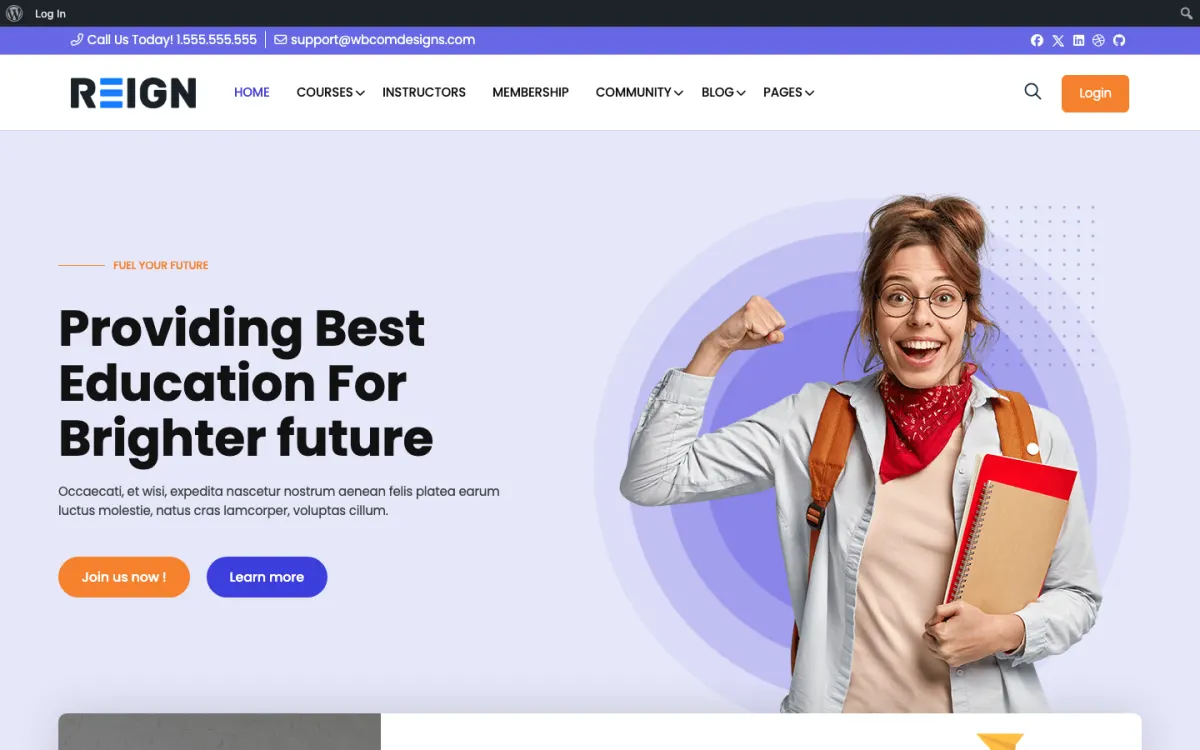
A video lesson library in place of lesson PDFs sent by email.
Practice streaks and badges with WB Gamification, free to install.
A student showcase where members post performance videos and get peer feedback.
You launch with a lesson library, a practice space and a booking calendar. Technique videos and sheet music sit in courses, students book lessons through the calendar, and the community is where they post recordings and get feedback. For a music teacher the recording feedback loop is the whole thing: a student posts thirty seconds of playing, you and other students respond, and progress becomes visible rather than something only you can see.
A student books a first lesson and downloads the material. They lurk for a few weeks because posting a recording of yourself playing badly is intimidating. Getting the first recording posted is the entire job, and it usually happens after somebody else goes first. From there the pattern holds: students who post recordings improve faster and stay longer, and the archive becomes proof to prospective students that the method works.
Most teachers charge per lesson through a booking plugin and add a membership for the library and the practice space, which monetises students who cannot afford weekly lessons. Group classes sell as one-off courses. The membership is what lets a teaching practice earn beyond the hours available in a week, and it keeps students connected between terms.
Skipping the recording culture because it feels awkward. A practice space where nobody posts audio is just a forum about music. Post your own playing first, mistakes included, and the students follow. It is the single thing that determines whether the community works.
Reign is the WordPress theme for building a complete community site: social network, courses, member directory, marketplace and job board on one install. A music teacher uses courses, media and the feed.
Learnomy holds lessons and quizzes, with Stripe or PayPal checkout and memberships. MediaVerse lets students upload photos and videos into albums with privacy levels, which suits video clips of practice, and it ships AI moderation and reporting. BuddyNext supplies the feed and spaces where feedback happens. WB Gamification, free, can reward practice streaks.
If your stack is LifterLMS, the LearnMate LifterLMS kit is the packaged route and the LifterLMS course community build guide covers it. Learnomy Pro adds assignments and grading when you want a formal submission flow. The plugins page has the full free and Pro split, and Reign is a flat theme licence with no per-student fee.
A music site is ready when a student can watch a lesson and post a clip of themselves playing. Everything else is optional.
Install WordPress with Reign, then Learnomy, MediaVerse and BuddyNext. Follow the start page for the order.
Film your first ten technique lessons on a phone and upload them to a video service. Give each lesson a clear name such as scales, vibrato or breath support so students can search.
Create a practice space in BuddyNext and a MediaVerse album per student or per group. Choose the privacy level that suits your students' ages.
Post a clip of your own playing, including a slip, with a short note on what you would fix. That sets the tone.
Set up membership plans in Learnomy for library access and decide how private lessons are booked.
Ask three students to post a first recording. Reply to each within a day and tell the others what you liked.
A student has a lesson with you, watches the follow-up video and practises. Midweek they record a minute on a phone, post it in the practice space and add a note about the bar they find hard. You or another student responds with a specific suggestion, and the student tries again.
At the weekend they might work on a piece from the library, return to a technique video or watch another student's clip for ideas. Seeing peers at a similar level is both reassuring and motivating, and students tend to post more once they have watched a few.
Your week is feedback. Block time to watch and reply to the week's clips, and aim for short replies with one thing to fix and one to keep. Students improve faster when replies are specific and the next step is small.
Teaching hours are limited, so growth means serving students outside them. A membership for the library and practice space lets students who cannot afford weekly lessons stay connected, and group classes can be sold as courses for many students at once.
Seasonal events drive engagement. A recital week, a small online concert or a monthly challenge gives students a deadline and an audience. Eventonomy, free, can list these with RSVPs, and MediaVerse holds the recordings.
Teachers also grow by specialising: beginners on one instrument, adult returners, young players or exam preparation. A clear niche makes your thread titles and technique videos easier to find in search.
Skipping the recording culture because it feels awkward is the main one. A practice space where nobody posts audio or video is a forum about music. Go first, make it normal and thank every student who posts.
A second is ignoring storage. Video adds up quickly, so set clip length and size guidance and keep long recordings on a video service. Tell students a phone in a room is enough; an equipment expectation stops people posting.
A third is rights. Distributing copyrighted scores to members is still distribution behind a login. Use material you wrote or have licensed, and take advice if unsure.
If you teach only private lessons and want nothing more than booking and payment, a simple booking tool is enough. If you run a school with several teachers and a timetable, look at the school teachers page for the intranet shape.
If audio-only uploads are central, such as recording backing tracks, check how you will host the files before you commit, because MediaVerse is built around photos and video.
Yes. MediaVerse handles the video uploads and installs free. Grade them with Learnomy Pro assignments, or LifterLMS assignments if that is your LMS.
Group the library by course and lesson, and name lessons by technique (scales, vibrato and so on) so students can search for them. LifterLMS courses work the same way on that stack.
Yes, member media uploads handle audio and video into the feed or a group, so a student posts a clip and gets feedback in the same place. Keep an eye on storage as the library grows; audio is small but video adds up faster than people expect.
Individual lessons book through a scheduling plugin at your hourly rate; group classes are courses with a cohort space. The membership tier covers the library. Three separate mechanisms, one student record, which is the advantage of keeping it all on one site.
That is yours to get right, and it is the part teachers most often overlook. Distributing copyrighted scores to members is still distribution even behind a login. Use material you have licensed or written, and take advice if you are unsure rather than assuming a members-only area changes the position.
No, and saying so explicitly matters. A phone in a room is enough for feedback on timing, phrasing and technique. Setting an equipment expectation is the fastest way to stop students posting anything at all.
Yes, through a commerce plugin, and it suits this niche well. Make sure you have the rights to whatever you distribute, because a members-only area does not change the licensing position on somebody else's composition.
Learnomy, MediaVerse and BuddyNext cost nothing to install, and each has its own Pro plan for later. Running the third-party stack instead? The LearnMate LifterLMS kit is the packaged route. Or have the Wbcom team set either one up for you.
One theme, the whole site
Reign is the WordPress theme for building a complete community site: social network, courses, member directory, marketplace and job board on one install. Start with one, add the others when you need them, and keep one login for every member. Open a live demo, or launch a sandbox and get a fresh WordPress site to click through in about a minute.
Lessons, quizzes, certificates and memberships, on the same login as the community. Powered by Learnomy.
Profiles, activity feed, spaces, messages and moderation on your own domain. Powered by BuddyNext.
Listings, search, maps and reviews that members can add themselves. Powered by Listora.
Sell services or products from many sellers, with orders, reviews and commissions. Powered by WP Sell Services.
Employers post jobs, members apply, and you run the board from one dashboard. Powered by WP Career Board.
Reign with BuddyPress, ready in one click, or browse every demo by site type.
Add more when you need it
Tell us what you want members to do on your site. We will tell you which Reign setup, plugins and kit fit, before you buy anything.
Swift and expert coding by Kerit to apply a personalised display adjustment on the Reign Theme for a media plugin that was not fully supported at the moment.
I purchased Reign theme from Wbcom Designs, the support team was very helpful and I got the perfect website what I was looking for. Good work Wbcom Designs
WBComDesigns is amazing. The WP plugins and themes are of top notch quality with lots of features and updated very frequently. Supports are very responsive and helpful. I use Reign with TutorLMS, and the experience is surprisingly smooth. The recently launched BuddyNext Pro and MediaShield Pro are…
Love this company. Loved the REIGN product. They were there the entire time helping me set things up; and when things went wrong? They were quick to take action and help find a solution.
I am using the REIGN theme and several plugins from Wbcom Designs on my website. The theme is beautifully designed, and the plugins are user-friendly. Everything works smoothly, and the features are perfect for building professional websites and communities. What impressed me most is their…
I only have positive experience with wbcom. My journey started a lot of years back with the free buddyx theme. during my learning of wordpress and futher websites ideas I found a match with their Reign job mate theme. Always there to help, always open to explore ideas, always kind replyes even if I…
A huge thanks to Wbcom Designs for their unparalleled support and cooperation. Their WordPress expertise truly shines through in their work. Highly appreciated and recommended!
I recently purchased the Buddyx Theme and the support that I have been receiving from WBCom is nothing short of amazing! They truly stand behind their product in every sense!
Support staff is responsive and knowledgable
Camilia solved my support request very fast and I am thrilled. So glad I made this purchase.