
Love this company
Love this company. Loved the REIGN product. They were there the entire time helping me set things up; and when things went wrong? They were quick to take action and help find a solution.
For yoga teachers
Put your on-demand classes, your live schedule and your students on one site: classes are Learnomy lessons, the timetable is an Eventonomy calendar, and the student group lives in BuddyNext. A student who misses Tuesday evening finds the recording in the same place they booked it. Reign gives the whole thing a calm, branded look that matches your studio.
Yoga teachers run live Zoom classes, a private Facebook group and a Patreon for on-demand replays, so students have several logins, no shared identity and are hard to retain.
Reign + Learnomy + BuddyNext lets teachers host on-demand class libraries, a community feed for student check-ins, and tier-gated content under one membership. Both plugins install free. Tutor LMS is the swap for teachers already teaching on it.
Class library, student feed and video uploads, all free to install. You buy the Reign theme; Learnomy, BuddyNext and MediaVerse are ours and install free.
Screens from the live demos, with sample content. Open any of them and click around.
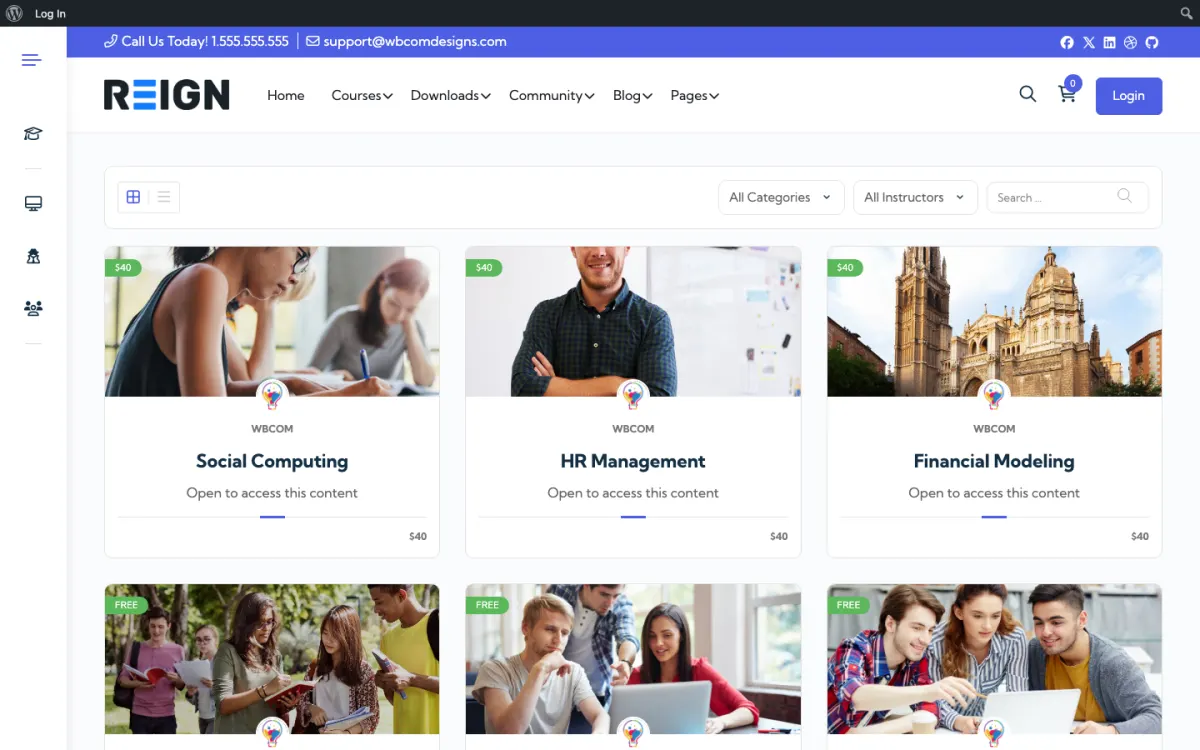
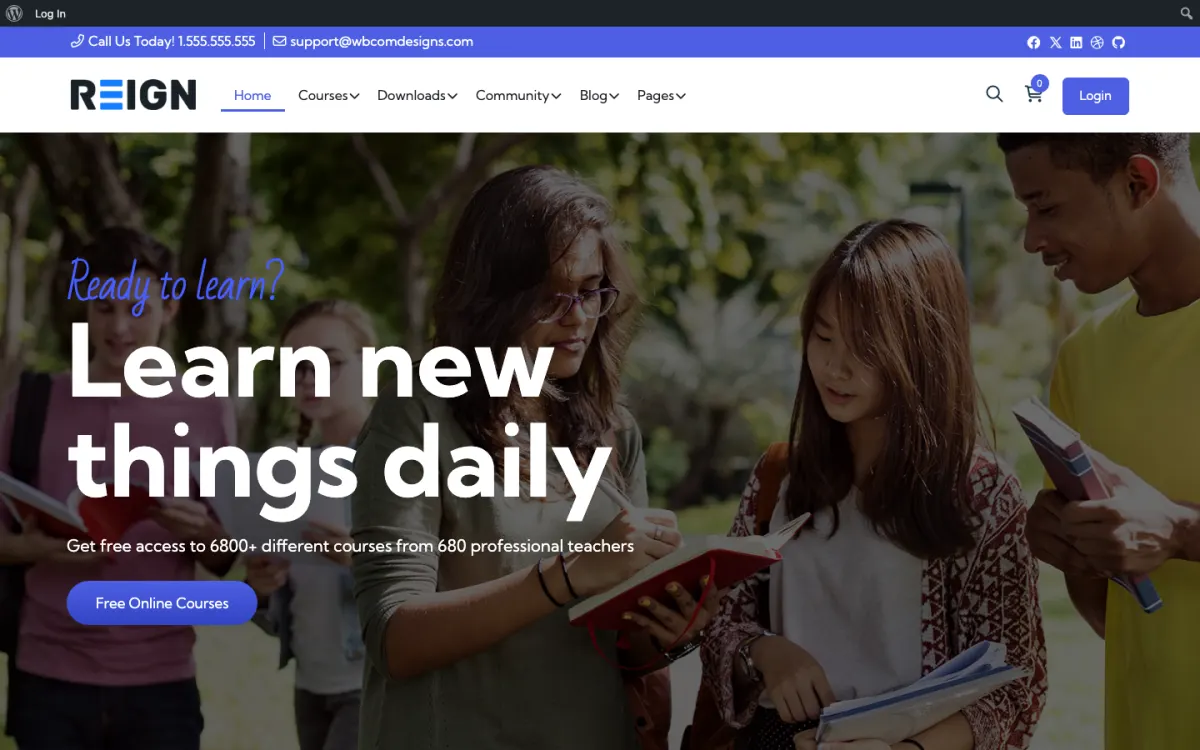
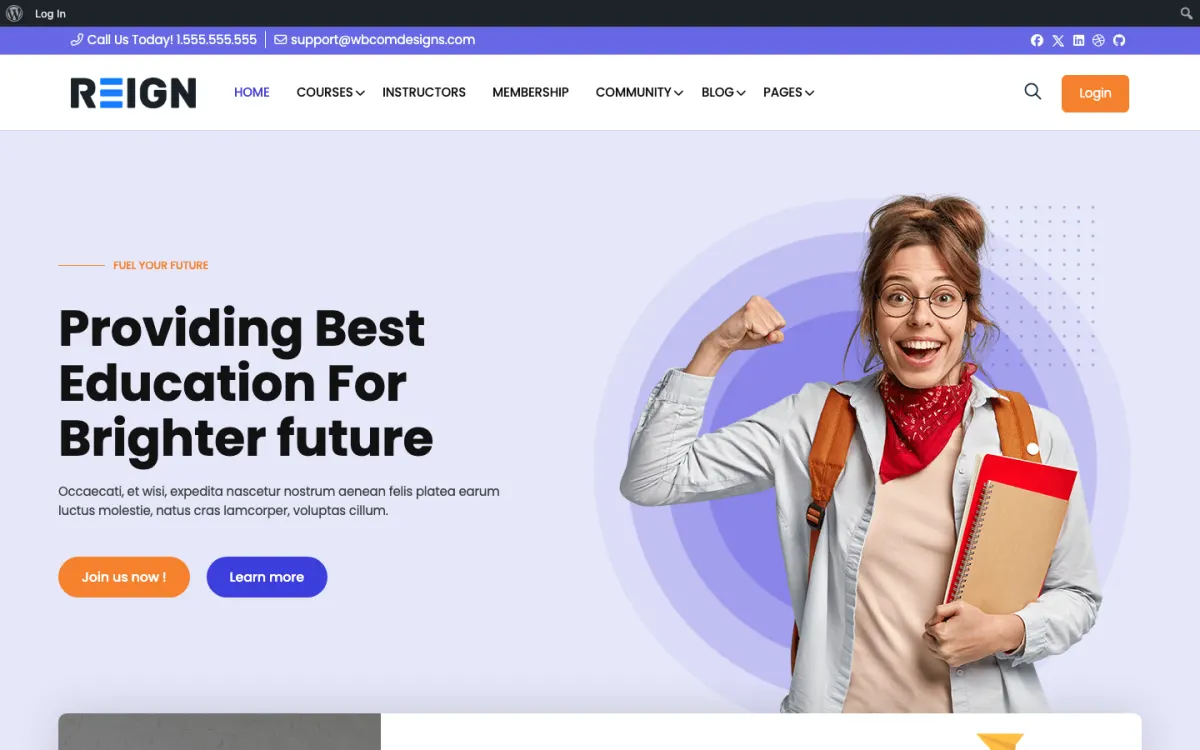
An on-demand class library on your own site, with replays kept next to the timetable.
Membership plans in Learnomy: a free intro class and a paid full library.
BuddyNext, free to install, for the student community and accountability circles.
You launch with an on-demand library, a schedule of live classes and a members feed. Classes are video lessons grouped by style or level, the calendar lists what is coming and takes RSVPs, and the community is where students talk between sessions. Students who miss a live class find the recording in the same place they booked it, which is the thing that stops people cancelling in the first bad month.
A student joins for a specific class, watches two or three on-demand sessions in the first week, then books something live. The shift happens when they post: asking about a pose, sharing that they managed a full practice. That is when a viewer becomes a member. By month two the regulars have favourites and a routine, and the library matters more than any single class, because it is what they browse on the evening they cannot make the live session.
The common shape is a monthly membership giving library access plus live classes, sometimes with a drop-in price for non-members. Workshops sell separately as one-off purchases. A membership plugin handles the recurring side and the course plugin holds the library. Teachers who also run retreats use the same site to take deposits, which keeps the mailing list and the booking in one place rather than a form and a spreadsheet.
Treating the live schedule as the product and the library as a bonus. It is usually the other way round: people join for the classes they can take at 6am when they cannot make yours. Record from the start, even roughly, because the library is what carries you through the quiet months.
Reign is the WordPress theme for building a complete community site: social network, courses, member directory, marketplace and job board on one install. A yoga teacher needs three of those: a course library for classes, a calendar for live sessions and a student community. Everything else can wait.
The in-house route is Learnomy for the class library with Stripe or PayPal checkout and memberships, BuddyNext for the student feed and spaces, Eventonomy for the timetable with RSVPs and recurring weekly classes, and MediaVerse if students upload their own photos and short videos. Eventonomy free handles daily, weekly and monthly recurrence, which covers a standard studio timetable. One detail worth knowing: an RSVP on a recurring class applies to the series, so the page lists the dates for information and you should not promise per-date seat counts.
If you already teach on Tutor LMS, the Reign TutorLMS kit is the packaged route, and the Tutor LMS course community build guide shows the steps. The plugins page lays out what is free and what is Pro, and the demos show the course and community screens you would be building on.
A yoga site is ready when a new student can sign up, watch a class and see when the next live session is. Keep the first version that small.
Install WordPress and Reign on hosting that copes with logged-in members. The start page lists the order to install things in.
Record your first set of classes and upload them to a video service. Create a Learnomy course per style or level, one lesson per class, with a short note on props and the focus of the practice.
Install Eventonomy and create your weekly timetable as recurring events. Put the meeting link on the event page and turn on RSVPs.
Install BuddyNext and make a student space for questions and reflections. Post a welcome note and the one guideline that matters: be kind about each other's practice.
Set up membership plans in Learnomy: a free intro class, and a full library plan. Check the sign-up flow on a phone, since most students will use one.
Teach a launch week of live classes to your existing students and ask them to post afterwards. That first wave of replies sets the tone for everyone who joins later.
A regular student opens the site on Sunday evening to plan the week. They check the timetable, book two live classes with an RSVP and bookmark a shorter on-demand class for the morning they cannot get out. After a live class they often return to post a line: a pose they finally managed, a question about breathing in a long hold.
Students who cannot attend live use the library the other way. They work through a level, return to a favourite class and sometimes follow a short series you have grouped as a course. The community space is where they swap notes about what worked after a long day at a desk.
Your week looks different. You teach, upload the recording, reply to the questions that need a teacher and write a short post to start next week's conversation. The upload step is the one that slips, so pick a fixed day for it. A replay that arrives two days late loses most of its value.
Teachers tend to grow in two directions. The first is depth: more levels, a beginner series, a seasonal challenge. The second is reach: students who can never attend in person, because they live elsewhere or work odd hours. The on-demand library serves both without extra teaching time.
Challenges work well for this niche. A four-week morning practice with a space for daily check-ins gives students a reason to log in and gives you a natural moment to invite non-members. WB Gamification adds points and badges for showing up, and it is free with no paid tier. Keep the badges gentle; a leaderboard can feel wrong in a yoga setting, so only switch it on if your students would enjoy it.
Workshops and retreats sit alongside the membership. Announce them in the feed first, take sign-ups through an event page, and keep the recordings for members. If you later want paid tickets or door check-in for in-person workshops, that is Eventonomy Pro, so you can start free and add it only when a real event needs it.
Making students sign in to see the timetable is the commonest one. Visitors should see what is on without an account, and only need to sign in to book or watch. A locked timetable turns away the people most likely to try a class.
Another is recording long, unedited sessions with the camera in a bad spot. Students watch on phones and tablets, often propped against a wall, so frame yourself wide enough to see the pose and test the sound before you teach. A good-enough recording that exists beats a perfect one you never publish.
The last is treating the community as optional. Yoga students often practise alone, and a thoughtful reply from another student is a large part of why they feel part of something. Moderate warmly, welcome new members by name and keep the guidelines short.
If you run a physical studio with a complicated booking system, class passes and a front desk, a booking product built for studios is a better core than a community site. You can still use Reign for the content, the blog and a student area linked from it. The fitness coaches page shows the same pieces applied to programme-based training.
If you only teach private one-to-one sessions, the library and community are premature. Start with a booking page and add the group later, when several students ask to practise together.
Yes. Embed the meeting link in a class page or an Eventonomy event, then upload the replay to the on-demand library afterwards. The Events Calendar works the same way if you already run it.
Mighty Networks is hosted and quick to launch. Reign gives you your own domain and student list, and the cost is a flat theme licence with the course and community plugins free, so it does not climb as you add paid students.
Yes. WP Sell Services installs free and handles the listing plus the order; Amelia is the pick when you need calendar availability rules. Learnomy runs the group classes either way.
You embed them, usually from Zoom or a streaming service, on a page gated to your members. WordPress is not a video platform and should not try to be. The site handles who gets in, when it is happening and where the recording lives afterwards, which is the part students actually need.
Membership plugins handle credits and packs, though the configuration is fiddlier than a flat monthly fee. If most of your students attend regularly, a simple membership is easier for everyone. Packs suit studios with irregular attendance, and it is worth being honest about which one you actually are.
You can allow it, though most teachers stream only and keep the library as the reason to stay subscribed. Downloadable classes are a retention decision more than a technical one: once somebody has the files, the membership has to earn its place some other way.
Then the calendar and the community carry the site, and it still works. But record something, even roughly, because the library is what holds a membership together through the weeks when people cannot attend and are wondering what they are paying for.
Learnomy, BuddyNext and MediaVerse cost nothing to install, and each has its own Pro plan for later. Running the third-party stack instead? The Reign TutorLMS kit is the packaged route. Or have the Wbcom team set either one up for you.
One theme, the whole site
Reign is the WordPress theme for building a complete community site: social network, courses, member directory, marketplace and job board on one install. Start with one, add the others when you need them, and keep one login for every member. Open a live demo, or launch a sandbox and get a fresh WordPress site to click through in about a minute.
Lessons, quizzes, certificates and memberships, on the same login as the community. Powered by Learnomy.
Profiles, activity feed, spaces, messages and moderation on your own domain. Powered by BuddyNext.
Listings, search, maps and reviews that members can add themselves. Powered by Listora.
Sell services or products from many sellers, with orders, reviews and commissions. Powered by WP Sell Services.
Employers post jobs, members apply, and you run the board from one dashboard. Powered by WP Career Board.
Reign with BuddyPress, ready in one click, or browse every demo by site type.
Add more when you need it
Tell us what you want members to do on your site. We will tell you which Reign setup, plugins and kit fit, before you buy anything.
Love this company. Loved the REIGN product. They were there the entire time helping me set things up; and when things went wrong? They were quick to take action and help find a solution.
I am using the REIGN theme and several plugins from Wbcom Designs on my website. The theme is beautifully designed, and the plugins are user-friendly. Everything works smoothly, and the features are perfect for building professional websites and communities. What impressed me most is their…
I only have positive experience with wbcom. My journey started a lot of years back with the free buddyx theme. during my learning of wordpress and futher websites ideas I found a match with their Reign job mate theme. Always there to help, always open to explore ideas, always kind replyes even if I…
Swift and expert coding by Kerit to apply a personalised display adjustment on the Reign Theme for a media plugin that was not fully supported at the moment.
I purchased Reign theme from Wbcom Designs, the support team was very helpful and I got the perfect website what I was looking for. Good work Wbcom Designs
WBComDesigns is amazing. The WP plugins and themes are of top notch quality with lots of features and updated very frequently. Supports are very responsive and helpful. I use Reign with TutorLMS, and the experience is surprisingly smooth. The recently launched BuddyNext Pro and MediaShield Pro are…
They provided me great advice on how to achieve the best display and function for my blog.
From the moment we partnered with Wbcom Designs in 2016, they have been nothing short of phenomenal, becoming not just our go-to website developers but also treasured friends. Their team, led by the incredibly kind and competent Varun, has saved our operations on more occasions than we can count,…
The team at WBcom has been extraordinarily helpful in taking care of the technical aspects of my website They respond quickly and address all my issues in a highly professional manner. In addition to being super attentive to the requirements of my site, they have been very patient in explaining…
I have contact with "Wbcom Designs" tomorrow to fix some minor issues for my website. He came to me online on chat and fixed the issues in a very short time. I really appreciate the support team member her name is "Pallavi". Thank you so much 🙏