Reign for nutritionists. Nutrition coaching membership.
Give each client one place for their plan, their recipes and their check-ins: plans and recipes are Learnomy lessons, the weekly group is a BuddyNext space, and your intake questionnaire hands off to your records. Run one small cohort first and see where clients drop off. Reign gives the site a clean, trustworthy face.
Nutritionists deliver meal plans via PDF email, host live Q&A on Zoom, and run a Slack workspace, so clients juggle several apps and rarely engage long-term.
Reign + Learnomy + BuddyNext for tier-gated meal plans, a recipe library and community Q&A on one membership site. Learnomy installs free and sells memberships with Stripe or PayPal checkout. LearnDash slots in instead if that is what you already run.
Recipe library, lessons and the member feed, free to install, with Learnomy memberships taking the payments. You buy the Reign theme; Learnomy and BuddyNext are ours and install free.
Clients usually drop off in weeks two and three, so the group and the check-in rhythm matter more than the document library.
Gate plans and recipes by plan with Learnomy memberships, which install free with Stripe and PayPal checkout.
Health data on your own site is your responsibility; collect only what you need and take advice on regulation in your country.
Reign is a flat theme licence with no per-member fee. See pricing for the model.
What it looks like on Reign
Screens from the live demos, with sample content. Open any of them and click around.
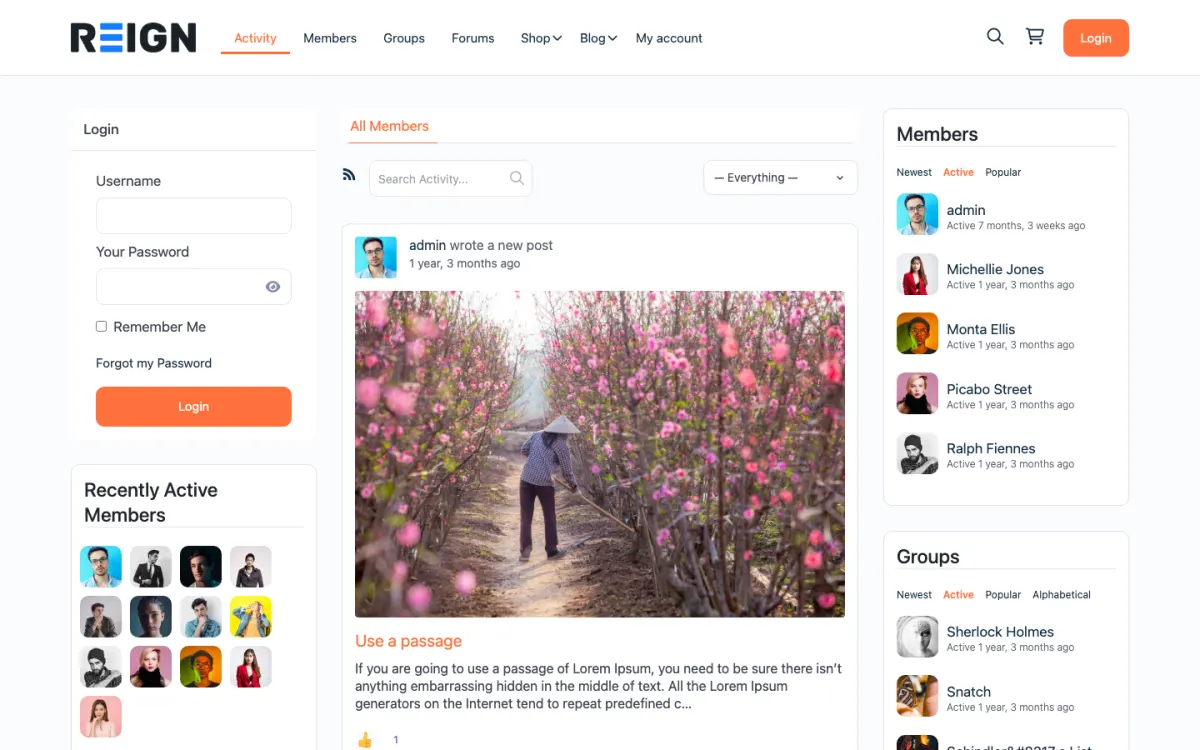
The home screen: sign-in, the activity feed and who is active, on one page. Open the demo
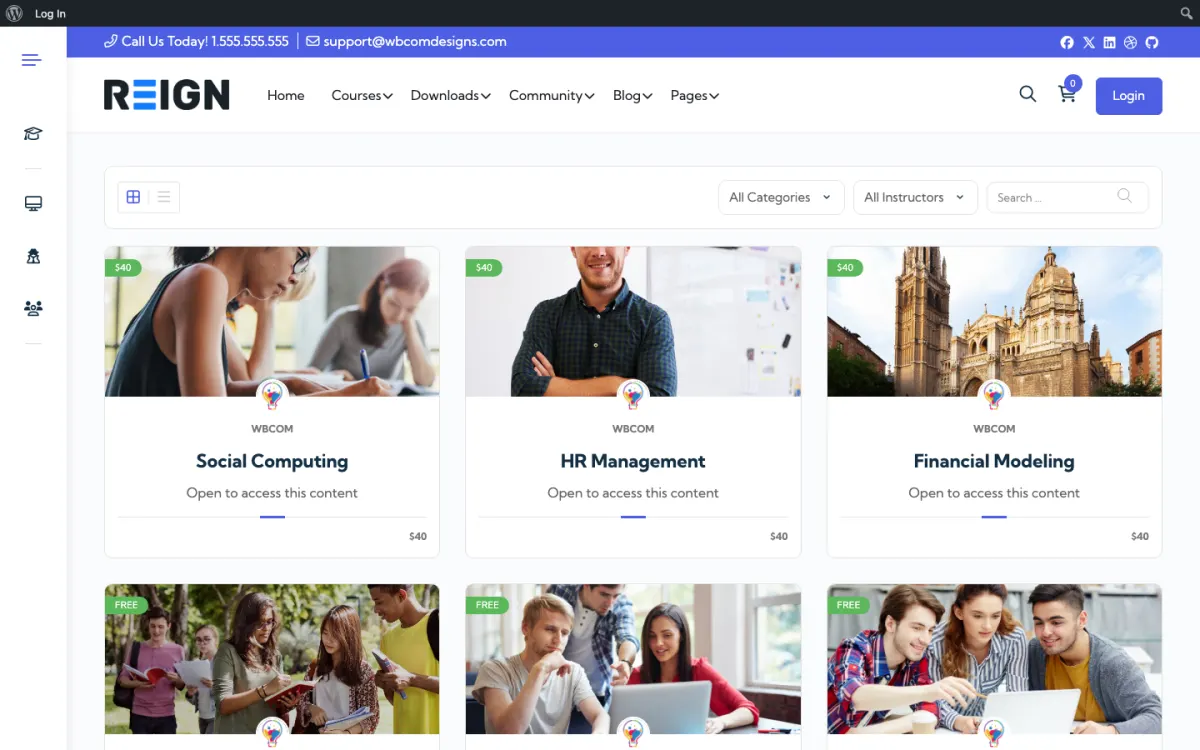
The course catalog, filtered by category and instructor. Open the demo
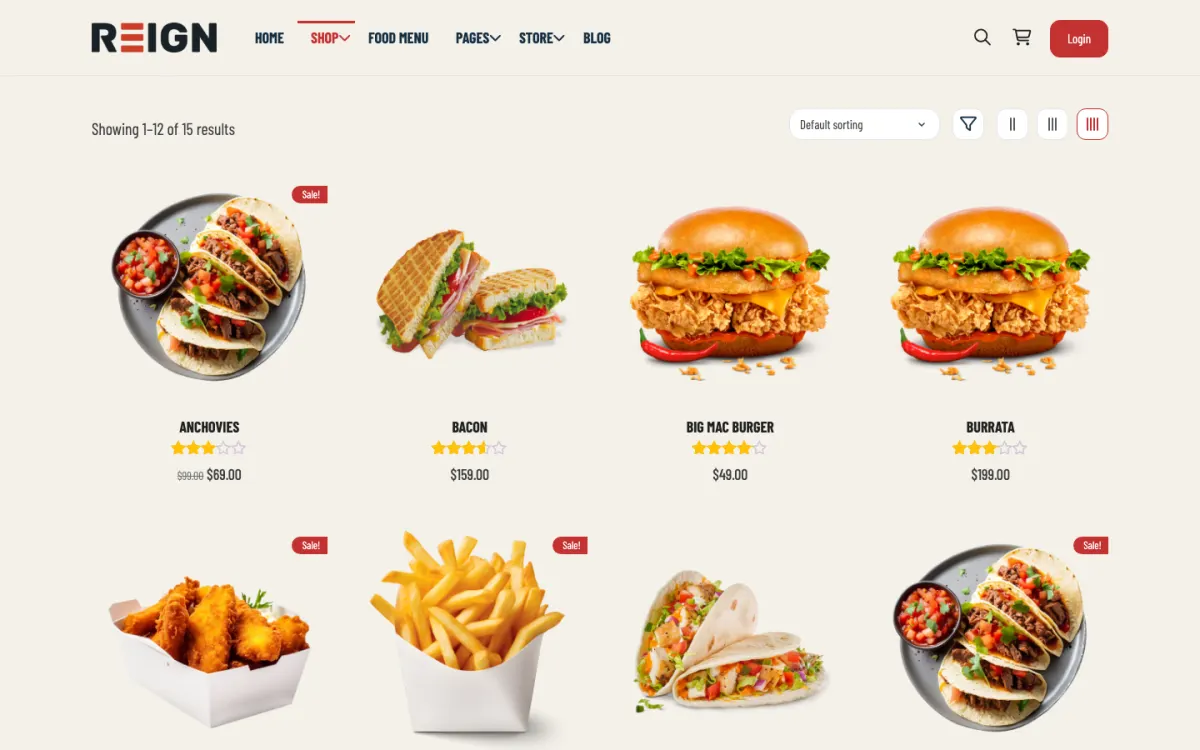
The shop: products from every seller in one grid, with ratings. Open the demo
Three highlights for nutritionists.
01
A recipe library organised by course and lesson, so clients find recipes by name and topic.
02
Weekly Q&A posted in the member feed, so answers stay findable.
03
Plans for education only or the full recipe library, with one-to-one sessions sold separately.
What the site looks like on day one.
Launch day gives you gated meal plans, a course structure for your programme, and a private group where clients check in. Plans are downloads or lessons, recipes are posts, and the intake questionnaire is a form that creates the client record. What changes most is the repetition: the answer you have given fifty times becomes a page you link to, and new clients find it themselves.
What a member actually does.
A client completes intake, gets their plan, and posts a first-week check-in. The early weeks are where most drop off, so the group matters more than the plan: seeing other people two months ahead is what keeps somebody going past the first difficult fortnight. By month three the regulars are answering each other's questions about substitutions and shopping, which is both good for them and a meaningful reduction in your own inbox.
How this usually makes money.
Typical structures are a monthly membership for plans plus group support, or a paid programme sold as a course with community included, with a higher price for the supported version. One-to-one consultations sit on top and get booked through a scheduling plugin. The membership plugin gates plans by tier, and because everything is on your own site, the client list and their emails belong to you rather than a platform.
The mistake to avoid.
Building the client portal before proving the programme. Nutrition clients drop off in weeks two and three regardless of how good the plan is, so the group and the check-in rhythm matter more than the document library. Get ten clients through a cohort before you build anything elaborate.
Which Reign setup fits a nutrition practice
Reign is the WordPress theme for building a complete community site: social network, courses, member directory, marketplace and job board on one install. A nutritionist uses the course and community halves and leaves the rest alone.
The free route is Learnomy for the programme, the recipe library and memberships, with BuddyNext for the client group. Learnomy handles Stripe and PayPal checkout, plans with trials and coupons, so you can sell a supported programme without a separate paywall plugin. Quizzes in Learnomy are useful for short knowledge checks, such as a label-reading quiz at the end of week one.
Prove the programme with a real cohort before you polish anything. A first launch is ready when a client can sign up, receive a plan and check in with the group.
01
Install WordPress and Reign on hosting you trust with client information. The hosting guide covers what to look for.
02
Build your programme in Learnomy: a welcome lesson, a week-by-week structure and a recipe section. Use downloads for meal plans at first; lessons can come later.
03
Create the plan structure you want to sell. Keep it to one supported programme and, if you wish, a lighter plan with the recipe library only.
04
Install BuddyNext and make a private space per cohort. Write the community rules, including what clients may share about their own health and what to leave for a consultation.
05
Add a short intake form that creates or updates the client record. Keep it brief; you can ask for more once someone has paid.
06
Start with a small cohort and watch weeks two and three closely. Message anyone who stops posting before they drift away.
What nutrition clients do week to week
A new client opens their plan on the first morning, picks the week's recipes and posts a photo of what they cooked. Midweek the questions arrive: can I swap the salmon, what do I eat when I am travelling, is this snack allowed. Those questions are the content of your group.
By the second week the group starts to answer itself. A client who found a good dairy-free swap posts it, others add their own versions, and your replies shrink to corrections and encouragement. On the weekend a shopping-list thread or a batch-cooking post often appears, and you can pin the best ones.
For you, the rhythm is a weekly check-in post, a review of anyone who has gone quiet and an update to the recipe library. The library compounds: a recipe added once serves every future cohort, and the answers you give publicly become pages you can link to instead of repeating.
How a nutrition practice grows
Practices usually grow by turning one-to-one hours into a group offer. A supported programme with a cohort lets you serve many clients in the time it takes to see a few, and the recipe library keeps people subscribed between cohorts. Both ideas depend on the group being useful, which is why you should look after it first.
A second path is specialisation. A site for gut health, for postnatal recovery or for managing a particular diet gives you an audience that talks to each other and finds you by search. Specific recipe pages and short guides, written in plain language, bring in people who have never heard of you.
Learnomy Pro adds drip content, so you can release the programme week by week, and BuddyNext Pro adds paid plans and gated spaces if you want a higher tier with extra access. Both are optional upgrades; most practices start free and add them when a cohort is full.
Mistakes specific to nutrition sites
Building the client portal before proving the programme is the main one. A beautiful document library does not rescue a cohort whose members stopped posting in week two. Start with the group and the check-in rhythm and add structure to match what clients actually use.
Collecting too much health information is a second. Long intake forms are completed badly, and holding data you do not need is a liability. Ask for the minimum, keep it behind logins and be clear in your privacy policy about what you store.
Last, avoid presenting the group as medical advice. Make it clear that group answers are general guidance and that individual clinical questions belong in a consultation. A line at the top of the space and a pinned post is enough.
When a different setup fits better
If you work in a clinical setting with patient records, a practice-management product built for that purpose is the right core, and the site should handle only the educational and community layer. Our therapists page discusses the same boundary in a related field.
If your offer is a simple downloadable plan sold once, you may not need a community at all. A shop page with downloads is simpler. Add the group when buyers start asking where to talk to each other.
Nutritionist-specific questions.
Can I gate recipes by tier?
Yes. Learnomy memberships restrict access by plan, so a client sees the courses and recipes their plan includes. The Reign LearnDash Addon does the same job on a LearnDash site.
Can I give clients their meal plans as PDFs?
Yes. Attach the PDF to a Learnomy lesson as a download, and it is visible only to clients whose plan includes that lesson. Many nutritionists start this way and move to full lessons later.
Should I use Practice Better instead?
Practice Better is built for clinical practice management and is a good choice if you need client records and scheduling for one-to-one work. Reign fits better when you teach groups and run programmes with a community around them. Many practitioners keep their records in a clinical tool and use the Reign site for the educational side.
Is client health data safe on my own site?
It is your responsibility rather than a platform's, and that cuts both ways. Use proper hosting, keep everything updated, limit who has admin access, and do not collect more than you need. For anything falling under health-data regulation in your country, take advice rather than assuming a plugin makes you compliant.
Can I run one-to-one and group together?
Yes, and most nutritionists do. Membership tiers separate them: a lower tier gets plans and the group, a higher tier adds consultations booked through a scheduling plugin. One login, one client record, and the group tier is usually what makes the business scale beyond your own hours.
Can I deliver plans as PDFs?
Yes, as gated downloads, and many nutritionists start there. Lessons work better long term because you can see who has opened what, but a PDF library behind a membership is a perfectly reasonable first version and quicker to launch.
How do I handle intake questionnaires?
A form plugin captures intake and creates or links to the client record, so you are not re-keying anything. Keep it short: long intake forms are completed badly or not at all, and you can always ask for more once somebody has paid.
Buy the theme. Add the plugins free.
Learnomy and BuddyNext cost nothing to install, and each has its own Pro plan for later. Running the third-party stack instead? The LearnMate LearnDash kit is the packaged route. Or have the Wbcom team set either one up for you.
Reign is the WordPress theme for building a complete community site: social network, courses, member directory,
marketplace and job board on one install. Start with one, add the others when you need them, and keep one login
for every member. Open a live demo, or launch a sandbox and get a fresh WordPress site to click through in about a minute.
Community and social network
Profiles, activity feed, spaces, messages and moderation on your own domain. Powered by BuddyNext.
WBComDesigns is amazing. The WP plugins and themes are of top notch quality with lots of features and updated very frequently. Supports are very responsive and helpful. I use Reign with TutorLMS, and the experience is surprisingly smooth. The recently launched BuddyNext Pro and MediaShield Pro are…
Hoang Phan · VN ·
Love this company
Love this company. Loved the REIGN product. They were there the entire time helping me set things up; and when things went wrong? They were quick to take action and help find a solution.
Fable Fortitude · CA ·
Excellent Theme, Powerful Plugins and Outstanding Support
I am using the REIGN theme and several plugins from Wbcom Designs on my website. The theme is beautifully designed, and the plugins are user-friendly. Everything works smoothly, and the features are perfect for building professional websites and communities. What impressed me most is their…
S W Malcolm · US ·
I only have positive experience!
I only have positive experience with wbcom. My journey started a lot of years back with the free buddyx theme. during my learning of wordpress and futher websites ideas I found a match with their Reign job mate theme. Always there to help, always open to explore ideas, always kind replyes even if I…
Oskar Hanborg · SE ·
Swift and expert coding!
Swift and expert coding by Kerit to apply a personalised display adjustment on the Reign Theme for a media plugin that was not fully supported at the moment.
Russell · GB ·
Perfect themes
I purchased Reign theme from Wbcom Designs, the support team was very helpful and I got the perfect website what I was looking for. Good work Wbcom Designs
Monika Singh · IN ·
Outstanding Service and Exceptional Support from Wbcomdesigns Team
I have already purchased themes and plugins worth over ₹65,000 from wbcomdesigns, and my experience has been nothing short of amazing. Their support is exceptional. Both Shivani Kashyap and Camilia Scott provide incredibly fast responses and have resolved any issues I encountered with my website…
Tushar Garg · IN ·
These guys are absolutely amazing
These guys are absolutely amazing. Such a quick turn around. Their support is second to none.
Miss Decades · GB ·
Fast response for a customisation request
Fast response (1 weekday day) for a simple customisation from Camilia, thank you very much!
Stephanie · AU ·
Quick and helpful support
Quick and helpful support The supporters, i.e Manuzza Zaidi, have been very helpful and provided some css code even for other plugins.