
Perfect themes
I purchased Reign theme from Wbcom Designs, the support team was very helpful and I got the perfect website what I was looking for. Good work Wbcom Designs
For healthcare job board operators
Build the board around specialty, shift and location filters, with WP Career Board for listings and facility dashboards and a candidate community on BuddyNext, then add job alerts when contracts and shifts justify them. Collect the minimum credential data at application stage and let facilities verify later. Reign gives the board a calm, professional look.
Healthcare job boards compete with large general job sites, so it is hard to stand out: candidates want relevant roles and employers want applicants who fit.
Reign + WP Career Board for a healthcare board with specialty and shift filters and employer dashboards for facilities. It installs free and its Pro plan adds custom hiring stages and resumes. WP Job Manager with Resume Manager is the alternative.
Listings, specialty filters and applications, free to install. Resumes and custom hiring stages are the Pro upgrade. You buy the Reign theme; WP Career Board and BuddyNext are ours and install free.
Screens from the live demos, with sample content. Open any of them and click around.
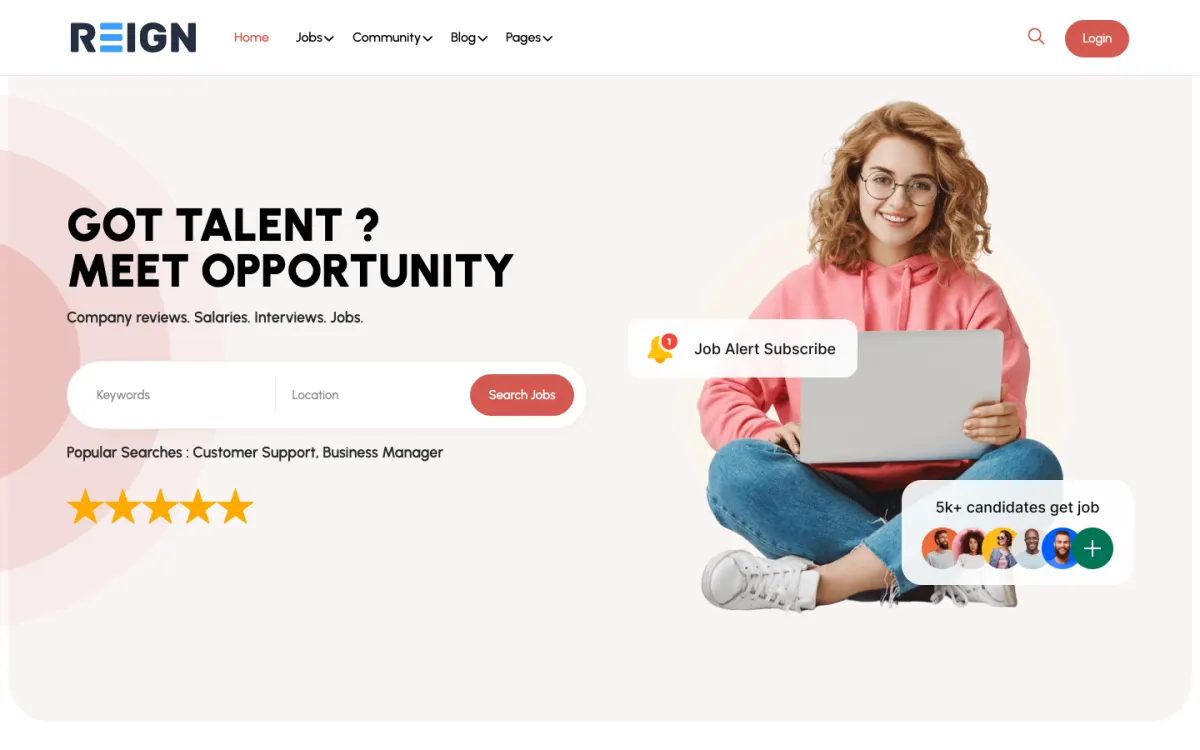
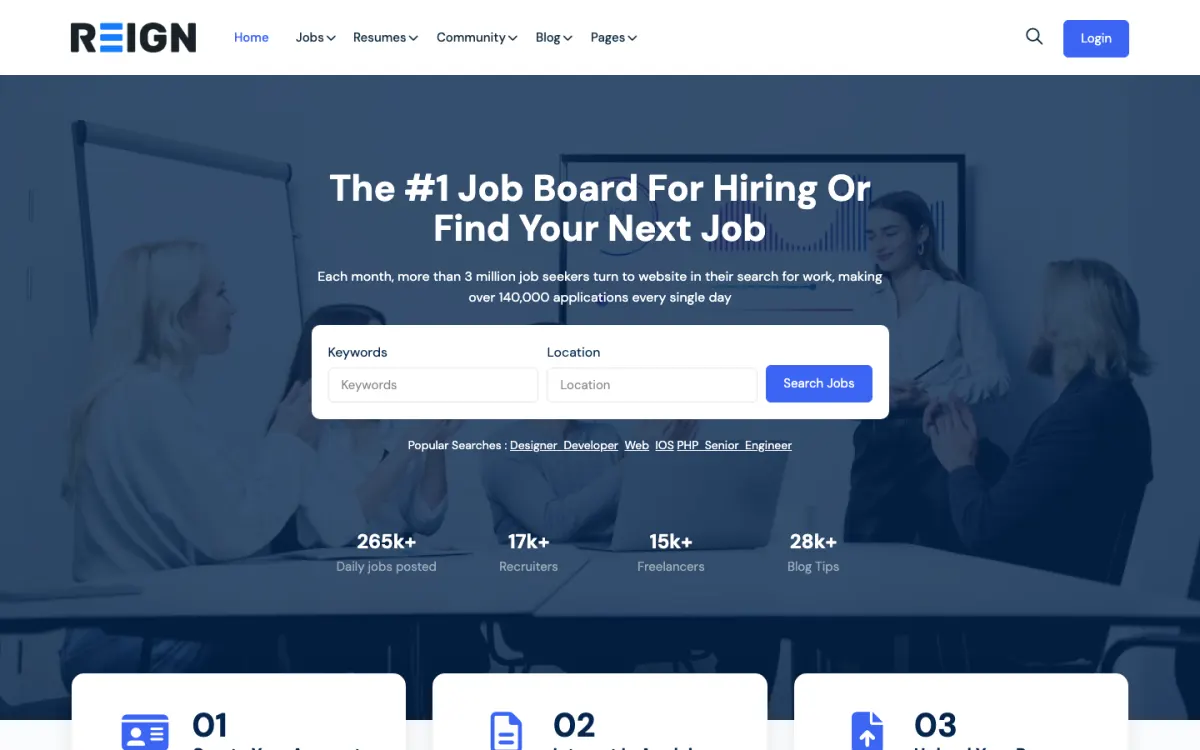
Application fields for the registration details a facility asks about, collected at the minimum needed.
Specialty and shift filters: nurse practitioner, RN, physician, mental health.
Company profiles that tell candidates what a facility is like to work for.
You launch with clinical and support listings, filters by specialty, registration and shift type, plus employer accounts for facilities. Credential requirements make the application flow different: roles carry licence and registration fields that general boards do not need. A candidate community for shift workers is the part that keeps people coming back between moves.
A clinician looks for a specific specialty and location, applies, and returns when contracts end, which in healthcare is often predictable. Facilities post recurring roles and value speed above everything, because an unfilled shift is an immediate operational problem. The board earns its place by filling roles faster than an agency, not by having more listings.
Paid listings, reflecting what facilities already pay agencies, with packages for volume recruiters. Some boards run a facility subscription for unlimited posting, which suits healthcare because hiring is continuous rather than campaign-based. Featured placement works when a facility has an urgent shift to fill.
Collecting credential data you do not need. Registration numbers and licence details are a liability to store and verification happens later in the employer's process anyway. Capture the minimum at application stage and let the facility do its own checks.
Reign is the WordPress theme for building a complete community site: social network, courses, member directory, marketplace and job board on one install. A healthcare board uses the job board and the community, in that order.
WP Career Board supplies listings, search and filters, employer dashboards, company profiles and applications for free. Pro adds job alerts, resumes and resume search, a custom hiring pipeline, paid listings via credits and maps, all of which map onto healthcare needs: alerts for expiring contracts, a resume pool for agencies and paid listings for facilities. BuddyNext adds a candidate community for people who move between contracts.
If you are on WP Job Manager and Resume Manager, the JobMate kit is the packaged route and the job board build guide covers it. The plugins page shows the free and Pro split, and Reign is a flat theme licence.
Fit the data model to how clinical hiring works before you write a listing.
Decide who you serve: facilities directly, agencies or both. Write that down, because candidates notice which one a board is really for.
Install WordPress with Reign and WP Career Board. The start page lists the order.
Build taxonomies for specialty, setting, shift type, contract length and location. Test with a clinician.
Add application fields for the registration details facilities ask about, and keep it to the minimum. Explain on the form that verification happens in the facility's own process.
If you take payment, decide your first package and test the paid-listing flow from a facility's side. Paid listings via credits are a WP Career Board Pro feature.
Recruit the first facilities personally, post their recurring roles for them once and show them how to renew.
A nurse or locum checks the board for new roles in a few chosen specialties and areas. Contracts end on known dates, so they search ahead and act fast on good roles. The ones who can set alerts do so; the rest check often.
A facility posts recurring roles and repeats the same listing when the rota changes. Speed matters more than polish: an unfilled shift is an immediate operational problem, and the board is useful to the extent it fills roles faster than the alternatives.
Your week is operations. You check that listings are current, answer facility queries about posting and renewing, and remove anything that looks misleading. Because health is sensitive, strict moderation of listings and any community posts is worth the time.
Growth starts with a narrow clinical focus. A board for one specialty or one region lets you know the employers and the candidates, and lets you write useful content for them. General healthcare boards compete with the largest job sites; specific ones do not.
Subscriptions suit continuous hiring. A facility that posts monthly can take a package rather than paying per listing, and your recurring revenue becomes predictable. Featured placement works for urgent shifts.
The community can carry practical content: contract-ending checklists, licence-renewal reminders and local housing advice for locums. That content keeps candidates visiting between moves.
Healthcare hiring runs on urgency and reputation. A facility with an empty shift wants a board that fills it fast, and an agency wants one that does not give away its candidates. You earn trust by being clear about who you serve and by never being the reason a role goes unfilled.
Say who the board is for. If it serves facilities directly, say so and keep agency postings labelled or separate. If it serves agencies, explain how candidate details are shared. Candidates and employers both notice, and a board that tries to please everyone satisfies nobody.
Make posting quick. A coordinator posting the same weekend shifts every week should be able to copy last week's listing and change the dates. That saves them time, and it is why recurring users stay. Keep the form to the fields clinicians actually search by.
Reply to problems the same day. If a listing is wrong or a candidate complains, a short, honest answer keeps the relationship. Keep an eye out for postings that look misleading, and remove them with an explanation.
Be careful with claims. Do not say your candidates are verified unless you check, and do not suggest that the board vets credentials when the facility does. Plain wording about what you do protects you and the people who rely on you.
Collecting credential data you do not need is the main one. Registration numbers and licence details are a liability to store, and verification happens later in the facility's process anyway.
Treating alerts as a later feature is the second. Contracts end on known dates and good roles fill fast, so saved searches with email alerts are worth building early. Remember that job alerts are part of WP Career Board Pro.
Third, do not put patient information anywhere on the site. The board needs job data, not clinical data, and keeping it that way avoids a large class of risk.
If you are an agency filling your own roles, an applicant tracking system is a better core than a public board. The remote job board page covers a general board with filters that carry across to shifts.
If you want a professional community more than a board, such as a peer network for one specialty, the mastermind groups page shows the small-group shape.
A job board mostly holds job and contact data, but what you must do depends on your host, your settings and your jurisdiction. If you start storing credential documents or background-check data, the obligations grow, so collect only what you need and take professional advice first.
Yes, through custom application fields for registration numbers, specialties and expiry dates. Collect only what employers genuinely need at application stage; verification happens later in their process, and holding credential data you do not need is a liability rather than a feature.
As filters: shift type, contract length and location are what clinicians actually search by. Get those taxonomies right early, because they are more important to candidates than the job title and harder to change once listings accumulate.
Yes, and agencies are often the paying customer. Bulk posting, a recruiter dashboard and package pricing suit them. Be clear in your positioning whether you serve facilities directly, agencies, or both, because candidates notice which one a board is really for.
Yes, and this is the feature that matters most to them. Recurring or bulk posting turns a board from occasional use into part of the rota process, which is where the subscription revenue comes from.
Badly, more than in most sectors, because contracts end on known dates and good roles fill fast. Saved searches with email alerts are worth building early rather than treating as a later feature.
WP Career Board and BuddyNext cost nothing to install, and each has its own Pro plan for later. Running the third-party stack instead? The JobMate kit is the packaged route. Or have the Wbcom team set either one up for you.
One theme, the whole site
Reign is the WordPress theme for building a complete community site: social network, courses, member directory, marketplace and job board on one install. Start with one, add the others when you need them, and keep one login for every member. Open a live demo, or launch a sandbox and get a fresh WordPress site to click through in about a minute.
Employers post jobs, members apply, and you run the board from one dashboard. Powered by WP Career Board.
Profiles, activity feed, spaces, messages and moderation on your own domain. Powered by BuddyNext.
Lessons, quizzes, certificates and memberships, on the same login as the community. Powered by Learnomy.
Listings, search, maps and reviews that members can add themselves. Powered by Listora.
Sell services or products from many sellers, with orders, reviews and commissions. Powered by WP Sell Services.
Reign with BuddyPress, ready in one click, or browse every demo by site type.
Add more when you need it
Tell us what you want members to do on your site. We will tell you which Reign setup, plugins and kit fit, before you buy anything.
I purchased Reign theme from Wbcom Designs, the support team was very helpful and I got the perfect website what I was looking for. Good work Wbcom Designs
WBComDesigns is amazing. The WP plugins and themes are of top notch quality with lots of features and updated very frequently. Supports are very responsive and helpful. I use Reign with TutorLMS, and the experience is surprisingly smooth. The recently launched BuddyNext Pro and MediaShield Pro are…
Love this company. Loved the REIGN product. They were there the entire time helping me set things up; and when things went wrong? They were quick to take action and help find a solution.
I am using the REIGN theme and several plugins from Wbcom Designs on my website. The theme is beautifully designed, and the plugins are user-friendly. Everything works smoothly, and the features are perfect for building professional websites and communities. What impressed me most is their…
I only have positive experience with wbcom. My journey started a lot of years back with the free buddyx theme. during my learning of wordpress and futher websites ideas I found a match with their Reign job mate theme. Always there to help, always open to explore ideas, always kind replyes even if I…
Swift and expert coding by Kerit to apply a personalised display adjustment on the Reign Theme for a media plugin that was not fully supported at the moment.
Quick and accurate. I just started, so more as time passes. Kenneth Babb
Choosing Wbcom Designs for our WordPress project was a game-changer. Their expertise in BuddyPress and LearnDash plugins transformed our vision into a reality, creating a seamless and engaging eLearning and community platform. The team's professionalism, responsiveness, and innovative solutions…
Always getting answers to my inquiries in a very timely fashion.
Great Support and well developed plugins, one of the best Buddypress / Buddypress plugin developers.