
Swift and expert coding!
Swift and expert coding by Kerit to apply a personalised display adjustment on the Reign Theme for a media plugin that was not fully supported at the moment.
For tabletop RPGs / DMs
Make every campaign a private BuddyNext space, keep GM resources in a library, schedule sessions with Eventonomy and add a looking-for-group space so players can find a table. Sell tools to game masters and keep participation free. Reign gives the site an atmospheric look without hiding the schedule.
DMs use a virtual tabletop, Discord, a notes tool and Patreon to run a campaign, which means scattered tools, a hard time finding players and no recurring revenue.
Reign + BuddyNext + MediaVerse for a DM resource community: private campaign spaces, a looking-for-group board and a library of maps and adventures. Both install free, and BuddyNext Pro adds paid plans for premium modules.
Player matchmaking, campaign archives and map or handout uploads, free to install. You buy the Reign theme; BuddyNext, MediaVerse and Jetonomy are ours and install free.
Screens from the live demos, with sample content. Open any of them and click around.
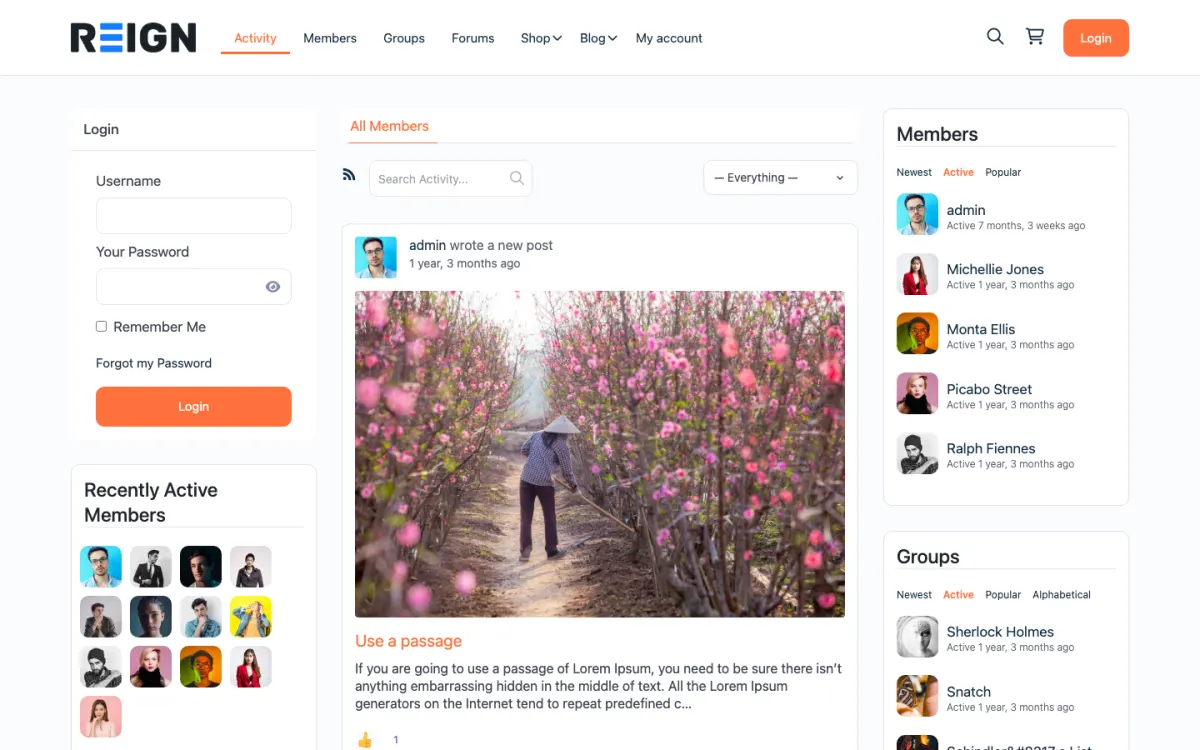
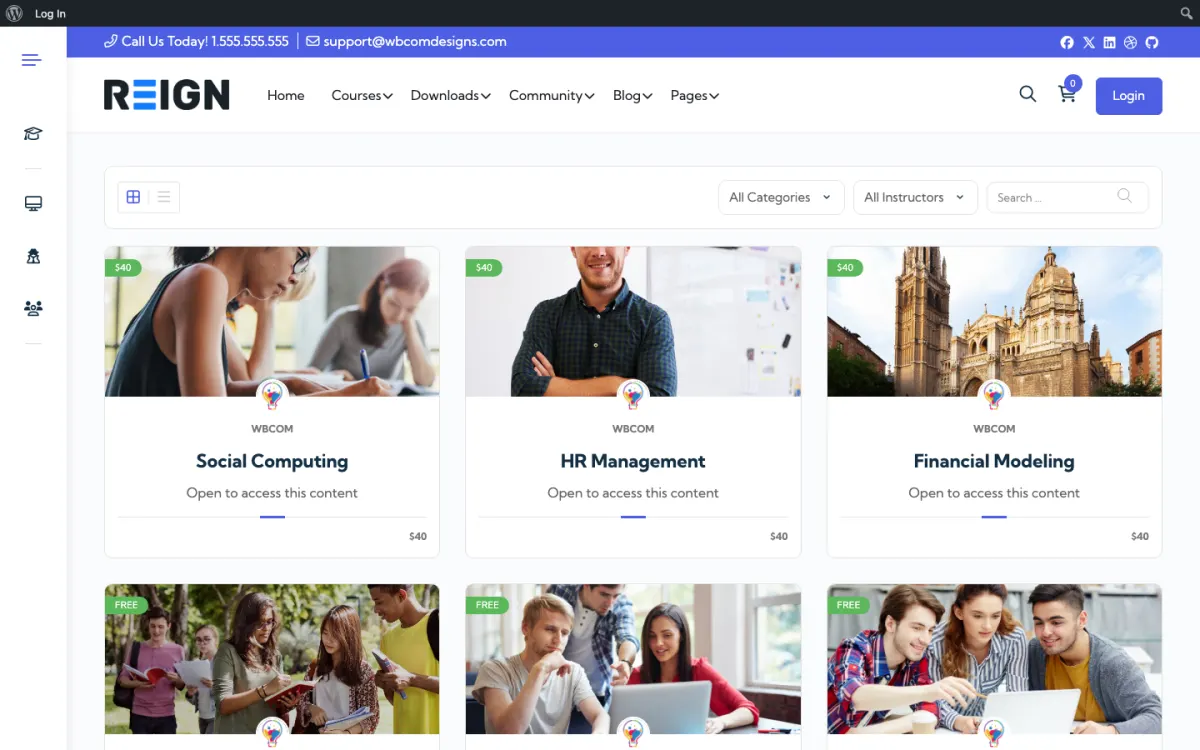
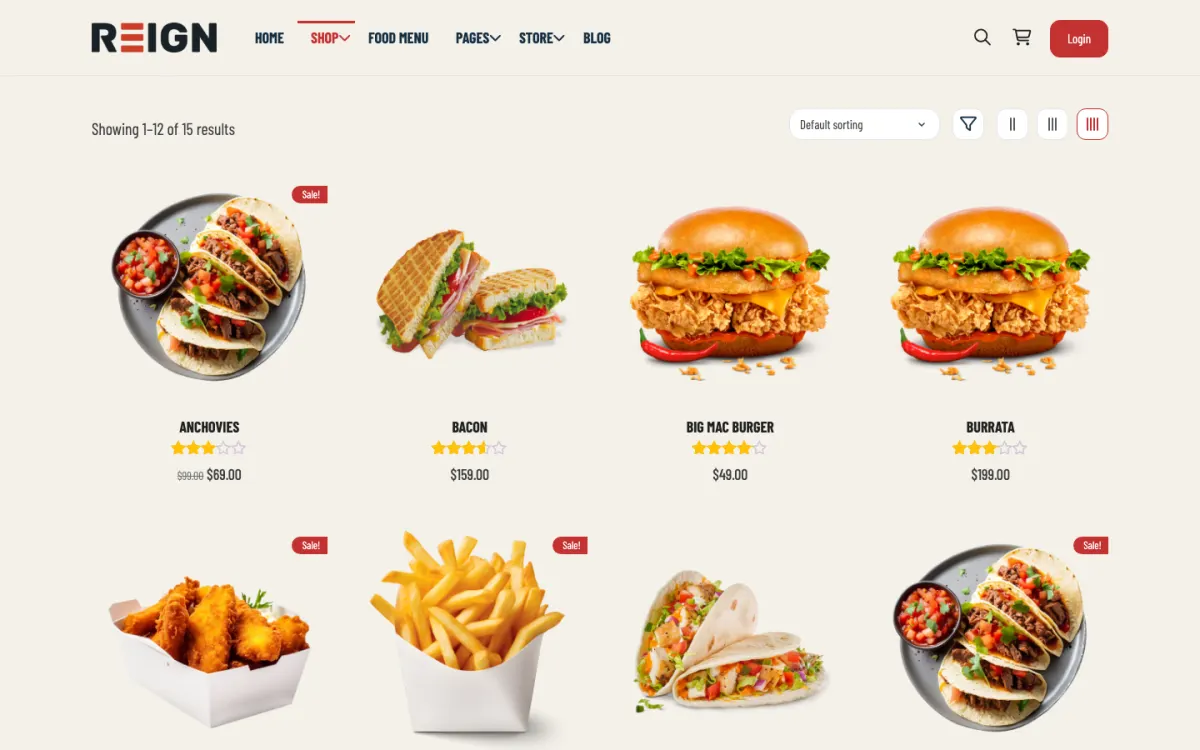
Premium adventure modules gated with BuddyNext Pro paid plans.
Finding players by searching BuddyNext profile fields for timezone, system and level.
Campaign archives: DMs post weekly recaps.
You launch with campaign spaces, a resource library for game masters, session scheduling and a discussion area. Each campaign gets a private group, GM resources sit in a library, and events handle session planning. Private campaign spaces are the feature that matters: play groups want somewhere that is theirs, not a public forum.
A player joins for resources, finds a group, and their campaign gets its own space. Activity concentrates inside campaign groups rather than the public area, which is expected and healthy. The public side is what brings new people in; the private groups are what keeps them. GMs are the high-value members, because a GM brings a table with them.
Mostly community-driven: supporter memberships for GM resources, one-off sales of adventures and maps, and sometimes a Patreon-style tier replaced by your own membership. Selling GM material to your own community is the model that works best, because GMs buy tools and players mostly do not.
Making campaign spaces public. Players want a table that is theirs, and campaign notes visible to another group spoils the thing they came for. Private groups per campaign is the first configuration decision, not a refinement.
Reign is the WordPress theme for building a complete community site: social network, courses, member directory, marketplace and job board on one install. A tabletop site uses the social network, the media and the events.
BuddyNext supplies profiles with searchable fields for system, timezone and experience, plus private spaces for each campaign. MediaVerse, free, holds maps, handouts and character art in albums with privacy levels. Jetonomy adds rules discussion with accepted answers. Eventonomy lists weekly sessions with RSVPs. To sell adventures or maps, BuddyNext Pro adds paid plans and gated spaces, and a shop plugin handles one-off sales.
The BuddyPress Community Bundle kit is the packaged route and the membership site build guide covers gated resources. The plugins page shows the split.
Get the privacy structure right first. A campaign leaking into another table spoils the thing players came for.
Install WordPress with Reign, BuddyNext, MediaVerse and Eventonomy. The start page lists the order.
Add profile fields for systems played, timezone, experience and role (GM or player), so matchmaking works.
Create a looking-for-group space and a template for posts: system, schedule, tone and number of seats.
Create one private campaign space as a pilot. Use a MediaVerse album for maps and handouts and an Eventonomy recurring event for sessions.
Set up the GM resource library, starting with a free adventure so GMs see the quality.
Decide what is paid. Keep community free and sell tools to GMs once the library is worth paying for.
A player checks the looking-for-group space, finds a table that fits their timezone and applies. Once in, their activity moves into the campaign space, where they read the last session recap, post character updates and discuss a plan before game night.
A GM spends their week preparing: updating the campaign space, uploading a map, posting a recap and answering questions between sessions. The best campaigns keep a weekly post going, which keeps players engaged when the next session is days away.
Some tables run entirely as play by post, with turns taken in the private space. It suits players in awkward timezones and keeps a campaign alive between sessions.
GMs are the high-value members because a GM brings a table. Make life easier for them with resources, a place to recruit and a calendar, and word spreads among GMs.
The public side brings new people in. Actual-play recaps, rules explainers and free adventures rank for searches, and visitors can join and find a table. The private groups are what keep them.
Revenue is mostly tools sold to your own community: adventures, maps and premium resources. Selling GM material to your own community works best because GMs buy and players mostly do not.
Tabletop groups are built on trust. Strangers sit at a table for hours, share stories and sometimes dark themes, and a bad experience at one table can drive someone out of the hobby. The site cannot fix a bad player, but it can make good behaviour the easy default and give people a clear route when something goes wrong.
Start with a short code of conduct written for this hobby. Cover how a game master handles content that makes a player uncomfortable, what happens when someone is repeatedly late or absent, and how a player can leave a campaign without drama. Pin it in the looking-for-group space so everyone sees it before they apply to a table.
Use the moderation tools you already have. BuddyNext includes a report-and-review queue in the free plugin, and Jetonomy has its own queue for the rules discussion space. Name two or three trusted members as moderators and tell the community who they are, so a player who needs help knows whom to message.
Private campaign spaces create a risk as well as a benefit. Nobody outside the table sees what happens, so make sure each game master knows that the site owner can step in if a member reports a problem. Say so in the rules, openly, so nobody is surprised.
Finally, give players a way to say what they want. A simple post type for session zero notes, listing the tone, the lines and the veils the table agrees on, makes hard conversations easier and shows new players that you take their comfort seriously.
Game masters decide whether your site thrives, and they are tired. They spend hours preparing and often feel unseen. A site that saves them time earns their loyalty and their tables.
Build a resource library they can search. Group maps, handouts, encounter notes and house rules by system and level, and keep a short description on each. MediaVerse albums hold images with privacy levels, so a GM can share a map with one table or with everyone.
Make sharing easy and credited. When a GM uploads something, show their name and link their profile. Feature a favourite resource each week and say why it helped a table.
Offer a recap template. A weekly post with what happened, what is unresolved and what the players decided saves the GM from answering the same questions and helps absent players catch up. It also becomes a record of the campaign.
Look after burnout. Add a space where GMs can ask for help, swap prep ideas and take a break by handing a table to a stand-in. A community that cares for its GMs keeps them.
Making campaign spaces public is the main one. Notes visible to another group spoil the surprise.
Charging players is the second. It shrinks the tables that make the community worth being in.
Third, do not skip the looking-for-group space. Without it, new members arrive, find nothing to do and leave.
If you mostly host board game nights, see the board game enthusiasts page. If your group is competitive and digital, the gaming clan page fits better.
If you run one regular table with friends, a shared document and a chat group are enough.
There is no built-in connection. Link out to your players' character sheets, and use the Reign site for the community, finding a table and the resource library.
Yes, private groups per campaign with only that table inside. This is the core requirement for an RPG community and worth configuring carefully, because a campaign's notes leaking to players in another game spoils the thing they came for.
Event listings with RSVPs handle the recurring session problem, which is the single most common friction in tabletop play. A calendar the whole table can see beats a group chat thread arguing about Thursday.
Often yes, and GMs are usually happy to pay for material that saves preparation time. Keep the community free and sell the tools. Charging players to participate tends to shrink the tables that make the community worth being in.
Yes, with a looking-for-group space or a directory, and it is often the most valuable feature you offer. Finding a table is the hardest problem in tabletop and solving it earns enormous goodwill.
Private campaign groups support it naturally, and some communities run entirely that way. It suits players in awkward timezones and keeps a campaign alive between sessions.
BuddyNext, MediaVerse and Jetonomy cost nothing to install, and each has its own Pro plan for later. Running the third-party stack instead? The BuddyPress Community Bundle kit is the packaged route. Or have the Wbcom team set either one up for you.
One theme, the whole site
Reign is the WordPress theme for building a complete community site: social network, courses, member directory, marketplace and job board on one install. Start with one, add the others when you need them, and keep one login for every member. Open a live demo, or launch a sandbox and get a fresh WordPress site to click through in about a minute.
Profiles, activity feed, spaces, messages and moderation on your own domain. Powered by BuddyNext.
Lessons, quizzes, certificates and memberships, on the same login as the community. Powered by Learnomy.
Listings, search, maps and reviews that members can add themselves. Powered by Listora.
Sell services or products from many sellers, with orders, reviews and commissions. Powered by WP Sell Services.
Employers post jobs, members apply, and you run the board from one dashboard. Powered by WP Career Board.
Reign with BuddyPress, ready in one click, or browse every demo by site type.
Add more when you need it
Tell us what you want members to do on your site. We will tell you which Reign setup, plugins and kit fit, before you buy anything.
Swift and expert coding by Kerit to apply a personalised display adjustment on the Reign Theme for a media plugin that was not fully supported at the moment.
I purchased Reign theme from Wbcom Designs, the support team was very helpful and I got the perfect website what I was looking for. Good work Wbcom Designs
WBComDesigns is amazing. The WP plugins and themes are of top notch quality with lots of features and updated very frequently. Supports are very responsive and helpful. I use Reign with TutorLMS, and the experience is surprisingly smooth. The recently launched BuddyNext Pro and MediaShield Pro are…
Love this company. Loved the REIGN product. They were there the entire time helping me set things up; and when things went wrong? They were quick to take action and help find a solution.
I am using the REIGN theme and several plugins from Wbcom Designs on my website. The theme is beautifully designed, and the plugins are user-friendly. Everything works smoothly, and the features are perfect for building professional websites and communities. What impressed me most is their…
I only have positive experience with wbcom. My journey started a lot of years back with the free buddyx theme. during my learning of wordpress and futher websites ideas I found a match with their Reign job mate theme. Always there to help, always open to explore ideas, always kind replyes even if I…
Great support; the issue was resolved perfectly well.
Fantastic 6 star support. I wanted to setup a membersite and tried many solutions. I contacted Wbcom for BuddyX and tried the theme with Buddypress. I am not a webdesigner or a coder, but had a requirement that was not standaard. I contacted WBcom and Pallavi helped me from start to finish with…
Great way of support! Thanks a lot! Direct responding, open for questions and very fast to the right solution!
Fast Respond & Troubleshooting With technical insight