

A travel booking WordPress theme gives a tour operator, hotel, car rental or travel agency a site where visitors can search trips and reserve them online. Most of the themes below ship with their own booking system for exactly that. Reign is not a booking engine, so it isn’t on the list as a pick for taking reservations. It earns its place further down, for the travel sites that are really communities, directories or marketplaces.
This guide sorts the two jobs apart. First, the themes built to sell tours and rooms. Then the cases where a community-first theme like Reign is the better foundation.

What a travel booking theme actually does
People use “travel booking theme” to mean several different things, so it helps to split them.
- A booking engine inside the theme: availability, prices per date, a cart or checkout, and booking history for customers.
- A showcase theme: good-looking pages for tours, destinations and a blog, with bookings handled by a plugin you add.
- A listing or directory theme: pages for many providers, with search, filters and maps.
Before you pick a theme, decide which of the three you need. A small tour company with twelve trips can run on a showcase theme and a booking plugin. A site that lists hundreds of hotels from different owners needs a listing structure. A site that processes reservations with calendars, deposits and cancellations needs a real booking engine, and that’s the one thing a theme alone shouldn’t be trusted to do well.
Questions to ask before you buy
- Does it handle your kind of booking: a fixed tour date, a room per night, a car per day, or a time slot?
- Which payment gateways can it use, and does it need WooCommerce?
- Can customers see and manage their own bookings?
- Is the booking logic part of the theme or a separate plugin? A separate plugin survives a theme change. Logic locked in the theme doesn’t.
- How is the site kept up to date once you have live bookings?
The last two questions matter more than they seem. If a theme owns your booking data and you later want a new look, you may have to rebuild.
Travel booking WordPress themes worth a look
The themes below are real products sold on theme marketplaces. We haven’t reproduced their price lists or version details because those change. Open each product page for the current feature list, and check that the demo covers the booking type you need.
1. Traveler
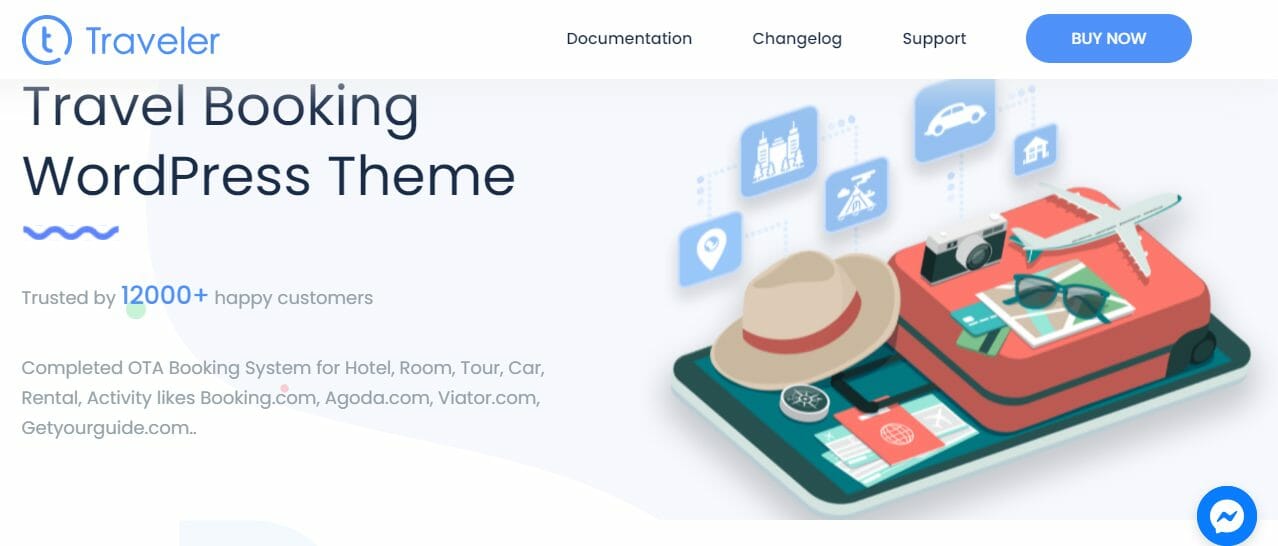
Traveler is positioned as a full booking theme for travel agencies, tour operators, hotels and car transfers. It’s known for covering several booking types in one product, and it includes a way for partners to list their own services. Look at it if you want one theme to cover tours, stays and transfers and you’re happy to work inside its structure.
2. Book Your Travel
Book Your Travel targets tour operators, travel agencies and cruise operators. It comes with a search-box designer and sits well with sites that also send visitors to partner booking sites. Check the demo for the search layout, since search is the first thing a traveller touches.
3. Travel Tour
Travel Tour is aimed at tour operators and travel blogs. It pairs a page builder with an editable booking form, and it supports manual bookings so you can log a phone reservation yourself. That last point is useful for small operators who still take bookings by phone.
4. Travellino
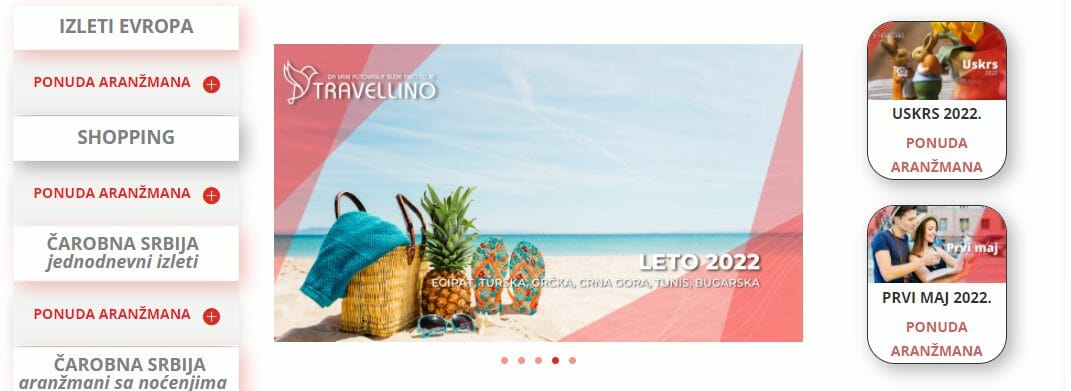
Travellino leans toward the travel blogger who wants to share trips and experiences. It’s built around Elementor, so you can design pages visually. Treat it as a showcase theme rather than a reservations system, and add a booking plugin if you need payments.
5. On the Road
On the Road is another content-first travel theme, with a stylish homepage and several blog layouts. It also uses Elementor modules for layout. Choose it when storytelling matters more than checkout.
6. Travelo
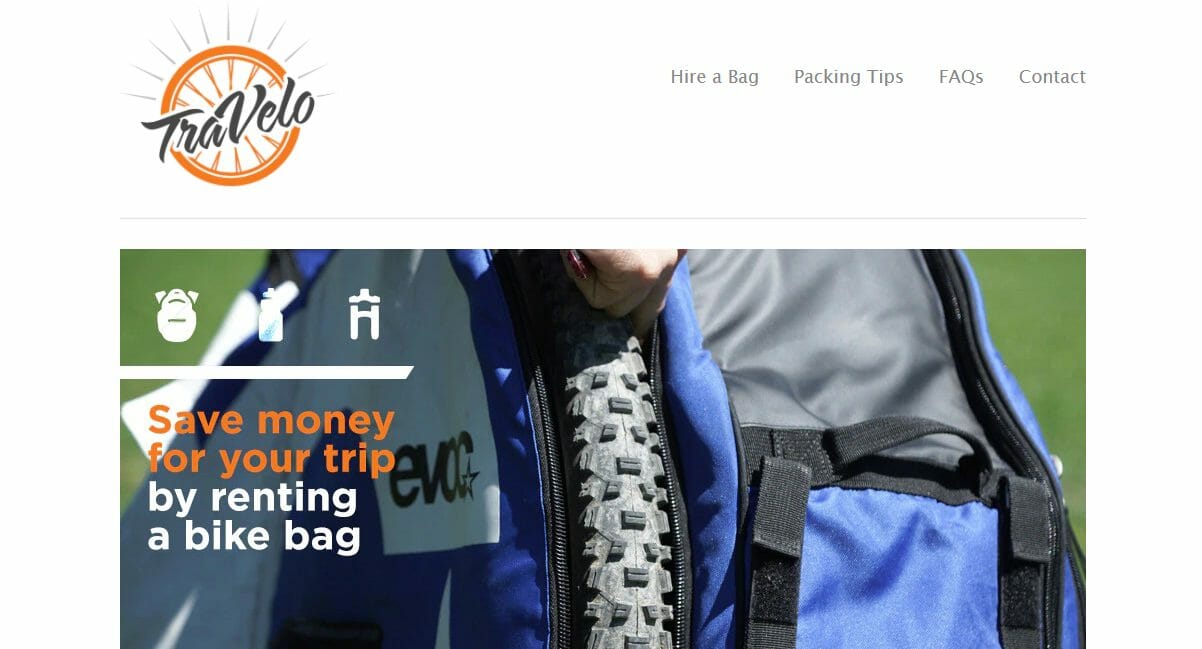
Travelo is built for hotel, car rental and flight booking sites and works with WooCommerce for payments. If your payment process already runs on WooCommerce, that’s a reason to look at it.
7. Entrada

Entrada is aimed at tour operators and travel agents, including camping and city tours. It has a customisable search bar and listings in grid layouts. Check how recently it has been updated before you build on it, as with any older theme.
8. Embark
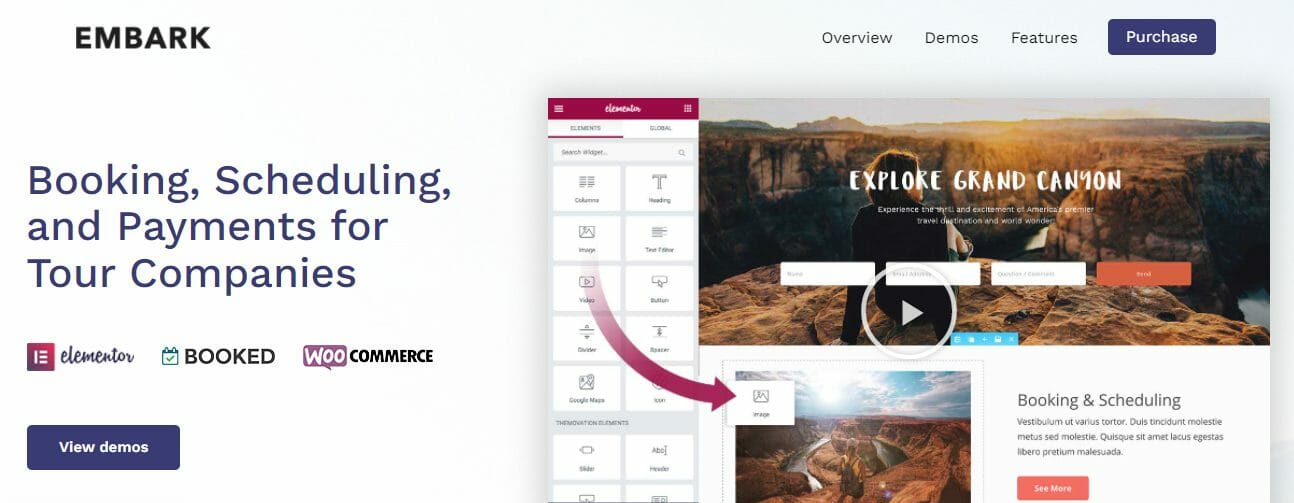
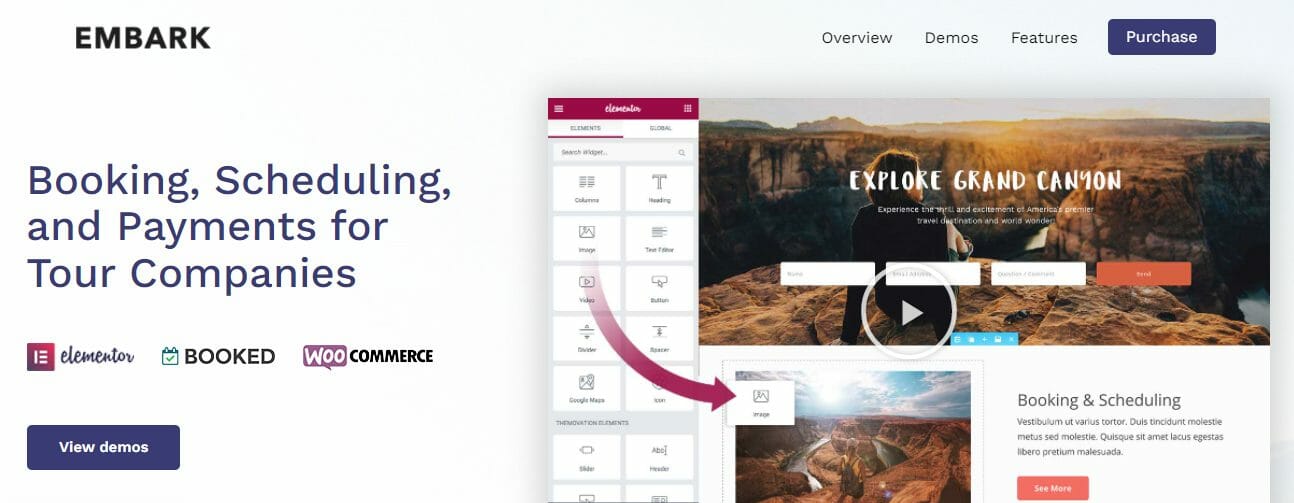
Embark is a general tour and travel theme with built-in booking and scheduling options and a form builder. It suits small operators who want customers to schedule tours without leaving the site.
Also Read: Best WordPress Dentist Themes
9. Aventura
Aventura targets local travel agencies, adventure parks and tour companies, with a booking system for paying for tours online and several header styles.
10. Easybook
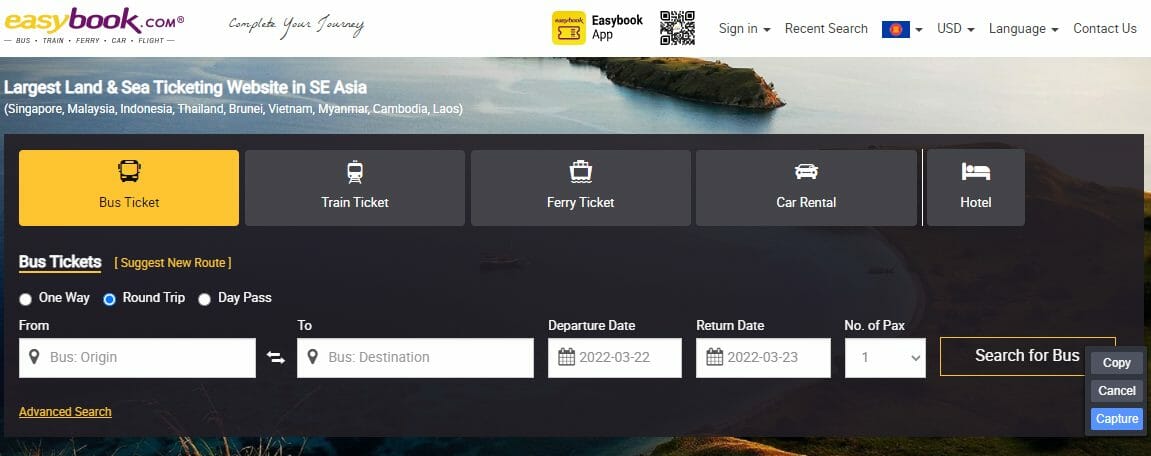
Easybook is a directory-style theme, aimed at local or global listing sites for hotels, restaurants and similar services. It has several homepage styles and works with Elementor. It’s closer to a listing site than a booking engine, which makes it a useful point of comparison for the directory section below.
Best travel booking WordPress plugin or theme?
Often the answer is a plugin. A booking plugin adds the reservation logic to any theme, so you can change your design later without losing bookings. A booking theme bundles the logic with the look, which is faster to start and harder to leave. For a site with live bookings, many owners prefer a dedicated booking plugin on a clean theme. Check each plugin’s page for the booking types it supports (tours, rooms, cars, time slots), its payment options and how it handles cancellations.
Tour operator theme with a reservation system
If you run tours, look for a theme or plugin that lets you set dates and seat limits per departure, take a deposit or full payment, and send a confirmation email. Customers should be able to see their booking afterwards. Themes such as Traveler, Travel Tour, Entrada and Aventura above are aimed at tour operators, and the demo should show a tour page with a date picker before you commit.
How to create a travel booking website with WordPress
- Decide what you book. Tours with fixed dates, rooms by the night, cars by the day, or time slots.
- Choose a theme and a booking tool. Either an all-in-one booking theme, or a clean theme plus a booking plugin.
- Set up payments. Connect a payment gateway and run a test booking, a cancellation and a refund.
- Build your listings. One page per tour or property, with real photos, prices, what’s included and a clear date picker.
- Add trust signals. Contact details, cancellation terms and reviews from real travellers.
- Check it on a phone. Most travellers search and book from a mobile screen.
A quick way to choose
| You run | Look for |
|---|---|
| A tour company with fixed departures | A tour booking theme with date-based availability |
| A hotel or guesthouse | Room and night booking with a calendar |
| A car rental or transfer service | Per-day or per-trip pricing and extras |
| A travel blog | A content theme and an affiliate or booking plugin |
| A listing site with many providers | Directory features such as search, maps and claims |
| A traveller community | Member profiles, groups and an activity feed |
Where Reign fits, and where it doesn’t
Reign is the WordPress theme for building a complete community site: social network, courses, member directory, marketplace and job board on one install. It does not ship a reservation engine, so if your whole business is selling dated tours or rooms with live availability, one of the themes above, or a dedicated booking plugin, is the right starting point.
Reign is the better foundation when the travel site is really about people and listings. Three cases come up often.
1. A travel community
Backpackers, expats, cruise fans and road-trippers all like to compare notes. A travel community needs member profiles, an activity feed, groups by destination and a way to message each other. BuddyNext provides member profiles, an activity feed, spaces (its word for groups), notifications and a moderation queue free, and messages work with WPMediaVerse. Reign styles all of it with no add-on.
Add WPMediaVerse for member photo and video uploads with albums and privacy levels, which suits trip photos better than almost any other content. Add Jetonomy if you want a Q&A forum where members answer questions such as visa rules or the best month to visit, with accepted answers and voting.
2. A tour or guide directory
Many travel sites don’t run the tours. They list the people who do. A directory of local guides, hostels, restaurants or activities needs listings, search, maps, reviews and a way for owners to claim a page. Listora covers listings, search, maps, member submissions, reviews and claims in the free plugin, with paid listing plans, credits and coupons in Pro.
The build guide for business directories shows the steps from install to a live, searchable directory. If you plan to charge listers, the same guide covers how paid listing plans fit in. Those plans are a Pro feature of Listora, so budget for that before launch.
3. A travel marketplace
If independent guides, drivers or photographers sell their services on your site, you’re running a marketplace. WP Sell Services offers service listings, seller profiles, orders with Stripe and PayPal checkout, milestones and commissions. Pro adds tiered commission rules, Stripe Connect and PayPal payouts, vendor plans and analytics.
Note what this is: a services marketplace, where a buyer orders a guided day or a custom itinerary. It isn’t a calendar of dated tour departures with seat counts. If you need that, pair it with a booking plugin or choose a booking theme. The marketplace picker helps you decide which marketplace engine suits you, and the multi-vendor marketplace guide walks through the build.
Mixing a booking theme and a community
You can also run both ideas on one brand, with two sites. Keep your tours and rooms on a booking theme at one address and put the community and directory on a Reign site at a subdomain, so members who read your stories can click through to book. It’s more work than a single install, but each site does one job well.
A short plan for a travel community site
- Pick the focus. One destination, one type of trip or one kind of traveller. A narrow focus gets a community moving faster than a general “travel” label.
- Install Reign and the community plugin. Start from a demo on the demos page so you aren’t designing from a blank screen.
- Create your first spaces. Destination spaces, a “plan my trip” space and a “trip reports” space give people somewhere to start.
- Add a directory. Seed it yourself with places you know, then let members submit more.
- Invite a first group. Ask ten people you already know to post a trip report each, before you advertise.
- Add paid options last. Memberships or paid listings make sense once there’s something worth paying for.
If you want to compare the full cost of running this against a hosted platform, the community cost calculator uses your own numbers, and pricing shows the Reign licence options. Reign is one theme licence per site, billed yearly or as a lifetime licence, with no per-member fee and no share of your sales.

Frequently asked questions
What is the best travel booking WordPress plugin?
There’s no single best one, because it depends on what you book. Pick a plugin that supports your booking type, your payment gateway and cancellations, test it on a staging site, and keep it on a clean theme so you can change the design later.
How do I create a travel booking website with WordPress?
Choose a theme or plugin that handles your booking type, connect payments, build a page per tour or property, test a full booking and cancellation, and check the site on a phone. The steps are listed above.
Which tour operator theme has a reservation system?
Several tour themes include one, such as Traveler, Travel Tour and Aventura. Open each demo and look for a date picker on the tour page, then confirm payments and confirmation emails.
What is the best travel booking WordPress theme?
There isn’t one best theme, because it depends on what you book. Traveler covers tours, stays and transfers in one product, Travelo works with WooCommerce for hotels and cars, and Embark suits small tour operators. Test each demo against your own booking process.
Is Reign a travel booking theme?
No. Reign is a community theme and doesn’t include a reservation engine with live availability. It fits travel sites that are communities, directories or marketplaces, not sites whose main job is selling dated tours or rooms.
Can I build a travel directory with Reign?
Yes. Pair Reign with the Listora plugin to get listings, search, maps, member submissions, reviews and claims. Paid listing plans, credits and coupons are available in Listora Pro. The business directory guide shows the full setup.
Can I take bookings and run a community on the same site?
You can, but test it carefully. Reign works with WooCommerce, so a booking plugin that sits on WooCommerce can run alongside a community. Keep in mind that the booking plugin’s own templates are a separate thing to style and support.
Do I need WooCommerce for a travel site?
Not always. Many booking themes use WooCommerce for payments, which is convenient if you already use it. Our own marketplace plugin, WP Sell Services, takes Stripe and PayPal payments without it, and Listora handles paid listings in Pro.
Can I let guides and tour operators list their own services?
Yes, in two ways. A directory such as Listora lets owners submit and claim listings, and WP Sell Services lets sellers offer services and receive orders. Choose the directory if people only need to be found, and the marketplace if they sell through your site.
How much does a travel website cost to run?
It varies with the theme, plugins and hosting you choose. For Reign, the model is one theme licence per site with no per-member fee, and the numbers are on the pricing page. Check each booking theme’s own page for its terms.
Try a travel community or directory
If your travel idea is about people and listings, look at the live thing before you decide. Open the Reign demos, click through a community and a directory, and read the business directory build guide for the steps to launch. For a see-it-in-action example of a related niche, try the use-case pages, which show Reign set up for specific kinds of sites.