
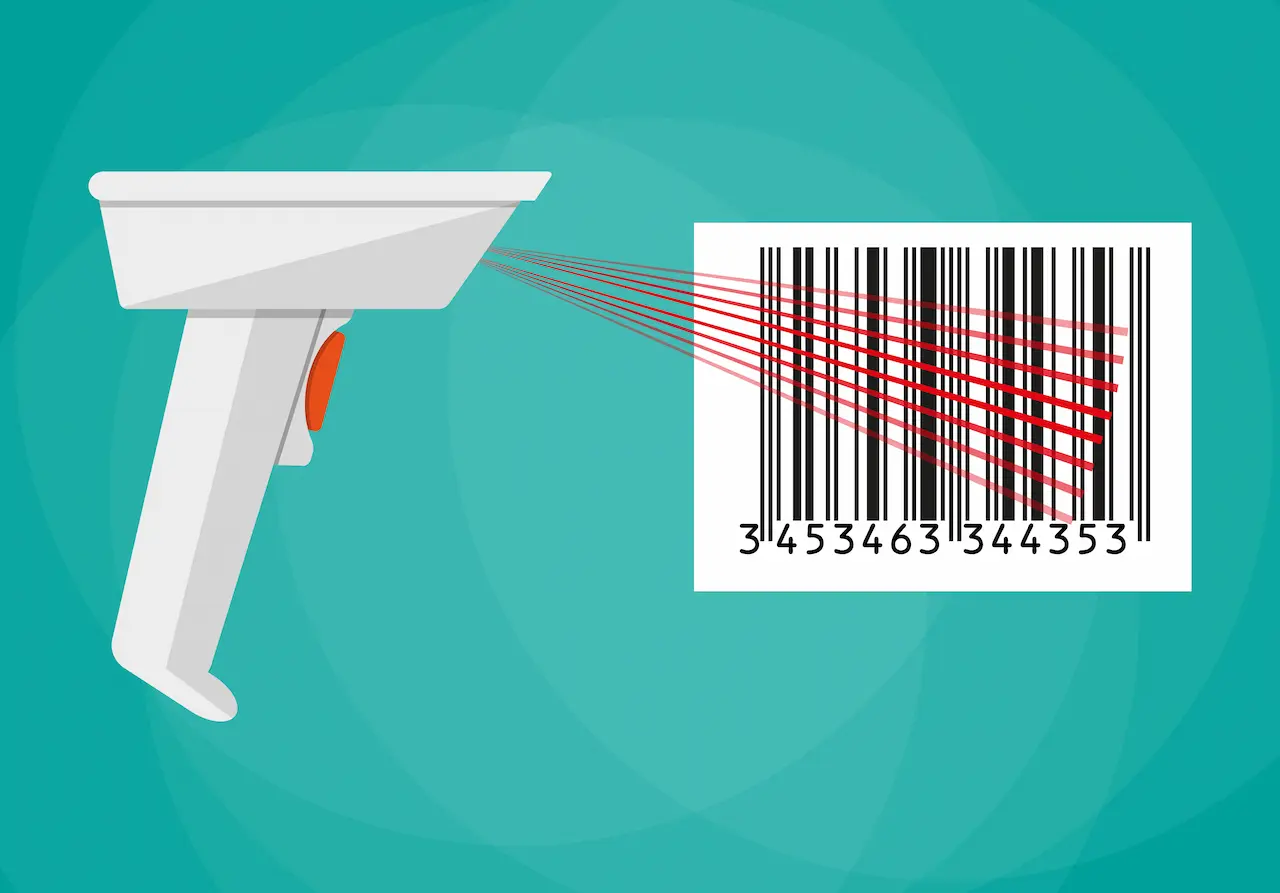
Looking for the best WooCommerce Barcode plugins in 2026? Here’s the short answer: the right plugin depends on your store size, the action you want to incentivize, and how deeply you need it to integrate with your existing customer journey. After testing the leading options hands-on against real WooCommerce 9.x stores, this guide shortlists the plugins that genuinely move the needle, plus newer 2026 entrants worth knowing about.
What we recommend: if you also need community, membership, or engagement layers around your WooCommerce store, pair your stack with BuddyX Pro, community-first WordPress theme built for membership stores, vendor communities, and customer-loyalty hubs. We’ve seen this combination outperform standalone barcode plugins because retention compounds when product, content, and community live under the same roof.

What Are WooCommerce Barcode Plugins?
WooCommerce Barcode Plugins are add-ons that integrate barcode and QR code functionality into a WooCommerce store. They help generate unique codes for products, orders, or categories, which can then be printed and scanned for easier identification. Barcodes reduce errors in manual entry, improve stock control, and allow fast retrieval of product information. QR codes go a step further, often linking directly to product pages or detailed info with a simple scan from a smartphone.
Related reading: 8 Best WooCommerce Auctions Plugins in 2026 I Personally Tested, 8 Best WooCommerce Multistore Plugins for Beginners I Tested, The 7 Best WooCommerce Gift Card Plugins I Actually Tried - A Practical Guide.
These plugins are especially valuable for stores with large product catalogs, physical shops with WooCommerce POS integration, and eCommerce sites that require efficient fulfillment and returns management. By automating the barcode process, store owners save time and reduce costly mistakes.
Also Read: Best WooCommerce Plugins Catalog Mode
How to Use WooCommerce Barcode Plugins
Using barcode plugins may sound technical, but most are user-friendly and integrate smoothly into WooCommerce. Here’s a simplified guide:
- Install the plugin: Purchase or download the barcode plugin and install it through your WordPress dashboard.
- Configure settings: Customize barcode types (EAN, UPC, QR), sizes, and where they appear (product pages, invoices, packing slips).
- Generate codes: The plugin automatically assigns unique codes to products or orders.
- Print or download: Print barcodes on labels, packaging, or invoices directly from the dashboard.
- Scan for management: Use a barcode scanner or mobile device to update stock, verify orders, or speed up checkout.
List of the 10 Best WooCommerce Barcode Plugins
- WooCommerce Order Barcodes
- YITH WooCommerce Barcodes and QR Codes
- WooCommerce Barcode Generator
- WC Product Barcode & Labels
- Zorem Barcode Inventory Management
- WooCommerce Barcodes Elite
- Smart Manager Barcode Addon
- WooCommerce QR & Barcode Labels
- WooCommerce Barcode Scanner
- WooCommerce POS Barcode Plugin
1. WooCommerce Order Barcodes

WooCommerce Order Barcodes is one of the most popular plugins for automatically generating unique barcodes for every order placed in your store. It’s especially useful for stores that need quick verification during fulfillment, ticketing, or even event check-ins.
The plugin creates scannable codes like EAN, QR, and UPC for each order, making it easy for store owners and staff to track and verify purchases without manual data entry. It integrates seamlessly with WooCommerce emails, invoices, and packing slips.
Key Features:
- Automatic barcode generation for every order
- Supports multiple barcode types (EAN, QR, UPC)
- Compatible with email notifications and invoices
- Ideal for ticketing and event management
Pricing: Premium plan - $79/year
2. YITH WooCommerce Barcodes and QR Codes
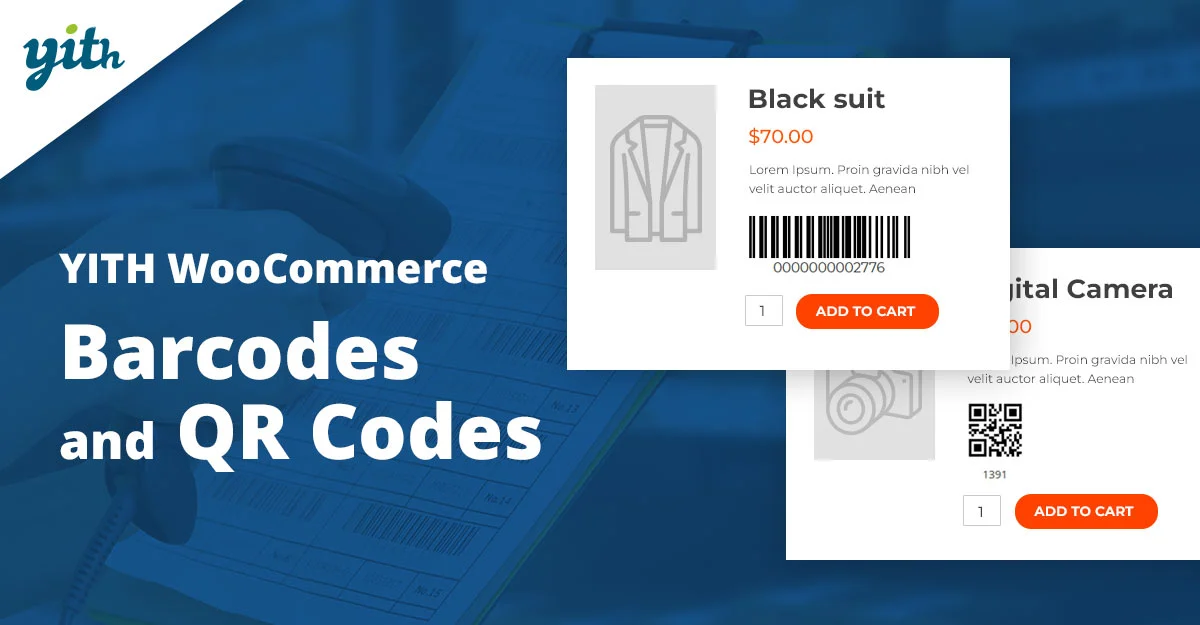
YITH WooCommerce Barcodes and QR Codes is a versatile plugin designed for both product and order barcodes. It allows automatic barcode assignment or manual code creation, making it highly adaptable for different store types. The plugin is widely trusted due to YITH’s strong reputation in the WooCommerce ecosystem.
What makes this plugin stand out is its QR code functionality, which can link directly to product pages. This is a great way to improve customer experience and streamline order processing. It also supports various barcode formats, making it useful for international sellers.
Key Features:
- Automatic and manual barcode generation
- Supports both barcodes and QR codes
- Works on products and orders
- Customizable placement options
Pricing: Premium - $79.99/year
3. WooCommerce Barcode Generator
This plugin focuses on product-level barcode generation, allowing unique codes for each item in the store. Ideal for inventory tracking, it ensures quick scanning during stock management and at checkout.
It supports different code types and can automatically generate codes or let store owners assign their own. A major benefit is the ability to print barcode labels directly from the WooCommerce dashboard.
Key Features:
- Barcode generation for products
- Supports multiple barcode formats
- Print labels directly
- Helps streamline stock management
Pricing: Starts at $49/year
4. WC Product Barcode & Labels
WC Product Barcode & Labels is tailored for merchants who need custom labels with barcodes. It allows bulk printing, which is essential for large inventory stores.
The plugin provides templates for labels and gives flexibility in choosing which product details to display alongside barcodes. This is excellent for warehouse or retail environments.
Key Features:
- Customizable label templates
- Bulk barcode printing
- Supports product data integration
- Works well with POS systems
Pricing: From $59/year.
Also Read: How to Set Up and Customize Product Bundles in WooCommerce
5. Zorem Barcode Inventory Management
Zorem’s plugin is a complete solution for inventory management. It integrates barcode scanning with stock updates, making warehouse operations highly efficient.
The plugin supports handheld scanners and mobile scanning, which makes it a practical option for businesses managing large warehouses or retail chains.
Key Features:
- Barcode scanning for stock updates
- Mobile-friendly interface
- Supports handheld devices
- Optimized for large inventories
Pricing: $99/year
6. WooCommerce Barcodes Elite
WooCommerce Barcodes Elite is designed for order fulfillment and logistics. It generates order-level barcodes and integrates them into invoices and shipping labels.
This plugin is ideal for eCommerce businesses that prioritize fast and accurate shipping, as it reduces errors in manual handling.
Key Features:
- Generates order barcodes
- Integrates with invoices & shipping labels
- Speeds up order verification
- Works with major shipping providers
Pricing: $69/year
7. Smart Manager Barcode Addon
This addon works with the Smart Manager plugin for WooCommerce, enhancing inventory control with barcode support. It’s perfect for those already using Smart Manager for stock management.
Users can scan products to update stock levels instantly, reducing the need for manual updates. It’s especially beneficial for stores handling hundreds of SKUs.
Key Features:
- Barcode support for inventory updates
- Works with Smart Manager plugin
- Efficient for large stores
- Supports quick stock adjustments
Pricing: Add-on - $49/year.
Also Read: Best WooCommerce Membership Plugins
8. WooCommerce QR & Barcode Labels
This plugin is a flexible option for creating both QR codes and barcodes for products. It provides customizable templates for labels and supports bulk printing.
QR codes can link directly to product pages, offering customers a seamless shopping experience, while barcodes make inventory handling smoother.
Key Features:
- Supports QR codes and barcodes
- Custom label templates
- Bulk printing options
- Product page linking with QR
Pricing: $59/year
9. WooCommerce Barcode Scanner
WooCommerce Barcode Scanner is built for stores that need to speed up checkout or stock management with handheld or mobile scanners. It’s lightweight but very effective.
The plugin allows store staff to scan codes to fetch product details instantly, saving time and reducing human error during daily operations.
Key Features:
- Real-time barcode scanning
- Instant product data retrieval
- Works with handheld scanners
- Lightweight and fast
Pricing: $39/year
10. WooCommerce POS Barcode Plugin
Designed for physical retail stores running WooCommerce POS, this plugin enables barcode scanning at checkout and during stock updates.
It helps bridge the gap between online and offline sales, ensuring smooth operation across both environments. A must-have for WooCommerce stores with brick-and-mortar outlets.
Key Features:
- POS barcode scanning
- Compatible with WooCommerce POS systems
- Speeds up in-store checkout
- Supports stock synchronization
Pricing: $79/year.
Also Read: Best WooCommerce Payment Gateways to Sell Services Online
WooCommerce Barcode Plugins Pricing Comparison
| Plugin | Key Features | Pricing |
|---|---|---|
| WooCommerce Order Barcodes | Order-level barcodes, email integration | $79/yr |
| YITH WooCommerce Barcodes and QR Codes | QR & barcode support, customizable | $79.99/yr |
| WooCommerce Barcode Generator | Product barcodes, print labels | $49/yr |
| WC Product Barcode & Labels | Custom label templates, bulk printing | $59/yr |
| Zorem Barcode Inventory | Mobile scanning, stock updates | $99/yr |
| WooCommerce Barcodes Elite | Shipping label barcodes | $69/yr |
| Smart Manager Barcode Addon | Inventory updates with scan | $49/yr |
| WooCommerce QR & Barcode Labels | QR product links, bulk printing | $59/yr |
| WooCommerce Barcode Scanner | Real-time scanning, fast checkout | $39/yr |
| WooCommerce POS Barcode Plugin | POS checkout integration | $79/yr |

Pair Your Stack: Other Tools From Wbcom Designs
Beyond the WooCommerce plugins above, these in-house tools from Wbcom Designs solve adjacent problems most stores eventually run into, particularly when your loyalty, community, or service layer needs to plug into WooCommerce without a heavy custom build:
- BuddyX Pro, community-first WordPress theme for membership stores, vendor communities, and customer-loyalty hubs.
- WB Gamification, drop-in points, badges, ranks, and leaderboards for any WooCommerce loyalty or referral funnel.
- WP Sell Services Pro, turn WooCommerce into a service-selling platform (consulting, freelance, agency hours).
- WB Ad Manager, native ad placements to monetize content around your store (blog, category pages, sidebar).
- WordPress Polls, lightweight polls for product feedback, NPS-style surveys, and zero-party data.
- Jetonomy, monetization toolkit for digital communities (token economy, paid groups, creator payouts).
Final Thoughts: How to Pick the Right Barcode Plugin in 2026
Choosing the right WooCommerce Barcode plugin in 2026 comes down to four practical questions:
- What’s your store size and traffic? Smaller stores get the best return on free or one-time-pay options; high-volume stores justify the SaaS monthlies because of the reporting, segmentation, and automation depth.
- How technical is your team? Code-light, pre-configured plugins ship in a day. Advanced tooling needs developer attention but unlocks edge cases (custom workflows, third-party integrations, multi-site).
- Do you need community or engagement features alongside? If yes, pair with BuddyX Pro and WB Gamification so engagement, rewards, and shopping live in one stack instead of three.
- How will you measure ROI? Start with one campaign type, instrument it properly (UTM tags, attribution windows), track 30-day retention or AOV lift, then scale what works.
Most WooCommerce stores see meaningful results within 60-90 days of launching a barcode program, provided it’s promoted properly via email, on-site banners, post-purchase flows, and (where relevant) inside your community channels. The plugin you choose matters less than the program design and follow-through.
Interesting Reads:
How to Show Price History on WooCommerce Products
Best WooCommerce Marketplace Creation Plugins
How to Speed Up Checkout with Wallet-Style Payments in WooCommerce