

A bbPress forum theme is a WordPress theme that styles bbPress, the free forum plugin, so your forum index, topics and replies look designed instead of plain. Reign is our pick for a community forum because bbPress styling is included, and it also works with Jetonomy, our own free forum plugin. Below you’ll find Reign first, then seven other themes people use for forums, and a way to choose between them.
bbPress on its own is deliberately simple. It adds forums, topics, replies and user roles, and leaves the look to your theme. If your theme doesn’t style bbPress, you get a forum that looks like an afterthought. That’s the problem every theme on this list tries to solve.

What to look for in a bbPress forum theme
A theme can claim bbPress support and still deliver very different results. Check these five things before you buy.
- Dedicated forum styling: forum index, topic list, topic page, reply form and user profile should all look intentional.
- Mobile layout: forums are read on phones, so tables and reply boxes need to fit a narrow screen.
- Member features: profiles, avatars and notifications make a forum feel like a place, not a comment section.
- Room to grow: a forum often turns into a full community, so ask what happens when you add groups, courses or events.
- Maintenance: check when the theme was last updated and whether the vendor still answers support requests.
The easiest test is to open the demo, find a forum page and look at it on your phone. If the demo hides the forum, treat that as a warning.
bbPress forum themes worth a look
1. Reign Theme
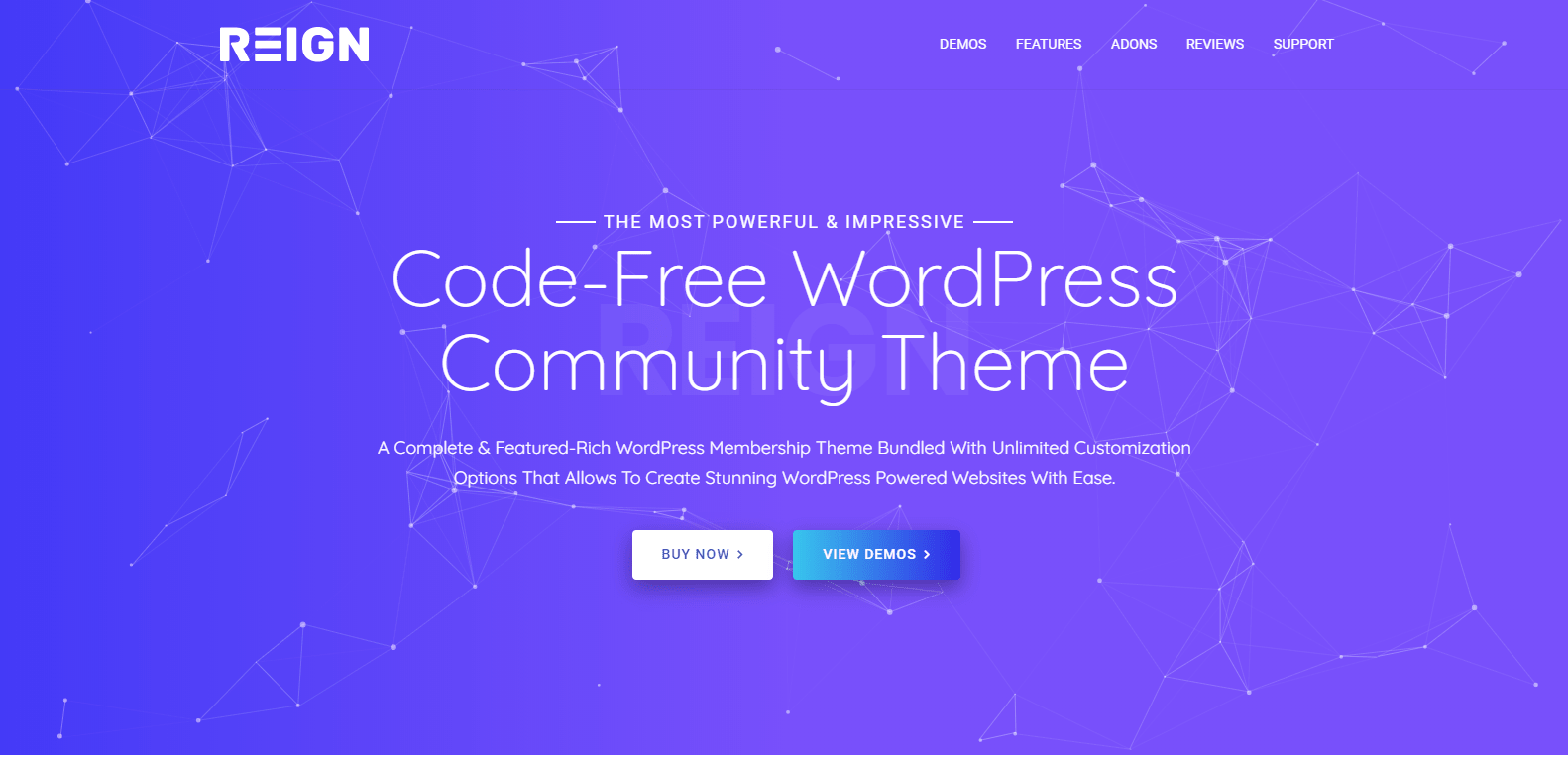
Reign is the WordPress theme for building a complete community site: social network, courses, member directory, marketplace and job board on one install. bbPress styling is included, with a dedicated stylesheet that covers the forum index, topics and replies, so you don’t start from bbPress’s plain defaults.
The honest limit is that styling can’t add features bbPress doesn’t have. bbPress is a simple forum, and Reign makes a simple forum look good. If you want voting, accepted answers or reputation, the better move is a forum plugin that has them, and that’s where Jetonomy comes in (see below).
- Best for: a forum that sits inside a bigger community with profiles, groups, courses or events.
- Forum engines it styles: bbPress, and our own Jetonomy with no add-on.
- Keep in mind: it’s a community theme, so if you need only a bare forum on a brochure site, a lighter theme may be enough.
2. KLEO

KLEO is a multipurpose community theme built around BuddyPress, with bbPress and WooCommerce support. It has pre-built layouts and a demo importer, and it can also run a blog or a portfolio. Look at it if you want a community look in a general-purpose theme.
3. Forum
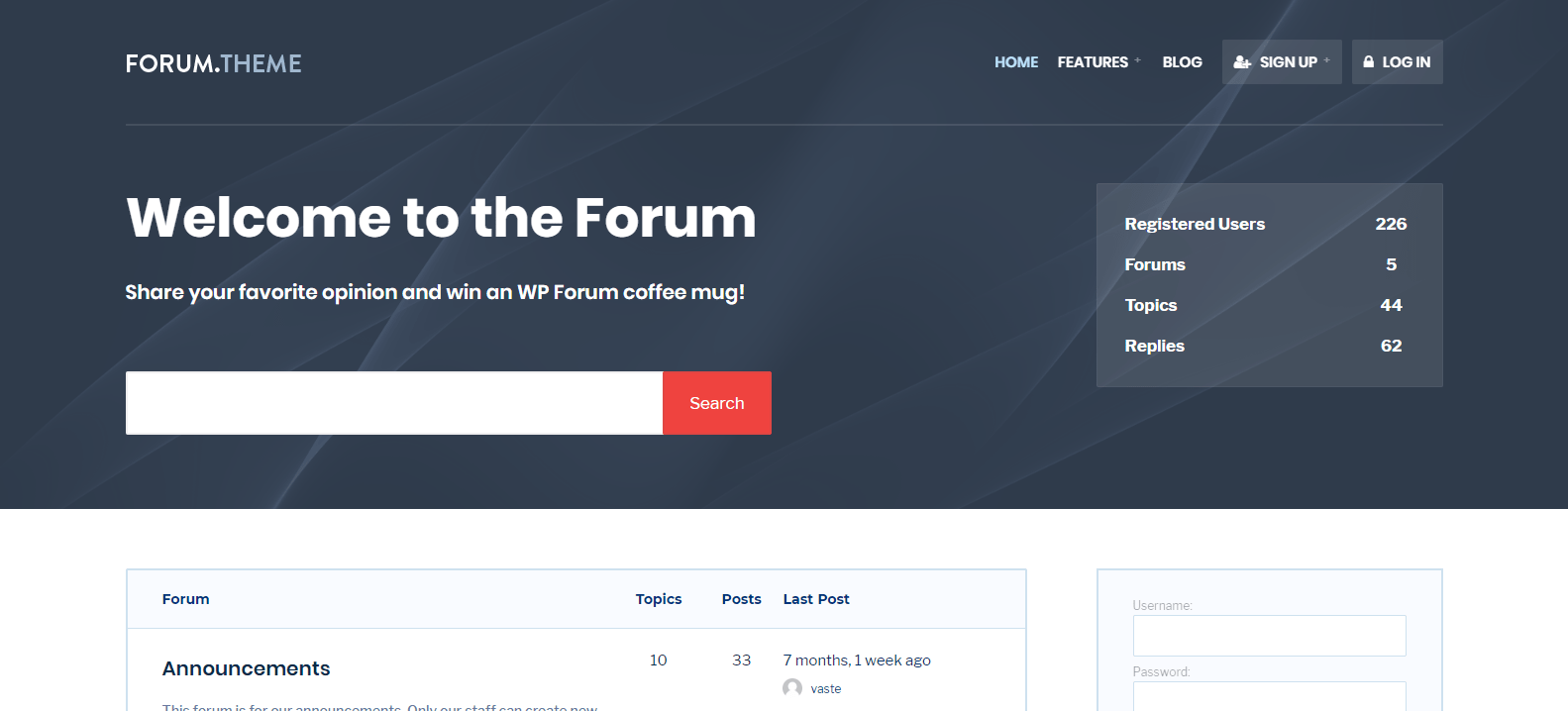
Forum is a responsive theme made specifically for the bbPress plugin. It’s a focused choice for a site that is mainly a forum, with colour options and compatibility with common plugins such as Yoast SEO and Contact Form 7.
4. HelpGuru
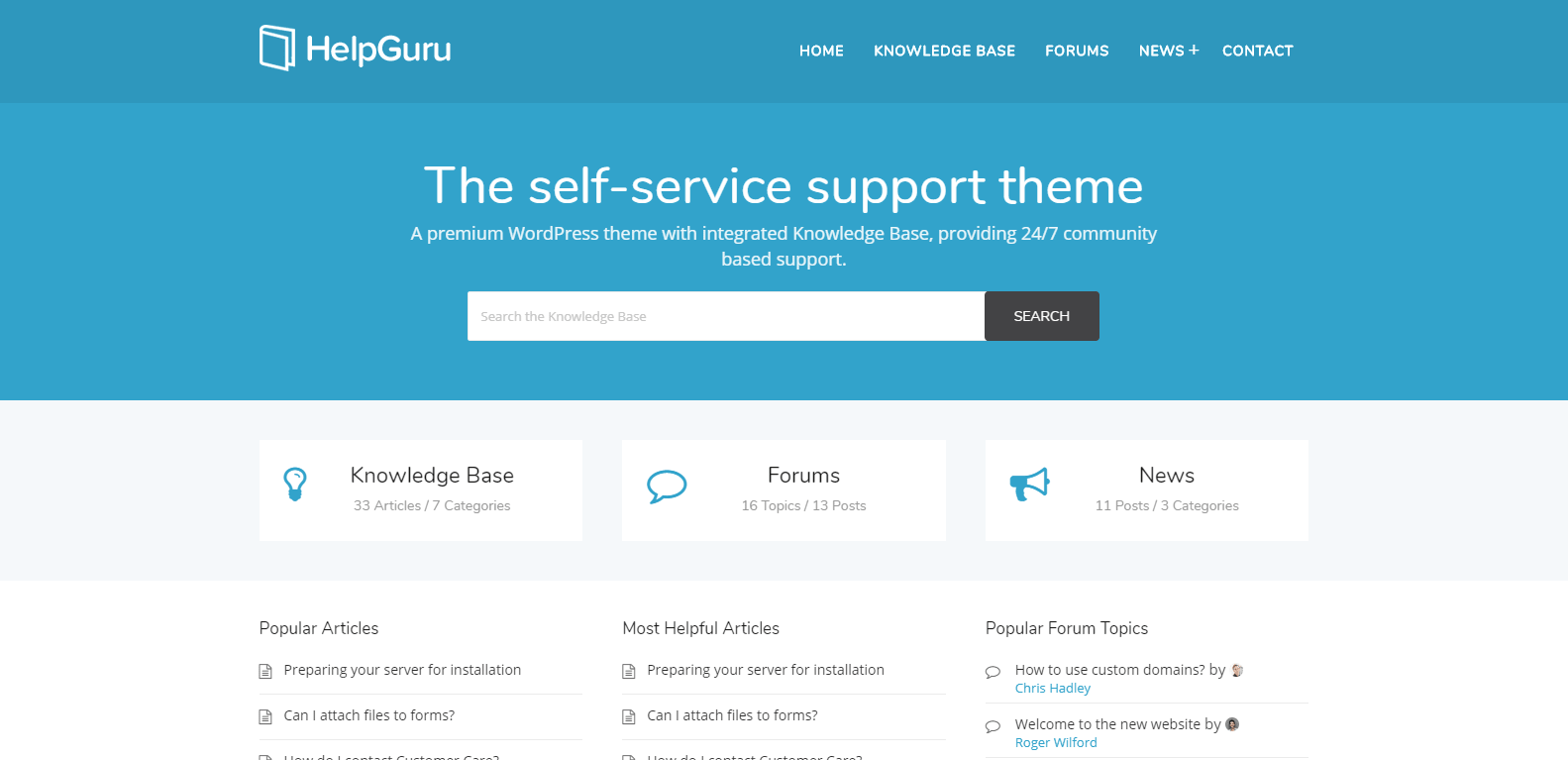
HelpGuru is a self-service knowledge base theme with live search and article feedback. It’s a better match for a help centre than a social forum. Choose it if the goal is answering support questions with articles, then check its forum support separately.
5. Disputo
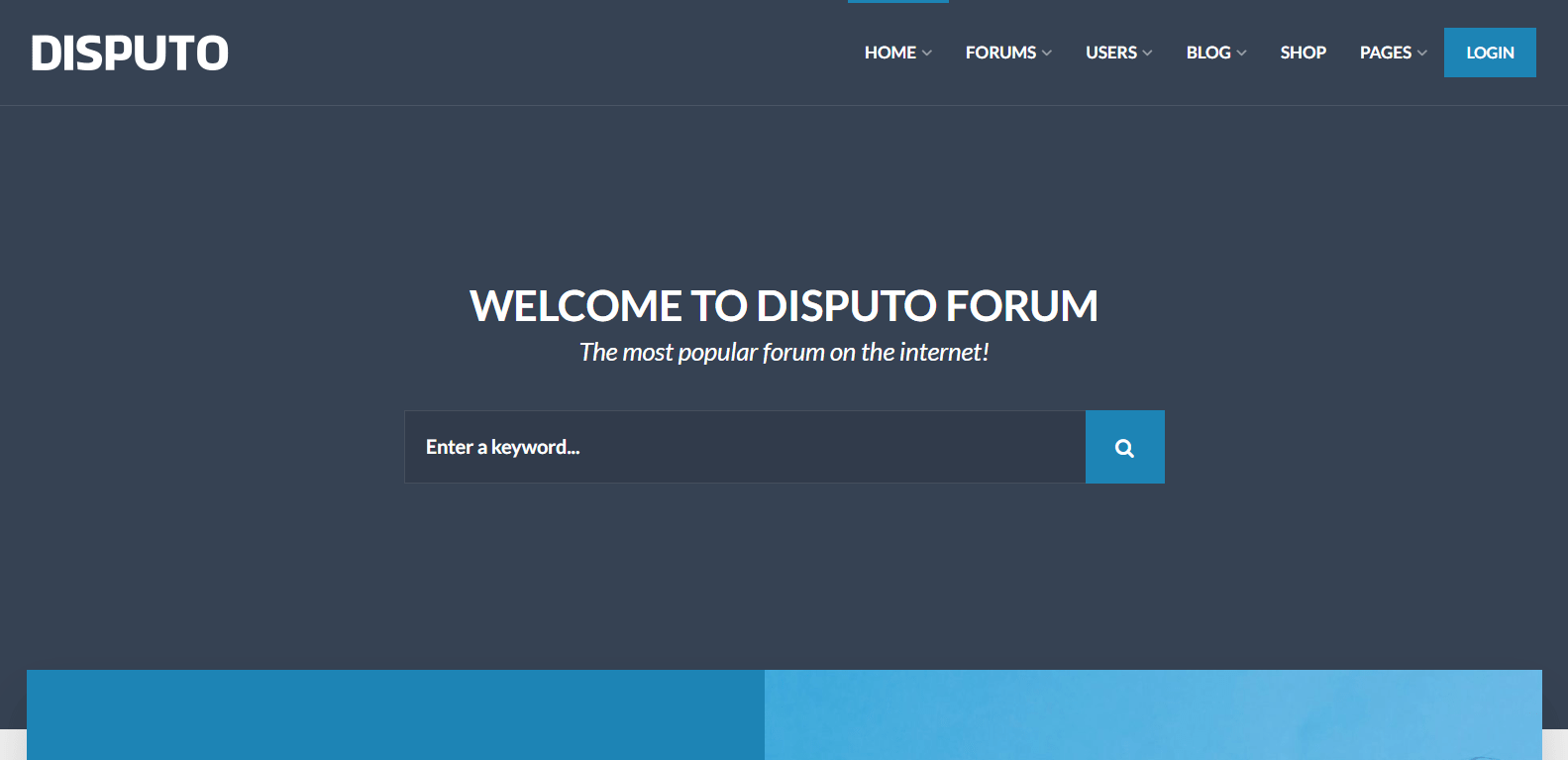
Disputo is a BuddyPress and bbPress theme for community sites. It includes a live customiser, user profiles with avatars, member directories and private messaging. It sits close to Reign in intent, so compare the demos side by side.
6. Multinews
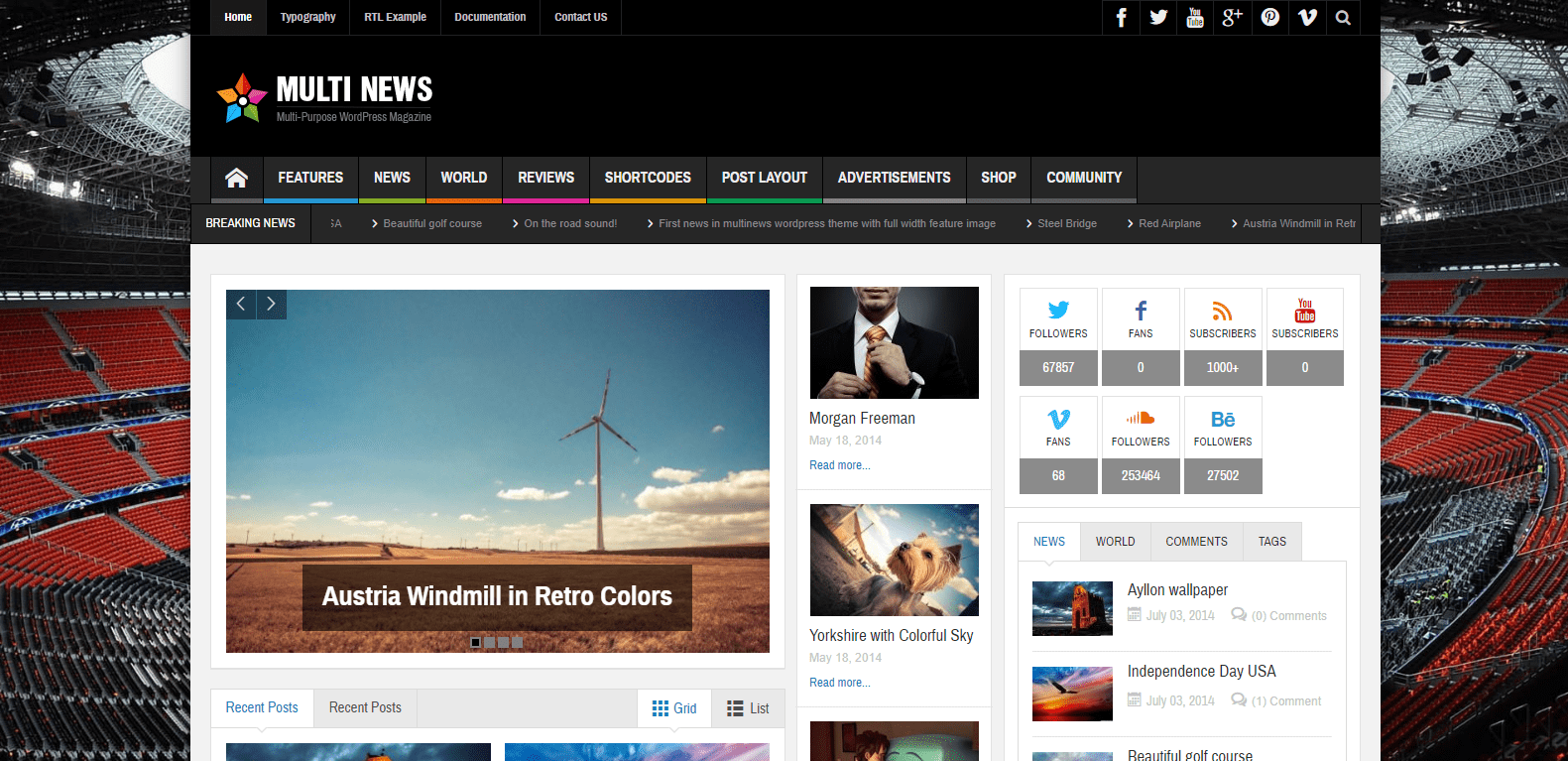
Multinews is a magazine and news theme that lists BuddyPress and bbPress among its plugin integrations. It makes sense for a publisher who wants a forum as a side feature of a content site rather than the main attraction.
7. Sparkle
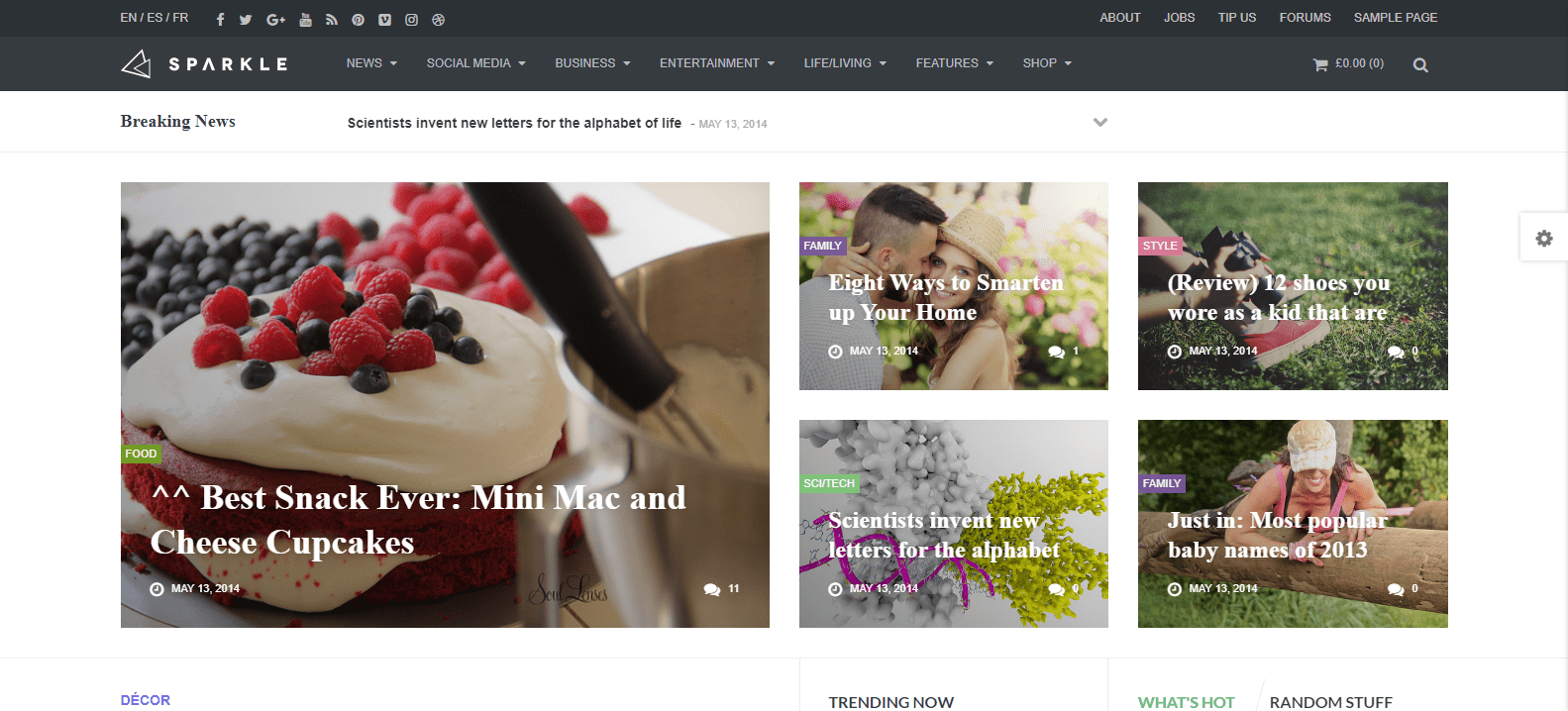
Sparkle is another magazine theme that is described as bbPress compatible. Like Multinews, it fits a publication first and a forum second.
8. Curated

Curated is a modern magazine theme that lists BuddyPress, bbPress and WooCommerce integrations. It’s translation ready and puts the focus on the content, which suits a publisher.
A note on multipurpose themes
Many large multipurpose themes, from corporate and portfolio themes to shop themes, mention bbPress somewhere in their feature list. A mention is not the same as a designed forum. If a multipurpose theme appeals to you for other reasons, open its demo, find a forum page and judge it on its own.

Comparison at a glance
| Theme | Built mainly for | Forum fit |
|---|---|---|
| Reign | Complete community sites | Dedicated bbPress styling, plus Jetonomy support |
| KLEO | BuddyPress community sites | bbPress supported |
| Forum | bbPress forums | Made for bbPress |
| HelpGuru | Knowledge bases | Check forum support separately |
| Disputo | BuddyPress and bbPress communities | bbPress supported |
| Multinews | News and magazines | Forum as a side feature |
| Sparkle | Magazines | bbPress compatible |
| Curated | Magazines | bbPress compatible |
This table reflects each vendor’s own positioning, not a test of the forum pages. Always check the live demo.
bbPress or something newer? Meet Jetonomy
bbPress is stable and light. If you want the lightest possible forum on an existing site, it remains a fair choice. But many community owners want more than threads and replies.
Jetonomy is our own forum and Q&A plugin, and it installs free. The free version includes spaces, threaded discussions, Q&A with accepted answers, voting, reputation and a moderation queue. Jetonomy Pro adds private messaging, polls, email digests, auto-moderation and analytics.
Reign styles both bbPress and Jetonomy with no add-on, so you aren’t locked in. You can start on bbPress, and decide later whether to move.
When bbPress is enough
- You want the simplest possible forum.
- Your members mostly read and reply, and don’t need voting or reputation.
- You already have bbPress content and want to keep it.
When Jetonomy is a better fit
- You want Q&A threads where the best answer is marked as accepted.
- You’d like voting and reputation to reward helpful members.
- You want a moderation queue built in.
- Your forum is meant to be the centre of a community, not a side page.
Not sure which engine suits you? The forum picker asks a few questions and points you to one.
Where the forum sits in a bigger community
Forums are good at long, searchable discussion. Activity feeds are good at quick updates. Most healthy communities use both, which is why a forum theme that also handles member profiles and groups ends up more useful than a forum-only theme.
BuddyNext, our community engine, gives you member profiles, an activity feed, spaces (its word for groups), notifications and a moderation queue free. Messages work with WPMediaVerse. Put a forum beside that and you have both quick posts and lasting threads under one login.
If you’re deciding on a theme for the whole site, read the best WordPress community theme guide. Reign is one theme licence per site, billed yearly or as a lifetime licence, with no per-member fee and no share of your sales. See pricing for the current options.
Are there free bbPress themes?
Yes, but check what “free” covers. bbPress itself is free, and it works with almost any theme, including the free default themes that ship with WordPress. Free themes in the WordPress.org directory may style bbPress only lightly, so the forum can look plain. The themes in this guide are premium products with dedicated forum styling. If budget is tight, start with a free theme, install bbPress, and add a little custom CSS until you’re ready to upgrade.
bbPress templates and how a theme overrides them
bbPress templates are the files that build the forum index, topic list, topic page and reply form. A theme can override them by including its own copies, which is how a forum theme changes the markup and not just the colours. Overriding templates gives you full control but means you need to keep them in step when bbPress updates. A theme with a dedicated bbPress stylesheet, like Reign, restyles the forum with CSS instead, which is less to maintain. If you want custom layouts, copy only the template you need into a child theme.
What do bbPress forums look like in practice?
You’ll see bbPress used for a few kinds of site. Looking at the pattern helps you decide what yours needs.
- Product support forums: customers ask questions and the team or other users answer. Search and clear categories matter most.
- Hobby and interest communities: long-running threads about a topic, with active regulars.
- Course and membership forums: a private area where students or members discuss lessons.
- Local and club forums: neighbours, clubs or associations sharing notices and questions.
- Open-source project forums: users and contributors helping each other. See our open-source community page for how that site type is set up.
Setting up forum structure on Reign and bbPress, step by step
Structure decides whether a forum feels easy or confusing. Spend an hour on it before you invite anyone.
- Install bbPress and set your forum root. In the bbPress settings, choose the slug where the forum index lives, such as /forums/. Then add that page to your main menu so members can find it.
- Create categories first, forums second. A category is a container, such as “Getting started” or “Show your work”. Forums sit inside it. Four to six categories is plenty for a new site.
- Add forums with a clear one-line description. The description shows on the forum index, so write it for a newcomer who has never visited before.
- Pin a welcome topic. Make it a sticky topic at the top of the first forum. Say who the community is for, what to post and what not to post.
- Check the forum index and a topic on your phone. Reign styles the index, topic list and reply form, but your own category names and long titles are what break layouts. Shorten any title that wraps badly.
- Link the forum from your homepage. A forum buried three clicks deep will stay empty.
If you later switch to Jetonomy, the same thinking applies. Its “spaces” take the place of categories and forums, so plan your topics once and carry them across.
Moderation and spam, set up before launch
A new forum gets spam quickly, so build your defences first. None of this is exciting, and all of it saves time later.
- Use the roles bbPress gives you. It has built-in forum roles, including keymaster, moderator and participant. Give trusted members the moderator role instead of handing out admin access.
- Run an anti-spam plugin. bbPress works with common anti-spam plugins such as Akismet. Switch one on before the first public post.
- Hold first posts for review. Many owners moderate a new member’s first post, then trust them afterwards. It catches most bad sign-ups at no cost to regulars.
- Write short posting rules. Five lines is enough: be civil, no self-promotion, search before you ask, stay on topic, report problems.
- Decide who handles reports. Name a person, not a team. Reports sit unread when everyone assumes someone else has them.
Jetonomy includes a moderation queue in the free plugin, and Pro adds auto-moderation. If you expect heavy posting from day one, that is a reason to start there.
What members see day to day
It helps to picture a normal week from the member’s side, because that is what decides whether they come back.
A member lands on the forum index, picks a forum and scans the topic list for something that interests them. They open a topic, read the replies and add their own through the reply form. A well-styled theme makes each of those steps clear: readable type, obvious reply buttons and enough spacing that a long thread doesn’t blur together.
Then they leave, and what brings them back is notification. A reply to their topic, a mention or a followed discussion should reach them without effort. On a bare forum that is mostly email. On a Reign community with BuddyNext, member profiles and notifications sit around the forum, so people see activity from across the site and not just one thread.
Small touches that keep people coming back
- Answer new members’ first posts yourself, within a day if you can.
- Thank people by name when a reply helps.
- Close or merge duplicate topics so search results stay clean.
- Review your top topics once a month and turn them into a pinned guide.
When to move from bbPress to Jetonomy
Most sites don’t need to move on day one. Start on bbPress if it’s what you have. Consider Jetonomy when you notice any of these:
- Members ask questions and the useful answer gets buried halfway down the thread.
- You want people to vote on replies so the best ones rise.
- Moderation takes more of your week than it should.
- You’d like private spaces for certain members.
- The forum has become the main reason people visit, not an extra page.
Jetonomy free includes private spaces as a visibility option, along with accepted answers, voting, reputation and the moderation queue. Move on a staging copy first, check your redirects and tell members before the switch. The forum picker is a quick way to confirm the call.
Forums for open communities and projects
Forums suit communities where answers need to last: open-source projects, product support groups and learning circles. The open-source community page shows how Reign is set up for that kind of site, and our guide on how to build an online community covers the wider plan around the forum, from first members to ongoing moderation.
A quick plan to launch a forum
- Pick the engine. bbPress for the simplest forum, Jetonomy for Q&A, voting and reputation.
- Choose the theme. Open the demos and test a forum page on your phone.
- Set up categories. Start with four to six broad topics. You can split them later, but merging is harder.
- Write the first threads yourself. A forum with ten useful discussions looks alive. An empty one doesn’t.
- Add rules and moderation. A short set of posting rules and at least one moderator before you open the doors.
- Invite your first members. Start with people who already want to talk about the topic.
Frequently asked questions
Are there free bbPress themes?
Yes. bbPress works with most free themes, though many style it only lightly. Premium forum themes give you dedicated styling for the index, topics and replies.
What are bbPress templates?
They’re the template files that build the forum index, topic list, topic page and reply form. A theme can override them, or style them with CSS, as Reign does.
What kinds of sites use bbPress forums?
Product support forums, hobby communities, course and membership discussion areas, club forums and open-source project forums are the common ones.
What is a bbPress forum theme?
It’s a WordPress theme that styles the bbPress forum plugin. bbPress adds forums, topics and replies, and the theme decides how they look. A good one styles the forum index, topic pages and reply forms to match your site.
Does Reign support bbPress?
Yes. Reign includes bbPress styling, with a dedicated stylesheet for forum indexes, topics and replies. It can’t add features bbPress doesn’t have, such as voting or accepted answers, but it makes the forum look like part of your site.
Do I need a special theme to run bbPress?
No, bbPress works with most themes. The catch is that a theme without bbPress styling leaves the forum looking plain. A theme with dedicated styling saves you from writing a lot of custom CSS.
What is Jetonomy?
Jetonomy is our free forum and Q&A plugin. It includes spaces, threaded discussions, accepted answers, voting, reputation and a moderation queue. Pro adds private messaging, polls, email digests, auto-moderation and analytics. See the Jetonomy page for details.
Should I use bbPress or Jetonomy?
Use bbPress for a very simple forum and Jetonomy when you want Q&A, voting and reputation. Reign styles both, so you can start with either. The forum picker helps you decide.
Can a forum and a social network live on the same site?
Yes. A forum handles long discussion and a community plugin such as BuddyNext handles profiles, spaces and an activity feed. Reign styles both on one install.
Can I switch from bbPress to another forum later?
Yes, but plan the move. Keep your category structure simple, test the import on a staging copy first and check that old URLs redirect. Starting with a theme that styles both engines keeps the design consistent through the change.
Try a forum on Reign
See the thing before you decide. Open the Reign demos to look at a live community, and read the community build guide for the steps to add a forum to it.