

A brand community is a space you run, where the people who buy from you or care about you talk to each other and to your team around what the brand does. It is different from a social media following. Followers watch you broadcast, while community members talk, help each other and shape what you build next. You build one by picking a clear purpose, choosing a platform you control, seeding it with people and then showing up consistently.
What is a brand community?
A brand community is a group of customers, fans or users who gather around a product, service or idea, in a place the brand hosts and moderates. People join because they get something: answers, status, early access, friends who care about the same thing. The brand gets something back: honest feedback, loyal advocates and a place to learn what customers actually want.
That makes it different from three things it is often confused with:
- A social media page. The platform owns the audience and the reach. Posts reach people when an algorithm decides they should.
- A mailing list. Messages go one way. Members cannot talk to each other.
- A support desk. Tickets are private, so an answer helps one person. A community answer helps the next hundred who search for it.
Well-known examples show the range. Sephora’s Beauty Insider Community is a place for shoppers to swap beauty advice. LEGO Ideas lets fans submit and vote on set ideas. Salesforce’s Trailblazer Community brings customers, admins and developers together to learn from each other. The purposes differ, but each one gives members a reason to return that is bigger than a sales message.
Types of brand community
Start by deciding which job your community does. You can combine them later, but one clear purpose at launch makes the first months simpler.
Customer support community
Customers ask questions and other customers, plus your team, answer. A Q&A format with accepted answers works well here because it turns each solved question into a searchable page. It cuts repeat tickets and gives your support team a view of what confuses people.
Product feedback community
Members suggest features, vote on ideas and follow what happens to them. The value is a public record: people see that their input matters, and your team sees what many customers want rather than what the loudest one does. A public roadmap with voting and a changelog fits this type.
User group or interest community
Members share how they use your product, swap tips and show their work. This type works for hobby brands, software with a craft side and anything where customers like to compare notes. Groups by region, role or topic keep conversations focused.
Ambassador or advocacy community
A smaller, often invite-only group of your most committed customers, who get early access, a direct line to the team and a way to help newcomers. It grows your reach through trust, not ads.
Why a brand community is worth building
- Trust. Customers believe other customers more than they believe your marketing.
- Feedback you can use. Conversations show problems and ideas months before a survey would.
- Lower support load. Peer answers handle questions your team would otherwise repeat.
- Retention. People stay with a brand where they have relationships and a reputation.
- Content you did not have to write. Questions, answers, tips and member work build a library of search-friendly pages over time.
None of this happens by itself. A community without a host feels empty, and an empty space teaches visitors not to come back.
How to build a brand community in seven steps
1. Define the purpose and the audience
Write one sentence: “This community helps [who] do [what].” Then list who you want first. Existing customers, trial users and power users each need something different. A community for everyone is a community for no one.
2. Choose where it lives
This decision matters most, so it has its own section below. The short version: decide whether you rent a space on someone else’s platform or run your own, because moving later is hard.
3. Set the structure and the rules
Create a few clear spaces or categories, such as Announcements, Help and Share Your Work. Fewer is better at launch. Write short community guidelines and decide who moderates. People behave better when expectations are visible.
4. Seed it before you invite anyone
Post the first questions, guides and introductions yourself, and ask a handful of friendly customers to add theirs. A new member should land in a space that already has life in it.
5. Invite your first members personally
Start with people who already talk to you: loyal customers, newsletter replies, support regulars. A personal invitation beats a banner. Tell them why you built the space and what you want from them.
6. Create reasons to come back
Give the community a rhythm. Regular events, question-of-the-week threads, member spotlights, early product previews and challenges all work. Recognition helps too: badges, points and leaderboards reward people for real help, as long as they track real activity and not just clicks. Prizes and giveaways can add energy, but they bring short-term attention unless the community already has a reason to exist.
7. Listen, act and show that you did
When a member’s suggestion ships, say so in public. When a question exposes a gap in your docs, fix the docs and link the thread. This closes the loop, and it is the strongest signal that the community is worth the time.
Owned or rented: where should a brand community live?
Rented platforms include social media groups, chat servers and hosted community products. They are quick to start and your audience may already be there. The trade is that the platform sets the rules, the design and the reach, can change terms, and holds your member list and history. If it shuts a feature, changes pricing or restricts your group, you adapt or leave.
An owned community runs on a site you control, on your own domain, with your own database. You decide the design, the data, the privacy rules and how it connects to your store or product. It takes more setup and some upkeep, but a community is a long-term asset and the brand builds equity in its own space. Owned also means you can put the community beside the rest of your business: your docs, your shop, your courses, your login.
If you are weighing a hosted community product against building your own, Circle alternatives compares the two approaches, and how to build an online community covers the wider process.
Owning your brand community with WordPress and Reign
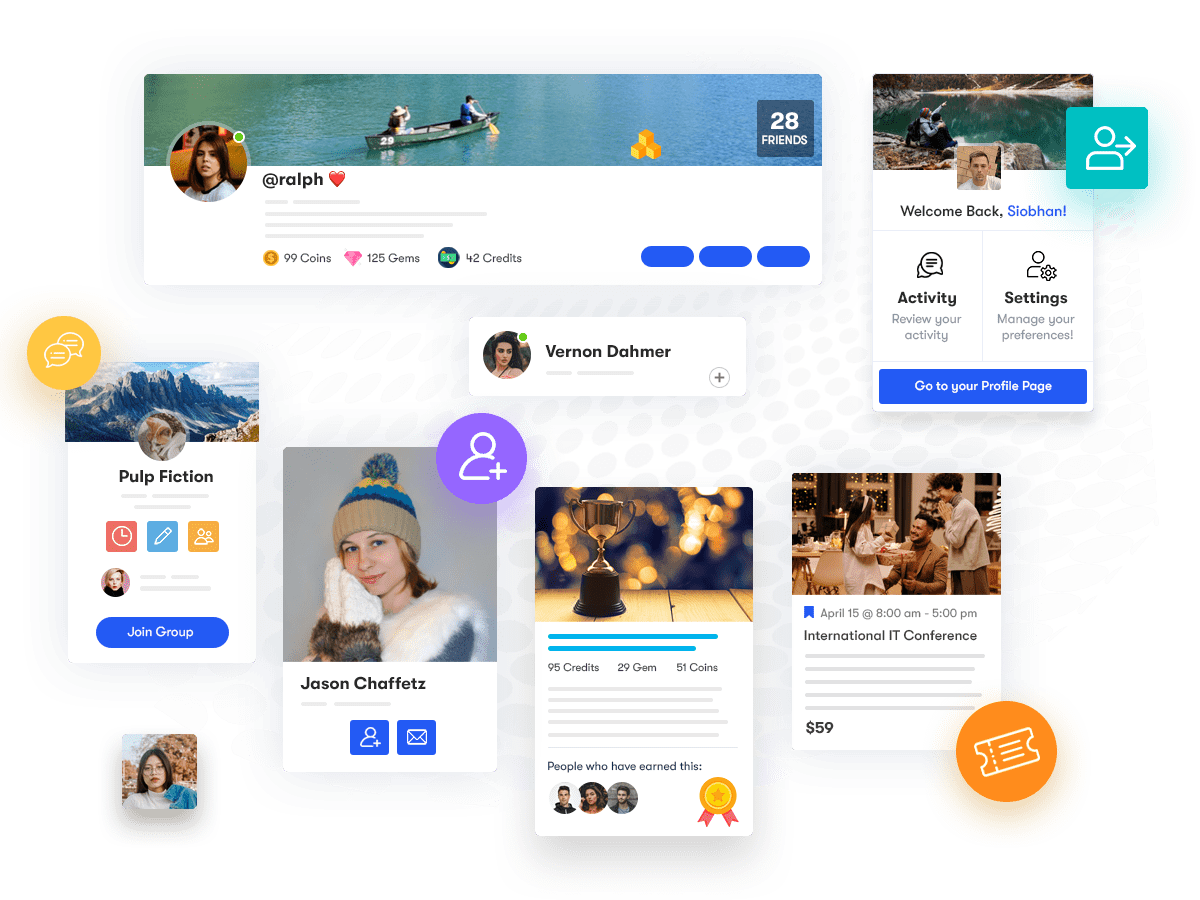
Reign is the WordPress theme for building a complete community site: social network, courses, member directory, marketplace and job board on one install. For a brand community, that means you can host the space on your own domain and keep members, content and design under your control.
Our community plugins install free and Reign styles them with no add-on:
- BuddyNext is the community engine. Its free plugin gives you member profiles, an activity feed, spaces (BuddyNext’s word for groups), notifications and a moderation queue. Messages work with WPMediaVerse installed. BuddyNext Pro adds paid plans and gated spaces, broadcast email, push, analytics, white-label and auto and bulk moderation, which is what a members-only or ambassador tier needs.
- Jetonomy adds forums for support and Q&A: spaces, threaded discussions, accepted answers, voting, reputation and a moderation queue.
- Product Roadmap gives you a public roadmap with voting, custom statuses, suggestions, comments and a changelog, which suits a product feedback community.
- WB Gamification adds points, badges, levels, leaderboards, challenges and a rewards store, earned from real member activity.

Our products are self-hosted: there is no per-member fee and no commission on sales. Payments go through your own gateway, and the theme is one licence per site. See pricing for the current numbers.
For a software company, the Reign theme for SaaS companies page shows how support, feedback and docs fit together. If your brand community is members-only, the private community build guide covers the setup, and the BuddyNext page shows what the community engine does. Forums for support are on the Jetonomy page, and the public roadmap is on the Product Roadmap page.

How to tell if a brand community is healthy
You do not need a dashboard full of numbers to read the health of a community. Look at patterns, and compare each one to your own history rather than to someone else’s benchmark.
- Do members come back? Track how many people return in a given week or month. Growth in sign-ups with flat returns means people are joining and leaving.
- Do members talk to each other? If most replies come from your team, the community depends on you. A healthy space has members answering members.
- How fast do questions get answered? Watch the time to a first useful reply and the share of questions that get one at all.
- Are new members taking part? Count how many new joiners post, reply or react within their first weeks.
- Is the community changing the business? Count ideas that shipped, docs improved from a thread and support questions solved by peers.
- What is the tone? Read the threads. Moderation reports and the mood of conversations tell you what numbers cannot.
Review these on a schedule, such as monthly, and write down what you change as a result.
Roles and routines that keep it running
A brand community is a small ongoing job, not a launch. Settle who does what before you open the doors.
- Community owner. One person is accountable for the space, sets the tone and decides what to try next. In a small company this is often a part-time role shared with support or marketing.
- Moderators. They apply the guidelines, handle reports and welcome newcomers. Early on, your own team does this. Later, trusted members can help.
- Subject experts. People from product, support or engineering who drop in to answer hard questions. Give them a quick way to see unanswered threads.
- Executive sponsor. Someone senior who reads the community and makes sure what members say reaches the roadmap.
Then set a weekly rhythm: check unanswered questions, thank helpful members, post one prompt that invites conversation, and pass feedback to the right team. Once a month, review the health signals above and pick one thing to improve. Small, steady habits do more for a community than a big launch campaign.
Plan for privacy too. Decide what is public and what is members-only, tell people how their data is used and give them a clear way to leave and to delete their account. When your community lives on your own site, those choices are yours to make and to explain.
Mistakes that sink brand communities
- Launching empty. Seed content and invite people in groups.
- Treating it as a marketing channel. Members notice when every post is a sales pitch.
- No owner. Someone needs to host the space and have time for it.
- Too many spaces. Spread thin, conversation dies. Start small and split when threads get busy.
- Ignoring feedback. If suggestions disappear, members stop making them.
- Building on rented land without a way out. Check how you could export members and content before you commit.
Frequently asked questions
What is a brand community?
A brand community is a group of customers and fans who gather around a brand in a space the brand hosts. Members talk to each other and to the team, which sets it apart from a social media page or mailing list.
What are the main types of brand community?
The common types are customer support, product feedback, user groups or interest communities, and ambassador programmes. Pick one purpose to start with and add others as the community grows.
How do I start a brand community?
Define the purpose and audience, choose where it lives, set simple spaces and rules, seed it with content, invite your first members personally, give them reasons to return and show that you act on feedback.
Should a brand community be on social media or on my own site?
Social media is quicker to start but the platform controls reach, rules and data. Your own site takes more setup and gives you control of design, data and how the community connects to your business.
Can I build a brand community on WordPress?
Yes. With Reign and BuddyNext you get profiles, an activity feed, spaces and a moderation queue on your own domain. Add Jetonomy for forums and Product Roadmap for feedback and voting.
How do I measure the health of a brand community?
Watch returning members, member-to-member replies, time to first reply, new member participation and outcomes such as shipped ideas. Compare against your own past results, not other communities.
How much does a brand community cost on WordPress?
You pay for hosting and one Reign theme licence per site, plus any Pro plugins you choose. There is no per-member fee and no share of sales. The pricing page has the current details.
Try a brand community on Reign
Open the Reign demos to see a community running on the theme. When you are ready to build, start with the private community build guide.