
A coach selling a course is really selling a transformation, and the platform underneath it has to support the parts of coaching that a plain video library never will: a cohort moving through material together, a drip schedule that paces a program week by week instead of dumping everything on day one, and some way for clients to feel like they are in a program rather than alone with a login. Most LMS comparisons are written for course creators selling information. Coaches are selling a process, and the plugin needs to hold the process together.
This guide ranks the best WordPress LMS options for coaches and consultants in 2026, whether the offer is a scheduled group program, one-to-many cohort coaching, or a hybrid of self-paced modules and live accountability. We weigh drip scheduling, cohort and group support, and how naturally each platform pairs with a client community, since coaching retention lives or dies on whether clients feel accompanied. Feature scopes shift as vendors iterate, so confirm specifics on their own sites before committing.
Table of Contents
- Quick comparison
- 1. Learnomy, cohorts, drip, and client community in one platform
- 2. LifterLMS, engagement automation for accountability
- 3. LearnDash, structured, assessment-heavy programs
- 4. Tutor LMS, frontend-friendly authoring
- 5. WP Courseware, the scheduled-program workhorse
- How we evaluated
- Which platform fits which kind of coaching business
- FAQ
- Final verdict
Quick comparison
| Platform | Best for | Drip / cohorts | Payments | Community fit |
|---|---|---|---|---|
| Learnomy | Cohort programs with client community built in | Learning paths, team-based cohorts (available as an upgrade) | Stripe + PayPal native | Excellent, works cleanly alongside BuddyPress |
| LifterLMS | Behavior-triggered accountability nudges | Drip via access plans, LifterLMS Groups | Via WooCommerce | Good |
| LearnDash | Assessment-heavy certification-style programs | Native drip, Groups feature | Basic native; WooCommerce for more | Strong, mature integrations |
| Tutor LMS | Frontend authoring for a growing coaching team | Drip in paid tier | In paid tier | Good with integration work |
| WP Courseware | A single scheduled cohort program | Drip is core functionality | Stripe + PayPal built in | Basic |
1. Learnomy, cohorts, drip, and client community in one platform
A coaching program is rarely just a course, it is a cohort moving through a schedule together, and Learnomy is built to carry that whole shape rather than a single self-paced catalog. Drip scheduling, included in the base install, releases content on a real calendar instead of all at once, and an available upgrade adds structured learning paths that sequence modules into a program with prerequisites that actually gate progress, plus team-based access that lets a coach set up a client cohort as its own roster rather than a flat list of individual buyers.
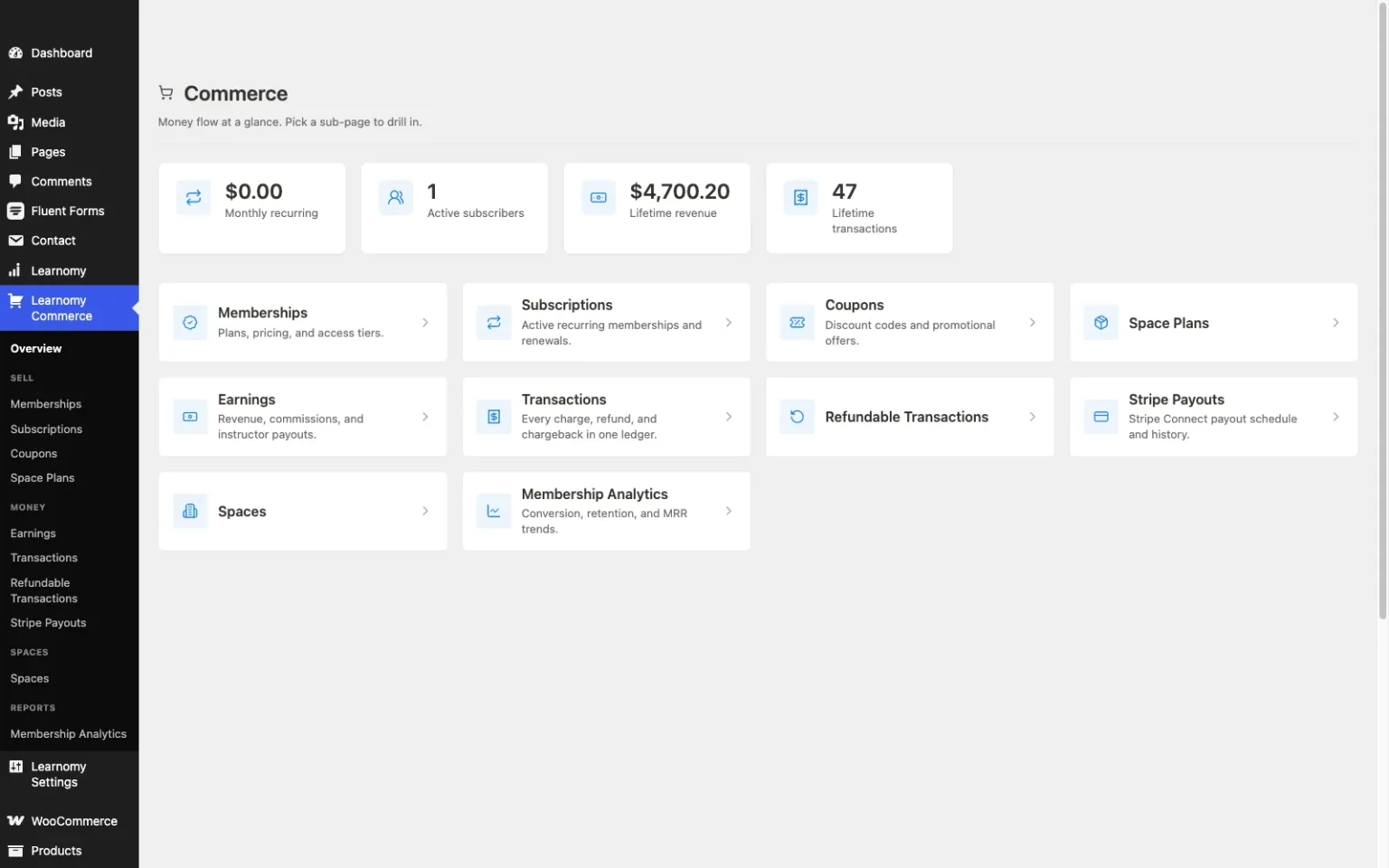
The business side matters just as much for a coaching practice: native Stripe and PayPal checkout, memberships with trial periods and an automatically generated pricing page for an ongoing coaching membership, and coupons for promotions. There is no platform fee sitting on top of what a client pays, and everything a coach builds, curriculum, client records, revenue, lives in their own WordPress database, the ownership case laid out in selling online courses from your own website. And because a coaching practice thrives on clients feeling accompanied rather than isolated, Learnomy pairs naturally with BuddyPress: a learning community grows up around a program, and discussion boards and Q&A sit alongside the modules, so a cohort keeps moving without a coach manually checking in on everyone. (A couple of things worth knowing about scope: points-and-badges gamification pairs in through Wbcom’s companion WB Gamification plugin rather than shipping natively in Learnomy, and a directory where past clients or program graduates can be found by employers or referral partners works the same way, through Wbcom’s companion WP Career Board plugin.) For a coach moving off an existing plugin, a migration wizard imports courses and clients from LearnDash, Tutor LMS, and LifterLMS. Full details at learnomy.app.

- Pros: Drip scheduling included, with learning paths available as an upgrade for a real cohort calendar, not just a self-paced catalog
- Native checkout, memberships, and coupons handle the business side without a WooCommerce project
- Community layer keeps a cohort accountable to each other, not just to the coach
- Migration wizard from LearnDash, Tutor LMS, and LifterLMS
Cons:
- A newer ecosystem than plugins with a longer coaching-specific track record
- Self-hosted, so hosting and updates are the coach’s or their host’s responsibility
2. LifterLMS, engagement automation for accountability
LifterLMS leads with exactly the thing a coaching program needs most: behavior-triggered emails, achievement badges, and milestone certificates that fire off what a client actually does, not a fixed schedule. A coach running a self-paced-but-accountable program can let the platform send the nudge when a client goes quiet, functioning as an automated check-in between live sessions.
The LifterLMS Groups add-on gives a coach a real way to sell a cohort as a block of seats with its own leader, and its access plans handle trials and payment plans elegantly. The catch is packaging: checkout and several deeper features route through separate add-on bundles that need mapping before a launch. Pros: best-in-class engagement automation, capable Groups add-on for cohorts. Cons: essentials spread across bundles, checkout needs add-ons.

3. LearnDash, structured, assessment-heavy programs
LearnDash fits a coach whose program leans on real assessment, a certification-style course, or a rigorous curriculum with prerequisite gating, better than any other option here. Its native Groups feature lets a coach track a cohort’s progress, and drip scheduling is built in.
The trade-off for a solo coaching practice is assembly: flexible checkout for a coaching program generally means adding WooCommerce, and there is no free-to-start tier. Coaches weighing it broadly should also see our LearnDash alternatives guide. Pros: deepest assessment engine, native Groups and drip. Cons: assembly-heavy launch, no free tier to test a program idea.
4. Tutor LMS, frontend-friendly authoring
Tutor LMS gives a coach a frontend studio to build and edit a program without touching wp-admin, useful for a coaching business bringing on associate coaches who should not need a WordPress crash course first. Group-style enrollment in its paid tier can approximate a cohort.
Drip content and deeper monetization live in the paid tiers, and payment flexibility leans on WooCommerce or add-ons. Pros: comfortable authoring for a growing coaching team. Cons: drip and monetization gated by tier.
5. WP Courseware, the scheduled-program workhorse
For a coach running a single, tightly scheduled cohort, six weeks, drip-fed, one group at a time, WP Courseware is quietly ideal: outline-first building, drip scheduling as core functionality, native Stripe and PayPal, and a gradebook to track results. It has shipped steadily since 2012 and behaves like it.
It offers no community fabric or gamification, so a coach who wants clients to interact with each other needs to pair it with BuddyPress and a community theme. Pros: drip done right, native payments, dependable. Cons: dated presentation, no built-in community layer.
How we evaluated
We judged each platform on what a coaching business specifically needs: drip and cohort structure, whether a program can run on a real calendar with a defined group rather than a flat self-paced catalog; accountability tooling, whether the platform helps a client stay on track between sessions; community fit, because coaching clients who know each other finish at a higher rate than clients working alone; and ownership, whether a coach’s client relationships and revenue stay in their own control. Feature scopes shift, so confirm specifics on each vendor’s site before committing.
Which platform fits which kind of coaching business
A coach launching a first cohort program should start with Learnomy: drip scheduling carries the basic program structure out of the box, with learning paths available as an upgrade, and native checkout means validation costs nothing but time. A coach who leans heavily on behavioral nudges between sessions should weigh LifterLMS seriously for its engagement automation. A coach running a certification-style program with real assessment stakes should look at LearnDash. A coach building a paid community around ongoing coaching should read our guide to running a paid membership community for coaches and consultants for the full setup, and anyone comparing platform fees generally should see what course platform fees actually look like.
FAQ
What is the best WordPress LMS for a coaching business? Learnomy, because its drip scheduling and client community are included from the start, and an optional learning-paths upgrade covers a fully structured cohort-based program, without assembling a separate plugin stack for scheduling, checkout, and community individually.
Can I run a live cohort with a start and end date, not just self-paced content? Yes. Learnomy’s drip scheduling (with learning paths available as an upgrade), LearnDash’s native drip and Groups, and WP Courseware’s drip-first design all support a scheduled cohort rather than an always-open catalog.
Do clients need to interact with each other, or is a private dashboard enough? That depends on the coaching model, but retention data across course platforms consistently favors programs with some social layer. Pairing any LMS here with BuddyPress and a community theme like Reign adds discussion and group accountability around the program.
How do I charge for an ongoing coaching membership rather than a one-time program? Learnomy’s memberships include trial periods and an automatically generated pricing page. LifterLMS and LearnDash can support recurring billing through WooCommerce subscriptions or a membership add-on.
What if I already run my coaching program on LearnDash, Tutor LMS, or LifterLMS? Learnomy’s migration wizard imports courses and clients directly from those three platforms, so switching does not mean rebuilding a program from scratch.
Final verdict
A coaching program succeeds or fails on whether clients feel like they are in something together, not on quiz depth alone. Learnomy carries that whole shape, drip, checkout, and community included, cohorts available as an upgrade, in one owned platform. LifterLMS is the right call when behavioral automation matters most, and LearnDash when assessment rigor defines the program. Start at learnomy.app and build one real cohort before adding anything else.