

Whether you’re running a hotel, salon, or a restaurant, having a reliable reservation system on your WordPress site is essential. With the right plugin, you can streamline appointments, bookings, and payments - giving your customers an effortless experience. In this guide, we’ll explore the 10 best reservation plugin for WordPress to help you choose the perfect fit for your business.

1. Amelia: A Premium Appointment Booking Solution
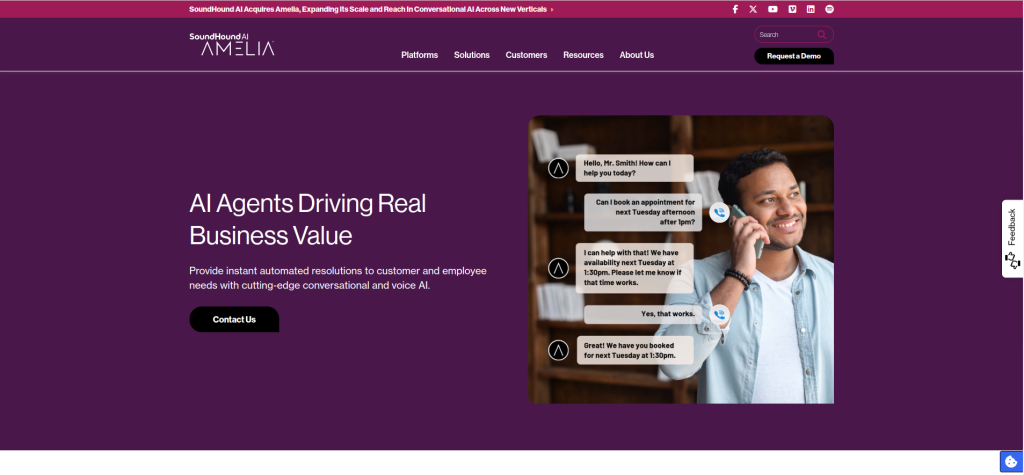
Amelia is one of the most comprehensive WordPress reservation plugins out there. It’s ideal for businesses like salons, gyms, and clinics that need to manage multiple staff and services.
Key Features:
- Real-time appointment scheduling.
- Integration with payment gateways like PayPal and Stripe.
- Automated email and SMS notifications.
Pros:
- User-friendly interface.
- Multiple staff and service management.
- Customizable booking forms.
Cons:
- A bit pricey for small businesses.
- Limited free features.
Amelia offers a polished user experience, making it a great choice for professional service providers.
2. Bookly: Feature-Packed and Flexible
Bookly stands out for its adaptability and impressive feature set. From appointment scheduling to payment processing, this plugin does it all.
Key Features:
- Mobile-friendly design.
- Syncs with Google Calendar.
- Customizable appearance for booking forms.
Pros:
- Supports recurring appointments.
- Wide range of add-ons for customization.
- Multi-language support.
Cons:
- Many features locked behind premium add-ons.
- Initial setup can be complex.
If flexibility is your priority, Bookly’s modular approach has you covered.
3. Simply Schedule Appointments: Intuitive and Simple
For those who want a straightforward yet powerful booking tool, Simply Schedule Appointments delivers. This plugin is perfect for smaller businesses or freelancers.
Key Features:
- Drag-and-drop scheduling.
- Integration with popular form plugins like Gravity Forms.
- Free version available for basic use.
Pros:
- Easy to set up and use.
- Suitable for small businesses.
- Great customer support.
Cons:
- Limited advanced features in the free version.
- Not ideal for complex booking needs.
This plugin is perfect for anyone seeking simplicity and efficiency in their reservation system.
4. WooCommerce Bookings: Ideal for E-commerce
WooCommerce Bookings is a powerful option if you’re already running an online store with WooCommerce. It integrates seamlessly into your site and allows you to sell bookable products.
Key Features:
- Manage multiple bookings simultaneously.
- Set custom booking durations and prices.
- Compatible with other WooCommerce extensions.
Pros:
- Fully integrates with WooCommerce.
- Advanced pricing options.
- Great for selling bookable services or products.
Cons:
- Requires WooCommerce to work.
- Can be overwhelming for beginners.
For e-commerce-focused businesses, WooCommerce Bookings is the natural choice.
5. Booked: A Solid Standalone Option
Booked is a no-fuss WordPress plugin that offers powerful features without needing additional integrations. Its simplicity makes it appealing for smaller businesses.
Key Features:
- Guest booking support (no login required).
- Customizable calendar views.
- Add multiple calendars for different services.
Pros:
- Affordable, one-time purchase.
- Lightweight and straightforward.
- Works without relying on external services.
Cons:
- Lacks advanced features.
- No built-in payment integrations.
Booked is a great option if you’re looking for a standalone solution without recurring costs.
6. Appointment Hour Booking: Time-Based Flexibility
Appointment Hour Booking is ideal for businesses that need to offer time-slot-based reservations. Its strength lies in customization and flexibility.
Key Features:
- Adjustable time-slot durations.
- Integrates with PayPal for payments.
- Easily configurable schedules.
Pros:
- Perfect for time-sensitive bookings.
- No coding required for customization.
- Affordable pricing.
Cons:
- Limited design options.
- Less intuitive for larger businesses.
This plugin is a favorite for doctors, tutors, and consultants who require precise scheduling.
7. WP Simple Booking Calendar: Quick and Easy
For businesses that need a basic availability calendar, WP Simple Booking Calendar is an excellent pick. It’s particularly useful for property rentals or vacation homes.
Key Features:
- Display availability with color-coded calendars.
- Easy embedding via shortcodes.
- Supports multiple languages.
Pros:
- Simple and fast setup.
- Affordable and lightweight.
- Great for property rentals.
Cons:
- Limited to basic booking features.
- No built-in payment support.
If you’re managing rentals, this plugin makes it easy to keep your availability updated.
8. HBook: Tailored for Hospitality
HBook is perfect for hotels, bed-and-breakfasts, and vacation rentals. It combines robust booking features with hospitality-specific tools.
Key Features:
- Seasonal pricing and discount options.
- Syncs with external booking platforms like Airbnb.
- Offers deposit management.
Pros:
- Great for the hospitality industry.
- Supports multi-language websites.
- Flexible pricing structures.
Cons:
- Slight learning curve for setup.
- Best suited for niche use cases.
If you’re in the travel or hospitality sector, HBook has all the tools you need.
9. Team Booking: Collaborative Scheduling
Team Booking is unique because it integrates with Google Calendar for real-time availability updates, making it ideal for team-based services.
Key Features:
- Real-time sync with Google Calendar.
- Supports multiple team members.
- Customizable booking forms.
Pros:
- Dynamic availability management.
- Great for collaborative teams.
- Intuitive interface.
Cons:
- Requires a Google Calendar account.
- Limited design options.
For teams that rely on Google Workspace, this plugin is a game-changer.
10. Start Booking: Streamlined and Modern
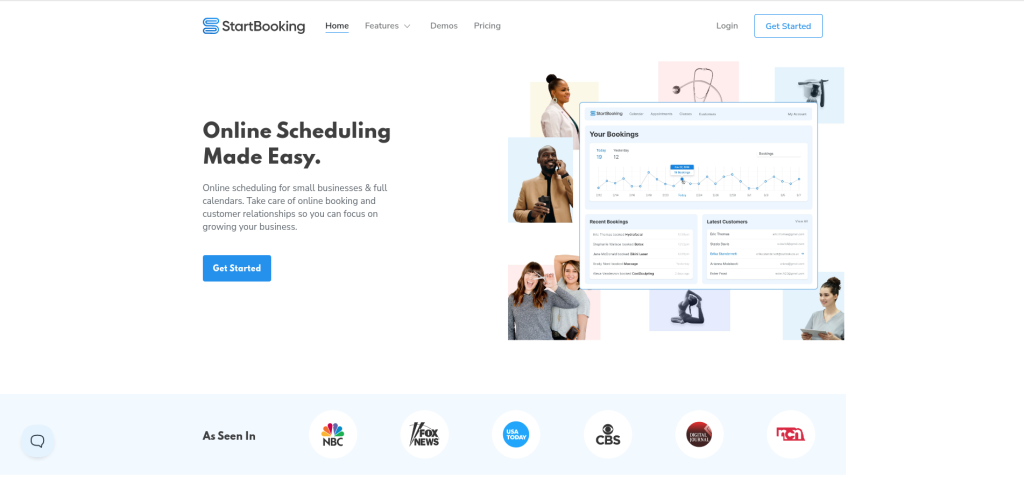
Start Booking is a modern and efficient plugin that focuses on creating a seamless user experience for both the business and the customer.
Key Features:
- Integration with Stripe for payments.
- Mobile-friendly booking interface.
- Built-in analytics for booking trends.
Pros:
- Clean and professional design.
- Easy for customers to navigate.
- Robust customer support.
Cons:
- Monthly subscription required.
- Limited customization options.
Start Booking is perfect for those who want a polished and professional booking system with minimal setup hassle.
Comparison Table: 10 Best Reservation Plugin for WordPress
| Plugin | Key Features | Pros | Cons |
|---|---|---|---|
| LearnDash | Drip-feed content, quizzes, certificates | User-friendly, professional courses | Expensive for small users |
| LifterLMS | Gamification, email tools | Engaging, scalable | Pricey with add-ons |
| Sensei LMS | WooCommerce integration | Affordable, simple | Limited customization |
| Tutor LMS | Front-end builder, analytics | Affordable, regular updates | Learning curve |
| Teachable | Hosted LMS platform, marketing tools | Hassle-free, beginner-friendly | Limited customization |
| WP Courseware | Drag-and-drop builder, email integration | Affordable, simple setup | Fewer design options |
| Good LMS | Student tracking, certifications | Budget-friendly | Limited integrations |
| LearnPress | Free core, multiple courses | Free, community support | Add-ons raise costs |
| MasterStudy LMS | Reporting, live streaming | Scalable, modern design | Steep learning curve |
| Namaste! LMS | Unlimited students, assignments | Free, functional | Outdated interface |

Last Remarks: Choose the Right Plugin for Your Needs
Finding the best reservation plugin for WordPress doesn’t have to be overwhelming. From versatile solutions like Amelia and Bookly to niche options like HBook for hospitality, there’s something for every business type.
Take time to evaluate your specific needs - do you need payment integrations, or is a simple calendar enough? With this list of the 10 best reservation plugin for WordPress, you’re well-equipped to make the right choice and streamline your booking process effortlessly.
Interesting Reads:
10 Best LMS Plugin for WordPress