

Building a community is one of the fastest ways to strengthen any brand, yet choosing the right WordPress forum plugins can feel painfully overwhelming. I’ve been there installing plugin after plugin, tweaking settings for hours, only to discover that half the tools don’t match what real users actually need. So this time, I decided to do things differently. I spent weeks installing, testing, breaking, and fixing different forum systems across various types of WordPress sites to find out which ones truly work in real-world scenarios.
What surprised me most was how differently each WordPress forum plugin performs in live environments compared with what its marketing promises. Some plugins were blazing fast but lacked essential moderation tools. Others offered gorgeous layouts but dragged my site speed into the ground. And a few, thankfully, were absolute gems. Below, I’m sharing everything I learned: what worked, what didn’t, and how you can choose the right plugin without wasting time or money.

What Makes a Great WordPress Forum Plugin?
Before diving into the list, I want to break down the framework I used while testing. This is the same framework I recommend for anyone evaluating a WordPress forum plugin for the first time.
A great forum tool should feel natural both for the admin and the community. If it’s clunky, confusing, or needs ten additional plugins to function, your users won’t stick around. I found that the ideal plugin should be lightweight, flexible, easy to moderate, and simple for beginners to navigate without sacrificing performance.
Another thing that makes a WordPress forum plugin worth installing is how well it adapts to your long-term goals. Can it scale? Can it handle user roles intelligently? Does it integrate seamlessly with membership tools, e-commerce extensions, or learning platforms? The plugins that made my top 8 performed consistently well across all these areas.
Why You Should Add a Forum to Your WordPress Website
I’m often asked whether forums are still relevant now that social media groups exist. After my recent tests, my answer is a confident “yes.” Forums give you control over the conversations, the branding, the memberships, and the data. Unlike social media platforms, you’re not at the mercy of algorithm changes or account restrictions.
Adding a WordPress forum plugin helps you build a community that is truly yours. You don’t rely on Facebook groups or third-party platforms. Your discussions become content assets that boost SEO, increase engagement, and create a knowledge base that supports your audience long-term. This is especially valuable for small business owners and creators wanting deeper customer relationships.
Another reason forums are powerful is that they reduce support pressure. Instead of answering the same question repeatedly, your community does the work for you. As your forum grows, it becomes a living FAQ system. And trust me, once that momentum starts, it becomes one of the most satisfying parts of running a website.
How I Tested These WordPress Forum Plugins
To make this roundup genuinely useful, I decided to test each WordPress forum plugin under the same conditions. I installed them on a clean WordPress setup, added mock users, created discussions, stress-tested performance with sample data, and checked compatibility with popular themes and page builders.
Placement, navigation structure, user roles, moderation features, mobile layout, and speed were all part of my evaluation. I also tested each plugin’s ability to integrate with membership platforms like MemberPress and LMS tools like LearnDash. This helped me understand how well the forum would perform for real businesses with real content needs.
After weeks of testing, here are the top 8 plugins that cut, along with my honest impressions.
Top 9 WordPress Forum Plugins I Personally Recommend
Jetonomy stood out immediately during testing because of its architecture. Unlike every other plugin on this list, it stores all forum data in 22 custom database tables instead of wp_posts. The performance difference was obvious - pages loaded noticeably faster even with thousands of test posts.
The trust level system was the real game-changer. New accounts were automatically rate-limited and blocked from posting links, which eliminated spam without any manual moderation. As test users contributed more, they earned higher trust levels and unlocked moderation abilities. The community essentially moderated itself.
Jetonomy ships with four space types in one free plugin: forums with threaded replies, Q&A spaces with accepted answers, idea boards with member voting, and social feeds. It also includes importers for bbPress, wpForo, and Asgaros with dry-run preview, 61+ REST API endpoints, Schema.org structured data, and MemberPress integration. Setup took five minutes with the built-in wizard.
2. BuddyPress: Best for Full Social Communities
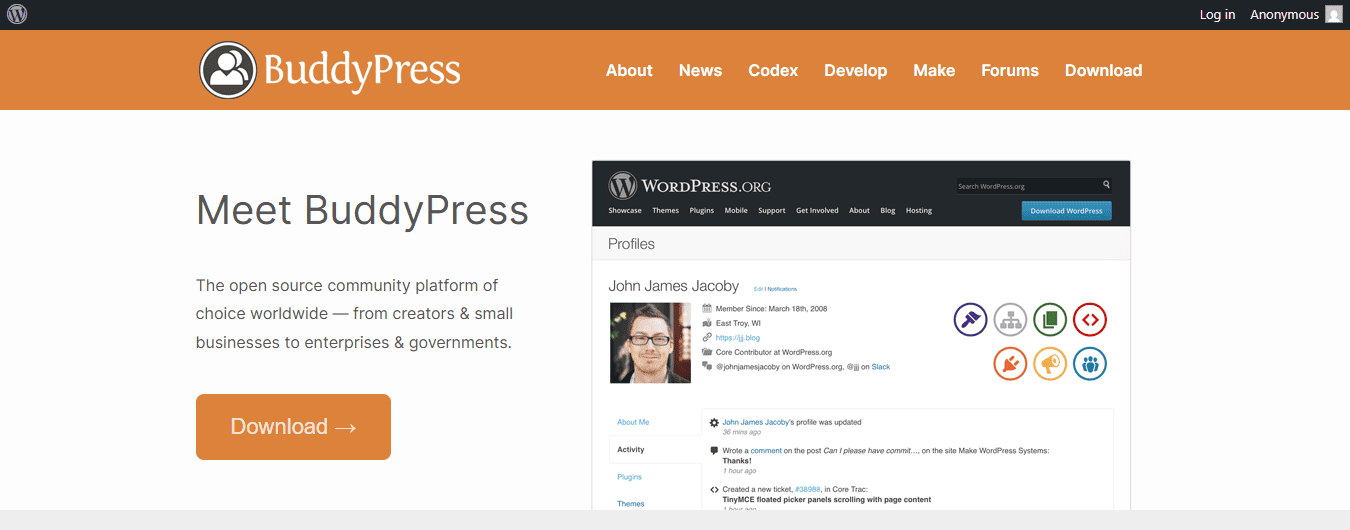
BuddyPress isn’t just a forum tool; it’s a full social community builder. When I tested it, I immediately noticed how immersive the experience felt for users. You get profiles, activity feeds, private messaging, and group forums.
It’s not for everyone, but if you want something more dynamic than simple discussion threads, BuddyPress is a remarkable WordPress forum plugin to consider. It does require more configuration, but if your goal is to build an interactive community, it shines.
3. bbPress: The Classic Workhorse
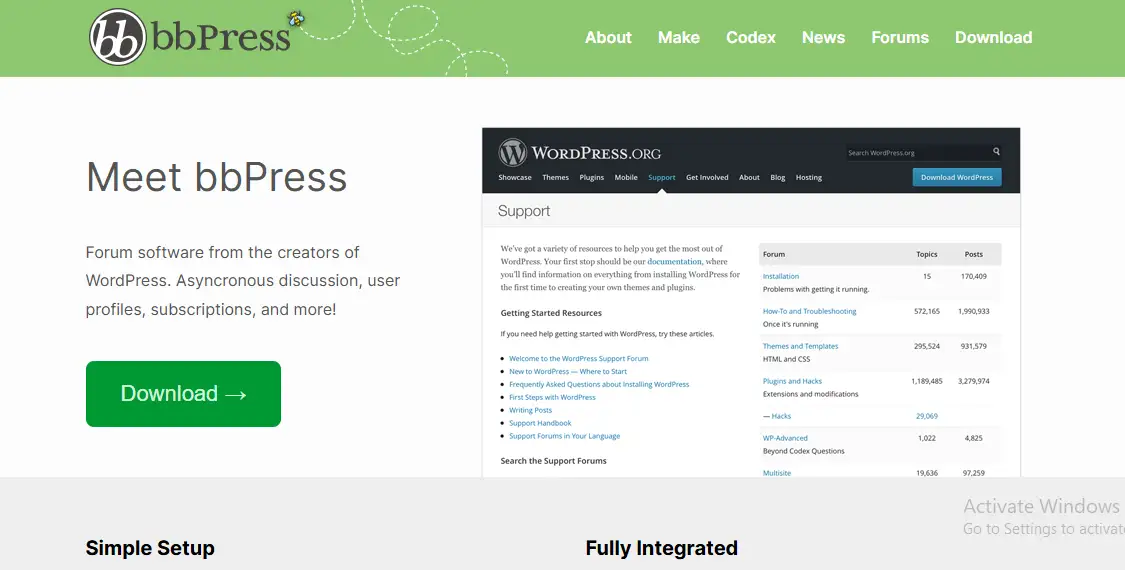
If I had to pick one WordPress forum plugin that never fails, it’s bbPress. I’ve used it on and off for years, and every time I return to it, I’m reminded why it remains the most trusted forum tool for WordPress users.
Even though the interface feels minimalistic, bbPress is incredibly powerful. What I love most is how lightweight it is. You won’t feel your site slowing down, which is rare for forum tools. Plus, it integrates flawlessly with BuddyPress, membership platforms, and almost any theme you throw at it.
4. wpForo: Modern, Feature-Rich, and Beginner-Friendly
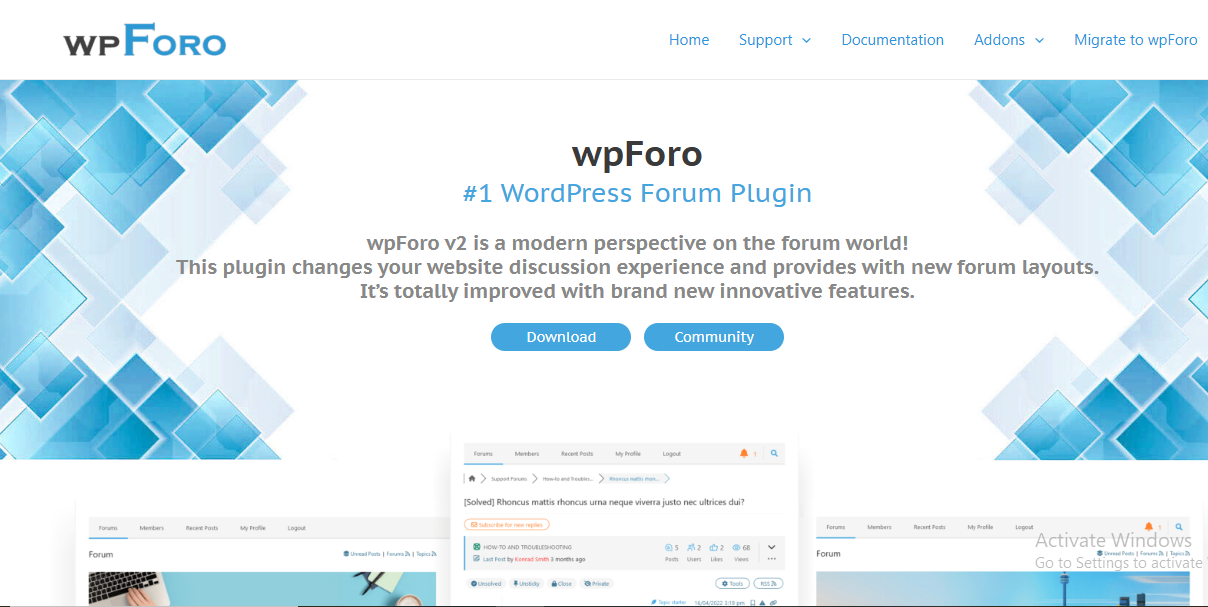
wpForo is one of the most polished plugins I’ve tested. The design feels modern right out of the box, which was refreshing after seeing so many dated layouts. I loved how each layout option, Q&A, classic, and simplified, felt unique.
This WordPress forum plugin has fantastic built-in SEO features, member badges, and powerful moderation tools. It feels like premium software even though the core plugin is free.
5. Asgaros Forum: Fast and Extremely Lightweight
If speed is your priority, Asgaros Forum is one of the top contenders. This plugin surprised me with how quickly it loads, even with multiple threads and posts. It’s perfect for small communities that want simplicity without giving up essential features.
While it doesn’t have the extensive ecosystem of bbPress or wpForo, it’s one of those plugins that simply works. I appreciated that I didn’t need to hunt for dozens of add-ons.
6. Simple: Press Power Users’ Favorite
Simple: Press is one of the most customizable forum systems available. If you like tweaking things and want a massive number of options, themes, and extensions, this forum plugin might be your new best friend.
While testing, I noticed it does carry a bit more weight than Asgaros or bbPress. However, for sites that need advanced permissions, deep moderation controls, or custom layouts, it’s an exceptional WordPress forum plugin.
7. Discussion Board: Best for Quick Q&A Forums
When I evaluated the Discussion Board, I was impressed by how effortless it was to set up. Within minutes, I had a functional Q&A-style forum ready to use. This simplicity makes it one of the most beginner-friendly plugins I’ve tested.
The plugin automatically generates login, registration, and posting pages, saving you lots of setup time. If you want something minimal but functional, this is a great pick.
8. ForumEngine Theme: A Theme That Acts Like a Plugin
ForumEngine is a unique option because it’s a theme, not a plugin. However, it deserves a spot on this list because of how incredibly smooth the forum experience becomes when the entire site is built around community features.
During testing, I loved the front-end posting experience. Everything feels intuitive, and the UI is cleaner than many plugin-based solutions. If you’re building a forum-first website, this might be exactly what you need.
9. CM Answers: StackOverflow-Style Forum Functionality
If you want a question-and-answer community like StackOverflow, CM Answers delivers that experience perfectly. My tests showed that it’s excellent for technical communities, support hubs, and membership-based learning groups.
It works beautifully as a WordPress forum plugin because users can vote, comment, and collaborate just like on traditional Q&A platforms. It’s also surprisingly SEO-friendly.
Tips for Getting the Most Out of Your Forum
First, decide on the purpose of your community before installing any plugin. This will prevent overwhelm and help you select the right WordPress forum plugin from the start. Clear goals also improve user engagement.
Next, spend time structuring categories and permissions. A well-organized forum invites participation, while a messy one drives users away. Small improvements like labels, badges, and smart moderation tools can drastically improve the user experience.
Common Mistakes to Avoid When Using Forum Plugins
One common mistake I see is installing too many add-ons. It’s tempting, but it often slows your site and causes conflicts. Stick to what you actually need, especially if you’re using a heavier WordPress forum plugin.
Another mistake is failing to seed content. A forum with zero discussions feels abandoned. Start conversations yourself, ask questions, or invite early users to participate before launching publicly.

Final Thoughts
After personally testing all these tools, I can confidently say there’s no one-size-fits-all forum solution. However, each plugin on this list excels in specific areas, making it easier for you to choose based on your goals, technical comfort level, and long-term plans.
If you’ve been hesitating to build a community on your website, a great WordPress forum plugin can make the process far smoother than you expect. Once your users start engaging, you’ll wonder why you didn’t do it sooner.
Top WordPress Google Maps Plugins 2022
Best social networking builder plugins
Why WordPress Plugin Compatibility Defines the Longevity of Your Site