

Microsoft Office remains the gold standard for productivity, powering businesses, schools, and professionals worldwide. While its core functionality is robust, the process of setting up, deploying, and customizing Office can feel overwhelming, especially for IT admins managing multiple devices. That’s where Office Customization Tools come in.
These tools make it easier to configure Office installations, automate workflows, control updates, and ensure consistent settings across teams. Whether you’re an individual user seeking a personalized experience or an enterprise admin rolling out Office to thousands of users, the right customization tools can save time, reduce errors, and enhance productivity.
In this guide, we’ll explore the 10 best Office Customization Tools available in 2026, what they offer, why they matter, and how you can use them to simplify Microsoft Office setup.

What Are Office Customization Tools?
Office Customization Tools are specialized utilities designed to streamline the installation and configuration of Microsoft Office applications. Instead of manually tweaking each device, admins and users can apply predefined settings, adjust deployment preferences, and ensure uniformity across environments.
For example, with Office Customization Tool (OCT), IT administrators can decide which apps (Word, Excel, Outlook, etc.) get installed, set default file locations, or even configure Outlook profiles, all before the software is deployed. Other third-party alternatives go further by adding automation, reporting, and advanced customization features.
By leveraging Office Customization Tools, organizations gain more control over their Office environments, improving both efficiency and user experience.
Why Should You Use Office Customization Tools?
There are several compelling reasons to incorporate Office Customization Tools into your workflow:
- Time savings: Deploy Office across multiple devices with preconfigured settings.
- Consistency: Ensure every user has the same features, add-ins, and configurations.
- Flexibility: Customize installations for departments, roles, or individual needs.
- Control: Manage updates, add-ins, and security settings centrally.
- Scalability: Easily roll out Office to hundreds or thousands of devices.
For businesses, these tools aren’t just about convenience, they are essential for ensuring compliance, security, and productivity across teams.
How to Choose the Right Office Customization Tool
When selecting from the many Office Customization Tools available, consider:
- Compatibility: Does it work with Office 365, Office LTSC, or older versions?
- Features: Does it support app selection, add-in management, and update control?
- Ease of use: Is it accessible to IT beginners or tailored to advanced admins?
- Automation: Can it save time with bulk deployments or scripting?
- Cost: Is it free, included with Office, or a premium third-party product?
By evaluating these factors, you can find the tool that best aligns with your organizational goals.
The 10 Best Office Customization Tools in 2026
1. Office Customization Tool (OCT)
Microsoft’s own Office Customization Tool is the most direct and reliable option for tailoring Office installations.

- Preconfigure which Office apps are installed.
- Set up user preferences, including Outlook profiles.
- Control update channels and installation paths.
This tool is ideal for IT administrators managing Office deployments across multiple environments.
2. Microsoft Endpoint Configuration Manager (MECM)
MECM (formerly SCCM) is a powerhouse for large organizations.
- Deploy Office with custom settings at scale.
- Control security patches and updates.
- Integrates with Microsoft Intune for cloud-based management.
For enterprises, MECM is the go-to for centralized control and automation.
3. Intune Office Deployment Tools
Intune extends Office customization into the cloud.
- Cloud-first deployment of Office apps.
- Configure app availability by user or device groups.
- Enforce compliance and security policies.
This tool is perfect for hybrid and remote-first organizations.
4. Advanced Installer
Advanced Installer simplifies Office customization through an intuitive interface.
- Create MSI packages for Office.
- Include add-ins and third-party plug-ins.
- Preconfigure shortcuts, registry settings, and custom actions.
It’s a strong choice for admins who prefer GUI-driven customization.
5. PDQ Deploy
PDQ Deploy is popular among IT pros for quick and efficient deployment.
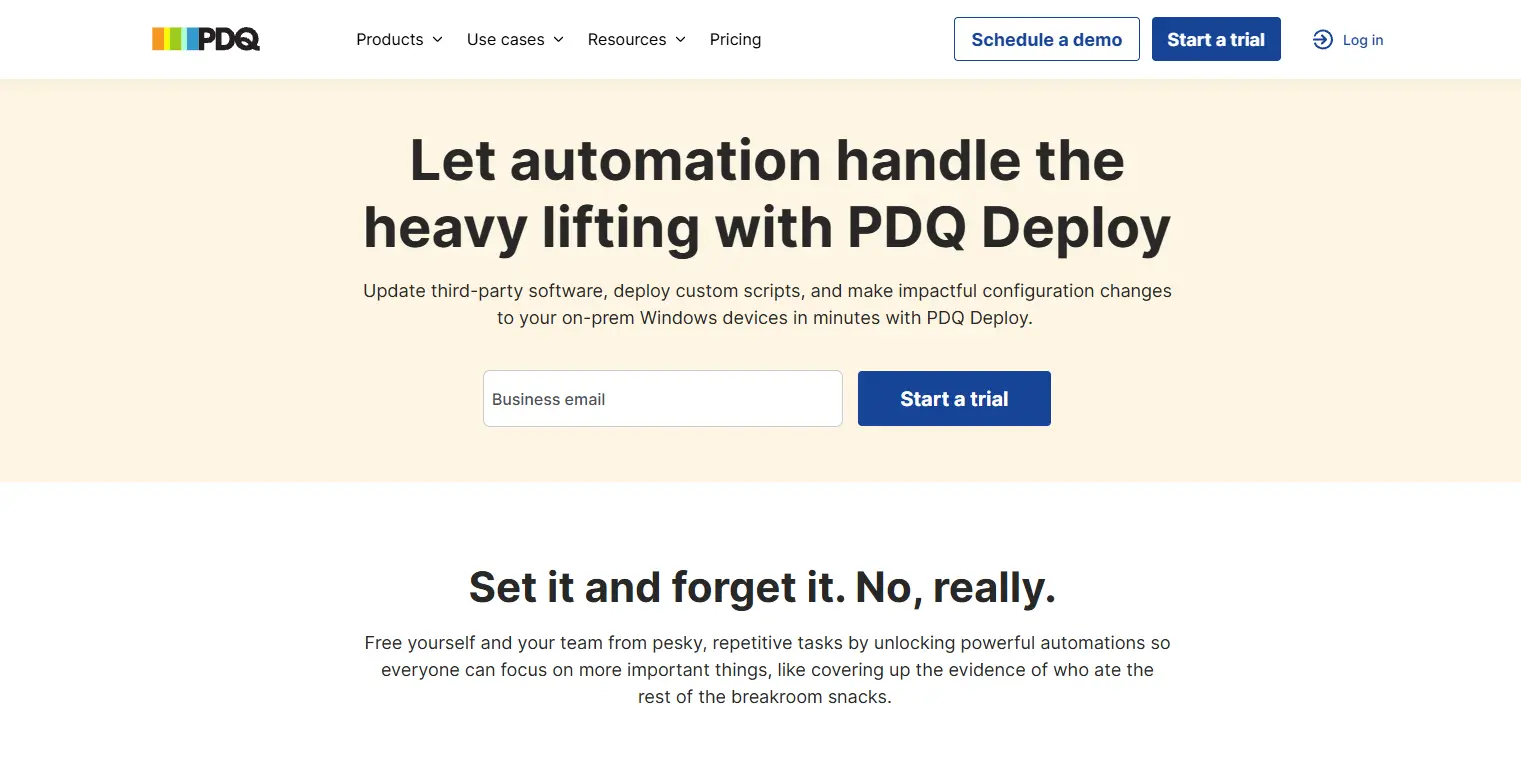
- Automate Office installations with custom parameters.
- Push updates across multiple devices.
- Integrates well with PDQ Inventory for asset tracking.
For small-to-mid-sized businesses, PDQ offers a cost-effective deployment solution.
6. Ninite Pro
Ninite is well-known for its simplicity. With Ninite Pro, Office deployment becomes a breeze.
- Silent Office installations with no user interaction.
- Automatic rejection of toolbars and bloatware.
- Works across multiple endpoints at once.
Ninite Pro is a time-saving gem for IT admins.
7. RayPack Studio
RayPack Studio offers advanced packaging and customization features.
- Customize MSI/MST packages for Office.
- Comprehensive testing environment before deployment.
- Advanced scripting for tailored installations.
It’s especially useful for IT professionals in complex enterprise setups.
8. ManageEngine Desktop Central
ManageEngine provides a complete desktop management suite with Office customization built in.
- Deploy Office applications with preconfigured settings.
- Centralized patch and update management.
- Detailed reporting on deployment status.
For organizations seeking an all-in-one IT solution, ManageEngine is a great fit.
9. Ivanti Endpoint Manager
Ivanti provides flexibility and power in deployment.
- Customizable Office deployment packages.
- Policy enforcement for app configurations.
- Strong security and compliance features.
It works particularly well for enterprises with strict IT policies.
10. SmartDeploy
SmartDeploy combines imaging and application deployment into one tool.

- Deploy pre-configured Office alongside system images.
- Support for both cloud and on-premise deployments.
- Simplifies hardware migration with Office setup included.
This is a practical option for IT teams handling frequent device rollouts.
Comparison Table
| Tool | Best For | Key Features | Cost | Platforms |
|---|---|---|---|---|
| Office Customization Tool | Small/large orgs | Preconfigure apps, Outlook, and updates | Free | Windows |
| MECM | Enterprises | Large-scale deployment, patch control | Paid | Windows |
| Intune | Cloud-first orgs | Cloud deployment, compliance policies | Paid | Windows/Mac |
| Advanced Installer | IT pros | MSI creation, add-ins, registry settings | Paid | Windows |
| PDQ Deploy | SMBs | Automated deployment, updates | Paid | Windows |
| Ninite Pro | IT admins | Silent installs, multi-device management | Paid | Windows |
| RayPack Studio | Enterprises | MSI/MST packaging, scripting, testing | Paid | Windows |
| ManageEngine Desktop Central | All-in-one IT | Deployment, patching, reporting | Paid | Multi-platform |
| Ivanti Endpoint Manager | Enterprises | Policy control, security, customization | Paid | Multi-platform |
| SmartDeploy | Rollouts & imaging | Imaging and deployment, Office included | Paid | Windows |
Tips for Maximizing Office Customization Tools
To get the most out of Office Customization Tools, consider these best practices:
- Standardize settings: Define organization-wide defaults for consistency.
- Test before rollout: Use small test groups before deploying company-wide.
- Automate updates: Ensure Office stays patched without user intervention.
- Document configurations: Keep records of all customization settings.
- Leverage reporting tools: Monitor installations and update compliance.
Common Mistakes to Avoid
Even with the best tools, mistakes happen. Avoid these pitfalls:
- Over-customizing the Office, leading to compatibility issues.
- Failing to align Office settings with security policies.
- Ignoring user feedback during deployment.
- Rolling out updates without prior testing.
- Using outdated customization tools not compatible with the latest Office builds.

Closing Remarks: Simplify, Standardize, and Succeed
The right Office Customization Tools can turn a complex, time-consuming process into a seamless experience. From Microsoft’s own OCT and Intune to advanced third-party options like RayPack Studio and SmartDeploy, there’s a solution for every scale and budget.
By choosing wisely, testing thoroughly, and applying best practices, organizations can simplify Microsoft Office setup, boost productivity, and ensure every user has the tools they need, configured just right.
Interesting Reads:
10 Best IG Follower Export Tools to Track and Analyze Instagram Data in 2026
Vanilla by Higher Logic Review 2026 - Pricing, Features, and Alternatives
10 Best Kleki Paint Tool Alternatives for Digital Art and Drawing