

Crafting a stellar resume is your golden ticket to landing that dream job. But let’s face it - designing one from scratch can feel daunting. Thankfully, we live in an era where resume-building software has made the process fast, intuitive, and professional. This blog will guide you through the 10 best software to create a resume, highlighting their features, benefits, and potential drawbacks.

Why Using Resume Software is a Game-Changer
Save Time, Stay Professional
Resume software eliminates the guesswork, offering pre-designed templates and tools that streamline the process. Instead of spending hours formatting, you can focus on your content.
Stand Out From the Crowd
With advanced design and customization options, these tools ensure your resume isn’t just another plain document - it’s a reflection of your skills and personality.
1. Canva
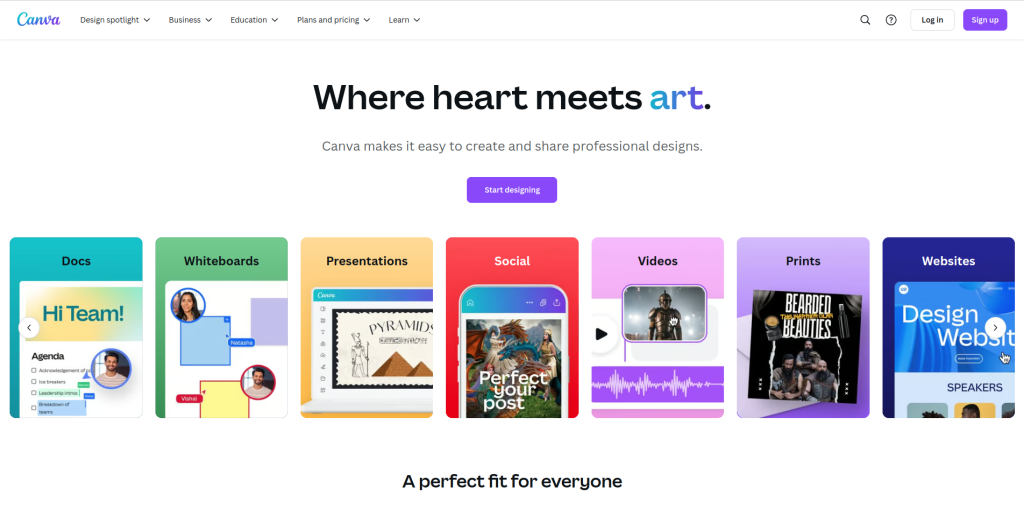
A Creative Take on Resumes
Canva, widely known for its design capabilities, is also a powerhouse for resume creation. With drag-and-drop functionality, you can easily craft visually appealing resumes.
Key Features:
- Pre-made professional templates
- Customizable colors and fonts
Pros:
- User-friendly
- Free and premium versions available
Cons:
- Design-focused, so content guidance is minimal
2. Zety
All-in-One Resume Solution
Zety combines sleek designs with career advice, making it a favorite among job seekers. It provides step-by-step guidance for building your resume.
Key Features:
- Tailored resume suggestions
- Customizable templates
Pros:
- Easy-to-follow interface
- Offers content tips
Cons:
- Limited free options
3. Resume.com
Simplicity at Its Best
Resume.com offers a no-frills approach to resume building. It’s perfect for those who want a straightforward experience.
Key Features:
- Free, easy-to-use editor
- Shareable links for online resumes
Pros:
- Completely free
- Minimal learning curve
Cons:
- Basic designs
4. Novoresume
Smart and Sophisticated
Novoresume is an advanced platform that focuses on efficiency. It adapts to your input, ensuring a professional and clean layout.
Key Features:
- Real-time content suggestions
- ATS (Applicant Tracking System) optimization
Pros:
- Professional layouts
- Beginner-friendly
Cons:
- Limited free version features
5. VisualCV
Showcase Your Skills Visually
VisualCV is ideal for creative professionals. It provides templates that emphasize both content and design.
Key Features:
- Portfolio integration
- Analytics to track views
Pros:
- Unique designs
- Great for multimedia resumes
Cons:
- Subscription required for most features
6. Resume Genius
Fast and Effective
Resume Genius is all about speed. In just minutes, you can have a complete resume tailored to your industry.
Key Features:
- Pre-written phrases to choose from
- Industry-specific templates
Pros:
- Saves time
- Offers content advice
Cons:
- Heavily reliant on templates
7. Indeed Resume Builder
Straight from the Job Board
Indeed’s resume builder is tied directly to its job search platform, making it incredibly convenient.
Key Features:
- Easy integration with Indeed profiles
- Simple editing tools
Pros:
- Completely free
- Job application-ready
Cons:
- Limited design options
8. Enhancv
Personalize Like a Pro
Enhancv emphasizes personalization, letting you create resumes that reflect your unique style and career.
Key Features:
- Interactive editing tools
- Section-based customization
Pros:
- Eye-catching designs
- Great for creative fields
Cons:
- Limited free options
9. MyPerfectResume
Guided Resume Building
MyPerfectResume simplifies the process by guiding you through each section. It’s ideal for first-time resume creators.
Key Features:
- Professional suggestions for each section
- Skill and experience matching
Pros:
- User-friendly
- Great for beginners
Cons:
- Paid plans required for full access
10. Kickresume
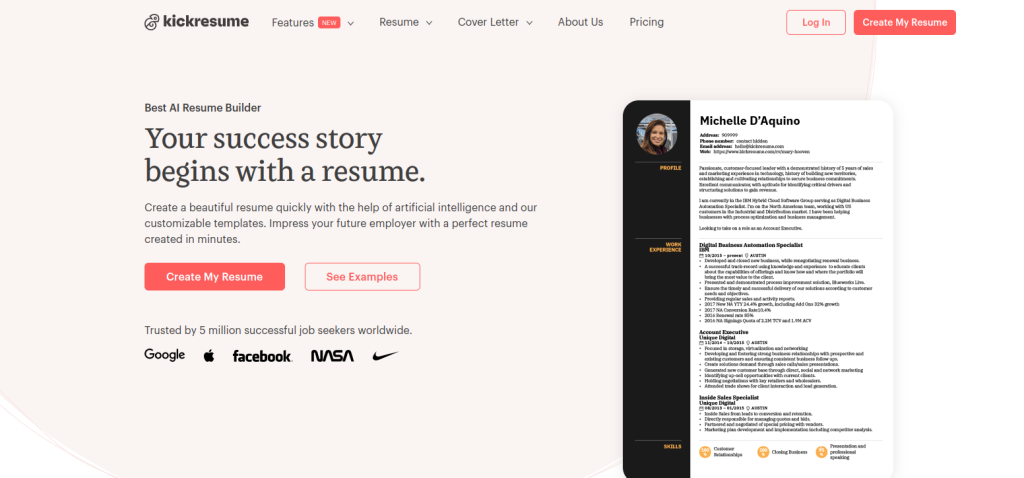
Fun and Functional
Kickresume combines functionality with a touch of playfulness. It’s perfect for those who want a resume with personality.
Key Features:
- AI-assisted writing suggestions
- Creative and professional templates
Pros:
- Unique designs
- AI features for improved content
Cons:
- Limited features in the free version
Comparison Table: 10 Best Software to Create Resume
| Software | Key Features | Pros | Cons |
| Canva | Drag-and-drop design | User-friendly, free options | Content guidance limited |
| Zety | Tailored resume suggestions | Offers content tips | Limited free tools |
| Resume.com | Free, simple editor | Completely free | Basic designs |
| Novoresume | Real-time content suggestions | ATS-friendly | Limited free templates |
| VisualCV | Portfolio integration | Unique designs | Subscription required |
| Resume Genius | Pre-written phrases | Saves time | Relies heavily on templates |
| Indeed Resume | Job board integration | Free, job application-ready | Limited design options |
| Enhancv | Interactive editing | Great for creative professionals | Paid premium features |
| MyPerfectResume | Section-specific guidance | Ideal for beginners | Paid for full features |
| Kickresume | AI writing suggestions | Fun and functional | Limited free version |
How to Choose the Right Resume Software for You
Selecting the perfect resume software depends on your specific needs. Are you looking for customization, or do you want a quick solution? Tools like Canva and VisualCV are great for creative professionals, while Zety and MyPerfectResume cater to those seeking guided, professional resumes.

To Sum Up: Your Resume, Your Way
Creating a resume doesn’t have to be stressful. With the 10 best software to create resumes at your fingertips, you can craft a document that reflects your skills and sets you apart from the competition. Explore these tools, and take the first step towards landing your dream job.
Interesting Reads: