

Artificial intelligence is no longer reserved for tech enthusiasts and big corporations - it’s a part of our daily lives. From enhancing productivity to keeping us entertained, AI apps have something for everyone. What’s even better? Some of the most incredible AI tools are completely free! In this post, we’ll dive into the 10 best AI apps free to use, highlighting their features, strengths, and how they can make your life easier.

Why Free AI Apps Are a Game-Changer
AI technology is powerful, but it doesn’t have to cost you a dime. With free AI apps, you get access to cutting-edge tools that can simplify your work, boost your creativity, and save time.
These apps don’t just make life convenient; they also open doors to innovation. From students to entrepreneurs, anyone can tap into AI to solve problems, automate tasks, or simply have fun. The best part? You can test their capabilities without any financial commitment.
Ready to explore the 10 best AI apps free of charge? Let’s jump in!
1. ChatGPT: The AI Writing Genius
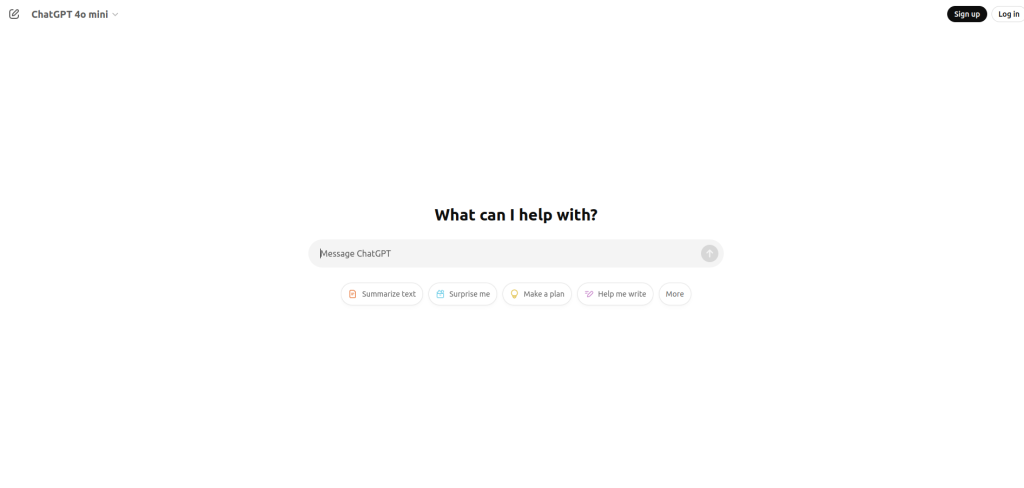
ChatGPT, developed by OpenAI, is a conversational AI tool that answers questions, writes essays, generates ideas, and so much more.
Key Features
- Text generation: Get well-crafted responses on any topic.
- Creative writing: Create stories, poems, or brainstorming ideas.
Pros:
- Easy-to-use and versatile.
- Free tier offers plenty of functionality.
Cons:
- Limited advanced features in the free plan.
2. Remini: Transforming Photos with AI
Remini is perfect for enhancing old or blurry photos, giving them a polished, professional look.
Key Features
- Photo enhancement: Restore vintage photos or improve image quality.
- AI-powered filters: Add creative effects effortlessly.
Pros:
- Simple interface for quick editing.
- Free features are surprisingly robust.
Cons:
- Ads can be intrusive in the free version.
3. Otter.ai: Transcribe Like a Pro
Otter.ai is a top-notch transcription tool for meetings, interviews, and more.
Key Features
- Real-time transcription: Converts speech to text with high accuracy.
- Cloud storage: Save and share transcriptions easily.
Pros:
- Supports multiple languages.
- Generous free tier for basic users.
Cons:
- Advanced features require a paid plan.
4. DeepArt: AI-Driven Creativity
DeepArt uses AI to transform your photos into stunning works of art.
Key Features
- Style transfer: Apply famous art styles to your images.
- Creative freedom: Experiment with different artistic templates.
Pros:
- Free to use for personal projects.
- Quick and easy image processing.
Cons:
- Limited resolution for free users.
5. Google Lens: Your AI-Powered Assistant
Google Lens brings AI to your fingertips, making everyday tasks a breeze.
Key Features
- Visual search: Identify objects, translate text, and scan QR codes.
- Smart actions: Copy text, find similar products, or explore landmarks.
Pros:
- Integrates seamlessly with other Google services.
- Available on both Android and iOS.
Cons:
- Requires an internet connection.
6. Replika: Your AI Companion
Replika is an AI chatbot designed to provide emotional support and companionship.
Key Features
- Conversational AI: Talk about your day, get advice, or vent.
- Customizable personality: Tailor your AI friend’s traits.
Pros:
- Free tier is excellent for casual users.
- Helps improve mental well-being.
Cons:
- Paid version unlocks advanced features.
7. Canva: Design Smarter with AI
Canva’s AI-powered tools make designing graphics, presentations, and social media posts easier than ever.
Key Features
- AI design suggestions: Get templates tailored to your needs.
- Background remover: Edit images with precision.
Pros:
- Highly user-friendly.
- Tons of free templates and tools.
Cons:
- Some features are locked behind a paywall.
8. Scribe AI: Simplify Note-Taking
Scribe AI transforms your recordings into detailed notes and summaries.
Key Features
- Automatic summarization: Highlight key points from meetings or lectures.
- Collaboration tools: Share notes with teammates instantly.
Pros:
- Ideal for students and professionals.
- Free tier is feature-rich.
Cons:
- Requires clear audio for accurate transcriptions.
9. Boomy: Make Music with AI
Boomy lets anyone create professional-sounding music tracks with ease.
Key Features
- Quick composition: Generate songs in just a few clicks.
- Monetization: Upload your creations to streaming platforms.
Pros:
- Fun and creative outlet.
- Free to create and share tracks.
Cons:
- Limited depth for professional musicians.
10. Grammarly: Write Flawlessly
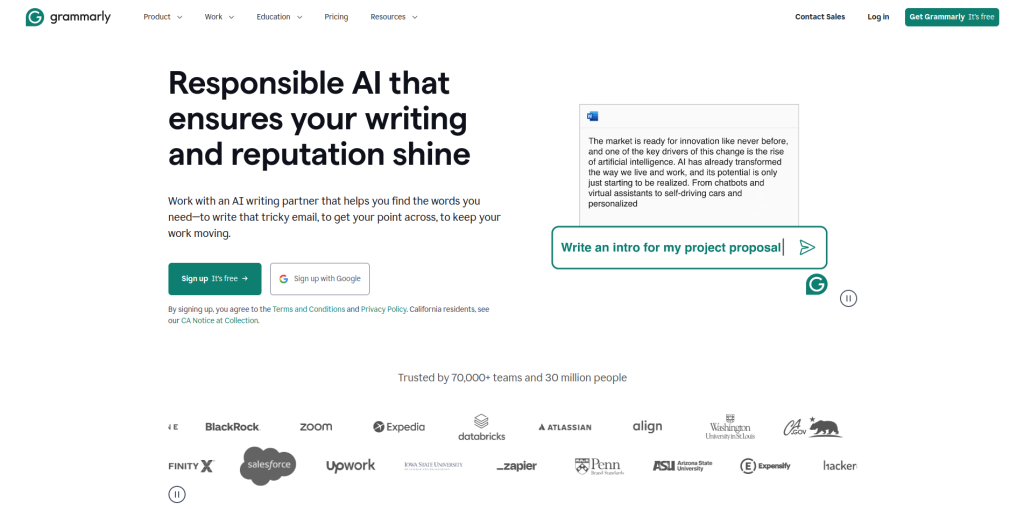
Grammarly’s AI editing tool ensures your writing is polished and professional.
Key Features
- Grammar and spell check: Spot errors instantly.
- Tone adjustments: Ensure your message is clear and appropriate.
Pros:
- Free version covers all basics.
- Integrates with browsers and apps.
Cons:
- Advanced suggestions require a subscription.
Comparison Table: 10 Best AI Apps Free
| App | Key Features | Pros | Cons |
| ChatGPT | Text generation, creative writing | Versatile and easy to use | Limited features in free tier |
| Remini | Photo enhancement, AI filters | Quick and effective | Ads in free version |
| Otter.ai | Transcription, cloud storage | Supports multiple languages | Paid plan needed for extras |
| DeepArt | Style transfer, artistic effects | Free for personal use | Limited resolution |
| Google Lens | Visual search, smart actions | Integrates with Google services | Internet required |
| Replika | AI companionship, custom traits | Improves mental well-being | Some features require payment |
| Canva | AI design tools, templates | User-friendly | Premium features locked |
| Scribe AI | Summarization, collaboration tools | Great for students | Needs clear audio |
| Boomy | Music creation, monetization | Easy and fun to use | Limited for pros |
| Grammarly | Grammar check, tone adjustments | Polished writing | Advanced suggestions are paid |

Final Thoughts
The 10 best AI apps free of charge offer incredible capabilities that can simplify your life, unleash your creativity, and help you stay productive. From writing flawless content with Grammarly to transforming photos with Remini, these tools prove that you don’t need a big budget to benefit from AI.
So, go ahead - try one (or all!) of these free AI apps and experience the power of artificial intelligence firsthand. You’ll wonder how you ever managed without them!
Interesting Reads: