

MemberPress connects to email and CRM tools such as ActiveCampaign, to payment gateways, to learning plugins and to community plugins like BuddyPress, through built-in options, add-ons or connector services. Which route applies depends on the tool, so confirm it on MemberPress’s own integrations page. Below you’ll find those integrations explained, then the eight membership plugins compared.
A WordPress membership plugin lets you restrict content, take recurring payments and manage who can see what. The right one depends on what you sell: MemberPress and Paid Memberships Pro suit general memberships, WooCommerce Memberships suits stores, and LearnDash suits course-led sites. If you are building a community or a course site, the plugins in the Wbcom stack include membership plans too.
This list covers eight well-known options in plain terms: what each is for, where it fits and where it asks more of you. It also covers the membership features already built into BuddyNext Pro and Learnomy, which you may not need a separate plugin to replace.

What a membership plugin needs to do
Most people start looking because they want one thing: lock some content and charge for it on a schedule. Once you start comparing, the plugins turn out to differ in how they handle five jobs.
- Access rules: who sees which posts, pages, files and areas.
- Plans and payments: one-off, recurring, free trials and upgrades between levels.
- Member experience: sign-up, login, account pages and cancellations.
- Automation and reporting: renewal emails, failed-payment handling and revenue reports.
- Fit with the rest of your site: your theme, your shop, your course plugin, your community.
The last one gets the least attention and causes the most trouble. A plugin can look perfect on its own demo and still clash with your theme or your checkout.
Ease of setup matters more than the feature list
A plugin that takes a weekend to configure delays your launch. A plugin without renewal handling costs you hours every month. When you compare options, set up a plan and a protected page on a test site first, then look at what it takes to change a price or cancel a member. That ten-minute test tells you more than a feature table.
The 8 WordPress membership plugins
These are listed in the order we think most readers will need them, not as a ranking. We don’t quote prices because plans change often, so check each vendor’s page for the current terms.
1. MemberPress
MemberPress is a paid, all-purpose membership plugin built around rules: you define who can access which content, then attach those rules to membership plans. It includes reporting and a courses add-on, and many site owners pick it because setup follows a clear order.
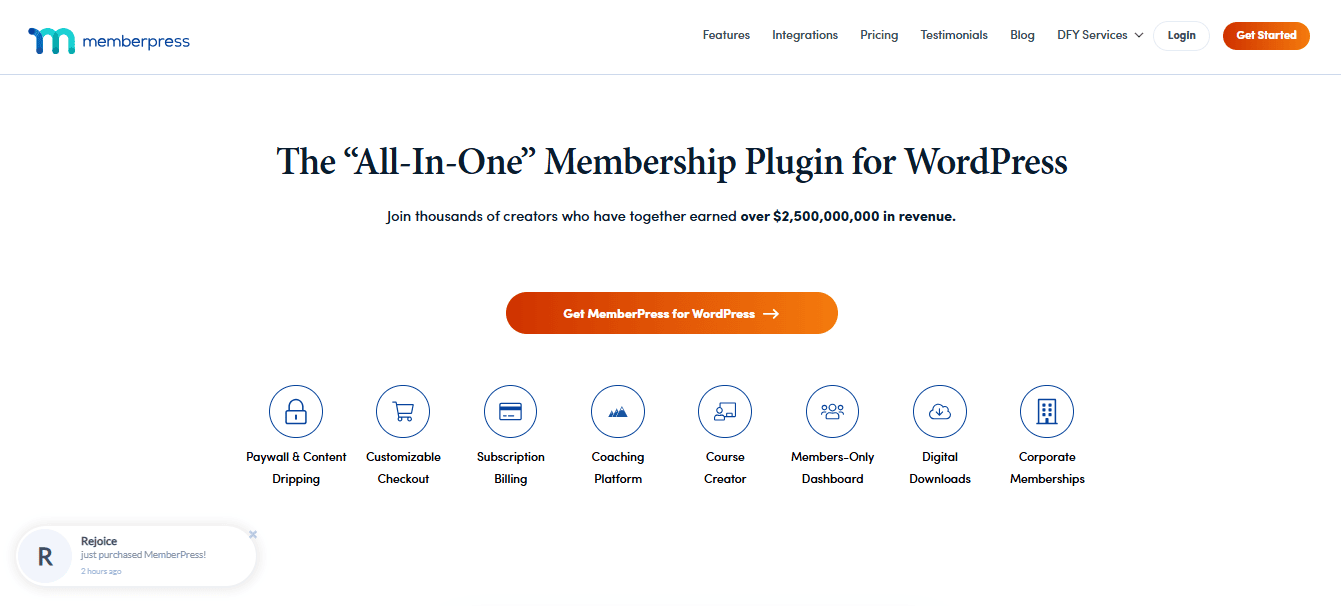
- Best for: general memberships where you want rules, plans and reports in one place.
- Keep in mind: it’s a paid plugin with no free edition, and checkout pages may need some styling work to match your theme.
If you’re weighing it against our own stack, the MemberPress alternatives page sets out the differences.
2. Paid Memberships Pro
Paid Memberships Pro offers a free core with a large add-on library. It’s organised around membership levels, supports several payment gateways, and suits site owners who want to start without a licence and add paid add-ons as they grow.

- Best for: a flexible, level-based setup that can start free.
- Keep in mind: the number of settings can feel like a lot, and design changes take patience. Reign carries a dedicated Paid Memberships Pro stylesheet, which helps with that second point.
3. WooCommerce Memberships
WooCommerce Memberships ties access to WooCommerce products. If a customer buys a product or subscription, they get membership. It’s a natural fit for stores that want members-only pricing or content dripping on top of an existing shop.

- Best for: shops that already run on WooCommerce.
- Keep in mind: it needs WooCommerce, so a site that isn’t selling products takes on more setup than it needs.
4. LearnDash
LearnDash is a learning management system, not mainly a membership plugin. It handles courses, lessons, quizzes and certificates, and many course sites pair it with a membership plugin to manage access. If education is the product, it’s one of the long-standing choices.
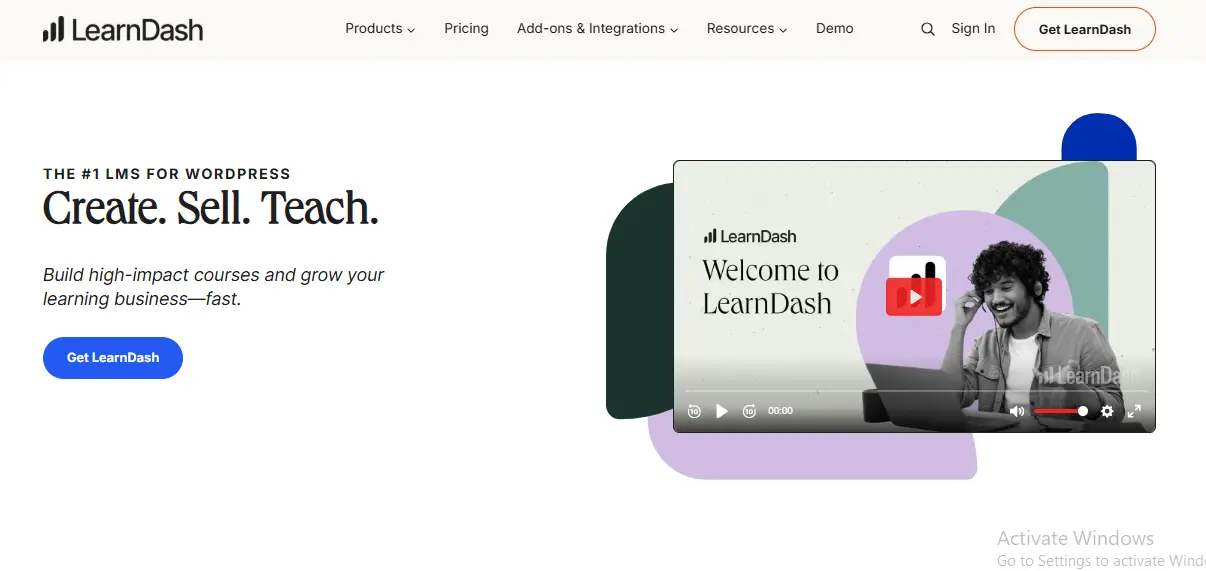
- Best for: structured courses with drip-fed lessons, quizzes and certificates.
- Keep in mind: pure membership features usually come from add-ons or a second plugin, and it can be more than a simple site needs. The best WordPress LMS theme page covers how themes handle it.
5. Restrict Content Pro
Restrict Content Pro is a lighter membership plugin with a developer-friendly structure. It covers access restriction, plans and payments, and it suits sites where someone is comfortable with code and wants fewer moving parts.
- Best for: simple, lightweight membership sites.
- Keep in mind: advanced sites often need add-ons, and design options are narrower.
6. Wishlist Member
Wishlist Member has been around for years and is built for layered, rule-heavy memberships with links into marketing tools. It’s the plugin people pick when they’re building funnels with several membership levels and detailed access conditions.
- Best for: advanced, layered memberships and funnels.
- Keep in mind: expect a steeper learning curve than the simpler plugins.
7. s2Member
s2Member is a long-running membership plugin with a free edition and a paid pro add-on. It supports custom capabilities and has a reputation for flexibility among technical users.
- Best for: technical users who want control without a premium plugin.
- Keep in mind: the interface shows its age, and setup asks for more technical comfort.
8. MemberMouse
MemberMouse is aimed at growing subscription businesses. It leans on automation, analytics and tools for keeping subscribers who try to cancel.
- Best for: businesses that want deep subscriber automation and reporting.
- Keep in mind: it can be more than a new site owner needs, and cost structure is worth checking against your expected member count.
Comparison table
| Plugin | Ease of use | Best for | Free edition |
|---|---|---|---|
| MemberPress | Easy | All-purpose memberships | No |
| Paid Memberships Pro | Moderate | Flexible level-based sites | Yes |
| WooCommerce Memberships | Moderate | Stores with product-based access | No |
| LearnDash | Moderate | Course creators | No |
| Restrict Content Pro | Easy | Simple, lightweight sites | No |
| Wishlist Member | Harder | Complex funnels | No |
| s2Member | Harder | Technical users | Yes |
| MemberMouse | Moderate | Scaling subscription businesses | No |
Ratings of ease are general impressions, not a lab score. Always confirm on the vendor’s page, since editions change.
MemberPress integrations
MemberPress doesn’t do everything itself. It connects to the tools around a membership business. The list below covers the kinds of integrations people ask about. Names and availability change, so treat this as a map and check MemberPress’s current documentation before you plan around one.
MemberPress ActiveCampaign integration
Email and CRM tools such as ActiveCampaign are the most common request. The usual pattern is that a new member, a cancelled member or a membership level change adds, removes or tags a contact in your email tool. MemberPress has offered connections to popular email services, and connector services like Zapier or similar automation tools can fill gaps. Test with a dummy sign-up and a dummy cancellation to confirm the tags change as you expect.
MemberPress BuddyPress integration
If you run a BuddyPress community, you can use MemberPress to decide who gets in. People commonly restrict BuddyPress pages, groups or directories to certain membership levels using MemberPress’s access rules, and some setups add a MemberPress add-on to show membership details in profiles. Since BuddyPress templates vary by theme, test member profile and group pages with a real member account.
Course and LMS plugins
MemberPress has its own courses add-on, and it can also gate courses built with other learning plugins by restricting the course pages. Whether progress and enrolment sync depends on the LMS, so check that pairing on a staging site.
Payments
MemberPress works with common payment gateways such as Stripe and PayPal. Confirm which gateways and methods your region needs before you buy, and run a test payment, a renewal and a refund.
Other integrations
- Forums: restrict forum areas by membership level.
- Affiliate tools: a MemberPress affiliate plugin or program tracks referrals and pays commission on memberships. Check which affiliate tools it supports.
- Automation: connector services can link MemberPress events to hundreds of other apps.
- Membership plugin integration generally: any plugin that exposes content through standard WordPress pages and posts can usually be gated, but features beyond that need a purpose-built connection.
MemberPress theme: does it need a special one?
No. MemberPress is a regular WordPress plugin, so it works with most themes. Its pages, such as login, account and checkout, take their look from your theme. Reign has no dedicated MemberPress stylesheet, so it styles those as standard WordPress pages, not with MemberPress-specific design. Check checkout and account pages on your own site and add small CSS tweaks if needed. Reign does ship a dedicated stylesheet for Paid Memberships Pro, if that matters to your choice.
Memberships built into the Wbcom stack
If your membership site is really a community or a course site, you might not need a separate membership plugin at all. Two of our plugins include plans, and Reign styles both with no add-on.
BuddyNext Pro
BuddyNext is the community engine: member profiles, an activity feed, spaces, notifications and a moderation queue come free. BuddyNext Pro adds paid plans and gated spaces, Stripe checkout, broadcast email, push, analytics, white-label and auto and bulk moderation. That means a members-only space, such as a paid circle for a coach or a premium group for a club, can be sold from inside the community itself.
Learnomy
Learnomy is the course plugin. Its free version includes courses, lessons, quizzes, certificates, Stripe and PayPal checkout, memberships and coupons. Paid and free membership plans, with monthly or yearly billing and trials, are in the free plugin. Pro adds drip content, assignments, grading, cohorts, subscription management and instructor payouts.
How they compare with a dedicated plugin
| Need | Dedicated plugin | Wbcom stack |
|---|---|---|
| Sell access to courses | A membership plugin plus an LMS | Learnomy free handles plans and checkout |
| Sell access to a community space | A membership plugin plus a community plugin | BuddyNext Pro handles paid plans and gated spaces |
| Restrict blog posts or files site-wide | Any plugin above | Use a dedicated plugin for this |
| Sell physical products with member prices | WooCommerce Memberships | Use a dedicated plugin for this |
The honest limit is that these two plugins are tied to their own areas, courses and community spaces. If your main product is a library of members-only articles, downloads or video, a dedicated membership plugin is still the cleaner tool.
How Reign works with membership plugins
Reign is the WordPress theme for building a complete community site: social network, courses, member directory, marketplace and job board on one install. It’s a theme, so it doesn’t replace a membership plugin. It gives the plugin a clean frame around login, account and community pages.
- Paid Memberships Pro: Reign carries a dedicated stylesheet for it.
- MemberPress and others: they run on Reign and pick up its general styling, but there’s no dedicated integration, so check checkout and account pages on your own site.
- LearnDash and LifterLMS: Reign styles both through add-ons.
- Learnomy and BuddyNext: styled by the theme with no add-on.
Reign is one theme licence per site, billed yearly or as a lifetime licence, with no per-member fee and no share of your sales. The pricing page has the current options.

How to choose the right one
Match the plugin to how you plan to earn, not to the longest feature list.
- You want a quick, rule-based setup: MemberPress.
- You want to start free and add later: Paid Memberships Pro.
- You already sell products: WooCommerce Memberships.
- You sell courses: LearnDash, or Learnomy if you want plans and checkout in the same plugin.
- You want something lightweight: Restrict Content Pro.
- You want deep customisation: Wishlist Member.
- You’re comfortable with technical options: s2Member.
- You want automation and analytics for a growing business: MemberMouse.
- You are running a community with paid spaces: BuddyNext Pro.
A short checklist before you commit
- Create a test plan and a protected page on a staging site.
- Run a test payment, a renewal and a cancellation.
- Check the login, account and checkout pages in your theme on a phone.
- Confirm how the plugin handles a failed payment.
- Ask what happens to member data if you switch plugins later.
The fifth point is the one people skip. Your member list is the asset, so make sure you can export it. If you want a ground-up guide to a paid site, read our membership site build guide.
Frequently asked questions
What are the main MemberPress integrations?
Email and CRM tools, payment gateways, learning plugins, community plugins and automation connectors. See the integrations section above, and confirm current options on MemberPress’s own site.
Does MemberPress integrate with ActiveCampaign?
MemberPress can connect to ActiveCampaign, either directly or through an automation connector, so sign-ups and cancellations update contacts and tags. Check MemberPress’s current documentation for the method available, then test it with a dummy member.
Does MemberPress work with BuddyPress?
Yes, in the sense that you can restrict BuddyPress content by membership level. How it looks in profiles and groups depends on your theme, so test with a real account.
What is the best WordPress membership plugin?
No single plugin is best for everyone. MemberPress suits general memberships, Paid Memberships Pro suits those who want to start free, and WooCommerce Memberships suits stores. Match the plugin to your product and test it on a staging site first.
Is there a free WordPress membership plugin?
Yes. Paid Memberships Pro and s2Member both have free editions. If your product is a course or a paid community, Learnomy also includes membership plans, with checkout, in its free plugin.
Do BuddyNext Pro and Learnomy include membership plans?
Yes. BuddyNext Pro adds paid plans and gated spaces with Stripe checkout for communities. Learnomy free includes paid and free membership plans with monthly or yearly billing and trials for courses. Neither is a site-wide content paywall, so use a dedicated plugin for articles and downloads.
Does Reign work with MemberPress?
MemberPress runs on Reign like it does on any theme, but Reign has no dedicated MemberPress stylesheet. Check checkout and account pages on your own site. See the MemberPress alternatives page if you’d rather use plans from our own plugins.
Can I sell courses and memberships together?
Yes. You can pair an LMS with a membership plugin, or use Learnomy, which includes membership plans and checkout. Pick the second route if you want fewer plugins to update.
How do I choose between a membership plugin and a community plugin?
Choose a membership plugin when the product is content, and choose a community plugin when the product is the people. If you need both, use BuddyNext Pro for paid spaces or add a membership plugin beside a free community.
What does a membership site cost to run?
It depends on the plugin, the theme and the hosting. Reign charges one theme licence per site with no per-member fee and no share of your sales, and the numbers are on the pricing page. For plugins, check each vendor directly.
Can I run a membership site and a community on the same WordPress install?
Yes. A membership plugin controls who can see what, and a community engine gives members profiles, a feed and spaces to talk in. On Reign both share one login, so a member who pays for a plan lands straight in the community. The membership site build guide shows the setup in order.
Try it before you decide
The best test is a live site. Open the Reign demos to see a community and a course site in a real theme, then follow the membership site guide through each step from install to your first paying member.
Planning a bigger site around the membership? Read our guide to the best WordPress community theme.