

In the vibrant world of content creation, video editing plays a pivotal role in transforming raw footage into captivating stories. Whether you’re a seasoned YouTuber or just starting, having the right software can make all the difference. This blog post will explore the 10 best software to edit YouTube videos, highlighting their features, advantages, and how they can elevate your video production process.

The Importance of Choosing the Right Editing Software
Selecting the right video editing software is crucial for creating high-quality content that resonates with your audience.
Enhancing Your Creativity
The right tools can unlock your creative potential, allowing you to experiment with different styles, effects, and transitions. With powerful editing features at your fingertips, you can craft videos that reflect your unique voice and vision.
Streamlining Your Workflow
Efficient software can significantly reduce editing time. By automating repetitive tasks and providing intuitive interfaces, you can focus on storytelling rather than getting bogged down by technical details.
1. Adobe Premiere Pro

Adobe Premiere Pro is a professional-grade video editing software widely used by YouTubers and filmmakers alike.
Key Features
Multi-Camera Editing: Easily switch between multiple camera angles.
Advanced Color Grading: Fine-tune colors for a polished look.
Pros
Industry-standard tool with extensive features.
Seamless integration with other Adobe Creative Cloud applications.
Cons
Subscription-based pricing can be expensive.
Steep learning curve for beginners.
2. Final Cut Pro
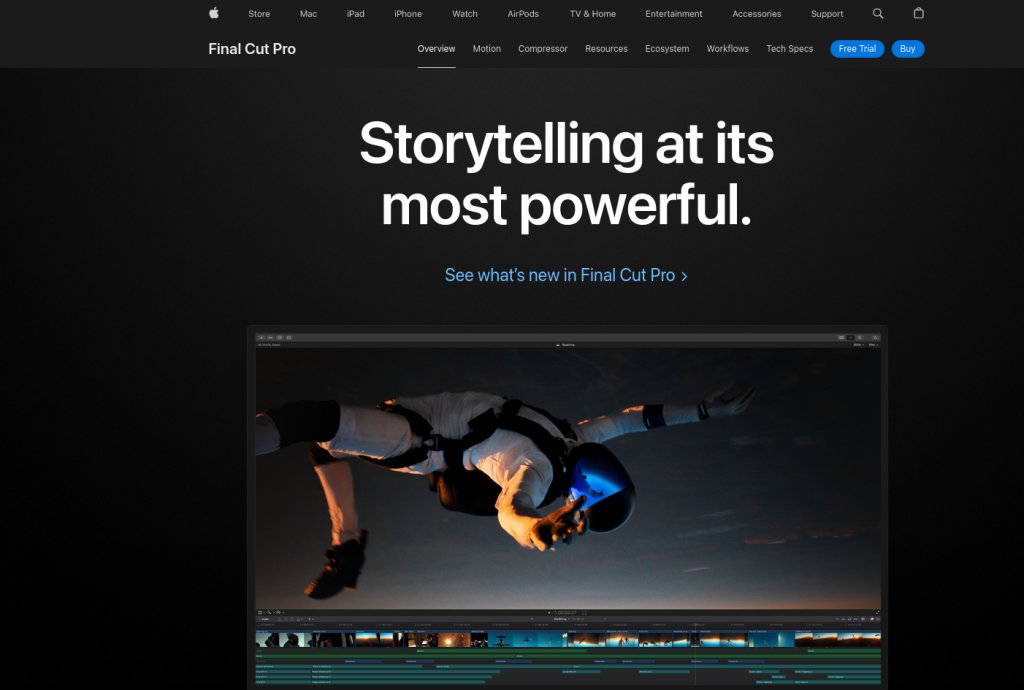
Final Cut Pro is Apple’s flagship video editing software, known for its powerful features and user-friendly interface.
Key Features
Magnetic Timeline: Easily rearrange clips without disrupting the entire timeline.
Advanced Audio Editing: Tools for precise audio adjustments.
Pros
Optimized for Mac users with excellent performance.
One-time purchase option available.
Cons
Only available for macOS.
Some users may find it less intuitive compared to competitors.
3. DaVinci Resolve
DaVinci Resolve combines professional video editing with advanced color correction capabilities.
Key Features
Fusion Visual Effects: Create stunning visual effects and motion graphics.
Fairlight Audio: Comprehensive audio post-production tools.
Pros
Free version available with robust features.
Excellent color grading tools that are industry-leading.
Cons
Can be resource-intensive on lower-end systems.
Complexity may overwhelm beginners.
4. Filmora

Filmora is a user-friendly video editing software ideal for beginners and casual creators.
Key Features
Drag-and-Drop Interface: Simple layout for easy navigation.
Built-in Effects Library: Access to various filters, transitions, and elements.
Pros
Affordable pricing options with a free trial available.
Good balance of features without overwhelming complexity.
Cons
Limited advanced features compared to professional-grade software.
Watermark on videos in the free version.
5. iMovie

iMovie is a free video editing application for Mac users that offers essential editing tools.
Key Features
Easy-to-use Interface: Intuitive design perfect for beginners.
Built-in Templates: Ready-made templates for quick edits.
Pros
Completely free for Mac users.
Seamless integration with other Apple products.
Cons
Limited features compared to more advanced software.
Only available on macOS and iOS devices.
6. Shotcut

Shotcut is an open-source video editor that provides a wide range of features without any cost.
Key Features
Wide Format Support: Handles various audio and video formats effortlessly.
Customizable Interface: Adapt the layout to suit your workflow preferences.
Pros
Free and open-source, making it accessible to everyone.
Cross-platform compatibility (Windows, macOS, Linux).
Cons
Interface may feel less polished than commercial alternatives.
Some advanced features require additional learning.
7. HitFilm Express
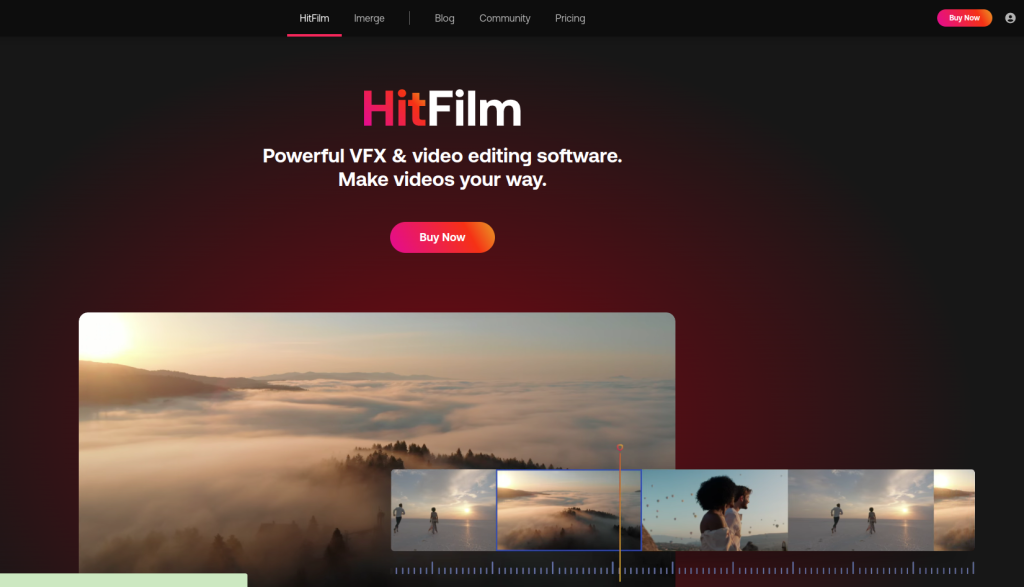
HitFilm Express is a free video editing software that combines editing with visual effects capabilities.
Key Features
Comprehensive VFX Tools: Create stunning visual effects directly within the editor.
3D Compositing: Add depth to your projects with 3D elements.
Pros
Free version offers powerful tools typically found in paid software.
Extensive online tutorials and community support available.
Cons
Can be resource-heavy on lower-end systems.
Some advanced features require a paid upgrade.
8. Camtasia
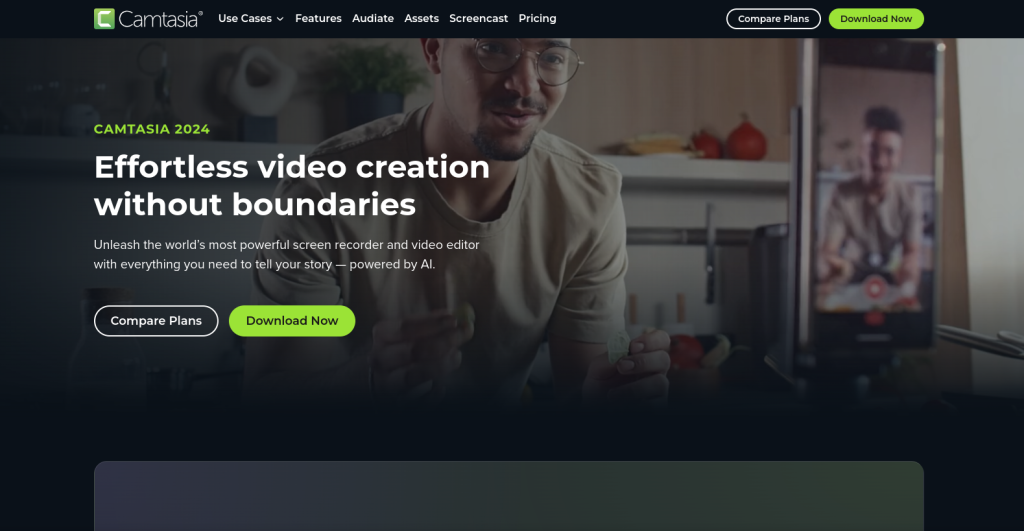
Camtasia is designed primarily for screen recording but also offers robust video editing capabilities.
Key Features
Screen Recording: Capture your screen along with webcam footage.
Interactive Quizzes: Add quizzes to your videos for engagement.
Pros
Ideal for creating tutorials and educational content.
User-friendly interface suitable for all skill levels.
Cons
Higher price point compared to other options on this list.
Limited advanced editing features compared to dedicated editors.
9. VideoPad

VideoPad is an easy-to-use video editor that caters to both beginners and experienced users alike.
Key Features
Voiceover Recording: Add narration directly within the app.
Direct Uploads to YouTube: Simplifies sharing your content online.
Pros
Quick setup and intuitive interface make it easy to start editing.
Supports various formats for exporting projects.
Cons
Free version has limited features and adds watermarks.
Some users may find it lacking in advanced capabilities.
10. Avid Media Composer First

Avid Media Composer First is a free version of Avid’s industry-standard video editing software, tailored for aspiring filmmakers and content creators.
Key Features
Multi-Cam Editing: Edit multiple camera angles seamlessly.
Advanced Audio Tools: Comprehensive audio mixing capabilities included.
Pros
Professional-grade tools available at no cost.
Strong community support with numerous tutorials online.
Cons
Limited features compared to the full version of Media Composer.
Steeper learning curve due to its professional focus.
Comparison Table of the 10 Best Software to Edit YouTube Videos
| Software | Key Features | Pros | Cons |
| Adobe Premiere Pro | Multi-camera editing, advanced color grading | Industry-standard tool | Subscription pricing can be expensive |
| Final Cut Pro | Magnetic timeline, advanced audio editing | Optimized for Mac | Only available for macOS |
| DaVinci Resolve | Fusion visual effects, Fairlight audio | Free version available | Resource-intensive on lower-end systems |
| Filmora | Drag-and-drop interface, built-in effects library | Affordable pricing | Limited advanced features |
| iMovie | Easy-to-use interface, built-in templates | Completely free | Limited features |
| Shotcut | Wide format support, customizable interface | Free and open-source | Interface may feel less polished |
| HitFilm Express | Comprehensive VFX tools, 3D compositing | Powerful tools in free version | Resource-heavy on lower-end systems |
| Camtasia | Screen recording, interactive quizzes | Ideal for tutorials | Higher price point |
| VideoPad | Voiceover recording, direct uploads | Quick setup | Free version has limited features |
| Avid Media Composer First | Multi-cam editing, advanced audio tools | Professional-grade tools | Limited features compared to full version |

Final Reflection: Elevate Your Video Editing Game!
Choosing the right software from the 10 best software to edit YouTube videos can significantly impact your content quality. Each tool offers unique features tailored to different needs - whether you’re looking for simplicity or advanced capabilities. By exploring these platforms and utilizing their resources effectively, you can create captivating videos that engage your audience and elevate your channel’s presence.
Interesting Reads:
Best Realistic AI Photo Generators in 2024