

Does your inbox feel like a never-ending avalanche of emails? You’re not alone! Managing emails can often feel like a full-time job. Thankfully, there are tools designed to make your life easier. Whether you’re looking to declutter, automate responses, or track important messages, the 10 best email management software can help you streamline your workflow.
Let’s dive into the top tools and how they can transform the way you handle emails.

Why You Need Email Management Software
Streamline Your Communication
Email management tools are more than just inbox organizers - they’re lifesavers for businesses and individuals alike. These platforms offer features like categorizing emails, prioritizing messages, and even automating responses, ensuring you never miss important communication.
Save Time and Increase Productivity
How much time do you spend every day sorting through emails? By automating repetitive tasks and providing quick overviews of your inbox, these tools allow you to focus on what truly matters - whether it’s growing your business or simply getting through the day with less stress.
1. Microsoft Outlook
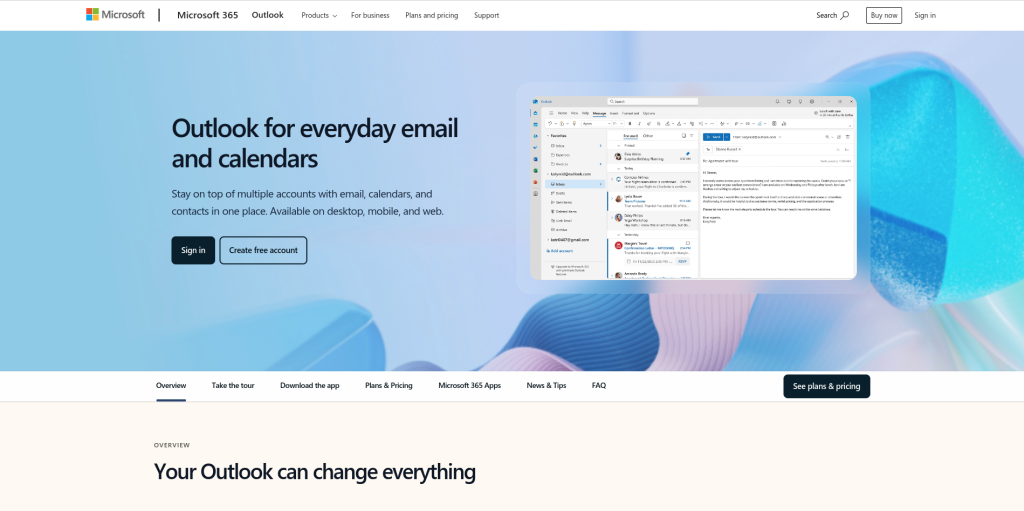
A Versatile Powerhouse
Microsoft Outlook is a household name when it comes to email management. With robust features and seamless integration with the Microsoft Office suite, it’s a favorite for both individuals and businesses.
Key Features
- Advanced email sorting rules.
- Calendar integration for scheduling.
Pros
- Great for professionals.
- Extensive customization options.
Cons
- Can be overwhelming for beginners.
2. Gmail
Google’s Favorite Tool
Gmail is widely used, and for good reason. Its intuitive interface, powerful search, and spam detection make it a top choice for personal and professional use.
Key Features
- Priority inbox for important messages.
- Built-in integration with Google Workspace.
Pros
- Easy to use.
- Access to powerful add-ons.
Cons
- Limited advanced email automation.
3. Mailbird
The Customizable Inbox
Mailbird is all about making email management visually appealing and efficient. It integrates with various apps to provide a unified communication hub.
Key Features
- Unified inbox for multiple accounts.
- Customizable interface.
Pros
- Easy integration with third-party tools.
- User-friendly design.
Cons
- No mobile version.
4. Spark
Collaboration Made Simple
Spark is a fantastic choice for teams looking to manage emails collaboratively. It allows you to delegate emails, set follow-ups, and discuss messages internally.
Key Features
- Shared inbox for teams.
- Intelligent email prioritization.
Pros
- Excellent for team collaboration.
- Sleek interface.
Cons
- Limited features in the free plan.
5. Zoho Mail
Business-Friendly and Secure
Zoho Mail is an ad-free email management tool with a focus on privacy and productivity. It’s especially popular among businesses for its integrations and features tailored to professional use.
Key Features
- Custom domain support.
- Advanced filtering and anti-spam.
Pros
- Strong security.
- Affordable for businesses.
Cons
- Limited offline functionality.
6. Clean Email
Declutter Your Inbox
Clean Email lives up to its name by helping users clear out the clutter in their inbox. It’s ideal for anyone overwhelmed by years of accumulated emails.
Key Features
- Bulk email cleanup.
- Automatic filtering and categorization.
Pros
- Perfect for decluttering.
- Simple and efficient.
Cons
- Focused more on cleaning than ongoing management.
7. Superhuman
Speed and Simplicity
Superhuman is built for speed. If you want to zip through your inbox in record time, this tool is for you. Its keyboard shortcuts and streamlined interface are designed for efficiency.
Key Features
- AI-powered email sorting.
- Custom shortcuts for faster navigation.
Pros
- Extremely fast.
- Focused on productivity.
Cons
- Expensive compared to alternatives.
8. Thunderbird
The Open-Source Option
Mozilla Thunderbird is a free, open-source email client with a range of advanced features. It’s a great choice for those who love customization.
Key Features
- Customizable email rules.
- Add-ons for extended functionality.
Pros
- Free and open-source.
- Highly customizable.
Cons
- Outdated design compared to modern tools.
9. Front
Turn Emails Into Action
Front is built for teams that want to turn their emails into actionable tasks. It combines email management with collaboration tools to keep everything on track.
Key Features
- Assign emails to team members.
- Built-in analytics and performance tracking.
Pros
- Great for team workflows.
- Detailed reporting.
Cons
- Pricey for small teams.
10. Hiver
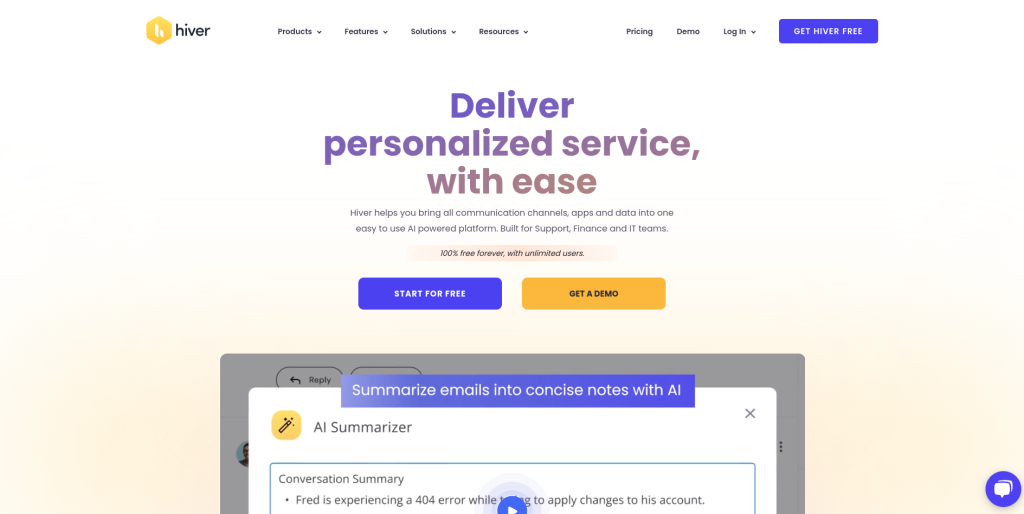
Gmail for Teams
Hiver transforms your Gmail into a collaborative workspace. It’s ideal for teams already using Google Workspace who want to enhance their email management.
Key Features
- Email delegation and tracking.
- Shared inboxes for teams.
Pros
- Simple integration with Gmail.
- Affordable pricing for teams.
Cons
- Only works with Gmail.
Comparison Table: 10 Best Email Management Software
| Software | Key Features | Pros | Cons |
| Microsoft Outlook | Email rules, calendar integration | Professional, customizable | Overwhelming for beginners |
| Gmail | Priority inbox, Workspace integration | User-friendly, powerful add-ons | Limited automation |
| Mailbird | Unified inbox, customizable interface | Easy app integrations, sleek design | No mobile version |
| Spark | Shared inbox, smart prioritization | Great for collaboration | Limited free plan |
| Zoho Mail | Custom domains, strong security | Privacy-focused, affordable | Limited offline use |
| Clean Email | Bulk cleanup, automation | Perfect for decluttering | Not ideal for advanced management |
| Superhuman | AI sorting, speed-optimized | Fast, productive | Expensive |
| Thunderbird | Custom rules, open-source | Free, highly customizable | Outdated UI |
| Front | Email-to-action workflows | Team-friendly, analytics | High cost |
| Hiver | Gmail enhancements, shared inbox | Simple, affordable | Gmail-only |
How to Choose the Right Email Management Software
Assess Your Needs
If you’re part of a large team, collaboration tools like Spark or Front might be your best bet. On the other hand, solo users focused on speed might prefer Superhuman.
Consider Your Budget
While tools like Thunderbird are free, others like Superhuman or Front can be costly. Choose one that offers the best value for your specific needs.

Closing Remarks: Tame Your Inbox Today
Finding the right email management software can be life-changing. From decluttering years of emails to streamlining communication for your team, the 10 best email management software tools on this list are designed to fit every need and budget.
Whether you’re looking for a simple cleanup tool like Clean Email or an all-in-one powerhouse like Outlook, there’s a solution for you. Choose the one that resonates with your goals, and say goodbye to email overwhelm!
Interesting Reads:
10 Best B2B Lead Generation Software