
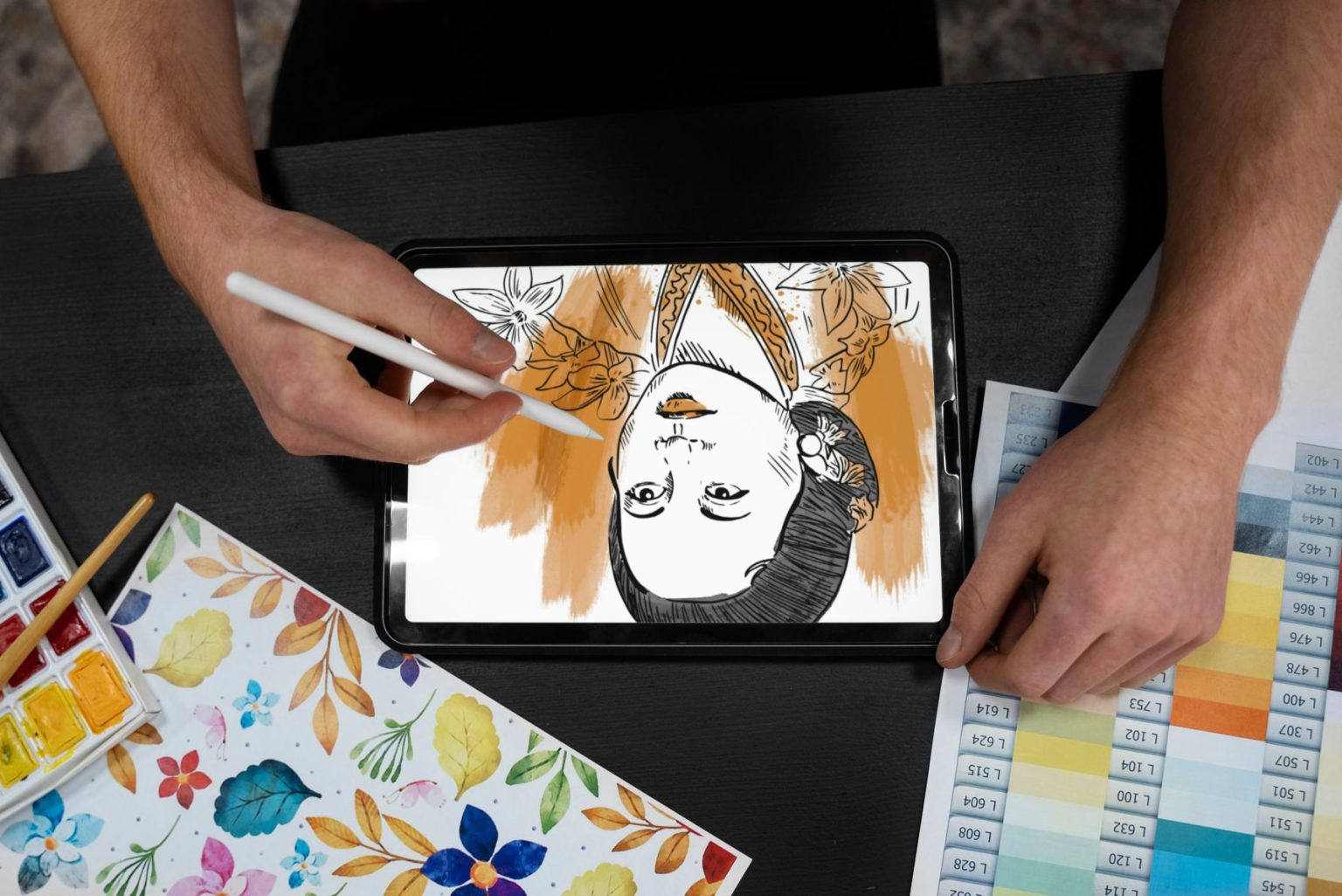
Whether you’re a professional artist or someone who just loves to dabble in creativity, AI art apps are redefining what’s possible. With the help of artificial intelligence, these apps allow you to create stunning visuals, enhance your drawings, or transform simple sketches into masterpieces. In this post, we’ll explore the 10 best AI art app to inspire your next creative project.

Why AI Art Apps Are Revolutionizing Creativity
Transforming Creativity with Technology
AI art apps are no longer just tools; they’re your creative collaborators. They analyze and replicate artistic styles, understand color theory, and even suggest improvements to elevate your work.
Accessible for Everyone
The beauty of these apps is their accessibility. You don’t need to be an expert to produce gallery-worthy art. AI takes care of the complex processes, leaving you to focus on the fun parts.
1. Procreate Dreams: A Powerhouse for Digital Artists

Procreate Dreams, the newest addition to the Procreate family, combines robust digital art tools with intuitive AI enhancements. It’s perfect for pros and beginners alike.
Key Features:
- AI-based layer suggestions
- Animation capabilities for dynamic visuals
Pros:
- Intuitive interface
- High customization for brushes
Cons:
- iOS-only
- Premium pricing
2. DALL·E 2: Art from Text Like Magic
OpenAI’s DALL·E 2 creates unique images from text prompts, making it ideal for anyone with a vivid imagination.
Key Features:
- Generates images based on descriptions
- Offers multiple variations for each prompt
Pros:
- Incredible creativity potential
- Quick and easy to use
Cons:
- Requires specific prompts for best results
- Limited editing features
3. Canva: Simple, Smart, and Stunning
While Canva is known for graphic design, its AI-powered tools make it a fantastic option for art creation.
Key Features:
- AI art generator with style filters
- Drag-and-drop design tools
Pros:
- User-friendly
- Great for beginners
Cons:
- Limited depth for advanced artists
- Subscription required for premium features
4. DeepArt.io: AI Meets Fine Art
DeepArt.io uses neural networks to transform your photos into styles inspired by famous artists like Van Gogh or Picasso.
Key Features:
- Style transfer technology
- High-resolution outputs
Pros:
- Stunning art transformations
- Easy to use
Cons:
- Processing can be slow
- Fewer customization options
5. Prisma: Turn Photos Into Masterpieces
Prisma remains a popular choice for photo editing and AI art creation, offering a wide range of artistic filters.
Key Features:
- 300+ art styles
- High-speed processing
Pros:
- Works seamlessly on mobile
- Vibrant and unique filters
Cons:
- Subscription for full access
- Lower resolution on free versions
6. Artbreeder: Create Unique Characters and Landscapes
Artbreeder is perfect for those looking to create characters, landscapes, or abstract art with AI’s assistance.
Key Features:
- Genetic editing for art variations
- Collaboration tools
Pros:
- Highly customizable
- Great for conceptual work
Cons:
- Requires account creation
- Limited free options
7. Fotor: All-in-One AI Art Tool
Fotor is a comprehensive AI art and photo editing tool that makes creativity accessible to everyone.
Key Features:
- AI image enhancer
- Art style filters
Pros:
- Beginner-friendly
- Offers other editing tools
Cons:
- Ads in free version
- Watermarks on free outputs
8. Runway ML: AI for Artists and Filmmakers
Runway ML takes AI art creation to the next level, providing tools for both static and dynamic artwork.
Key Features:
- AI-generated visuals for videos
- Style transfer for unique effects
Pros:
- Great for multimedia projects
- Flexible usage
Cons:
- Steep learning curve
- Premium pricing for full features
9. Wombo Dream: A Playground for Creativity
Wombo Dream transforms text prompts into vibrant artwork, making it a favorite for experimental artists.
Key Features:
- Text-to-art generator
- Various artistic styles
Pros:
- Fun and easy to use
- Free to start
Cons:
- Lacks advanced editing tools
- Limited control over output
10. SketchAR: AI Art for Traditional Artists
SketchAR bridges the gap between traditional and digital art, helping you sketch and create with AI guidance.
Key Features:
- AR-based drawing assistance
- AI sketch suggestions
Pros:
- Great for learning and practice
- Unique AR features
Cons:
- AR requires a stable environment
- Mobile-focused
Comparison Table: 10 Best AI Art App
| Tool | Key Features | Pros | Cons |
| Procreate Dreams | AI-based layers, animation tools | Intuitive, customizable | iOS-only, premium cost |
| DALL·E 2 | Text-to-image generation | Highly creative, fast | Requires detailed prompts |
| Canva | AI art filters, drag-and-drop tools | User-friendly, versatile | Limited advanced features |
| DeepArt.io | Style transfer, high-res output | Unique transformations, simple | Slow processing |
| Prisma | Artistic filters, mobile-friendly | Quick, vibrant styles | Subscription needed |
| Artbreeder | Genetic editing, collaboration | Customizable, conceptual art | Limited free use |
| Fotor | Image enhancer, art filters | Beginner-friendly, multipurpose | Ads in free version |
| Runway ML | AI visuals for video, style transfer | Great for multimedia, flexible | Complex to learn |
| Wombo Dream | Text-to-art generation | Fun, free starter | Limited control |
| SketchAR | AR sketch tools, AI suggestions | Great for practice, AR features | Needs stable setup |
How to Pick the Best AI Art App for Your Needs
Identify Your Goals
Are you looking for a tool to sketch, create from text prompts, or edit photos? Apps like Procreate Dreams are perfect for drawing, while DALL·E 2 excels in text-to-art creation.
Consider Accessibility
Some apps, like Canva and Prisma, are highly accessible for beginners. Others, like Runway ML, are geared towards more experienced creators.

Final Reflections: Elevate Your Creativity with AI
Best AI art app are revolutionizing the way we create, making art accessible to everyone. Whether you’re sketching with SketchAR or generating surreal images with DALL·E 2, there’s an app on this list to match your style and needs. Try a few, and watch your imagination come to life!
Interesting Reads: