

Have you ever come across an intriguing image online and wondered, “Where is this from?” or “Is there more like this?” AI-powered image reverse tools are your go-to solution. These tools let you upload an image and find its origin, similar visuals, or related information in seconds. Let’s explore the 10 best AI image reverse tools that can help you uncover the story behind any picture.

Why Use AI Image Reverse Tools?
AI image reverse tools are not just for fun; they’re incredibly practical. From photographers to digital marketers, these tools serve a variety of purposes.
- Verify Content Authenticity: Spot fake images or confirm the source of a photograph.
- Find Higher Quality Images: Need a better resolution of an image? Reverse tools can help.
- Discover Usage Rights: Locate licensing details to ensure proper usage.
Now that you see their potential, let’s dive into the best options available.
1. Google Lens
The Search Giant’s Reliable Visual Tool
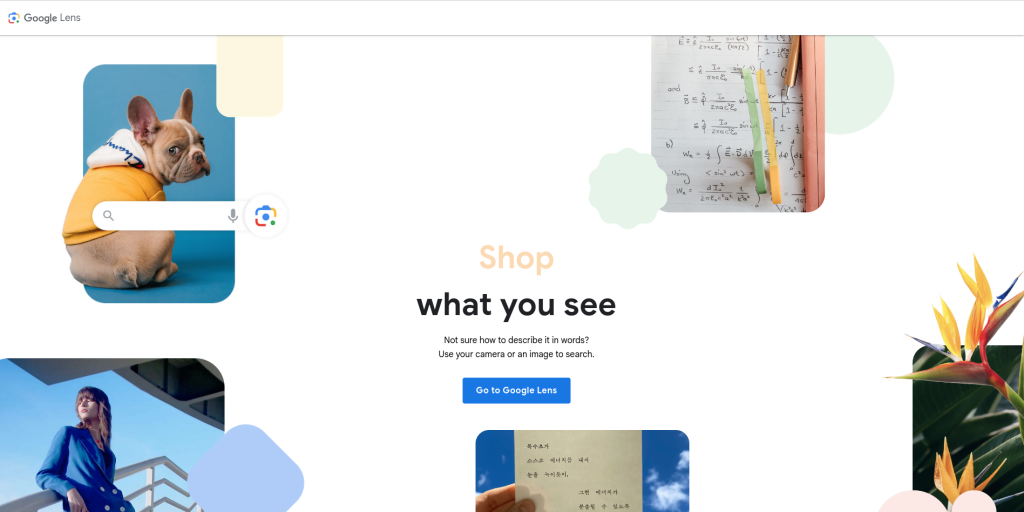
Google Lens stands out for its accuracy and speed. This tool lets you reverse search images directly from your smartphone or desktop browser.
Key Features
- Instant recognition of objects, landmarks, and text.
- Seamless integration with Google search results.
Pros
- Highly accurate and free to use.
- Supports a vast range of image types.
Cons
- Requires internet connectivity.
2. TinEye
Focused and Efficient
TinEye specializes in image reverse search. It’s known for its vast database and precise results. Whether you’re a designer or journalist, TinEye is a reliable choice.
Key Features
- Advanced image-matching algorithms.
- Detailed reports on image usage.
Pros
- No user data tracking.
- Free for basic use.
Cons
- Limited functionality without a paid plan.
3. Bing Visual Search
Microsoft’s Take on Image Search
Microsoft’s Bing Visual Search combines simplicity with efficiency. It offers results that range from visually similar images to e-commerce links.
Key Features
- Supports direct uploads and URLs.
- Links to shopping sites for product searches.
Pros
- Free to use.
- Excellent for finding product-related images.
Cons
- Smaller database compared to Google Lens.
4. Yandex Images
A Hidden Gem for Image Search
Yandex, Russia’s leading search engine, offers one of the most underrated image reverse tools. Its AI capabilities are impressive, particularly for identifying faces and landmarks.
Key Features
- Face recognition functionality.
- Quick and accurate search results.
Pros
- Great for niche image searches.
- Free and user-friendly.
Cons
- Interface may be unfamiliar for non-Russian users.
5. Pixsy
Protect Your Images
For photographers and creators, Pixsy is more than just a reverse search tool. It helps you identify unauthorized use of your images and even aids in copyright claims.
Key Features
- Image tracking across the web.
- Legal support for copyright infringement cases.
Pros
- Tailored for professional creators.
- Robust copyright protection tools.
Cons
- Requires a paid subscription for full features.
6. Berify
Reverse Search for Professionals
Berify is designed for those who need more than just basic image reverse searches. It scans multiple databases to ensure comprehensive results.
Key Features
- Searches across multiple engines simultaneously.
- Email alerts for new matches.
Pros
- Ideal for professionals.
- Wide database coverage.
Cons
- Subscription required for advanced features.
7. Image Raider
Multi-Image Search Made Simple
Image Raider allows you to upload multiple images for reverse searching at once. This tool is a time-saver for businesses managing large visual libraries.
Key Features
- Batch image search.
- Cross-references with multiple search engines.
Pros
- Saves time with bulk search.
- Free basic plan available.
Cons
- Slower processing for large uploads.
8. PimEyes
Specialized in Face Recognition
If identifying faces is your primary goal, PimEyes is a top choice. This tool excels in finding images of people across the internet.
Key Features
- Advanced facial recognition technology.
- Works well for personal searches.
Pros
- High accuracy for face matching.
- Simple and intuitive UI.
Cons
- Expensive for regular users.
9. Shutterstock Image Search
For Creators and Designers
If you’re working with stock images, Shutterstock’s reverse image search is a fantastic tool to find similar visuals. It’s perfect for designers looking for complementary images.
Key Features
- Suggests similar stock photos.
- Integration with Shutterstock’s vast library.
Pros
- Great for finding stock image alternatives.
- Quick and reliable.
Cons
- Requires a Shutterstock subscription for downloads.
10. Reverse Image Search on Social Catfish
Perfect for Background Checks
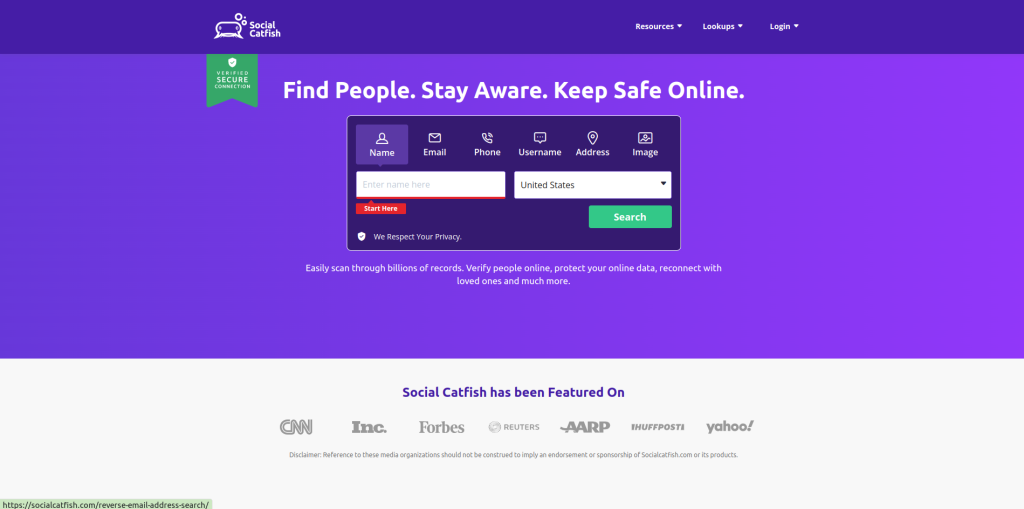
For finding profiles or validating identities, Social Catfish is a unique option. It uses reverse image search to locate people’s online presence.
Key Features
- Specialized in people searches.
- Includes detailed reports.
Pros
- Focused on personal identification.
- Useful for online investigations.
Cons
- Not suitable for general reverse image searches.
Comparison Table: 10 Best AI Image Reverse Tools
| Tool | Key Features | Pros | Cons |
| Google Lens | Landmark & text recognition | Free, accurate | Needs internet connection |
| TinEye | Advanced matching algorithms | Private, precise | Limited without paid plan |
| Bing Visual Search | E-commerce linking, quick search | Free, easy to use | Smaller database |
| Yandex Images | Face recognition, niche searches | Free, great for facial ID | Russian interface |
| Pixsy | Copyright protection | Creator-focused, legal support | Subscription needed |
| Berify | Multi-database search | Comprehensive, alerts | Premium features locked behind paywall |
| Image Raider | Batch image uploads | Time-saving, free basic plan | Slower bulk searches |
| PimEyes | Face-focused reverse search | Accurate, intuitive | Expensive for regular use |
| Shutterstock Search | Stock image suggestions | Vast library, quick results | Needs subscription for use |
| Social Catfish | Identity-focused | Detailed, good for investigations | Limited for general searches |
Choosing the Right AI Image Reverse Tool
The right tool depends on your needs:
- For General Use: Google Lens and Bing Visual Search are reliable and free.
- For Creators: Pixsy and Shutterstock cater to professionals.
- For Identity Verification: PimEyes and Social Catfish excel.
Try a few to find the one that fits your workflow!

Final Thoughts
The 10 best AI image reverse tools mentioned above are revolutionizing how we search for images. Whether you’re verifying authenticity, identifying faces, or just curious about an image’s origin, these tools have got you covered. They’re proof of how AI simplifies complex tasks, giving you instant, reliable results.
Interesting Reads: