
The 12 steps
The steps run in order because each one depends on the last: the audience sets the format, the format sets the features, and the founding group needs a finished site to walk into. Each step ends with how to do it on Reign.
-
Decide who it is for, in one sentence
Write the sentence a stranger reads on your home page: "A community for X who want Y." Keep X small enough that a visitor knows in a few seconds whether they belong. "Photographers" is a market. "Wedding photographers in their first three years of business" is a community, because those people share the same questions this month.
The sentence also tells you what to build. A group that wants answers needs forums. A group that wants to learn needs courses. A group that wants to meet needs events. Do not build every feature on day one; build the one your sentence asks for.
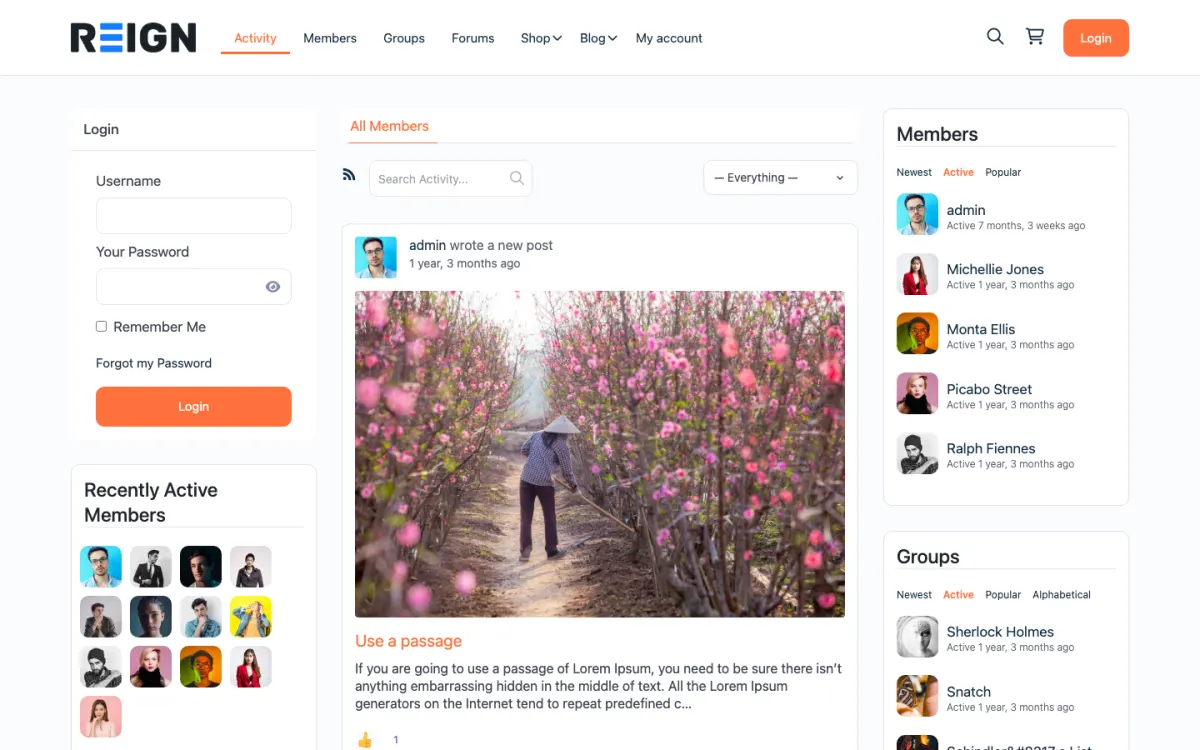
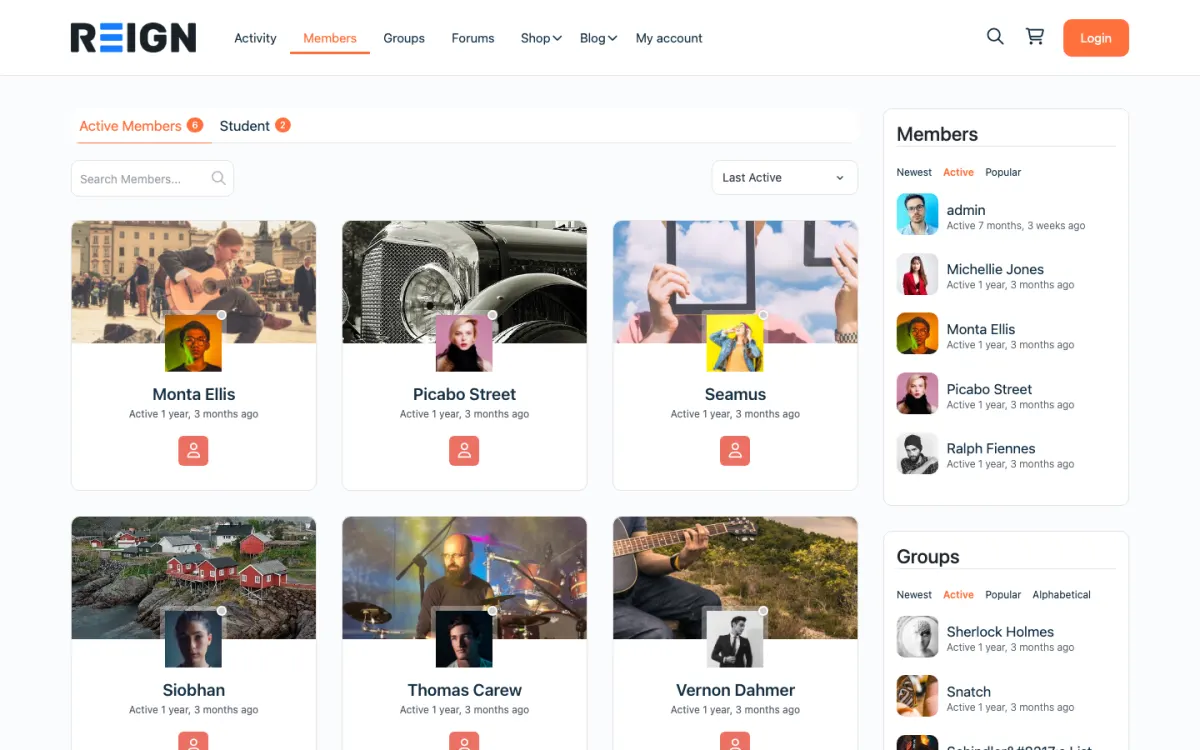
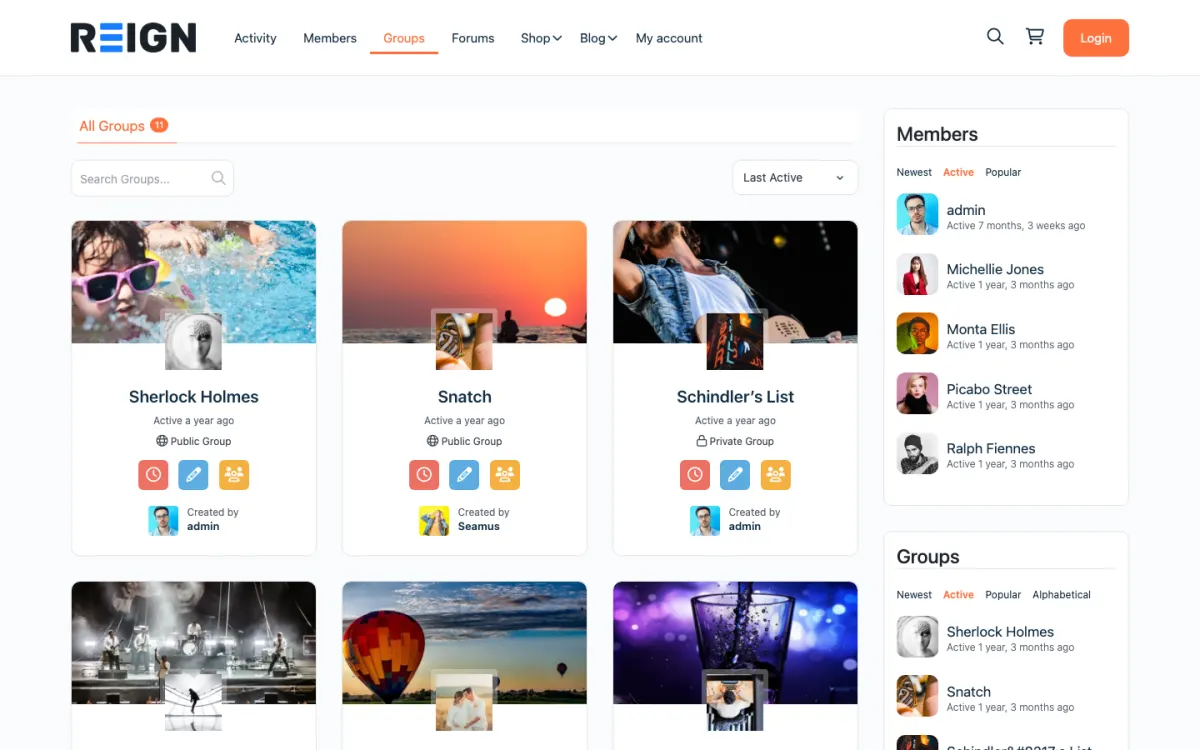
On Reign: Pick the site type that matches your sentence on the demos page and open it. The demo shows the layout your members will see. Browse demos by site type
-
Choose a format your members already use
Communities run in a few shapes. A feed suits quick updates and wins. A forum suits durable questions and answers. Cohorts suit people who move through a program together. Live sessions suit people who want to see each other. Most healthy communities mix two of these, with one in charge.
Pick the shape your members already behave in elsewhere. If they ask questions in a Facebook group today, start with Q&A. If they share progress photos on Instagram, start with a feed and media. Asking people to change habits and platforms at the same time is the hard way to launch.
On Reign: BuddyNext gives you the feed and spaces. Add Jetonomy for forum-style Q&A, Eventonomy for live sessions, or Learnomy for cohort learning. See which plugin covers which format
-
Give it a home you own
There are three homes for a community. A social media group is free and familiar, but the platform owns the members, the reach and the rules. A hosted community platform is quick to start and handles the servers, and you work inside its features and its plans. A site you own, on WordPress, puts the community on your domain with your member list, your content and your payment account.
Owning the home matters most once the community earns money or becomes part of your business. Your members, posts and courses stay where you put them, search engines can index the public parts, and you can add a marketplace, a directory or a job board later without moving everyone again.
On Reign: Reign is the WordPress theme for building a complete community site: social network, courses, member directory, marketplace and job board on one install. Compare hosted platforms with WordPress
-
Set up the site before you invite anyone
A new member decides in their first visit whether to come back. Before the first invite, the site needs a clear home page, a sign-up that asks one or two questions, a welcome space, a pinned introductions post, and a code of conduct linked from the footer.
Fill the site with real structure, not fake activity. Create the spaces you will actually use, write three or four starter posts yourself, and set the categories for questions. An empty but organised site feels ready. A busy site full of placeholder chatter feels like a trap.
On Reign: The free Reign Demo Installer imports a complete demo in one click: pages, menus and layout. Replace the sample content with yours and the structure is done. See the Demo Installer
-
Invite a founding group by hand
Do not launch to the public first. Invite a small founding group personally: customers you know, people who reply to your emails, the regulars from your current group. Tell them why you are inviting them and what you hope they will do in the first two weeks.
Give some of them a role. One person welcomes new members, one runs the weekly thread, one answers questions in their area. People stay where they are needed. By the time strangers arrive, they should find conversations already going and names they will see again.
On Reign: Create a private space for founders in BuddyNext, invite them there first, and open the public spaces when the founding group is active. Build guide: private community
-
Give people a weekly reason to come back
A community needs a rhythm. Pick one recurring moment with a name and run it every week without fail: a Monday wins thread, Friday office hours, a monthly challenge, a live Q&A. New members attach to the rhythm before they attach to the people.
Keep it small enough to run when you are busy. One thread you never miss beats three events you cancel. Once the first ritual is steady, add a second one with a different format, so members who do not like the first still have a reason to visit.
On Reign: Run live sessions as Eventonomy events with RSVPs, or pin a weekly thread in a BuddyNext space. Both show up in the activity feed for every member. Events with Eventonomy
See steps 1 to 6 on a real site.
Open one of 34 live demos, or launch a sandbox and click through your own copy in about a minute.
-
Make the first visit easy
Onboarding is the part most communities skip. When someone joins, they should know what to do next without reading a manual: say hello in the introductions post, join one space, answer one question. Ask for one profile detail at sign-up and the rest later.
Send a short welcome email that links to those first actions, and a reminder a few days later if they have not posted. Reply to every introduction in the first weeks yourself. Being greeted by name is the strongest reason a new member has to return.
On Reign: BuddyNext sends notifications for replies and mentions. Its Pro plan adds broadcast email and push notifications, so announcements to new members go out from the same site. What BuddyNext free and Pro include
-
Write the rules and moderate early
Write a short code of conduct before you need it, in plain words: what the community is for, what is not allowed, and what happens when someone breaks the rules. Link it at sign-up and in the footer.
Moderate visibly in the first months. Remove spam quickly, step into heated threads early, and thank members who report problems. A community copies the behaviour it sees tolerated, so the first weeks set the tone for years.
On Reign: Members can report a post and you review it from one moderation queue in BuddyNext. Jetonomy has its own queue for forum posts. Forums and moderation with Jetonomy
-
Decide how the community pays for itself
Pick a model before launch, even if you start free. The common ones are a free community that supports another business, a paid membership with monthly or yearly billing, a free community with a paid inner circle, courses sold to members, paid events, and a marketplace or job board where others pay to list.
Starting free and adding a paid tier later works when you announce it early. Members accept a paid level when it adds something real, such as a course, live access or a private space, and resent it when it takes away something they had.
On Reign: Learnomy sells courses and memberships with Stripe and PayPal in its free plugin. BuddyNext Pro adds paid plans and gated spaces for the community itself. Build guide: membership site
-
Test payments and email before you announce
Run a real purchase with your own card before launch, then refund it. Check that the welcome email arrives, the receipt is correct, and the member lands in the right space with the right access. Do the same on a phone.
Most launch-day problems are not about the community at all. They are a payment that never connected, an email that went to spam, or a page that only works when you are logged in as admin. A test account with no special rights finds them in minutes.
On Reign: Launch a free sandbox with the same plugins and run the whole sign-up and payment flow there first, without touching your live site. Launch a sandbox
-
Measure activity, not sign-ups
Total members only goes up, so it tells you little. Watch how many members were active this week, how many posts get a reply, and how long a question waits for its first answer. Those numbers move when the community gets healthier or starts to slip.
Look at them on the same day every week and write down one thing you will change. If questions wait too long, recruit helpers. If posts get no replies, run more prompts. If new members never post, fix the first visit.
On Reign: BuddyNext Pro includes community analytics. On the free plugins, the activity feed and Jetonomy reply counts already show where conversations stall. How big a Reign community can get
-
Grow with features members ask for
Growth comes from members inviting members, and from public pages that answer questions people search for. Make it easy to share a thread, keep useful Q&A public where you can, and ask your most active members who else should be here.
Add features when members ask, not before. Points and badges help once the behaviours you want are already happening. A directory helps when members want to find each other by skill or city. A job board or marketplace helps when members want to hire or sell to each other. Each one keeps the same login, so nobody starts over.
On Reign: WB Gamification adds points, badges and leaderboards for free. Listora adds a directory, WP Career Board a job board, and WP Sell Services a services marketplace, all styled by Reign. See every site type Reign builds