

Looking for the best WordPress 10 WordPress Membership plugins in 2026? Here’s what actually matters: the right plugin depends on your site’s size, the technical comfort level of your team, and how deeply it needs to integrate with your existing stack. After testing the top options against real WordPress sites, this guide shortlists the plugins that consistently deliver, plus the 2026 entrants worth knowing.
Quick recommendation: if you need community, membership, or engagement features alongside your 10 wordpress membership setup, pair with BuddyX Pro and WB Gamification, two Wbcom Designs tools built specifically for WordPress community and retention workflows.
What Is a WordPress Membership Plugin In Practical Terms
A WordPress membership plugin allows you to control who can access specific content on your site. That content might be courses, downloads, private pages, videos, communities, or services. In exchange, members usually pay a recurring fee or complete a required action.
However, from testing dozens of tools, I learned that WordPress membership plugins are not just about restricting content. The good ones also handle:
- User registration and login
- Subscription billing and renewals
- Member dashboards and account management
- Content dripping and expiration
- Integrations with email and payment tools
In other words, a membership plugin becomes the backbone of your business. If it is clunky or unreliable, your members feel it immediately.
Why I Personally Tested These Membership Plugins
I tested WordPress membership plugins because small issues become big problems at scale. A confusing checkout leads to abandoned signups. Poor access control leads to support tickets. Weak dashboards frustrate members and increase churn.
I tested these plugins with different use cases:
- Paid communities
- Online courses
- Download libraries
- Service-based memberships
- Client-only portals
Some plugins were fantastic for courses but awkward for communities. Others were perfect for recurring services but overkill for simple gated content. The plugins on this list earned their place because they handled real workflows, not just ideal scenarios.
Top 10 WordPress Membership Plugins I Tested
1. MemberPress, The Most Polished All-Around Option
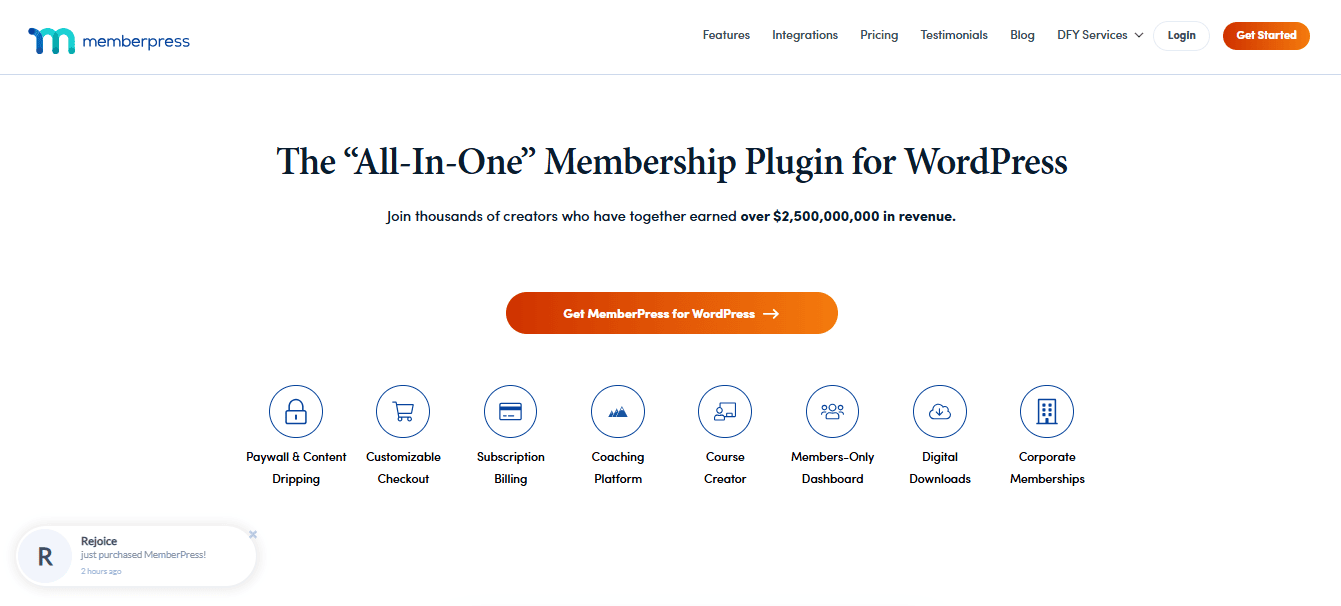
When I tested MemberPress, what immediately stood out was how little friction it introduced. From installation to first paid signup, the entire flow felt deliberate and predictable. I created multiple membership tiers, restricted posts and pages, and tested renewals and cancellations, all without running into confusing edge cases.
What really impressed me over time was how stable it remained. Updates did not break rules, members did not randomly lose access, and payment renewals worked quietly in the background. Among all the WordPress membership plugins I tested, MemberPress felt like the most “set it and trust it” option for long-term use.
What worked especially well
- Clean member dashboards that users understood instantly
- Reliable content restriction logic
- Smooth Stripe and PayPal integrations
2. WooCommerce Memberships - Best for Product-Based Businesses
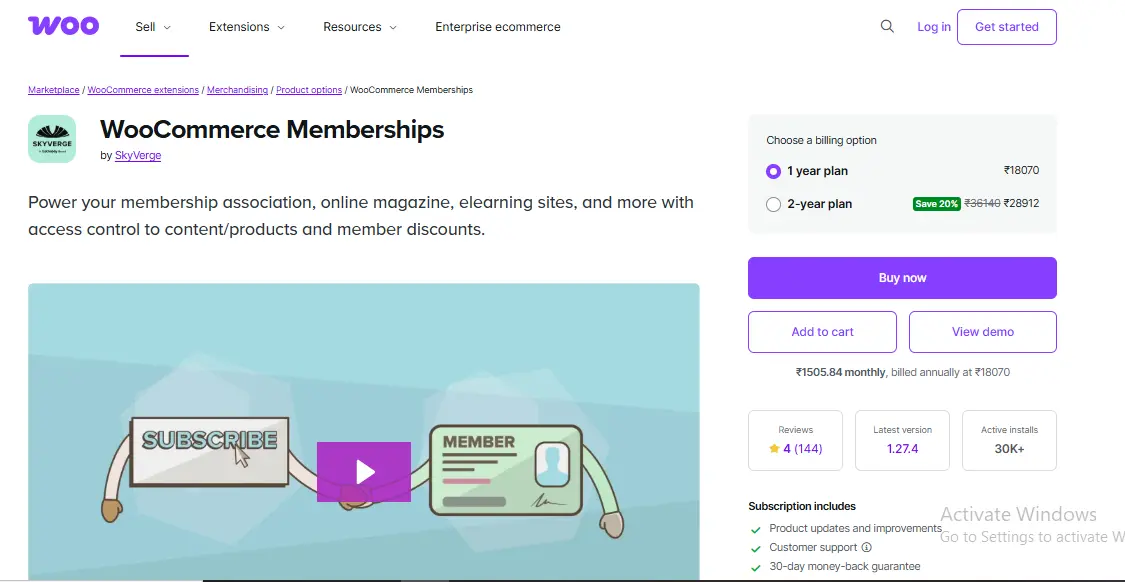
WooCommerce Memberships works best when access is directly tied to purchases. I tested it with service-based products and digital bundles, and it handled conditional access beautifully. Buy a product, unlock content, simple and effective.
However, it does require thinking in WooCommerce logic. Once I adjusted my mindset, the flexibility became obvious. For businesses already using WooCommerce, this plugin eliminates the need to manage a separate membership system.
Best use cases
- Client access after purchase
- Service retainers
- Product-driven memberships
3. Paid Memberships Pro - Flexible and Scalable
Paid Memberships Pro stood out during testing for one major reason: adaptability. I created free tiers, paid tiers, trials, and expiring access all within the same setup. It handled complex rules without forcing me into rigid structures.
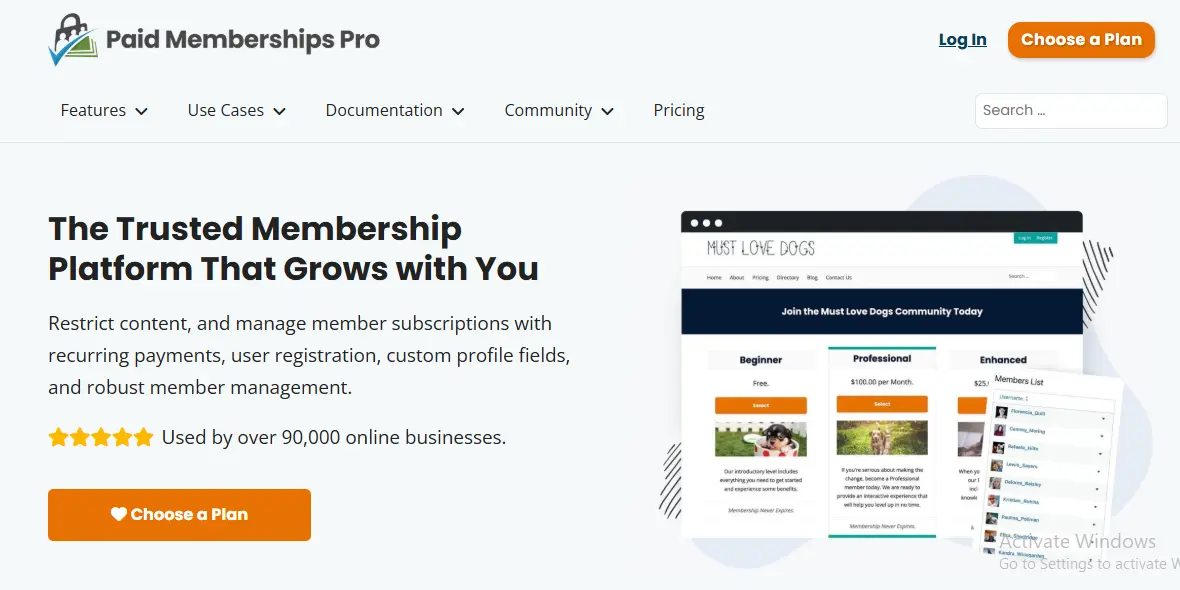
While the interface is not the prettiest, the underlying engine is extremely powerful. If you expect your membership site to evolve, this is one of the WordPress membership plugins that grows with you rather than limiting you.
Why it earned its spot
- Excellent for long-term scaling
- Strong community and add-ons
- Handles edge cases well
4. Restrict Content Pro, Clean, Fast, and Focused
Restrict Content Pro does fewer things than some competitors, but it does them very well. During testing, I noticed how lightweight it felt. Pages loaded fast, and access rules were crystal clear.
This plugin is ideal if your business revolves around content rather than complex automation. I tested it on a blog-style membership site, and it delivered exactly what was needed, nothing more, nothing less.
Ideal for
- Content libraries
- Blogs with premium posts
- Performance-conscious sites
5. LearnDash with Membership Add-Ons
LearnDash is not marketed as a membership plugin, but when combined with access controls, it becomes a powerful membership solution for education-based businesses. I tested it with gated courses, drip schedules, and student dashboards.
The experience felt very polished for learners. If your membership revolves around education, LearnDash competes strongly with traditional WordPress membership plugins in this niche.
Where it shines
- Course-driven memberships
- Structured learning paths
- Student progress tracking
6. Ultimate Member - Community-Driven Memberships
Ultimate Member is less about payments and more about people. I tested it on a community-style site, and it excelled at profiles, directories, and user interaction.
It is not my first pick for complex billing, but for free or hybrid communities, it delivers features that many WordPress membership plugins simply do not focus on, like social-style engagement.
Best for
- Free communities
- Member directories
- User interaction
7. ARMember, Feature Rich and Customizable
ARMember surprised me with how much it could do. I tested advanced access rules, custom registration forms, and multiple payment gateways. Everything worked, but there is a learning curve.
Once configured, it is incredibly flexible. For users who want granular control without custom development, this is one of the most powerful WordPress membership plugins available.
Strengths
- Highly customizable rules
- Strong form builder
- Multiple payment options
8. S2Member, Powerful but Dated
S2Member has been around for a long time, and it shows. Under the hood, it is extremely capable. I tested advanced access conditions and integrations, and technically, it performed well.
That said, the interface is not beginner-friendly. I would not recommend it to first-time users, but for technically confident site owners, it still holds value.
Good fit for
- Advanced users
- Complex access logic
- Legacy systems
9. WishList Member - Automation-Focused Memberships
WishList Member is built for automation. I tested it with email tagging, onboarding sequences, and access triggers, and it handled everything reliably.
If your business relies heavily on automated workflows, this plugin offers capabilities that many WordPress membership plugins lack. Setup takes attention, but the payoff is strong automation.
Why it stands out
- Deep automation capabilities
- Strong integrations
- Reliable tagging system
10. ProfilePress - Lightweight and Beginner Friendly
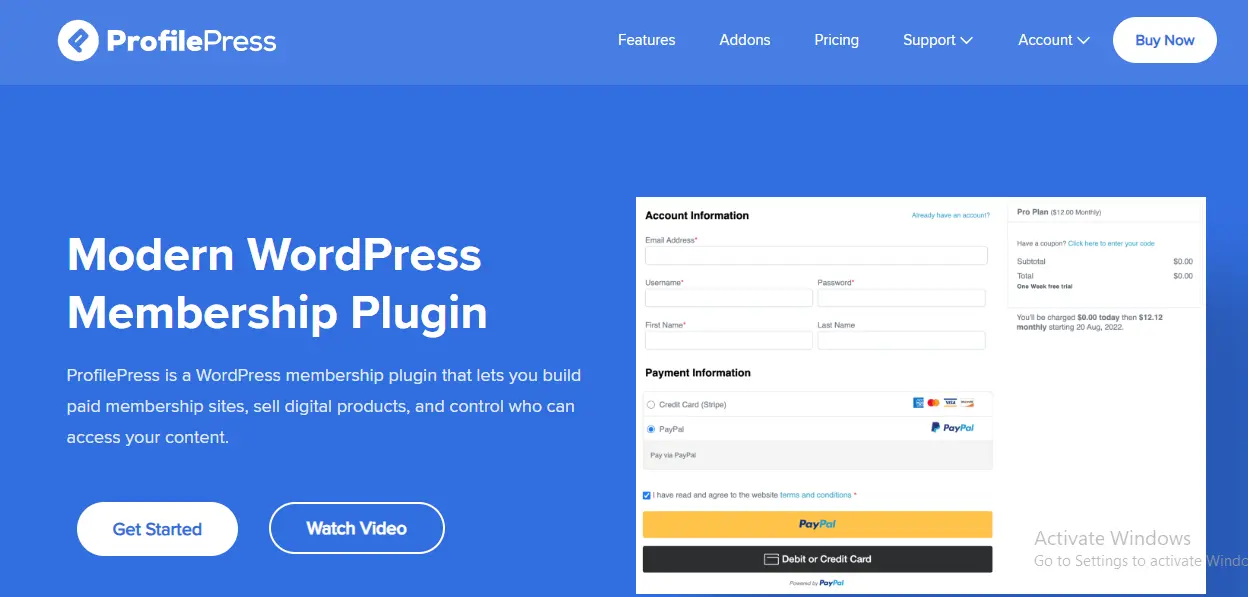
ProfilePress is ideal for small sites and beginners. I tested it on a basic membership setup, and it was easy to get it running quickly.
While it does not have enterprise-level features, it covers the essentials well. For those just starting with WordPress membership plugins, it is a low-risk entry point.
Best for
- Small membership sites
- Budget-conscious projects
- Simple gated content
How to Choose the Right Membership Plugin for Your Site
Choosing between WordPress Membership Plugins depends entirely on your business model. Through testing, clear patterns emerged.
Consider these scenarios:
- Courses: LearnDash or MemberPress
- Communities: Ultimate Member
- Product-based access: WooCommerce Memberships
- Automation-heavy setups: WishList Member
- Simple gated content: Restrict Content Pro
Always prioritize the member experience. A plugin that looks powerful but confuses users will cost you more in support and churn than it is worth.
What I Learned About Member Behavior
One of the biggest lessons from testing was how sensitive members are to friction. Small issues, like confusing dashboards or unclear access, led to cancellations faster than pricing changes.
Positive signals included:
- Members logging in regularly
- Fewer access-related support requests
- Higher retention rates
The best WordPress Membership Plugins reduced friction so effectively that members rarely needed help.
Performance and Stability: What Actually Held Up
Performance mattered more than I expected. Heavy plugins slowed down dashboards and affected user experience. The strongest plugins remained responsive even with hundreds of members.
Stability was equally important. Plugins that handled upgrades, renewals, and expirations reliably earned long-term trust during testing.
Comparison Table Top WordPress Membership Plugins
| Plugin | Best For | Ease of Use | Flexibility | Scalability |
|---|---|---|---|---|
| MemberPress | All around use | Easy | High | High |
| WooCommerce Memberships | Product-based access | Moderate | High | High |
| Paid Memberships Pro | Growing sites | Moderate | Very High | Very High |
| Restrict Content Pro | Performance-focused sites | Easy | Medium | High |
| LearnDash | Courses | Moderate | High | High |
| Ultimate Member | Communities | Easy | Medium | Medium |
| ARMember | Custom setups | Moderate | Very High | High |
| S2Member | Advanced users | Difficult | Very High | High |
| WishList Member | Automation | Moderate | High | High |
| ProfilePress | Beginners | Easy | Medium | Medium |

Final Thoughts
After extensive real-world testing, it is clear that WordPress Membership Plugins are not interchangeable. Each one creates a different experience for you and your members. The right choice depends on your goals, technical comfort, and how you plan to grow.
If there is one takeaway, it is this. Prioritize clarity and reliability over flashy features. The best membership sites feel effortless to join and easy to stay part of, and the plugins above are the ones that made that possible.
Interesting Read:
https://reigntheme.com/wordpress-coming-soon-page-plugins/
https://reigntheme.com/wordpress-membership-plugin-memberpress/
https://reigntheme.com/wordpress-database-plugins/
Pair Your Stack: Other Tools From Wbcom Designs
Beyond the plugins above, these in-house tools from Wbcom Designs solve adjacent problems most WordPress sites eventually run into, especially when your community, membership, or monetization layer needs to plug in without heavy custom development:
- BuddyX Pro, community-first WordPress theme for membership sites, vendor communities, and customer-loyalty hubs.
- WB Gamification, drop-in points, badges, ranks, and leaderboards for any WordPress engagement or retention funnel.
- WP Sell Services Pro, turn WordPress into a service-selling platform (consulting, freelance, agency hours).
- WB Ad Manager, native ad placements to monetize content around your site (blog, category pages, sidebar).
- WordPress Polls, lightweight polls for user feedback, NPS-style surveys, and zero-party data.
- Jetonomy, monetization toolkit for digital communities (token economy, paid groups, creator payouts).