Seamless private communication is key to fostering engagement and building strong relationships. Whether you run a professional network, a social group, or a niche community, your members need a secure and user-friendly way to contact each other privately. Fortunately, a simple private chat plugin is an excellent solution, allowing users to connect effortlessly. When integrated with of a sophisticated theme, the plugin will enhance communication within your community, ensuring a smooth and engaging user experience.

Why Private Communication Matters in Online Communities
Public interactions through posts, comments, and forums are great, but sometimes members need a private space to discuss collaborations, share personal insights, or seek guidance. Without an effective private contact system, members may resort to external platforms, reducing engagement within your site. A contact plugin eliminates this gap by enabling direct private messages between members, fostering a more connected and interactive community.
Integrating Private Chat Plugin
For the purpose of this blog, I am setting up BuddyPress Contact Me with the Reign theme, which is a straightforward process that enhances your site’s communication features. Here’s how you can do it:
- Install and Activate the Plugin:
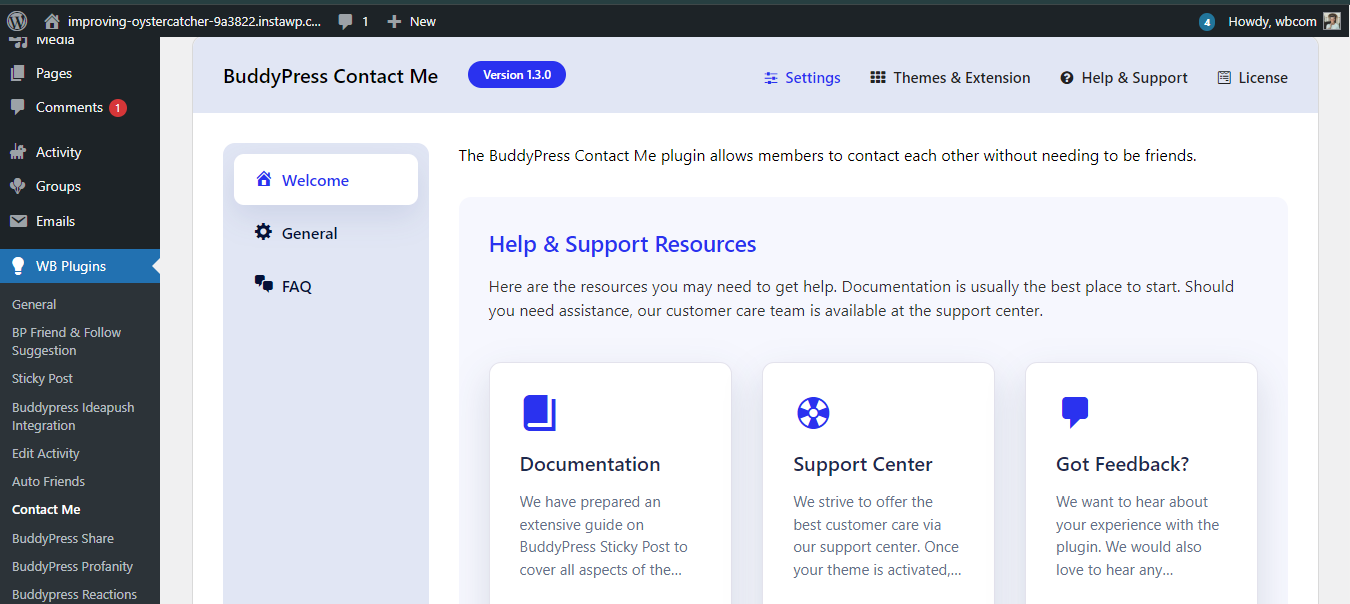
- Go to your WordPress dashboard.
- Navigate to Plugins > Add New and search for BuddyPress Contact Me.
- Click Install Now, then activate the plugin.
- Enable BuddyPress on Your Site:
- If you haven’t already installed BuddyPress, go to Plugins > Add New, search for BuddyPress, install, and activate it.
- Configure the required components, including the private messaging system.
- Configure Contact Buttons in the Reign Theme:
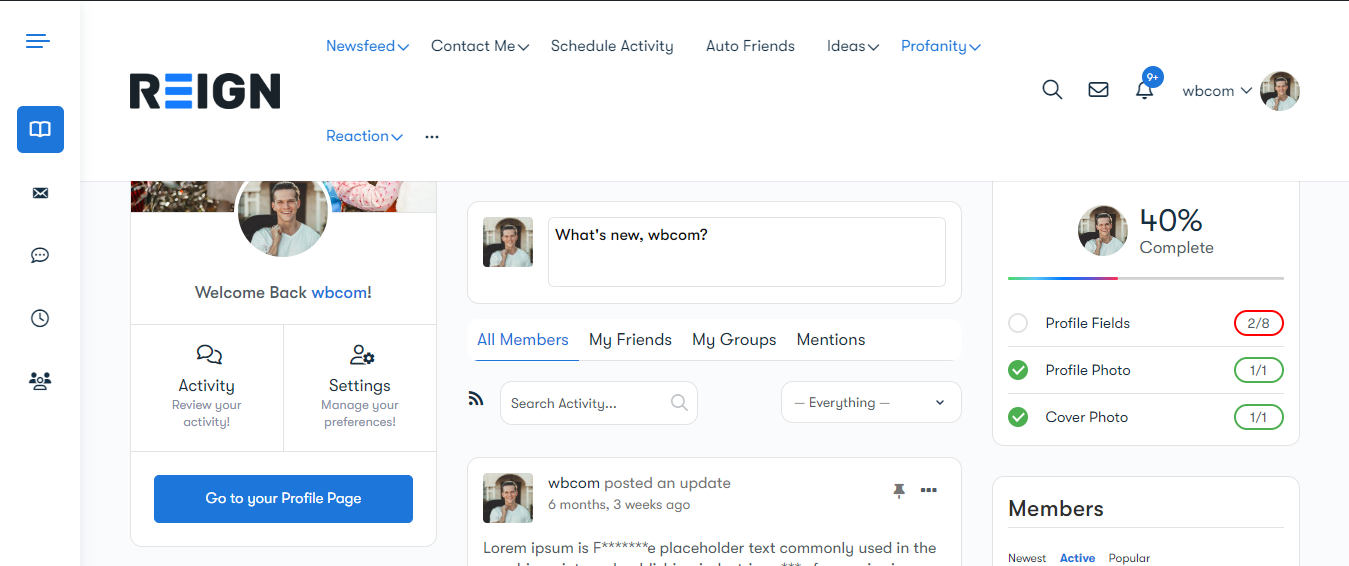
- The Reign theme is designed to work seamlessly with BuddyPress plugins, including BuddyPress Contact Me.
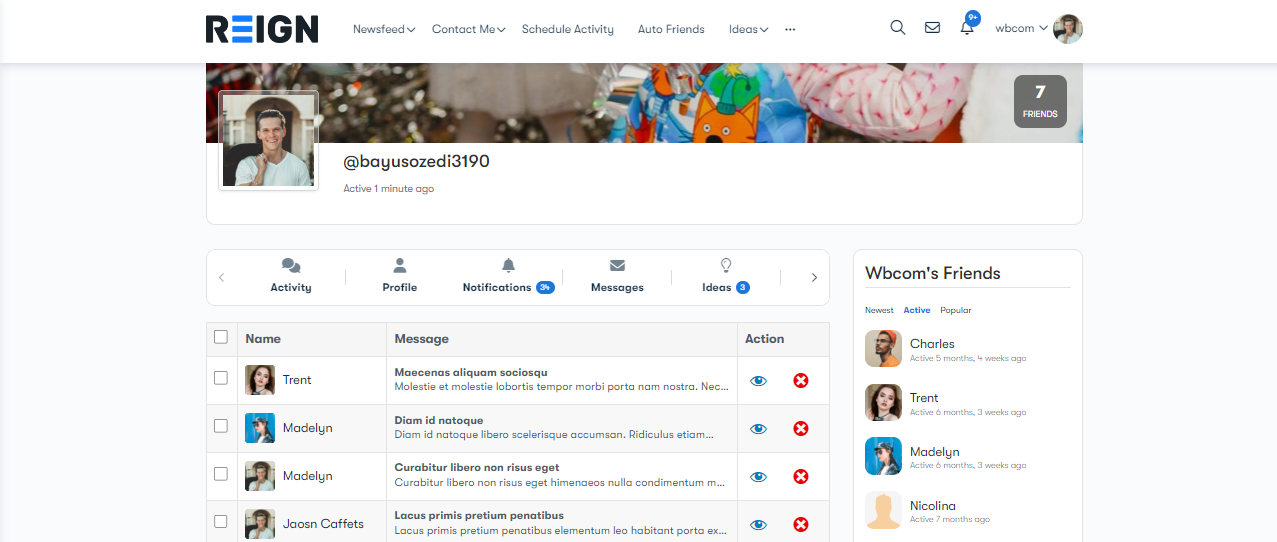
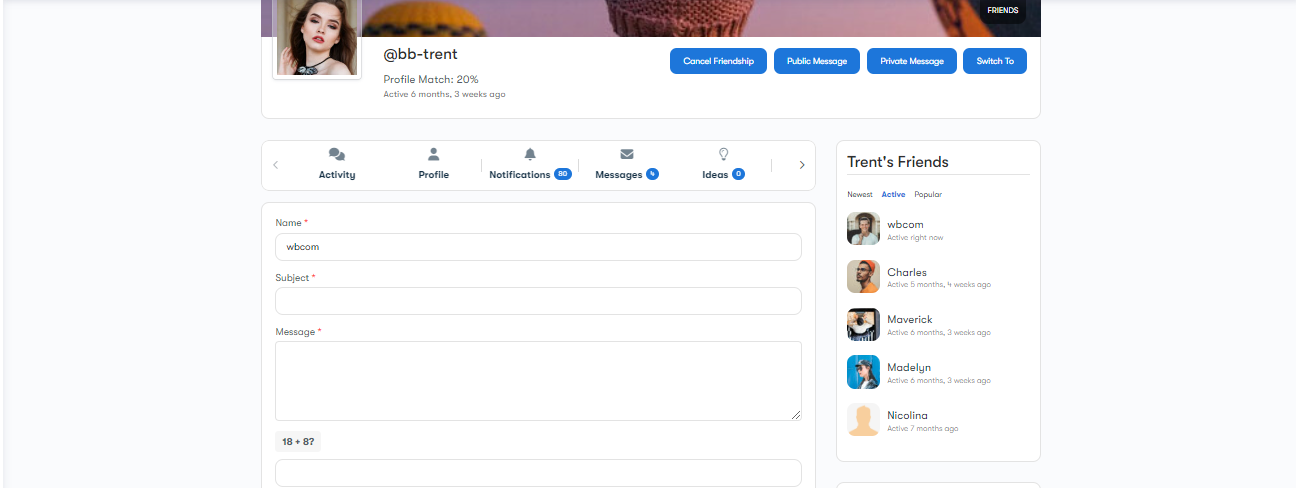
- Once activated, the plugin automatically adds a Contact Me button to user profiles.
- You can customize button placement and styling by navigating to Appearance > Customize > BuddyPress Settings in the Reign theme.
- Contact Requests
- Drop a message
Features and Functionalities of BuddyPress Contact Me
After integrating the plugin, your members can enjoy several useful features:
- Easy Contact Requests: Members can send private messages to each other with a single click on the Contact Me button visible on user profiles.
- Secure and Spam-Free Communication: The plugin ensures that messages go through a controlled system, preventing spam and maintaining privacy.
- User-Friendly Interface: The simple and intuitive design ensures that even non-tech-savvy users can easily contact others.
- Reign Theme Compatibility: The plugin works seamlessly with the Reign theme, keeping the design elegant and consistent.
Try BuddyPress Contact Me Demo here
Enhancing User Experience with Customizations
With the Reign theme, you can enhance how BuddyPress Contact Me appears and functions:
- Custom Styling: Modify button colors, fonts, and placements to match your site’s branding.
- Conditional Display: Choose where and when the Contact Me button appears, allowing access only to specific user roles or member levels.
- Email Notifications: Ensure members never miss a message by enabling email notifications for contact requests.
Try Reign Theme Demo here
Empower Your Community with Private Communication
Private messaging is an essential feature for any thriving online community, and a private chat plugin like BuddyPress Contact Me, paired with the Reign theme, delivers a seamless experience. By integrating this plugin, you provide your members with a secure, direct, and easy way to communicate, boosting engagement and enhancing their overall experience on your platform.
Looking to create a powerful community website with BuddyPress Contact Me and the Reign theme? Wbcom Designs offers expert solutions to help you set up and optimize your online community. Get in touch today and take your site’s communication features to the next level!

Interesting Reads
How Can I Add an Engaging Story Feature to My Community Site?
Building Online Software Development Communities with Reign WordPress Theme