
Rolling out Microsoft Office across a business can be challenging without the right utilities. While Microsoft’s Office Deployment Tool (ODT) is the official solution, it may not always meet every organization’s needs. Businesses today require flexibility, speed, and advanced customization to deploy Office apps seamlessly across multiple systems.
Fortunately, several alternatives offer these capabilities and more. This article explores the 10 best Office Deployment Tool alternatives available in 2025, highlighting their strengths, key features, and how they stack up against the official ODT.

What Is the Office Deployment Tool?
The Office Deployment Tool is Microsoft’s command-line utility designed to customize and install Office products. It allows IT admins to:
- Select which Office apps to install.
- Configure update settings.
- Control language packs and versions.
While powerful, ODT requires XML configuration files and command-line knowledge, making it less user-friendly for teams without advanced IT skills.
Why Consider Alternatives?
Although the Office Deployment Tool is reliable, it has some drawbacks. Businesses look for alternatives when they need:
- Graphical interfaces instead of command lines.
- Simplified management for large-scale deployments.
- Integration with other enterprise tools like SCCM or Intune.
- Additional customization options, such as third-party software bundling.
Alternatives often streamline the process, saving time and reducing errors, especially for IT admins managing hundreds or thousands of endpoints.
How Do Office Deployment Alternatives Work?
Most alternatives to the Office Deployment Tool function by automating installation processes. They provide:
- User-friendly dashboards to create deployment packages.
- Integration with enterprise environments.
- Options for remote installation and updates.
Some even include reporting features, making it easier to monitor which devices have received the updates or installations.
10 Best Office Deployment Tool Alternatives for Businesses in 2025
Here are the top options businesses can rely on in 2025 for smoother and more customizable Office deployments.
1. Microsoft Endpoint Manager (Intune)
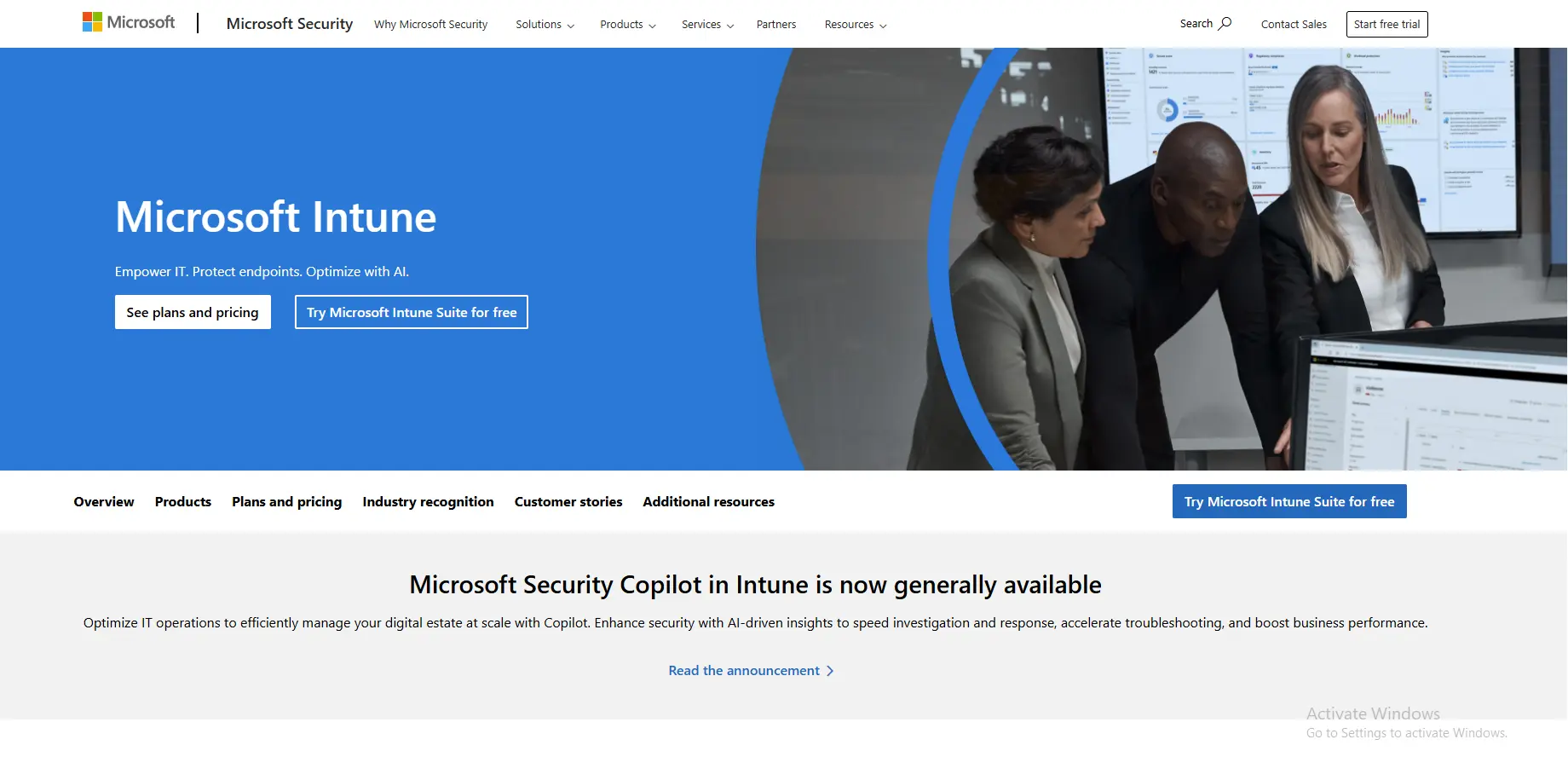
Microsoft Intune is a cloud-based service within Endpoint Manager that empowers IT teams to deploy, configure, and secure applications across diverse environments. It’s ideal for businesses that already use Microsoft 365 or Azure Active Directory, making integration seamless. Intune eliminates the need for on-premise infrastructure, which helps hybrid and remote-first organizations roll out Office quickly and securely.
Key Features:
- Deploy Office apps remotely across multiple devices.
- Enforce policies and compliance.
- Integrates seamlessly with Azure AD.
- Supports Windows, macOS, iOS, and Android.
2. PDQ Deploy
PDQ Deploy is a go-to tool for small and medium-sized businesses that need speed and simplicity. It automates software distribution across the network, which saves IT admins hours of repetitive work. With its massive pre-built package library, PDQ Deploy doesn’t just help with Office—it covers common applications like Chrome, Zoom, and Adobe as well.
Key Features:
- Deploy Office and other software packages easily.
- Centralized control with scheduling options.
- Pre-built package library for popular apps.
- Supports silent installations.
3. ManageEngine Desktop Central
ManageEngine’s Desktop Central is a comprehensive endpoint management solution built for enterprises. Beyond Office deployments, it integrates device management, patching, and remote troubleshooting. It’s particularly useful for IT departments that want a single pane of glass for all endpoint-related tasks, including security and compliance tracking.
Key Features:
- Remote deployment of Office apps.
- Patch management and updates.
- Custom deployment templates.
- Detailed reporting and analytics.
4. Ivanti Endpoint Manager
Ivanti Endpoint Manager is designed for organizations that prioritize both software deployment and endpoint security. By combining device control, patching, and Office deployment into one solution, it gives IT administrators the ability to streamline operations while maintaining compliance. It’s great for regulated industries like finance or healthcare.
Key Features:
- Automated Office installation across endpoints.
- Integration with security tools.
- Policy-based deployments.
- Comprehensive device monitoring.
5. SCCM (System Center Configuration Manager)
SCCM, a Microsoft powerhouse, has been the gold standard in enterprise IT management for years. While complex, it offers unparalleled control for deploying Office and other applications across massive networks. Organizations with thousands of devices benefit most, as SCCM integrates tightly with Microsoft 365 and Windows Update services.
Key Features:
- Full control over Office installations.
- Advanced configuration and scheduling.
- Integration with Microsoft 365.
- Reporting and compliance monitoring.
6. Atera
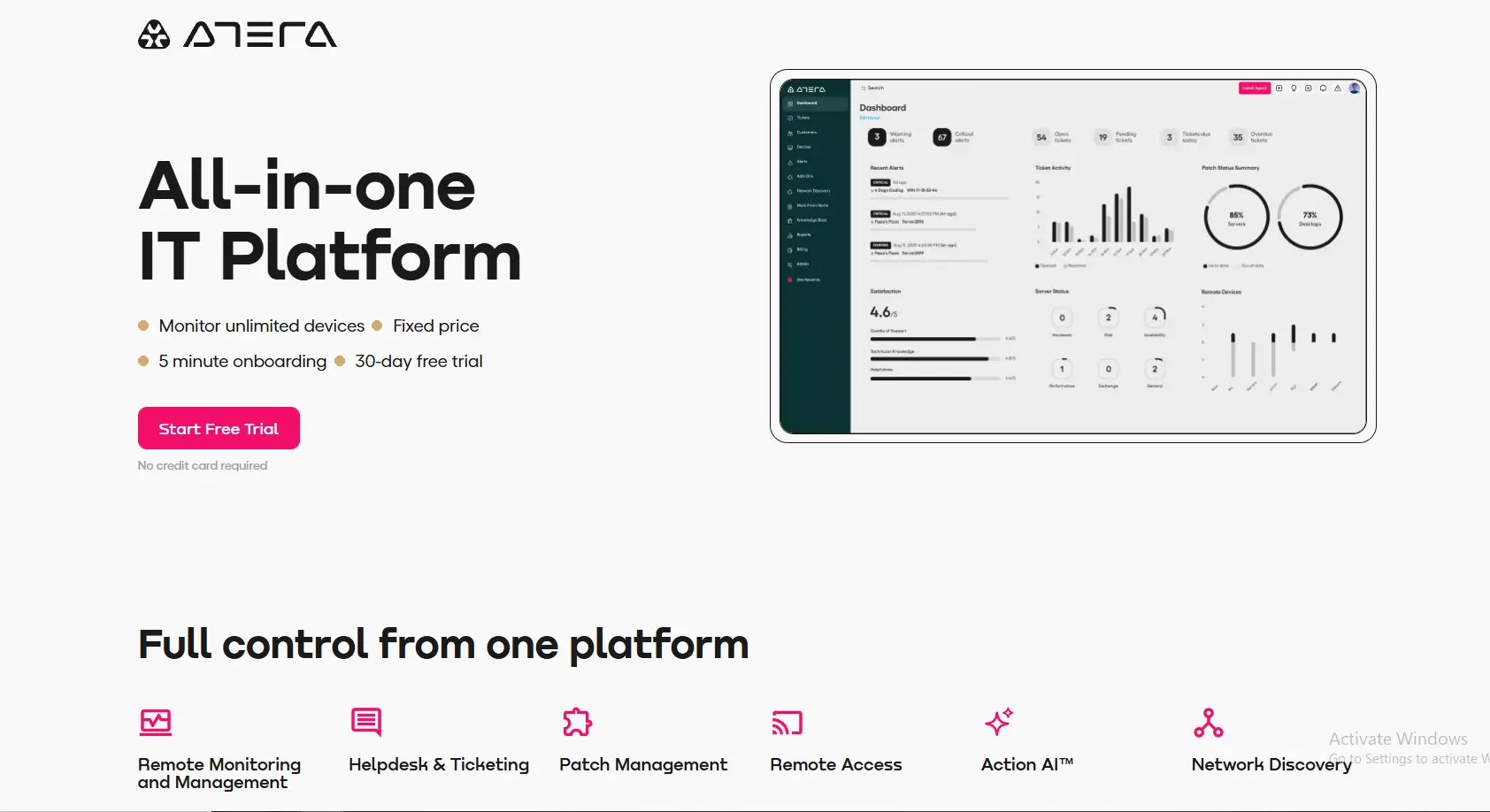
Atera is a cloud-first Remote Monitoring and Management (RMM) tool, perfect for Managed Service Providers (MSPs). Its deployment features allow technicians to push Office apps and updates to client systems anywhere in the world. Combined with performance monitoring and helpdesk tools, Atera enables MSPs to deliver smooth IT operations at scale.
Key Features:
- Deploy Office remotely to client systems.
- Automation scripts for faster rollouts.
- Integrates with patch management.
- Cloud-first, ideal for MSPs.
7. Kaseya VSA
Kaseya VSA is a robust IT management platform aimed at MSPs and large IT teams. It includes automation, monitoring, and security tools, making it more than just a deployment solution. For Office rollouts, its scripting capabilities allow administrators to fully customize deployments, updates, and even uninstalls across distributed environments.
Key Features:
- Office deployment via automation scripts.
- Remote monitoring and patch management.
- Centralized console for IT teams.
- Supports hybrid and remote workforces.
8. Ninite Pro
Ninite Pro is famous for its simplicity and efficiency in bulk installations. It’s a lifesaver for IT technicians who need to roll out Office and other popular applications to multiple PCs with minimal effort. Since it handles silent installs without prompts, Ninite Pro reduces user confusion and accelerates deployment times significantly.
Key Features:
- Deploy Office and other apps silently.
- One-click installation across multiple PCs.
- Automatic updates for supported apps.
- Lightweight and easy to use.
9. BatchPatch
BatchPatch is a lightweight but powerful patch management and deployment tool tailored for smaller IT environments. It provides direct control over Office installations without the overhead of larger enterprise solutions. IT admins who prefer hands-on batch operations will find it efficient for targeted deployments and updates.
Key Features:
- Deploy Office updates and new installations.
- Simple interface for batch operations.
- Works well in smaller IT environments.
- Affordable and straightforward.
10. SmartDeploy
SmartDeploy is an image-based deployment tool that simplifies device management for hybrid and distributed teams. Beyond Office installations, it allows businesses to reimage devices quickly while bundling in applications. It’s a smart choice for organizations that frequently onboard new employees or refresh devices while maintaining consistent Office configurations.

Key Features:
- Deploy Office and Windows images remotely.
- Cloud-based management.
- Streamlined reimaging process.
- Excellent for managing hybrid environments.
Comparison Table: Office Deployment Tool vs. Alternatives
| Tool | Best For | Key Features | Cost |
|---|---|---|---|
| Office Deployment Tool | Basic Office installs | XML config, updates, versions | Free |
| Microsoft Intune | Cloud-based management | Multi-OS support, Azure integration | Subscription |
| PDQ Deploy | Small–mid businesses | Pre-built packages, silent installs | Paid |
| ManageEngine | Enterprises | Templates, patching, reporting | Paid |
| Ivanti | Security-focused businesses | Policy-based deployment, integration | Paid |
| SCCM | Large organizations | Full control, Microsoft 365 integration | Paid |
| Atera | MSPs & remote teams | Cloud-first, automation scripts | Subscription |
| Kaseya VSA | IT management | Monitoring + deployment tools | Paid |
| Ninite Pro | Simplicity seekers | One-click bulk installs | Paid |
| BatchPatch | Small IT teams | Lightweight patch & deploy | Paid |
| SmartDeploy | Hybrid environments | Image deployment + apps | Paid |
Tips for Smooth Office Deployments
Using an alternative to the Office Deployment Tool can be a game-changer. To maximize results:
- Test deployments on a few systems before rolling out widely.
- Keep ISO files and Office builds up to date.
- Use automation scripts where possible to reduce errors.
- Monitor reports to ensure all systems receive the update.
- Train IT staff on the selected tool’s features.
Common Mistakes to Avoid
Even the best tools fail if misused. Here’s what businesses should watch for:
- Ignoring compatibility between Office versions and Windows builds.
- Forgetting to back up user data before mass deployments.
- Overlooking licensing compliance during installs.
- Neglecting to monitor update rollouts.
- Choosing a tool that doesn’t scale with business growth.
Real-World Scenarios
- Enterprises: Tools like SCCM or ManageEngine offer full control over thousands of devices.
- Small Businesses: Ninite Pro and PDQ Deploy save time with one-click simplicity.
- Managed Service Providers (MSPs): Atera and Kaseya provide cloud-based deployment options with remote monitoring.
- Hybrid Teams: SmartDeploy and Intune ensure devices are updated no matter where employees work.

Final Thoughts
The Office Deployment Tool remains a reliable utility, but it doesn’t cover every business scenario. Alternatives such as Intune, PDQ Deploy, and ManageEngine provide more intuitive interfaces, automation, and enterprise-grade features.
By exploring these 10 best Office Deployment Tool alternatives, businesses in 2025 can ensure smooth, efficient, and secure rollouts of Office applications. Choosing the right tool depends on company size, IT resources, and deployment goals—but the options are better than ever.
Interesting Reads:
Top 10 GI Bill Comparison Tools to Help Students and Veterans
Best 10 Snipping Tool Shortcuts and Alternatives for Windows Users
10 Best Tools Like Windows 11 Media Creation Tool for Easy Installation