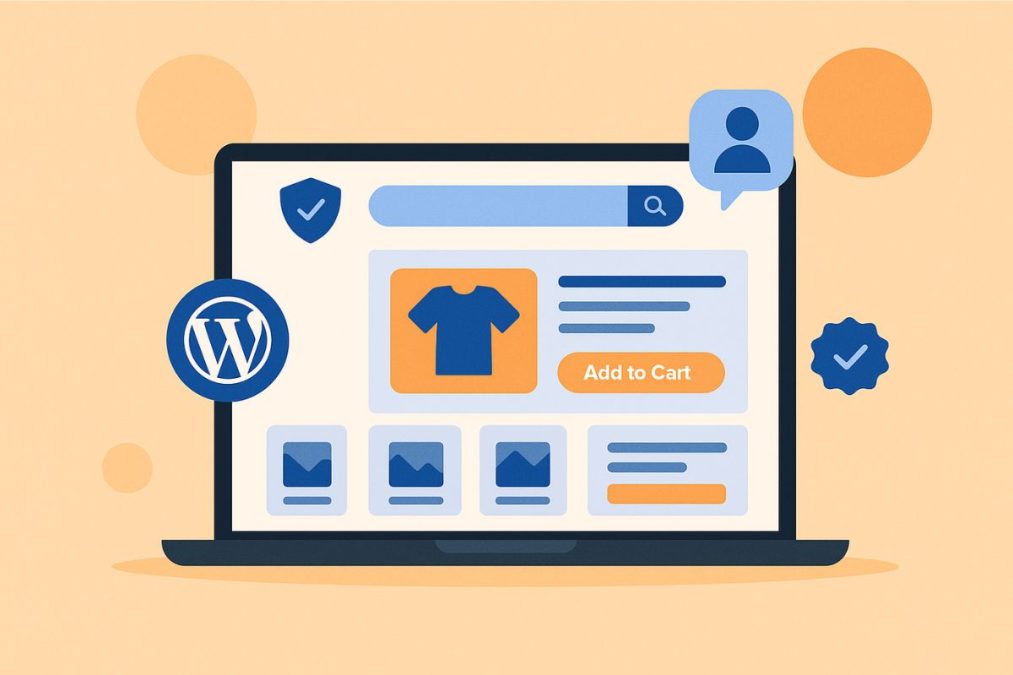
If you’re running an online store, your website is more than just a digital storefront—it’s your most reliable salesperson. It works 24/7, persuading visitors to become buyers. And that persuasion? It’s not guesswork—it’s smart design powered by tools like WordPress and WooCommerce.
Every scroll, click, and interaction should nudge the visitor closer to a purchase. With WordPress, you have access to the flexibility, scalability, and design freedom you need to create an online store that doesn’t just look good, but sells better.

What Makes People Buy Online?
Online shoppers make decisions in a blink. Within milliseconds, they judge your store based on visual design, page speed, and ease of use. That’s where WordPress themes like BuddyX, Astra, or Kadence help—they offer clean, conversion-focused layouts that build trust fast.
Here’s what influences online buying behavior:
- First impressions from design, typography, and branding
- Easy navigation and intuitive structure
- Quick-loading pages that reduce bounce rates
- Detailed product info and genuine reviews
- Visual credibility with trust signals like badges, testimonials, and policies
Core Web Design Principles for WordPress Stores That Convert
Let’s walk through the proven design principles that help WordPress-powered stores transform browsers into buyers.
1. Keep It Clean and Focused
Cluttered layouts confuse customers. Use a minimalist WordPress theme like GeneratePress or Neve, which prioritise whitespace, readability, and clean product presentation.
- Remove unnecessary pop-ups or distractions
- Highlight your calls to action (CTAs)—“Add to Cart,” “Buy Now,” “Subscribe”
- Use a visual hierarchy to guide attention
2. Mobile-First, Always
With over 60% of eCommerce traffic coming from mobile, your site must perform on all screen sizes. WordPress themes like Flatsome offer mobile-optimised designs and easy visual editing.
- Use responsive design
- Collapse menus for easy navigation
- Test on multiple devices before launch
Bonus: A mobile-friendly site also gets an SEO boost from Google.
3. Guide the Visual Flow
Use layout, colour, and typography to direct attention. Plugins like Elementor allow you to drag-and-drop key sections like testimonials, CTA blocks, and product grids where they’ll make the most impact.
- Position CTAs above the fold
- Use colour contrast for buttons
- Break content into skimmable sections with background changes
4. Product Pages That Inform and Sell
Your product page is your digital salesperson. Use tools like WooCommerce for robust product display options and extensions.
- Include high-res images, zoom features, and lifestyle shots
- Write benefit-focused product descriptions
- Highlight return policies, shipping info, and guarantees
- Add reviews with plugins like Customer Reviews for WooCommerce
Don’t forget: Make the “Add to Cart” button bold and repeat it for longer pages.
5. Site Speed = Sales
Fast-loading sites retain users. Use WP Rocket to optimise caching, preload assets, and minimise loading delays.
- Compress images with Smush
- Use a Content Delivery Network (CDN) like Cloudflare
- Minify scripts and eliminate unnecessary plugins
You can track and improve load speeds with PageSpeed Insights.
6. Smart Navigation Structure
Customers must find products fast. WordPress navigation menus, when paired with plugins like WooCommerce Product Filter, make it easy to explore your catalog.
- Use mega menus for large stores
- Include breadcrumbs for user orientation
- Optimise the search bar with tools like FiboSearch
7. Trust-Building at Every Click
Trust is everything in eCommerce. WordPress makes it easy to integrate:
- SSL certificates and security badges
- Testimonials using Strong Testimonials
- Live chat via Tawk.to Live Chat
- Transparent return and refund policies
- An authentic “About Us” page with your story
8. Action-Oriented CTAs
CTAs must do more than look good—they must drive clicks. Use button blocks in Kadence Blocks to style CTAs that pop.
- Use urgent language: “Shop the Sale,” “Claim Offer”
- Add small icons to increase click intent
- Highlight CTAs with colour and animations (but avoid overuse)
9. Friction-Free Checkout
A seamless checkout reduces cart abandonment. WooCommerce’s native checkout is great, but you can supercharge it with CheckoutWC.
- Allow guest checkout
- Minimise steps to 1–2 pages
- Offer payment options like PayPal, Stripe, or UPI
- Show security badges and delivery options
10. Brand Consistency Across the Site
Your brand should feel consistent across your homepage, product pages, blog, and even emails. WordPress allows complete customisation with global style settings in Full Site Editing.
- Match fonts, colours, and button styles
- Use the same tone of voice across pages
- Add custom headers and footers with your logo and message
11. Let Data Guide Your Design
Don’t guess—measure. Tools like MonsterInsights integrate Google Analytics right into your WordPress dashboard.
- Track page drop-offs, bounce rates, and conversions
- Use Hotjar for heatmaps and scroll maps
- A/B test CTAs and product layouts
Insights help you improve UX, tweak designs, and increase conversions intelligently.
12. Make Your Store Accessible
Accessibility isn’t just ethical—it’s essential. Use accessibility-ready WordPress themes and plugins like WP Accessibility to make your store inclusive.
- Ensure readable fonts and contrast ratios
- Add descriptive alt text for images
- Make all buttons keyboard-navigable
- Label form fields clearly
This also improves your SEO and increases your potential audience.

Design That Delivers Sales
Your WordPress-powered store is an evolving digital asset. With the right design principles and tools, you can continually refine your site to increase both conversions and customer satisfaction.
Start small:
- Optimise your product pages
- Speed up your site
- Tweak your mobile layout
- Test a new CTA style
By applying these WordPress-focused strategies, you’re not just improving aesthetics—you’re building a customer journey that ends in checkout, not exit.
Interesting Reads
10 Best WooCommerce Extensions to Supercharge Your Online Store