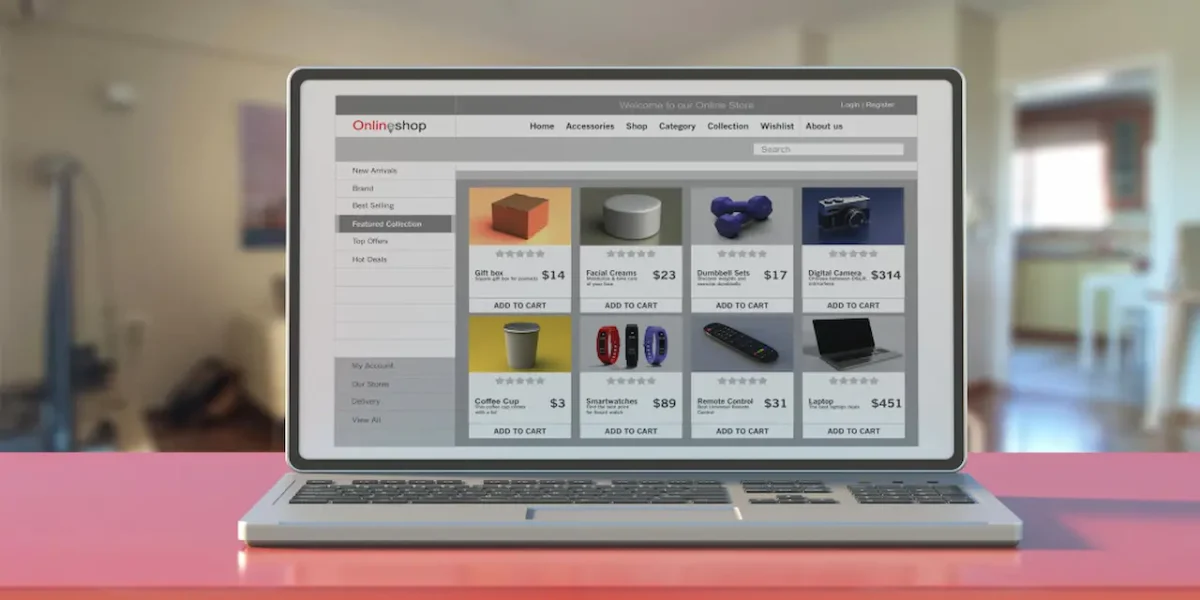
When running an online store, one of the biggest challenges is helping customers choose the right size. Wrong size selections often lead to returns, refunds, and unsatisfied shoppers. That’s why WooCommerce Plugins Product Size Charts are essential for eCommerce businesses selling clothing, footwear, or accessories. They simplify sizing guidance, build buyer confidence, and reduce return rates.
In this guide, the best plugins for adding professional size charts to WooCommerce are covered. From flexible customization options to user-friendly designs, these plugins make sure customers find their perfect fit before clicking “Add to Cart.”

What are WooCommerce Plugins Product Size Charts?
WooCommerce plugins for product size charts are tools that integrate directly into your store, allowing you to display size information in a clean and user-friendly way. These plugins are tailored for fashion retailers, shoe sellers, sports gear vendors, and any business that relies heavily on accurate measurements.
By using size chart plugins, store owners can create multiple charts for different product categories, assign them to specific items, and display them through tabs, pop-ups, or inline tables. This improves the shopping experience, boosts conversion rates, and reduces costly product returns.
Also Read: Best WooCommerce Plugins Quick Order Forms
How to Use WooCommerce Plugins Product Size Charts
Getting started with a size chart plugin in WooCommerce is simple. While each plugin has its own interface, the basic steps remain almost the same:
- Install & Activate: Download your chosen plugin from WordPress.org or a premium marketplace, then activate it in your WooCommerce dashboard.
- Create a New Size Chart: Use the plugin’s interface to add a new chart. Enter measurements such as chest, waist, shoe size, or length, depending on your products.
- Assign the Chart: Attach the chart to specific products, categories, or globally across the entire store.
- Customize Display: Choose how customers see the chart (popup, tab, or inline).
- Save & Test: Preview the chart on the product page and test responsiveness across devices.
Table of Contents
List of the 10 Best WooCommerce Plugins Product Size Charts
Below is a carefully curated list of the best plugins for adding product size charts to WooCommerce. Each option includes an overview, key features, and pricing details.
1. Size Chart for WooCommerce

Size Chart for WooCommerce is a popular plugin designed to simplify the process of adding measurement guides to product pages. It allows store owners to create unlimited-size charts with customized layouts and assign them to individual items or entire categories.
This plugin provides a highly intuitive interface, making it suitable even for beginners. Customers can view charts in tabs or pop-ups, ensuring that sizing details are never missed.
Key Features
- Create unlimited-size charts
- Assign charts globally, by category, or per product
- Popup and tab display options
- Mobile-friendly responsive design
Pricing: Starts at $29/year
2. YITH Product Size Charts for WooCommerce
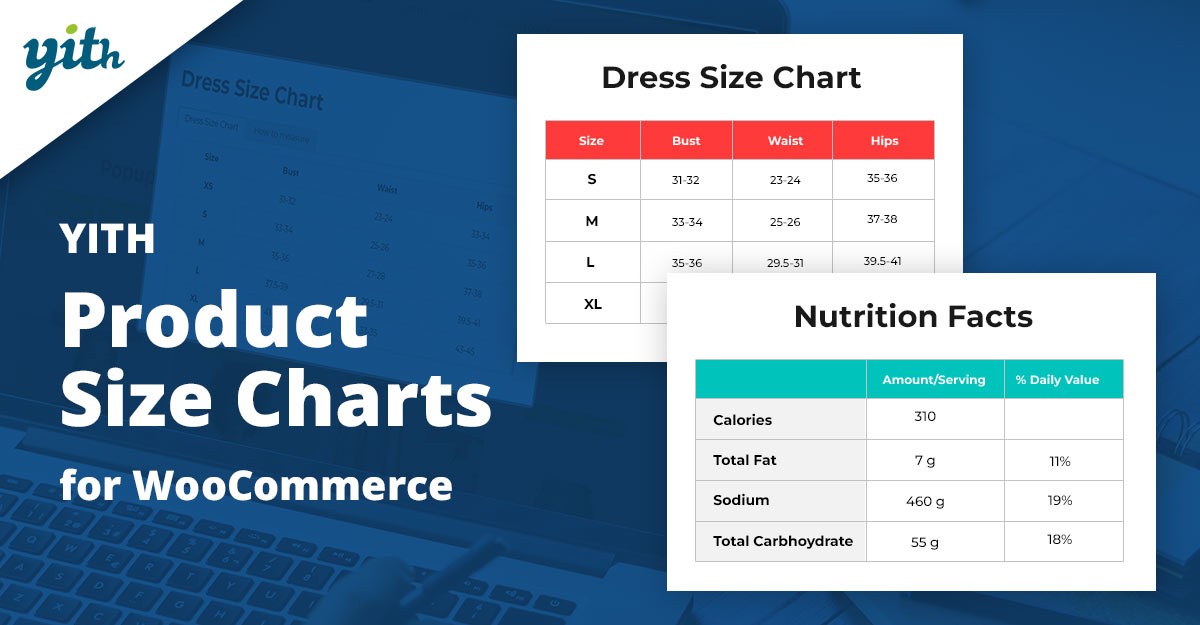
YITH is well-known for offering feature-rich WooCommerce solutions, and its Product Size Charts plugin is no exception. It provides store owners with the flexibility to create tailored size guides that enhance product presentation.
The plugin is especially beneficial for clothing and footwear retailers. It allows detailed measurement tables and visual icons, making it easier for shoppers to interpret sizes quickly.
Key Features
- Drag-and-drop chart builder
- Custom rules for product categories
- Supports images and icons within charts
- Multiple display positions on product pages
Pricing: Starts at $59.99/year
3. WooCommerce Advanced Product Size Chart
WooCommerce Advanced Product Size Chart is designed for merchants who need advanced customization for their sizing guides. With built-in templates and easy editing tools, this plugin allows store owners to set up professional charts within minutes.
It’s ideal for online stores with diverse product categories, as it enables assigning different charts per category or product variation.
Key Features
- Pre-built templates for quick setup
- Assign charts at the product or category level
- Lightweight and performance-friendly
- Responsive design for all devices
Pricing: Starts at $39/year.
Also Read: Best WooCommerce Plugins Color and Label Variations
4. Ultimate Size Chart for WooCommerce
Ultimate Size Chart for WooCommerce offers a straightforward way to add sizing information to product pages. Its drag-and-drop interface makes customization effortless, even for non-technical users.
The plugin supports inline and pop-up display, giving store owners the flexibility to decide how customers view size information.
Key Features
- Drag-and-drop editor
- Customizable chart layouts
- Supports both inline and pop-up display
- SEO-friendly structure
Pricing: Starts at $25/year
5. Product Size Charts Table
The product Size Charts Table is built for WooCommerce stores that want a table-first approach. This plugin makes it easy to add measurement tables directly under the product description.
The clean table format ensures information is easy to read, making it perfect for apparel and footwear retailers.
Key Features
- Simple table-based charts
- Quick setup with minimal configuration
- Assign to products or categories
- Fully responsive design
Pricing: Starts at $19/year.
Also Read: How to Customize Coupon Design with Smart Coupons in WooCommerce
6. Simple Size Chart
Simple Size Chart focuses on delivering exactly what its name suggests — simplicity. This plugin is perfect for small stores that want a no-frills solution to display size guides.
It provides quick installation and basic customization, making it beginner-friendly.
Key Features
- Minimalist interface
- Quick setup with minimal steps
- Lightweight and fast-loading
- Works well with most themes
Pricing: Free.
7. Responsive Size Chart Plugin
The Responsive Size Chart Plugin is built with mobile shoppers in mind. It ensures that measurement charts are easy to read across all devices, reducing friction during checkout.
This plugin allows both global and individual product chart assignments, offering flexibility for varied inventory.
Key Features
- Mobile-first design
- Custom CSS support
- Assign globally or per product
- Popup and inline display modes
Pricing: Starts at $29/year.
8. Enhanced Product Size Chart
Enhanced the Product Size Chart is aimed at larger stores needing an advanced chart presentation. It offers multiple layout designs, customizable colors, and integration with product variations.
For retailers selling internationally, the plugin supports multiple units of measurement, making it a versatile solution.
Key Features
- Advanced layout customization
- Supports multiple units of measurement
- Variation-based size charts
- Clean responsive design
Pricing: Starts at $49/year.
9. Easy WooCommerce Size Chart
Easy WooCommerce Size Chart is one of the most user-friendly plugins on the list. It’s designed for merchants who want to quickly set up size guides without diving into complex settings.
The plugin is lightweight, responsive, and compatible with most WooCommerce themes.
Key Features
- Beginner-friendly setup
- Custom chart placement
- Responsive display
- Lightweight plugin performance
Pricing: Free / Premium from $15.
Also Read: Best Review Reminder Plugin for WooCommerce
10. All-in-One Size Chart
As its name suggests, the All-in-One Size Chart plugin is designed to handle a variety of chart types in one package. It supports clothing, shoes, accessories, and even non-fashion products.
This makes it suitable for stores that sell diverse product categories and need flexibility.
Key Features
- Supports multiple product types
- Charts for clothing, shoes, and more
- Highly customizable design
- Inline and pop-up chart options
Pricing: Starts at $35/year.
Comparison Table of WooCommerce Size Chart Plugins
| Plugin Name | Key Features | Pricing |
|---|---|---|
| Size Chart for WooCommerce | Unlimited charts, pop-up/tab display | $29/year |
| YITH Product Size Charts | Drag-and-drop, icons, rules | $59.99/year |
| WooCommerce Advanced Product Size Chart | Templates, product/category assign | $39/year |
| Ultimate Size Chart | Drag-and-drop, SEO-friendly | $25/year |
| Product Size Charts Table | Table-based, responsive design | $19/year |
| Simple Size Chart | Minimal setup, lightweight | Free |
| Responsive Size Chart Plugin | Mobile-first, pop-up/inline | $29/year |
| Enhanced Product Size Chart | Advanced layouts, variation-based | $49/year |
| Easy WooCommerce Size Chart | Beginner-friendly, responsive | Free / $15+ |
| All-in-One Size Chart | Supports clothing, shoes, accessories | $35/year |

Final Thoughts
Adding size charts is no longer just an optional feature—it’s essential for online retailers. With the right WooCommerce Plugins Product Size Charts, businesses can reduce return rates, improve customer trust, and ultimately increase conversions.
Each plugin listed here offers unique strengths, so the best choice depends on store size, product type, and budget. Whether a small boutique or a large-scale eCommerce store, these tools ensure customers always find the right fit.
Interesting Reads:
How to Add Custom Product Options with Advanced Product Fields for WooCommerce