Creating high-quality videos has never been more accessible, yet the choices for editing software can be overwhelming. Whether you’re a beginner looking to share videos on social media or a professional filmmaker producing cinematic content, selecting the Best Video Editing Software is crucial.
With 2025’s advancements, video editing software now includes AI-driven features, multi-platform support, and intuitive interfaces that simplify complex workflows. This guide explores the Best Video Editing Software of 2025, detailing what makes them stand out, why you should choose them, and how to maximize their potential for your projects.

What Defines the Best Video Editing Software?
When evaluating the Best Video Editing Software, several core features distinguish top-tier tools from the rest. Choosing the right software goes beyond flashy effects—it’s about workflow efficiency, creative flexibility, and reliability for projects of any scale.
File Compatibility:
- Supports multiple formats, including 4K, 8K, VR, and 360-degree footage.
- Handles RAW files from professional cameras for accurate color grading.
- Supports various codecs and frame rates to reduce unnecessary conversions.
Intuitive User Interface:
- Easy-to-navigate timelines and drag-and-drop media management.
- Customizable workspaces to match individual workflows.
- Presets, templates, and workflow guides minimize learning curves and boost productivity.
Advanced Features:
- AI-powered tools such as automatic scene detection, background removal, and motion tracking.
- Color grading, transitions, keyframing, multicam editing, and VFX integration.
- Tools designed for both simple edits and cinematic-level productions.
Export Options:
- Optimized exports for social media, broadcast, or high-quality cinematic output.
- GPU-accelerated rendering for faster performance without quality loss.
- Preset options tailored to various platforms and devices.
Performance, Stability, and Support:
- Handles large projects with minimal lag.
- Access to tutorials, customer support, and thriving user communities.
- Collaboration tools for team-based workflows and remote editing.
In essence, the Best Video Editing Software balances power, usability, and dependability. It allows beginners to create polished content efficiently while giving professionals the advanced tools they need to push creative boundaries—all without sacrificing speed, stability, or workflow flexibility.
Why Choosing the Right Editor Matters
Picking the Best Video Editing Software is more than just a preference—it influences productivity, creative output, and final video quality. Beginners may require simple drag-and-drop interfaces, while professionals benefit from advanced color correction, multi-cam editing, and plug-in support.
Moreover, the right software improves workflow efficiency. Features like AI-assisted cuts, automated transitions, and integrated stock libraries save hours of editing time, allowing creators to focus on storytelling rather than technical hurdles.
How to Choose the Best Video Editing Software
Before selecting your software, consider:
- Skill level: Beginners might prefer accessible tools, whereas pros need advanced features.
- Platform compatibility: Ensure the software runs smoothly on your operating system.
- Hardware requirements: High-resolution editing demands robust processing power and GPU acceleration.
- Project type: Social media videos, cinematic productions, or corporate presentations require different capabilities.
- Budget: Free software may suffice for casual creators, while paid tools provide professional-grade support.
Top 10 Video Editing Software of 2025
Here are the top tools defining the video editing landscape in 2025:
1. Adobe Premiere Pro 2025
Adobe Premiere Pro continues to dominate the professional editing market. With AI-enhanced features like automatic scene detection, audio cleanup, and Adobe Sensei-powered motion tracking, it empowers creators to produce professional-grade videos efficiently. Integration with other Adobe apps like After Effects and Photoshop makes it indispensable for multi-step workflows.

Key Features:
- Timeline flexibility for complex projects
- Multi-camera editing
- AI-powered automation for effects and cuts
- Direct social media export
2. DaVinci Resolve 20
DaVinci Resolve 20 is a top pick for color grading enthusiasts and free software users alike. The 2025 version introduces AI-assisted editing, intelligent scene detection, and improved audio post-production tools. Its free edition is almost comparable to professional paid software, making it accessible for hobbyists and professionals.
Key Features:
- Advanced color correction and grading
- Node-based editing workflow
- Fusion visual effects integration
- Fairlight audio tools
3. CyberLink PowerDirector 21
CyberLink PowerDirector is designed for fast, intuitive editing with professional results. AI-driven tools, motion tracking, and 360-degree video support make it ideal for creators who need speed without sacrificing quality. Templates and automated features simplify social media content creation.
Key Features:
- Motion tracking and stabilization
- AI sky replacement and object detection
- Multi-cam editing
- Easy social media exports
4. HitFilm Pro 17
HitFilm Pro combines editing and VFX in one platform, making it ideal for creators who want to integrate special effects seamlessly. Version 17 introduces better GPU acceleration, AI-based masking, and motion graphics templates, ensuring professional outcomes without third-party tools.
Key Features:
- Integrated VFX and compositing
- AI-assisted masking and tracking
- 3D modeling and particle effects
- Supports 4K and 8K export
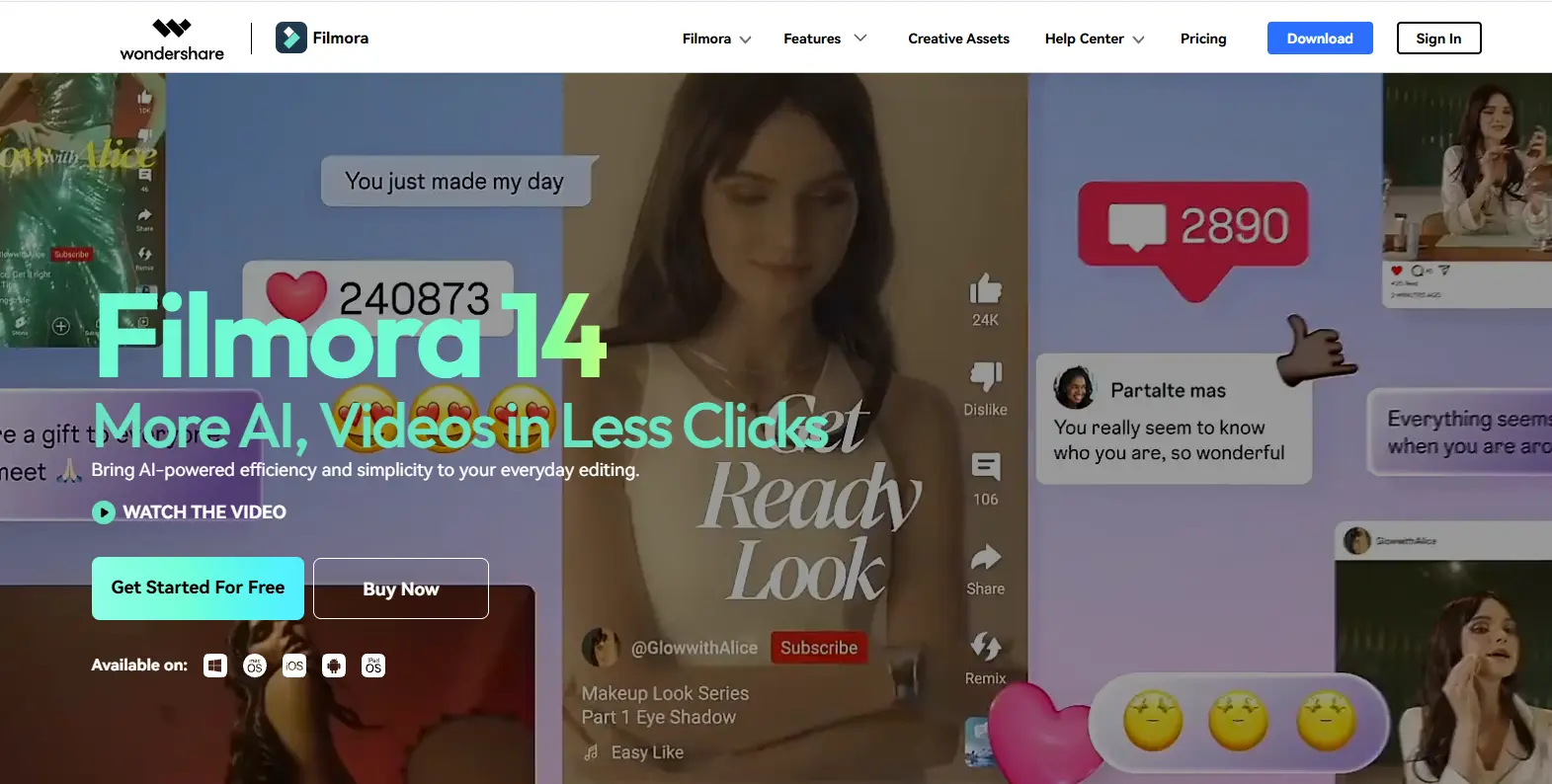
5. Wondershare Filmora 14
Filmora 14 balances ease-of-use with powerful features, offering drag-and-drop editing, AI filters, and automated audio sync. Its library of transitions, effects, and templates makes it ideal for YouTubers, educators, and social media creators.
Key Features:
- Intuitive drag-and-drop interface
- AI-driven effects and scene detection
- Stock media integration
- Direct export to social platforms
6. Lightworks 2025
Lightworks has a longstanding reputation for precise editing. The 2025 release adds AI-assisted trimming, real-time collaboration, and a refreshed UI. It’s a favorite for feature films and content creators seeking high-quality output.
Key Features:
- Multi-camera editing
- Real-time effects
- Export in multiple resolutions
- Collaboration tools
7. CapCut (Desktop 2025)
CapCut’s desktop version brings the mobile editing experience to PC. AI-assisted features like auto-captioning, motion tracking, and color correction allow fast production, making it ideal for social media and short-form video creators.
Key Features:
- Facial tracking and AI filters
- Motion graphics templates
- 8K video support
- Social media-friendly export presets
8. Shotcut 22
Shotcut is a free, open-source editor that supports multi-format video, audio mixing, and timeline editing. While simpler than professional suites, its flexibility and zero-cost model make it ideal for independent creators and students.
Key Features:
- Multi-format timeline editing
- No watermarks
- Cross-platform support
- Audio mixing and filters
9. Kdenlive 23
Kdenlive is an open-source platform with a focus on multi-track editing and plugin support. It’s ideal for creators who want full control over their workflow without subscription costs.
Key Features:
- Multi-track and proxy editing
- Keyframe animations and effects
- Plugin support
- Cross-platform compatibility
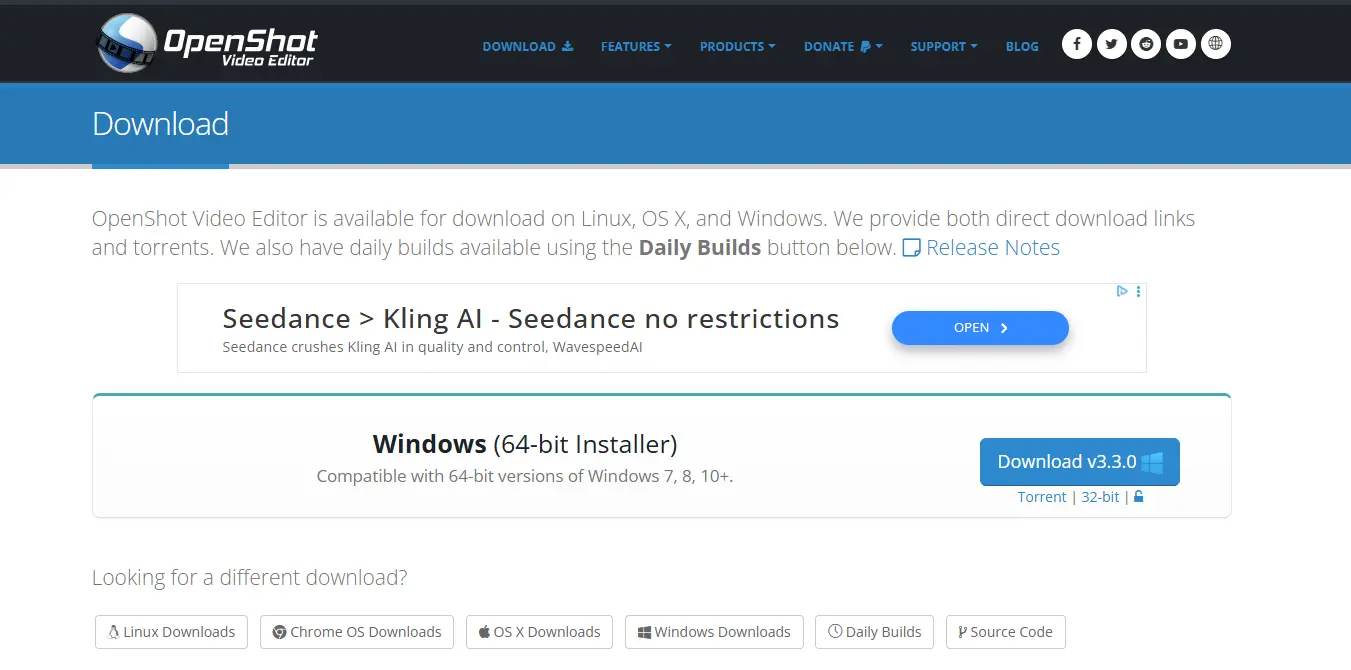
10. OpenShot 3.3
OpenShot simplifies video editing with a drag-and-drop timeline, pre-built transitions, and animation tools. Its open-source model ensures continuous updates, making it a solid choice for beginners and educators.
Key Features:
- Drag-and-drop timeline editing
- Unlimited layers for videos and audio
- Keyframe animation
- Cross-platform and free
Comparison Table: Best Video Editing Software 2025
| Software | Best For | Standout Feature | Cost |
|---|---|---|---|
| Adobe Premiere Pro | Professionals | AI tools + Creative Cloud integration | Paid |
| DaVinci Resolve 20 | Free/pro users | Advanced color grading and Fusion VFX | Free/Paid |
| PowerDirector 21 | Beginners & intermediates | AI-driven templates & motion tracking | Paid |
| HitFilm Pro 17 | VFX creators | Integrated VFX and compositing | Paid |
| Filmora 14 | Social media & beginners | Easy drag-and-drop + AI tools | Freemium |
| Lightworks 2025 | Professional editing | Real-time collaboration | Freemium |
| CapCut Desktop 2025 | Short-form & social creators | Facial tracking and 8K support | Free |
| Shotcut 22 | Free/open-source users | Multi-format timeline editing | Free |
| Kdenlive 23 | Customizable workflows | Multi-track + plugin support | Free |
| OpenShot 3.3 | Beginners & educators | Simple drag-and-drop and keyframe animation | Free |
Tips to Maximize Video Editing Efficiency
- Combine tools for workflow: Use CapCut for quick edits and Resolve for color grading.
- Take advantage of AI tools: Auto-captioning, scene detection, and object tracking save hours.
- Maintain organized media: Label clips and use folders to avoid lost files.
- Keep hardware in mind: GPU acceleration and RAM significantly impact rendering speed.
- Test exports for quality: Always check your final render for resolution and audio sync.
Common Mistakes to Avoid
- Choosing software solely based on popularity, rather than features or compatibility.
- Overlooking hardware requirements for high-resolution editing.
- Ignoring updates that add features and security fixes.
- Neglecting audio mixing and color correction during post-production.
- Failing to back up projects before major edits.

Final Thoughts
The Best Video Editing Software in 2025 is defined by a combination of power, flexibility, and usability. Adobe Premiere Pro and DaVinci Resolve lead the professional market, while Filmora, CapCut, and OpenShot serve beginners and social media creators. Choosing the right software depends on your goals, skill level, and workflow needs.
By understanding features, costs, and practical applications, creators can confidently select the ideal tool and elevate their content in 2025.
Interesting Reads:
Graphic Design Software: Must-Have Tools for Modern Web Designers
10 Best Software for Writing a Book: Enhance Your Writing Journey