Whether you’re a novelist, copywriter, blogger, or student, the right writing app can make your creative process smoother, more organized, and more productive. In 2025, writing tools have evolved far beyond simple word processors. From distraction-free editors to AI-powered content assistants, there are dozens of platforms tailored to specific writing needs. In this post, we explore the best writing apps across different categories—fiction writing, long-form content, note-taking, collaboration, and more. Each tool is chosen based on usability, unique features, and how well it supports focused writing.

Exploring the Best Writing Apps for Every Writer’s Journey
From plotting novels to polishing blog posts, the right writing app can transform how you work. Let’s dive into the top tools that empower writers at every stage of the creative process.
1. Scrivener
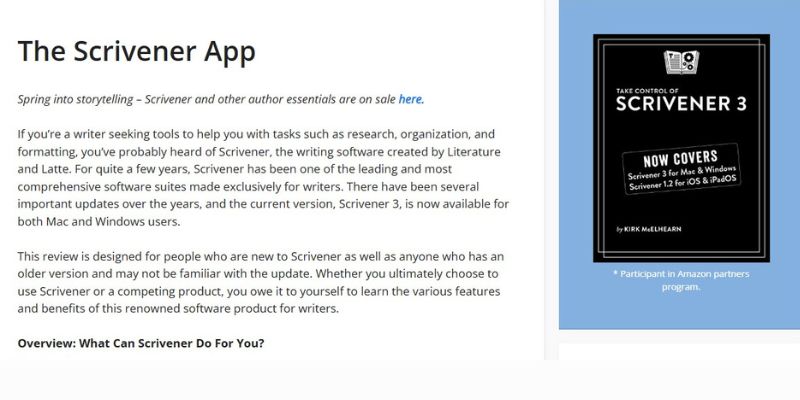
Scrivener is still the go-to choice for novelists and screenwriters. It offers a powerful way to manage complex writing projects with features like corkboard outlining, chapter organization, and research integration. Writers can easily shift between drafting, revising, and structuring, making it ideal for long-form projects.
While the learning curve can be steep, Scrivener’s flexibility and offline capability make it one of the most comprehensive tools for serious writers.
2. Grammarly
Grammarly is more than just a grammar checker—it’s a full-featured writing assistant. It helps correct spelling and grammar errors in real-time, suggests better word choices, and can even help tailor tone depending on your audience.
Whether you’re writing an email, a blog post, or academic content, Grammarly improves clarity and flow, making your writing more polished and professional.
3. Ulysses
Ulysses is a clean, distraction-free writing app built for Apple users. It combines minimalism with powerful features like Markdown support, word goals, and seamless publishing to WordPress or Medium.
With its unified library and focused interface, Ulysses is perfect for writers who prioritize aesthetics and simplicity without sacrificing productivity.
4. Notion
Though not a traditional writing app, Notion’s flexibility makes it a favorite among content creators, researchers, and students. You can create structured outlines, databases for tracking progress, and collaborative spaces for editing or brainstorming.
It’s especially useful for writers managing multi-step projects or integrating writing with research and planning.
5. Google Docs
Still one of the best free collaborative writing tools, Google Docs is ideal for teams or remote collaborators. It offers real-time editing, version history, and comment threads that streamline the review process.
Its accessibility and integration with Google Workspace make it perfect for everything from blog writing to professional documentation.
6. Microsoft Word
A classic that continues to evolve, Microsoft Word offers robust formatting, templates, and editing features. With cloud integration via OneDrive and compatibility across devices, it remains a dependable choice for professional writers.
New AI features like Editor and Resume Assistant further enhance its relevance in today’s writing workflows.
7. Hemingway Editor
Hemingway focuses on clarity and readability. It highlights passive voice, long sentences, and adverbs that weaken writing. The visual feedback helps users simplify complex text and improve style.
While it’s not ideal for drafting full-length content, it’s an excellent final-editing tool for making writing bolder and more concise.
8. ProWritingAid
ProWritingAid offers in-depth style suggestions and grammar improvements. What sets it apart is its detailed reports on readability, sentence variety, and overused words. It’s ideal for authors and long-form content creators who want more control over their editing process.
It integrates with Google Docs, Scrivener, and Microsoft Word, making it highly versatile.
9. IA Writer
IA Writer emphasizes a minimalist design that helps you stay focused. With Markdown support and syntax highlighting, it’s great for writers who want a stripped-down writing space without distractions.
It also offers a file library, reading time estimation, and export to HTML or PDF—perfect for journalists, bloggers, and focused writers.
10. Evernote
Evernote is excellent for capturing ideas, storing research, and organizing writing resources. While not a full writing platform, it complements any writer’s workflow as a digital notebook. Writers can tag notes, add images, and sync content across devices.
It shines in the early stages of content development, like outlining, research gathering, and idea storage.
11. Final Draft
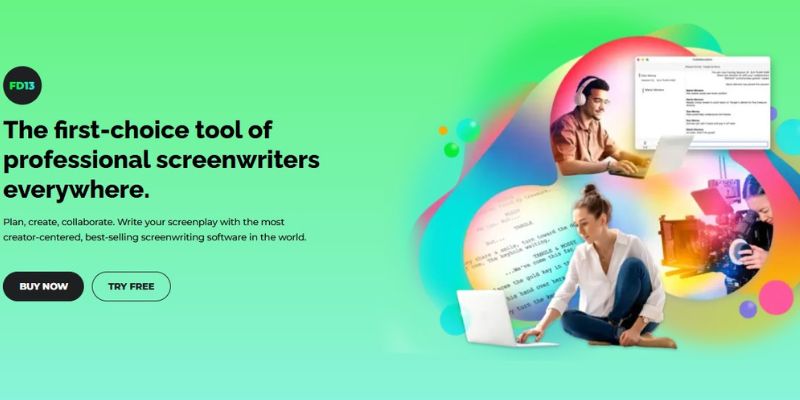
For screenwriters, Final Draft is the industry standard. It auto-formats scripts to professional standards and includes tools for storyboarding, collaboration, and revision tracking. It’s used by studios and production companies worldwide.
If you’re serious about screenwriting, this is the tool professionals trust.
Reign Theme Bonus: Build a Writer’s Community Platform
Looking to turn your passion for writing into a vibrant online community? With the Reign WordPress Theme, you can create a:
- Writing group or workshop website
- Subscription-based blog or newsletter platform
- Forum for editing swaps and peer review
- Creative writing portfolio or membership site
Reign integrates with BuddyPress, bbPress, and LearnDash, allowing you to build a fully functional writing platform with social features, gated content, and community tools.

Choose the Right Tool—and Build Your Writing Community
The best writing app depends on your goals—whether it’s drafting a novel, collaborating on content, or fine-tuning grammar. From Scrivener’s depth to Grammarly’s ease, every tool has a place in a writer’s toolkit.
And if you’re ready to share your work or bring fellow writers together, the Reign theme gives you the foundation to build an interactive and professional community.
Explore Reign Theme → ReignTheme.com
Interesting Reads
10 Best WordPress Plugins for Firewall Protection