
In the digital landscape, data is invaluable. For WordPress users, ensuring that your website is backed up regularly is crucial to protecting your content, settings, and user data. With countless backup plugins available, choosing the right one can be overwhelming. In this blog post, we will explore the 10 best WordPress backup plugins, highlighting their features, pros, and cons. By the end, you will have a clearer understanding of which plugin suits your needs.

Why Backups Are Essential for WordPress Sites
Backing up your WordPress site is not just a precaution; it’s a necessity. Websites can face various threats, including hacking attempts, server failures, and accidental deletions.
Understanding the Risks
Every day, websites are compromised due to outdated software, weak passwords, or vulnerabilities in themes and plugins. A single mistake can lead to data loss that could take hours or even days to recover from if you don’t have a backup.
Peace of Mind
Having a reliable backup solution gives you peace of mind. Knowing that your website’s data is secure allows you to focus on creating content and engaging with your audience without the constant worry of potential data loss.
1. UpdraftPlus

UpdraftPlus is one of the most popular backup plugins for WordPress, boasting over three million active installations.
Key Features
Scheduled backups (daily, weekly, or monthly).
Supports multiple cloud storage options (Google Drive, Dropbox, etc.).
Easy restoration directly from the WordPress dashboard.
Pros
User-friendly interface suitable for beginners.
Incremental backups save only changes made since the last backup.
Cons
Large sites may experience issues during backup and restore processes.
Some advanced features require the premium version.
2. BlogVault
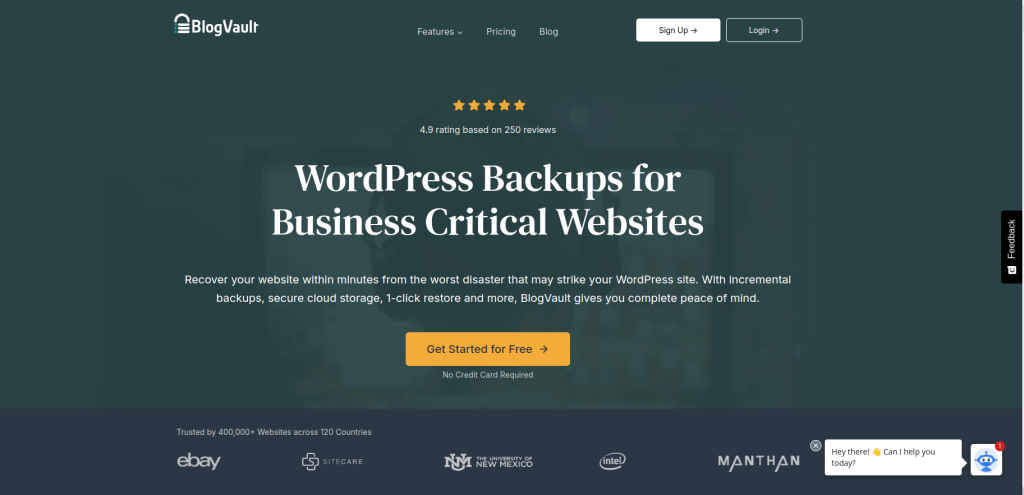
BlogVault offers comprehensive backup solutions along with additional features like uptime monitoring and security checks.
Key Features
Automatic daily backups with offsite storage.
Incremental backups reduce server load.
One-click restore feature even if the site is down.
Pros
Excellent support for multisite installations.
Reliable restoration process with a high success rate.
Cons
No free plan available; only paid options.
Limited storage capacity on certain plans.
3. Duplicator

Duplicator is known for its ability to create backups and migrate sites easily.
Key Features
Full-site backups including files and databases.
Standalone installer for easy restoration.
Cloning capabilities for staging sites.
Pros
Allows manual or scheduled backups.
Great for developers needing migration tools.
Cons
The free version has limited features.
Restoration process can be manual and may require technical knowledge.
4. BackupBuddy
BackupBuddy is a premium plugin that offers extensive backup options tailored for WordPress users.
Key Features
Scheduled backups with customizable profiles.
Real-time backups available.
Integration with cloud storage services like Amazon S3 and Dropbox.
Pros
Easy restoration process for individual files or complete sites.
Malware scanning included for extra security.
Cons
Can be complex to set up for beginners.
No free version available; requires a purchase.
5. Jetpack Backup
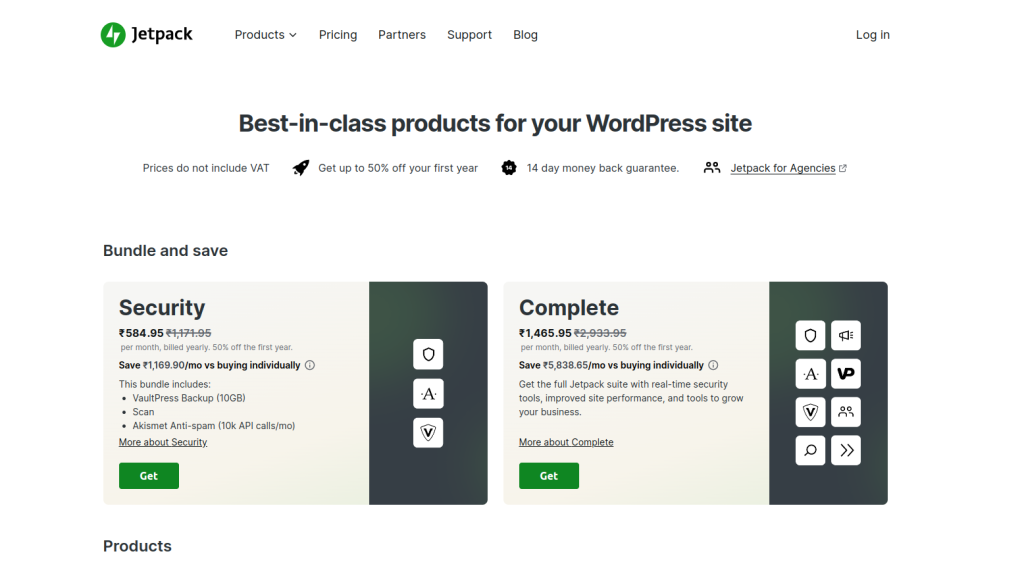
Jetpack Backup integrates seamlessly with the Jetpack plugin suite and offers automated backup solutions.
Key Features
Real-time backups stored in the cloud.
One-click restore functionality.
Mobile app access for managing backups on-the-go.
Pros
Reliable support from Automattic (the creators of WordPress).
Unlimited offsite storage available in higher-tier plans.
Cons
Resource-heavy due to multiple Jetpack features.
Some users may find it less customizable than other plugins.
6. BackWPup

BackWPup provides a straightforward solution for creating complete backups of your WordPress site.
Key Features
Backup files can be stored on various cloud services (Dropbox, Google Drive).
Scheduled automated backups available.
Emergency restore tool included.
Pros
User-friendly interface makes it easy to configure settings.
Free version offers essential backup features.
Cons
Limited functionality in the free version compared to paid options.
Some users report issues with large backups taking too long to complete.
7. MalCare
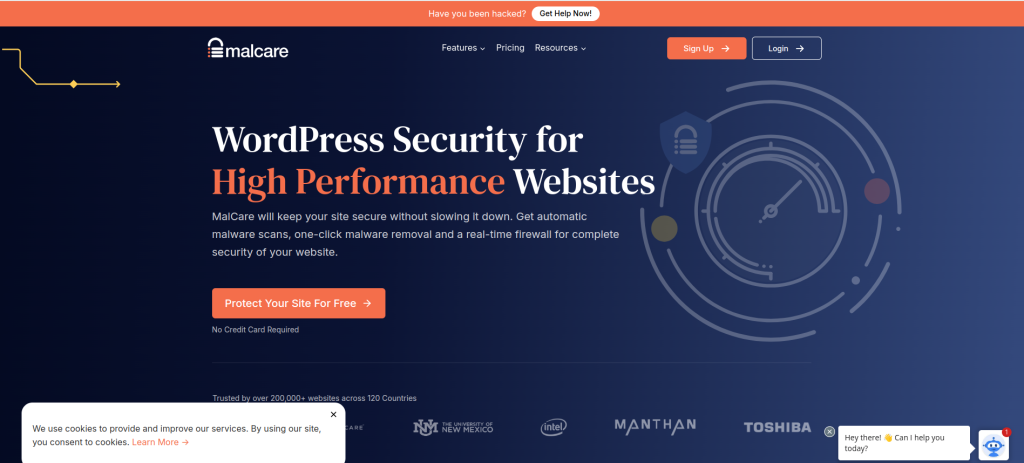
MalCare focuses on security alongside backup functionalities, offering a robust solution for WordPress users concerned about malware threats.
Key Features
Daily malware scans included with backup options.
One-click restore feature after malware removal.
Pros
Lightweight and does not slow down your site during scans.
Excellent customer support and documentation available.
Cons
Premium features require a subscription.
Limited free version functionality compared to competitors.
8. WP Time Capsule

WP Time Capsule takes an innovative approach by offering incremental backups that save only changes made since the last backup.
Key Features
Automatic daily backups with real-time changes saved.
Easy restoration process from within the dashboard.
Pros
Saves server resources by backing up only changes.
User-friendly interface suitable for all experience levels.
Cons
Requires an active subscription for full functionality.
Limited storage options compared to other plugins.
9. WPvivid Backup Plugin

WPvivid offers comprehensive backup solutions along with migration capabilities, making it a versatile choice for WordPress users.
Key Features
Full site backups including files and databases.
Migration tool for moving sites easily between hosts or domains.
Pros
Free version includes many essential features.
Easy-to-use interface that simplifies backup management.
Cons
Some advanced features are locked behind premium plans.
Limited customer support options in the free version.
Comparison Table of the 10 Best WordPress Backup Plugins
| Plugin | Key Features | Pros | Cons |
|---|---|---|---|
| UpdraftPlus | Scheduled backups, multiple cloud storage options | User-friendly interface, incremental backups | Large sites may experience issues during backups |
| BlogVault | Automatic daily backups, one-click restore | Excellent multisite support, reliable restoration | No free plan available; only paid options |
| Duplicator | Full-site backups, cloning capabilities | Allows manual or scheduled backups | Restoration process can require technical knowledge |
| BackupBuddy | Scheduled backups, malware scanning | Easy restoration process for complete sites | No free version available; requires purchase |
| Jetpack Backup | Real-time backups, mobile app access | Reliable support from Automattic, unlimited storage in higher tiers | Resource-heavy due to multiple features |
| BackWPup | Cloud storage options, emergency restore tool | User-friendly interface for easy configuration | Limited functionality in the free version |
| MalCare | Daily malware scans, one-click restore | Lightweight and does not slow down your site | Premium features require a subscription |
| WP Time Capsule | Incremental backups with real-time changes saved | Saves server resources by backing up only changes | Requires an active subscription for full functionality |
| WPvivid Backup Plugin | Full site backups and migration tool | Free version includes many essential features | Some advanced features are locked behind |

Closing Remarks: Choose Wisely!
Selecting the right backup plugin is crucial for maintaining your WordPress site’s integrity and security. The 10 best WordPress backup plugins, as discussed in this post, offer various features tailored to different needs—whether you seek comprehensive protection or specific functionalities like migration tools or malware scanning. By investing in a reliable backup solution and regularly backing up your site, you can ensure that your online presence remains safe from unexpected data loss or attacks.
Interesting Reads: