In the dynamic world of home security, having a robust system to manage your Blink cameras is essential. While Blink’s native app provides basic functionalities, integrating your cameras with third-party software can enhance your monitoring capabilities significantly. This blog post will explore the 10 best software to integrate all Blink cameras, helping you maximize the potential of your security system.

Why Integrate Your Blink Cameras?
Integrating your Blink cameras with software solutions offers numerous benefits. It allows for centralized monitoring, enhanced automation, and better data management.
Centralized Control
When you integrate all your Blink cameras into one platform, you can monitor multiple feeds from a single interface. This convenience saves time and ensures that you don’t miss any critical events happening around your home.
Enhanced Automation
Integration enables you to set up automated routines. For instance, you can program your cameras to arm automatically when you leave home or send alerts when motion is detected. Such features enhance security and provide peace of mind.
1. Amazon Alexa

The Amazon Alexa app is a user-friendly option for integrating Blink cameras, especially for those who are new to smart home technology.
Key Features
Voice control for arming and disarming cameras.
Integration with other smart home devices.
Pros
Intuitive interface that’s easy to navigate.
Supports a wide range of devices beyond Blink.
Cons
Limited advanced features compared to dedicated security software.
2. IFTTT (If This Then That)

IFTTT is a powerful automation tool that allows users to create custom workflows between various smart devices, including Blink cameras.
Key Features
Create applets for automation.
Integration with over 1,000 apps and devices.
Pros
Highly customizable workflows.
Free to use with a simple setup process.
Cons
Requires some technical knowledge to create complex applets.
3. Home Assistant
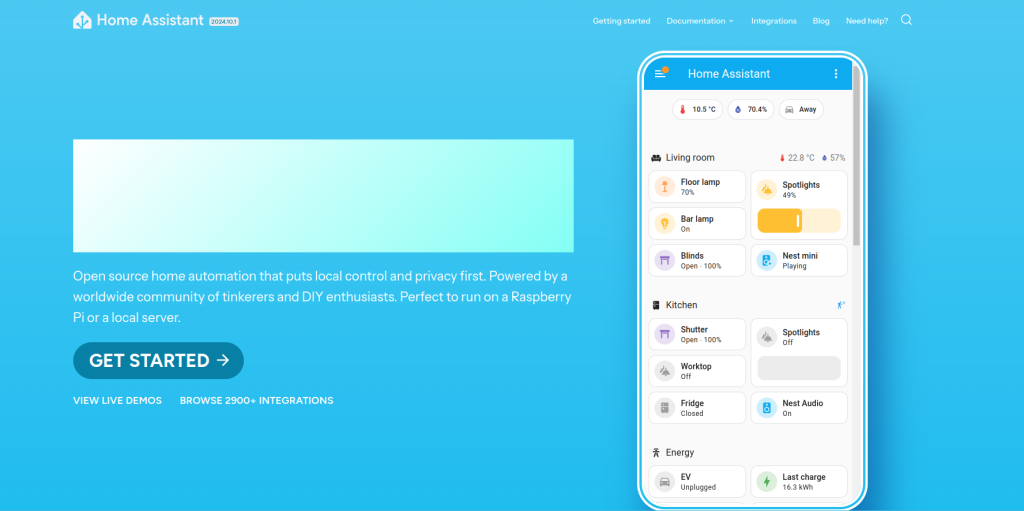
Home Assistant is an open-source platform that provides extensive customization options for integrating smart devices, including Blink cameras.
Key Features
Local control without cloud dependency.
Extensive automation capabilities.
Pros
Highly customizable and flexible.
Supports a wide range of devices beyond Blink.
Cons
Steeper learning curve for beginners.
Requires a dedicated device for installation.
4. Blue Iris
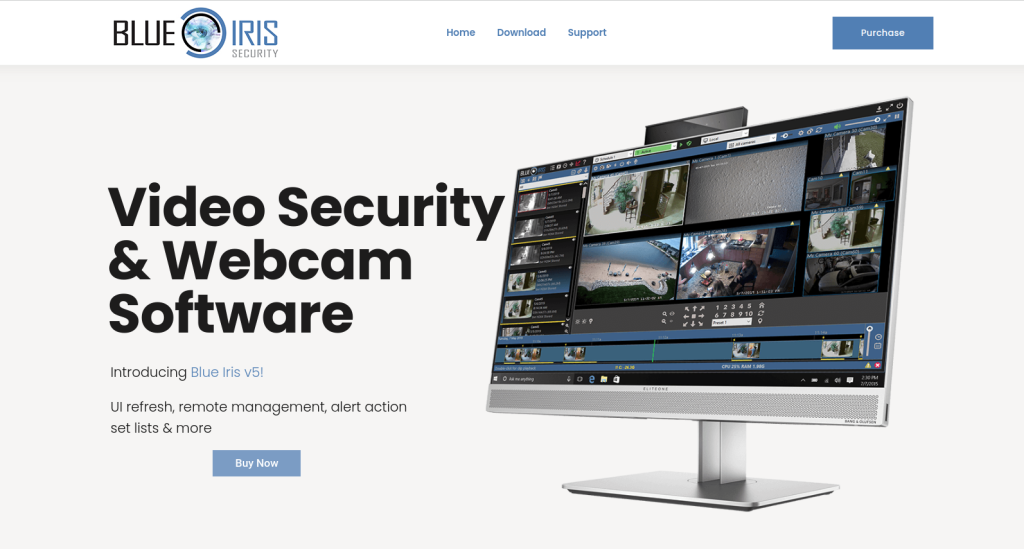
Blue Iris is a premium video management software that supports multiple camera brands, including Blink, allowing for comprehensive monitoring solutions.
Key Features
Multi-camera viewing and continuous recording.
Advanced motion detection settings.
Pros
Excellent for users needing extensive monitoring capabilities.
Offers robust customization options for alerts and recording preferences.
Cons
Not free; requires a one-time purchase.
Setup can be complex for novice users.
5. TinyCam Monitor PRO
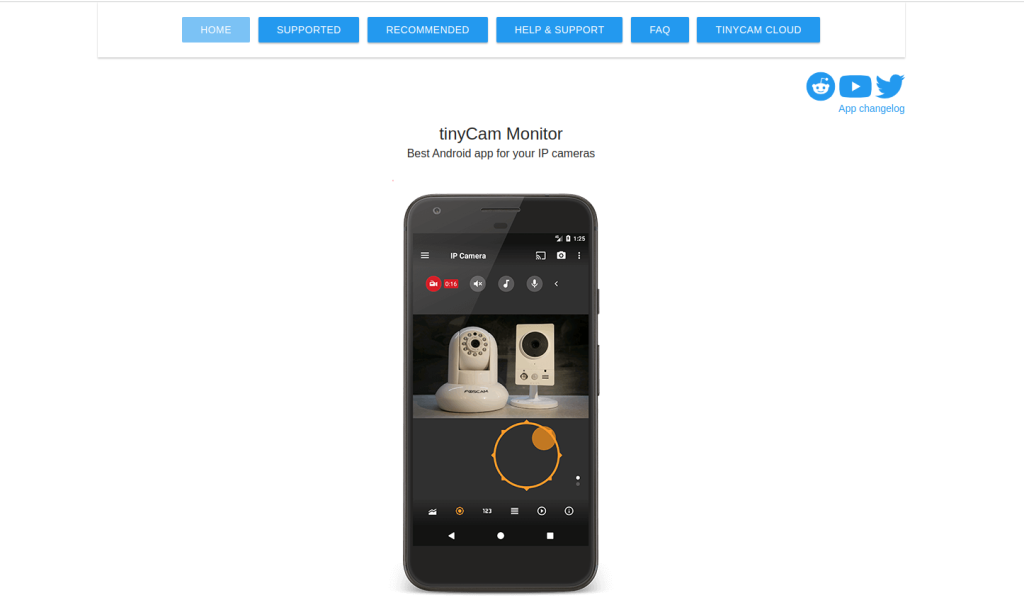
TinyCam Monitor PRO is an Android application designed for remote monitoring of IP cameras, including Blink cameras through integration.
Key Features
Remote access to camera feeds.
Supports multiple camera brands in one app.
Pros
User-friendly interface suitable for beginners.
Affordable price point with robust features.
Cons
Limited features on the free version.
Primarily designed for Android users only.
6. AddToHomeKit

AddToHomeKit allows users to integrate their Blink cameras into Apple’s HomeKit ecosystem, providing seamless control through Siri and the Home app.
Key Features
Compatibility with Apple HomeKit.
Easy setup process through plugins.
Pros
Great for Apple users looking to centralize their smart home devices.
User-friendly interface with voice control capabilities.
Cons
Requires additional setup steps compared to native apps.
Limited support for non-Apple devices.
7. HOOBS
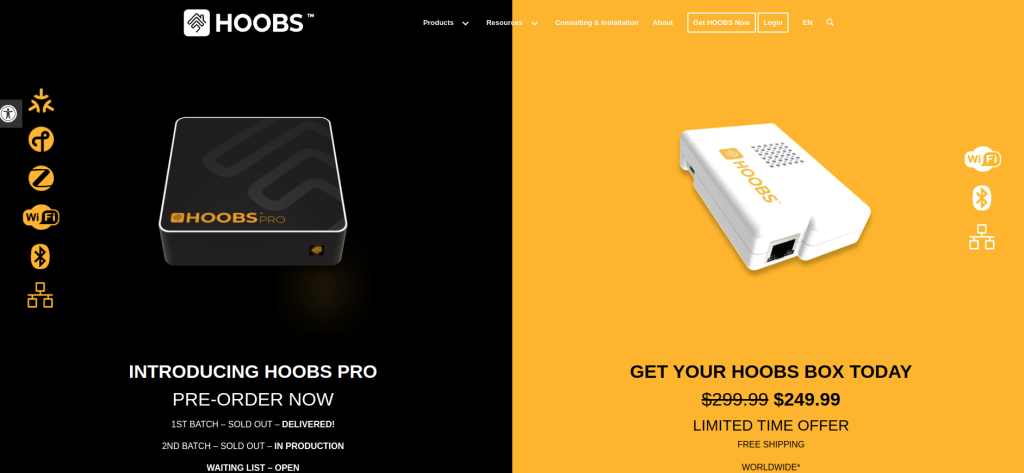
HOOBS acts as a bridge that connects various smart home devices, including Blink cameras, to HomeKit without needing extensive coding knowledge.
Key Features
Plugin-based integration
User-friendly dashboard for managing devices
Pros
Easy setup process for non-tech-savvy users
Supports many different brands and types of devices
Cons
Requires a one-time purchase of the HOOBS hardware or software license
May not support all advanced features of individual devices
8. SmartThings
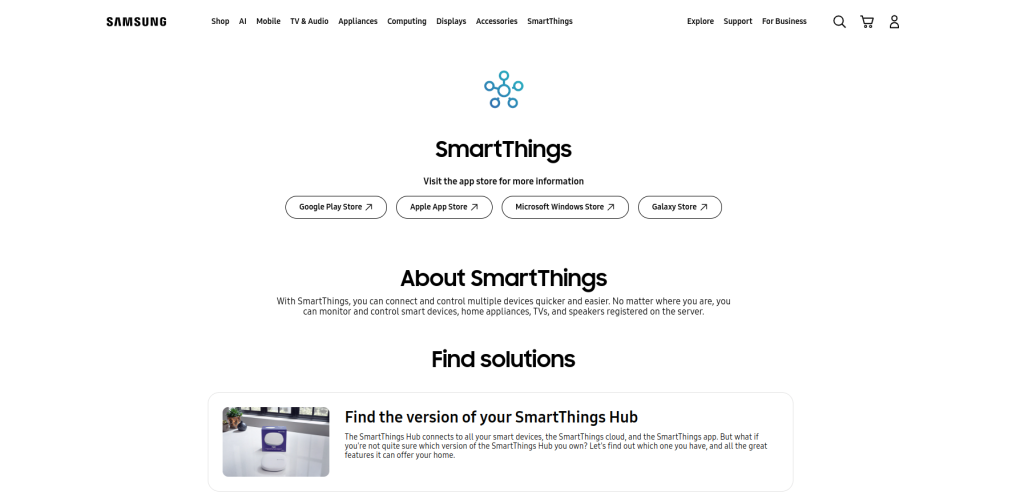
Samsung’s SmartThings platform allows users to manage all their smart devices in one place, including integration with Blink cameras through custom handlers.
Key Features
Centralized control of all smart devices
Automation routines based on triggers from various sensors or events
Pros
User-friendly interface with extensive device compatibility
Supports both local and cloud-based automation options
Cons
Some advanced features may require technical knowledge or additional setup steps
Limited support for certain device types compared to others on this list
9. Hubitat

Hubitat provides local control over smart home devices, including Blink cameras, allowing users to create complex automations without relying on the cloud.
Key Features
Local processing of automations ensures faster response times
Extensive compatibility with various smart home protocols and devices
Pros
Ideal for users concerned about privacy and data security
Offers powerful automation capabilities without cloud dependency
Cons
Requires more technical know-how than simpler solutions like Alexa or IFTTT
Initial setup may be complex for some users
Comparison Table of the 10 Tools
| Tool | Key Features | Pros | Cons |
|---|---|---|---|
| Amazon Alexa | Voice control, Smart device integration | Easy navigation | Limited advanced features |
| IFTTT | Custom workflows, integration with apps | Highly customizable | Requires technical knowledge |
| Home Assistant | Local control, extensive automation | Flexible and customizable | Steeper learning curve |
| Blue Iris | Multi-camera viewing, continuous recording | Excellent monitoring capabilities | Not free; complex setup |
| TinyCam Monitor PRO | Remote access, multi-brand support | User-friendly | Limited features in free version |
| AddToHomeKit | Compatibility with HomeKit | Great for Apple users | Additional setup required |
| HOOBS | Plugin-based integration | Simplifies integration | One-time purchase required |
| SmartThings | Centralized management | Extensive compatibility | Some features require technical knowledge |
| Hubitat | Local processing of automations | Fast response times | More technical know-how needed |

Closing Remarks: Choose Wisely!
Selecting the right software to integrate all your Blink cameras depends on your specific needs and technical expertise. Whether you prefer user-friendly options like Amazon Alexa or more advanced platforms like Home Assistant or Blue Iris, each solution has its unique strengths and weaknesses. By carefully considering your requirements—such as ease of use, compatibility with other devices, and desired automation features—you can create an efficient security system tailored to your lifestyle.
Interesting Reads :
Top 5 Google Forms Alternative 2024
10 Best Software Home Automation That Integrates SmartThings