Website speed is a crucial factor for both user experience and SEO. A slow website can drive visitors away and negatively impact search rankings. Fortunately, WordPress plugins for website speed can help you optimize performance, improve load times, and enhance the overall browsing experience.
In this guide, we’ll explore the 10 best WordPress plugins for website speed, highlighting their features, benefits, and how they can help your site perform at its best.

Why Website Speed Matters
A fast website provides a better experience for visitors and ranks higher on search engines. Here’s why speed optimization is essential:
- Improved SEO Rankings – Google prioritizes faster websites in search results.
- Better User Experience – Visitors expect pages to load in under three seconds.
- Higher Conversions – Faster websites lead to better engagement and lower bounce rates.
- Reduced Server Load – Optimized performance improves resource efficiency.
Now, let’s dive into the best plugins for speeding up your WordPress site.
1. WP Rocket
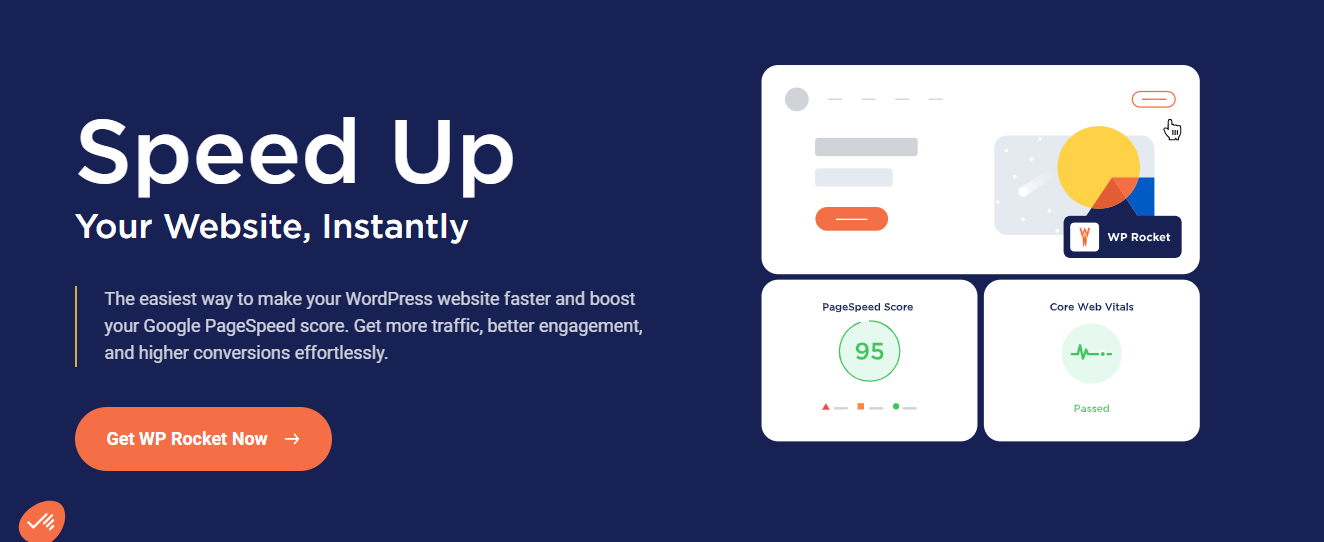
WP Rocket is an all-in-one caching plugin designed to enhance website speed with minimal effort. It offers page caching, file minification, database optimization, and lazy loading to boost performance instantly. Unlike other caching plugins, WP Rocket requires no technical expertise, making it perfect for beginners.
Why Choose WP Rocket?
- User-friendly with instant setup
- Advanced caching and file optimization
- Lazy loading for images and videos
- Database cleanup and preloading features
2. W3 Total Cache
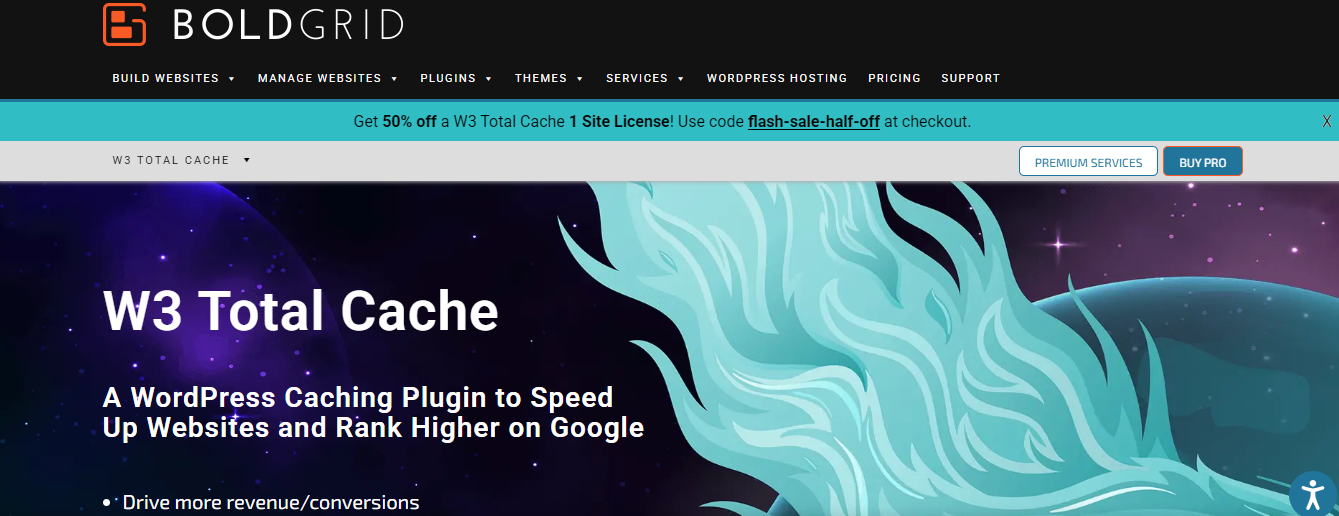
W3 Total Cache is a powerful caching plugin trusted by major websites. It improves server performance by integrating with CDNs, reducing load times, and optimizing browser caching. It also supports object caching and database optimization for enhanced speed.
Why Choose W3 Total Cache?
- CDN integration for faster global delivery
- Page, object, and database caching
- Minification of CSS, JavaScript, and HTML
- Mobile-friendly caching support
3. WP Fastest Cache
WP Fastest Cache offers an easy-to-use caching solution with minimal configuration. It creates static HTML files for improved speed and allows GZIP compression to reduce file sizes. The plugin also enables browser caching, ensuring faster subsequent visits.
Why Choose WP Fastest Cache?
- Simple setup with one-click activation
- GZIP compression and browser caching
- Minify CSS and JavaScript files
- Premium version includes database clean-up and image optimization
4. NitroPack
NitroPack is an all-in-one optimization platform that provides advanced caching, image optimization, lazy loading, and a built-in CDN. It automates speed improvements and integrates seamlessly with WordPress.
Why Choose NitroPack?
- AI-powered automatic optimization
- Global CDN integration for faster load times
- Image optimization and lazy loading
- Advanced caching and code minification
5. WP Super Cache
WP Super Cache is a free, high-performance caching plugin that generates static HTML files, reducing server load. It’s perfect for high-traffic websites looking for a lightweight caching solution.
Why Choose WP Super Cache?
- Efficient static HTML file generation
- Supports CDN integration
- Advanced caching options for developers
- Easy configuration for beginners
6. Autoptimize
Autoptimize optimizes your website by minifying and aggregating CSS, JavaScript, and HTML files. It also enables lazy loading for images, improving page speed without affecting site functionality.
Why Choose Autoptimize?
- Easy file minification and optimization
- Lazy loading for faster image rendering
- Asynchronous JavaScript loading
- Google Fonts optimization
7. Asset CleanUp: Page Speed Booster
Asset CleanUp helps reduce unnecessary scripts and stylesheets that slow down your website. It allows selective disabling of plugins on specific pages to improve loading times.
Why Choose Asset CleanUp?
- Removes unused scripts and stylesheets
- Reduces HTTP requests for better performance
- Works alongside caching plugins for maximum speed
- Improves page load time for essential pages
8. Perfmatters
Perfmatters is a lightweight optimization plugin that disables unnecessary WordPress features that slow down websites. It works alongside caching plugins to enhance speed further.
Why Choose Perfmatters?
- Disables bloated WordPress features
- Reduces HTTP requests and database queries
- Supports DNS prefetching and script optimization
- Ideal for performance-focused WordPress users
9. Lazy Load by WP Rocket
Lazy Load by WP Rocket delays image and video loading until a user scrolls to them, reducing initial page load times. This is especially useful for media-heavy websites.
Why Choose Lazy Load by WP Rocket?
- Improves page speed by reducing initial requests
- Supports YouTube and Vimeo videos
- Lightweight with no JavaScript dependencies
- Free and easy to install
10. Hummingbird
Hummingbird offers a comprehensive speed optimization suite, including caching, file compression, and performance monitoring. It provides detailed reports and suggestions to improve website speed.
Why Choose Hummingbird?
- Full caching and performance monitoring tools
- GZIP compression for faster loading times
- Minification of JavaScript and CSS
- Uptime and performance tracking
Comparison Table
| Plugin Name | Caching | Minification | Lazy Loading | CDN Support |
|---|---|---|---|---|
| WP Rocket | Yes | Yes | Yes | Yes |
| W3 Total Cache | Yes | Yes | No | Yes |
| WP Fastest Cache | Yes | Yes | No | No |
| NitroPack | Yes | Yes | Yes | Yes |
| WP Super Cache | Yes | No | No | Yes |
| Autoptimize | No | Yes | Yes | No |
| Asset CleanUp | No | Yes | No | No |
| Perfmatters | No | Yes | No | Yes |
| Lazy Load by WP Rocket | No | No | Yes | No |
| Hummingbird | Yes | Yes | Yes | Yes |
Speed up your website!
Choosing the right WordPress plugins for website speed depends on your site’s needs. If you are after an all-in-one premium solution, WP Rocket or NitroPack are excellent choices. For a free caching plugin, W3 Total Cache and WP Super Cache work well. If you want to optimize scripts and remove unnecessary code, Asset CleanUp and Perfmatters are great additions.

Need Help? WBcom Designs Has You Covered!
Struggling to optimize your website’s speed? WBcom Designs specializes in WordPress performance optimization, ensuring your site loads fast and runs smoothly. Contact us today and let’s enhance your website’s speed and user experience!
Share Your Thoughts!
Which plugin have you used, and how did it improve your site speed? Drop a comment below!
Interesting Reads
Best WordPress Plugins for Image Optimization
10 Best WordPress CDN Choices to Speed Up Your Website
How To Speed Up Your WordPress Website: 10 Proven Techniques