
In the vibrant world of gaming, sharing your experiences through recorded gameplay has become a popular trend. Whether you’re a casual gamer or a professional streamer, having the right software to record your gameplay is essential. This blog post will explore the 11 best software to record gameplay, highlighting their features, pros, and cons. By the end, you’ll have a comprehensive understanding of which tools can elevate your gaming content.

Why You Need Game Recording Software
Recording your gameplay serves multiple purposes. It allows you to create content for platforms like YouTube and Twitch, share highlights with friends, or analyze your performance for improvement.
Content Creation
With the rise of platforms like Twitch and YouTube Gaming, many gamers are turning to content creation as a way to share their passion. High-quality recordings can attract viewers and build a following.
Performance Analysis
Recording gameplay also provides an opportunity for self-improvement. By reviewing your sessions, you can identify areas for growth and refine your skills.
1. OBS Studio

Open Broadcaster Software (OBS) Studio is widely regarded as one of the best tools for recording and streaming gameplay.
Key Features
Customizable Interface: Users can create scenes with multiple sources.
High-Quality Recording: Capable of recording in high resolutions up to 4K.
Pros
Free and open-source, making it accessible to everyone.
Extensive community support and tutorials available.
Cons
Steep learning curve for beginners due to its complex settings.
May require additional plugins for advanced features.
2. Nvidia ShadowPlay

Nvidia ShadowPlay is a feature of the GeForce Experience software that allows users with Nvidia graphics cards to record gameplay effortlessly.
Key Features
Instant Replay: Automatically saves the last few minutes of gameplay.
Low Overhead: Utilizes GPU for recording, minimizing impact on performance.
Pros
Easy to set up and use for Nvidia users.
Supports high-quality recording without significant performance drops.
Cons
Limited to Nvidia graphics card users.
Compatibility issues with some older games.
3. Bandicam
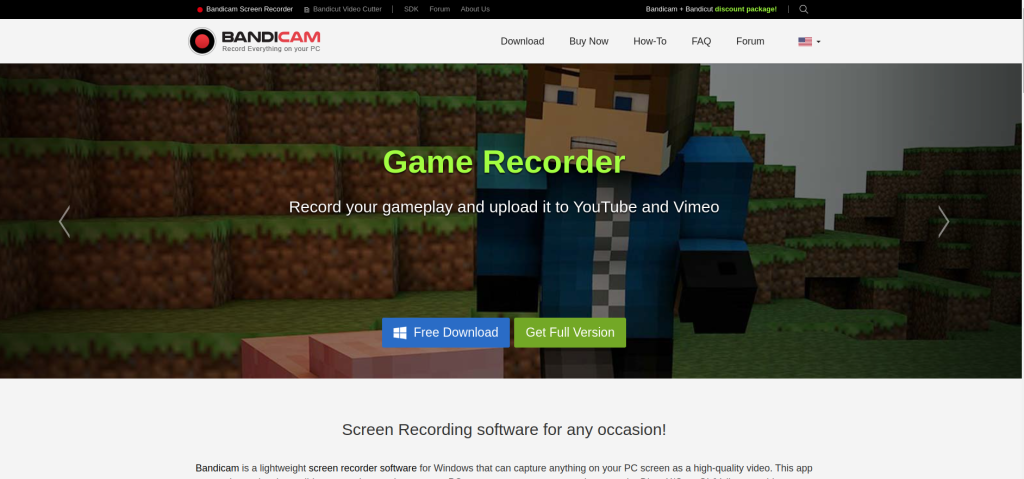
Bandicam is a popular choice among gamers for its simplicity and effectiveness in capturing high-quality gameplay footage.
Key Features
Game Recording Mode: Specifically designed for recording games.
Webcam Overlay: Allows users to include webcam footage in recordings.
Pros
User-friendly interface that’s easy to navigate.
Offers a free version with basic functionality (limited recording time).
Cons
The free version adds a watermark to recordings.
Some advanced features require a paid license.
4. Fraps

Fraps is one of the oldest game recording tools available, known for its straightforward functionality.
Key Features
Real-Time FPS Display: Shows frames per second during recording.
High Frame Rate Capture: Supports up to 120 FPS recording.
Pros
Very easy to use; just start recording with one click.
Can capture both video and audio from games.
Cons
Limited features compared to modern alternatives.
Free version has a time limit on recordings and adds watermarks.
5. XSplit Gamecaster
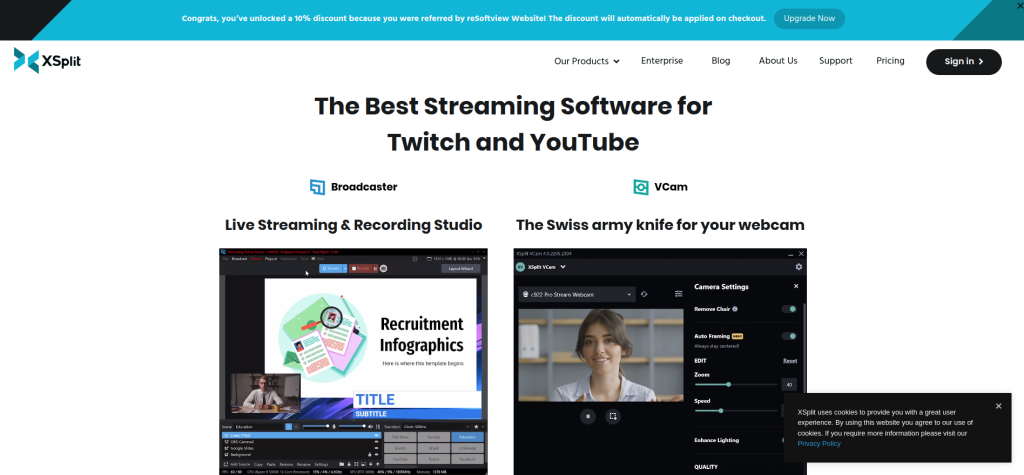
XSplit Gamecaster is designed specifically for gamers who want an easy-to-use tool for streaming and recording.
Key Features
One-click Streaming: Start streaming or recording with a single button press.
Integrated Social Media Sharing: Easily share your content on various platforms.
Pros
User-friendly interface tailored for gamers.
Offers powerful features like scene transitions and overlays.
Cons
Free version includes watermarks on recordings.
Subscription model can be expensive over time.
6. Movavi Screen Recorder

Movavi Screen Recorder is an intuitive tool that caters to both gamers and casual users alike.
Key Features
Game Mode: Dedicated mode for capturing gameplay in high quality.
Built-in Editor: Basic editing tools included for quick adjustments.
Pros
Simple interface that makes it easy for beginners.
Allows capturing audio from both system sound and microphone simultaneously.
Cons
Limited advanced features compared to more robust options.
Some features require upgrading to the premium version.
7. Dxtory
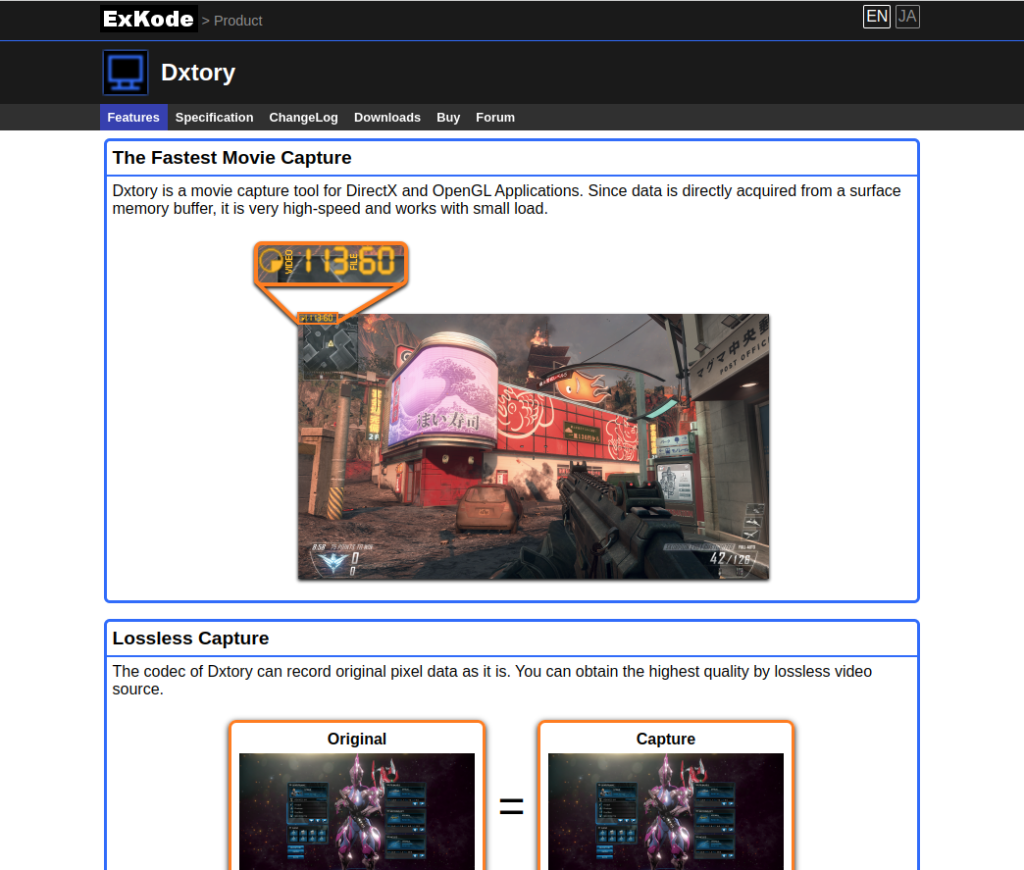
Dxtory is known for its lightweight design while offering robust features tailored for gamers.
Key Features
Lossless Video Capture: Ensures high-quality recordings without compression loss.
Audio Recording Options: Can record multiple audio sources separately.
Pros
Very low system resource usage during capture.
Highly customizable settings allow fine-tuning of video quality.
Cons
Interface may be confusing for new users.
Requires additional configuration for optimal performance.
8. Streamlabs OBS
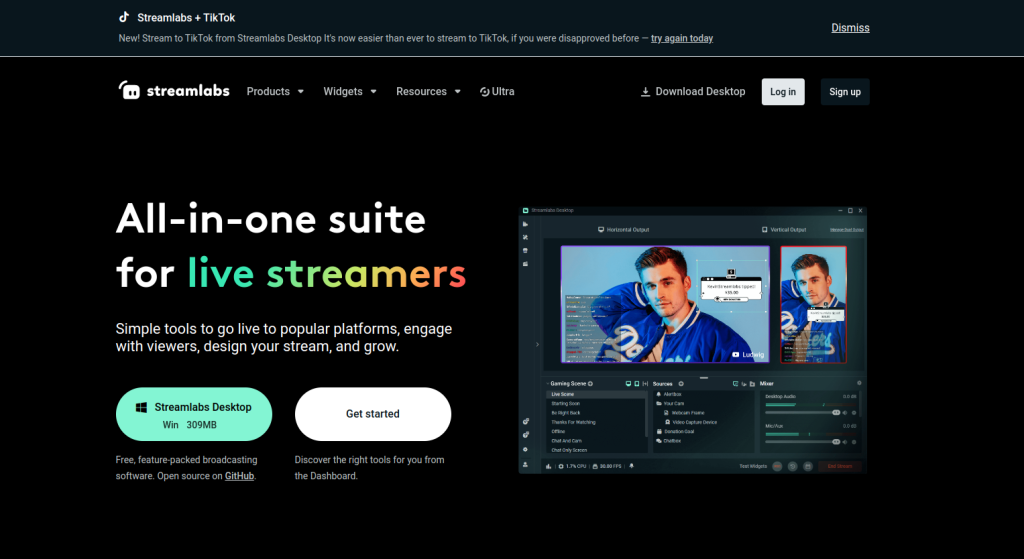
Streamlabs OBS combines the functionality of OBS with an easier interface tailored for streamers.
Key Features
Integrated Chat Functionality: Manage chat directly from the interface while streaming.
Customizable Alerts: Set up alerts for donations, subscriptions, etc.
Pros
Simplified setup process compared to standard OBS.
Excellent community support and resources available.
Cons
Can be resource-intensive on lower-end systems.
Some users report occasional bugs or crashes.
9. EaseUS RecExperts

EaseUS RecExperts is designed not only for gaming but also offers versatile screen recording options suitable for various needs.
Key Features
Scheduled Recording: Allows you to set specific times for automatic recordings.
Multiple Recording Modes: Capture full screen, specific windows, or regions.
Pros
User-friendly interface suitable for all skill levels.
High-quality output with support for multiple formats.
Cons
Some advanced features are locked behind a paywall.
Limited customer support options in the free version.
10. D3DGear
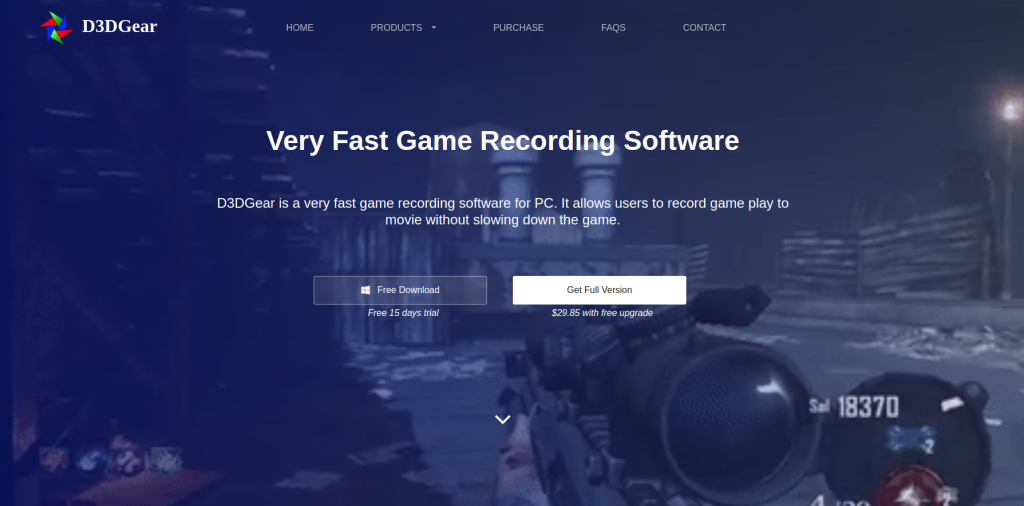
D3DGear might look simple but offers powerful capabilities without requiring any special setup.
Key Features
Real-Time Compression: Compresses videos while recording in real-time.
Automatic Game Detection: Automatically identifies games when launched.
Pros
Lightweight design minimizes impact on system performance.
Easy-to-use interface makes it accessible even for beginners.
Cons
Lacks some advanced editing features found in other software.
Limited customization options compared to competitors.
Comparison Table of the 11 Best Software to Record Gameplay
| Software | Key Features | Pros | Cons |
| OBS Studio | Customizable scenes, high-quality recording | Free and open-source | Steep learning curve |
| Nvidia ShadowPlay | Instant replay, low overhead | Easy setup for Nvidia users | Limited to Nvidia graphics cards |
| Bandicam | Game recording mode, webcam overlay | User-friendly interface | Free version has limitations |
| Fraps | Real-time FPS display, high frame rate capture | Easy one-click recording | Limited features |
| XSplit Gamecaster | One-click streaming, social media sharing | Tailored interface | Free version has watermarks |
| Movavi Screen Recorder | Dedicated game mode, built-in editor | Simple interface | Limited advanced features |
| Dxtory | Lossless video capture, multiple audio sources | Low resource usage | Confusing interface |
| Streamlabs OBS | Integrated chat functionality | Simplified setup | Resource-intensive |
| EaseUS RecExperts | Scheduled recording, multiple modes | User-friendly | Advanced features require subscription |
| D3DGear | Real-time compression, automatic game detection | Lightweight | Lacks advanced editing features |

Last Remarks: Choose Your Weapon Wisely!
Selecting the right software from the 10 best software to record gameplay can significantly enhance your gaming experience. Each tool offers unique features tailored to different needs—whether you’re looking for simplicity or advanced capabilities. By carefully evaluating your requirements and experimenting with these options, you can find the perfect solution that allows you to capture your gaming moments effortlessly.
Interesting Reads:
10 Best Software to Integrate All Blink Cameras