Digital artists rely on the perfect combination of drawing tablets and software to bring their ideas to life. When it comes to choosing software, there’s no shortage of options, but picking the best one can be overwhelming. In this article, we’ll explore the 10 best software for drawing tablets that can help you create stunning artwork. Whether you’re a beginner or a professional, you’ll find software here that fits your needs.

Why Choosing the Right Drawing Software Matters
Enhancing Creativity with the Right Tools
Using the right software on a drawing tablet can transform your creativity. While some programs focus on providing a realistic drawing experience, others offer features for illustration, graphic design, or animation. The perfect software not only complements your style but also streamlines your workflow.
Impact on Efficiency and Workflow
Drawing software impacts your overall efficiency. Some applications offer a plethora of tools that can boost productivity, while others are built for simpler sketching. Understanding which tools and features align with your work style can make a big difference in your artistic journey.
1. Adobe Photoshop
Key Features:
- Industry-standard editing and illustration tools
- Vast brush selection with customizable settings
- Extensive integration with other Adobe tools
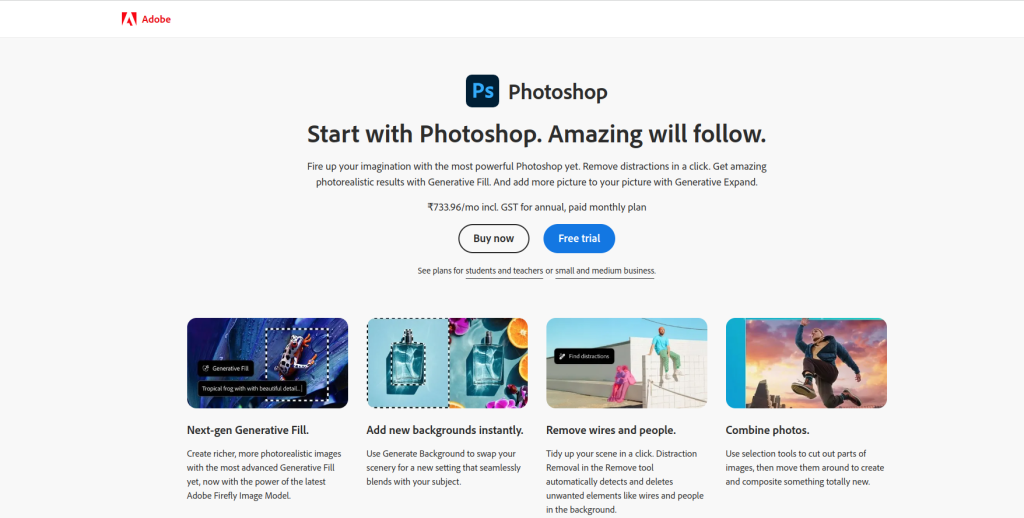
Adobe Photoshop remains one of the top choices for artists who want versatility in their work. Known for its powerful editing tools, Photoshop is excellent for drawing, illustration, and even photo manipulation. The extensive brush selection and layering options make it perfect for artists who want complete control over their projects.
Pros:
Excellent for both beginners and professionals
Supports custom brushes and filters
Cons:
Requires a subscription plan
2. Clip Studio Paint
Key Features:
- Dynamic brush engine
- Specialized features for comics and animation
- 3D model support
Clip Studio Paint is popular among illustrators, comic artists, and animators. With tools designed specifically for comics and manga, it’s a go-to choice for those looking to work in that genre. It also features an advanced brush engine, allowing artists to create lifelike strokes on their drawing tablets.
Pros:
Affordable with a one-time payment option
Ideal for comic and manga artists
Cons:
Can have a learning curve for new users
3. Procreate
Key Features:
- Optimized for iPad and Apple Pencil
- Sleek interface with intuitive controls
- Robust library of brushes and layers
Procreate has quickly become one of the favorite apps for iPad users, offering a smooth drawing experience and a robust toolset. Its simplicity and powerful capabilities make it an excellent choice for beginners and professionals alike. From illustration to digital painting, Procreate offers flexibility and ease.
Pros:
Great for on-the-go drawing
Highly intuitive and user-friendly
Cons:
Limited to iOS
4. Corel Painter
Key Features:
- Realistic media simulation
- Extensive collection of natural brushes
- Tailored for professional artists
Corel Painter is known for its realistic brushes and natural media simulation, making it a favorite among traditional artists transitioning to digital. With brushes that mimic oils, watercolors, and more, Painter offers a wide variety of tools for creating rich textures and effects.
Pros:
Fantastic for artists seeking a realistic experience
Customizable brushes and palettes
Cons:
Higher cost than most software
5. Krita
Key Features:
- Free and open-source
- Specialized tools for digital painting
- Great brush engine with advanced options
Krita is a free and open-source software that has gained popularity for its professional-grade painting tools. Designed specifically for artists, it offers an intuitive interface, a solid brush engine, and support for layer-based painting. It’s ideal for artists on a budget.
Pros:
No cost and easy to learn
Perfect for digital painting and concept art
Cons:
Limited vector graphics options
6. Autodesk SketchBook
Key Features:
- Wide range of sketching tools
- Easy-to-use interface
- Responsive for quick sketches
Autodesk SketchBook is a versatile software for artists who want a lightweight app for sketching and drawing. Known for its user-friendly interface, it offers a smooth drawing experience with all the basic tools an artist needs. The software’s simplicity makes it suitable for beginners and professionals alike.
Pros:
Free for personal use
Simple and streamlined
Cons:
Limited advanced features
7. Affinity Designer
Key Features:
- Vector and raster graphics support
- Precision tools for detailed illustration
- Affordable with a one-time fee
Affinity Designer is an affordable alternative to Adobe Illustrator and Photoshop, designed for professional vector and raster editing. It offers precision tools for detailed illustration, making it suitable for digital artists and graphic designers alike. With its smooth integration of both pixel and vector tools, it’s ideal for artists who need versatility.
Pros:
One-time purchase, no subscription
Excellent for illustration and graphic design
Cons:
Limited brush options compared to other tools
8. Rebelle
Key Features:
- Unique watercolor simulation
- Realistic brushes for traditional-style painting
- Tilt and stylus support
Rebelle focuses on simulating the feel of natural media, with exceptional watercolor and oil painting effects. The software uses a unique system for color blending and brush dynamics, making it one of the most realistic digital art experiences available for drawing tablets.
Pros:
Excellent for artists looking for realism
Great support for pressure-sensitive styluses
Cons:
Not ideal for vector-based work
9. ArtRage
Key Features:
- Focus on realistic paint textures
- Simple, user-friendly layout
- Customizable brush types
ArtRage is another option for artists interested in realistic painting, with tools that mimic traditional art supplies like oils, pastels, and watercolors. It’s a simple, user-friendly software that focuses on natural media, making it ideal for artists seeking a tactile experience.
Pros:
Great for beginners due to simple layout
Affordable and intuitive
Cons:
Limited tools for digital-focused design
10. Medibang Paint
Key Features:
- Free with a focus on manga and comic art
- Easy cloud storage for projects
- Comic panel creation tools
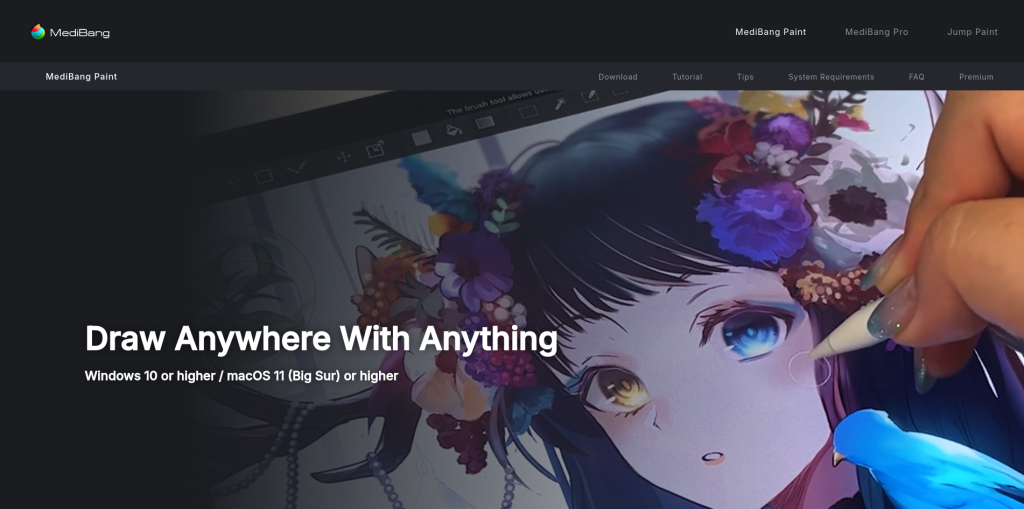
Medibang Paint is a free drawing software that’s great for manga and comic artists. It includes templates, tones, and other features that simplify the creation of manga-style art. Plus, it offers cloud storage, so artists can work on projects from multiple devices.
Pros:
Ideal for manga artists with free access
Cloud storage options for easy access
Cons:
Limited compared to some paid software options
Comparison Table: 10 Best Software for Drawing Tablets
| Software | Key Features | Pros | Cons |
|---|---|---|---|
| Adobe Photoshop | Editing and illustration, extensive brushes | Professional-grade tools | Subscription required |
| Clip Studio Paint | Brush engine, comics features | Ideal for manga artists | Steep learning curve |
| Procreate | Optimized for iPad, intuitive UI | User-friendly | iOS only |
| Corel Painter | Realistic brushes, media simulation | Natural painting experience | Expensive |
| Krita | Free, digital painting tools | Open-source | Few vector tools |
| Autodesk SketchBook | Wide sketching tools | Free for personal use | Basic tools |
| Affinity Designer | Vector and raster tools | No subscription | Limited brushes |
| Rebelle | Watercolor simulation, stylus support | Realistic effects | Not for vector work |
| ArtRage | Paint textures, easy layout | Good for beginners | Few digital tools |
| Medibang Paint | Comic panels, cloud storage | Free and cloud-based | Basic features |

Wrapping Up
Selecting the right drawing software for your tablet can make a world of difference in your creative process. From Adobe Photoshop’s professional tools to Krita’s free, open-source accessibility, each software offers unique features designed to enhance your digital art experience. Test a few of these options to see which one fits your needs best.
Interesting Reads
10 Best AI Diagram Generator Free